Bin Sh Mvn Command Not Found Mac How To Extract Multiple Compressed Formats With A Single COMMAND Bourne Again Shell Vim Command Not Found Programmer Hat v2 bin sh Autoreconf Command Not Found Issue 3137 Facebook How To Fix ip Command Not Found In Linux Programmer Hat bash Script sh bin sh M Bad Interpreter No Such File Or Directory Web SET PATH PATH M2 Replace M2 with the actual path to your Maven installation for example SET PATH PATH C Program Files Maven bin Solution Maven setup Install Maven from the official website https maven apache download cgi Unzip the downloaded Maven folder and place it
Web Jan 24 2024 nbsp 0183 32 We run the command sudo apt get install maven to install the latest Maven sudo apt get install maven This will take a few minutes to download Once downloaded we can run the mvn version to verify our installation 4 Installing Maven on Mac OS X Web Dec 6 2022 nbsp 0183 32 I am trying to run mvn clean install e in my Dockerfile after fetching the the codebase from GIT But for some reason I get an error saying bin sh mvn not found My Dockerfile looks something like this AS lt NA
bash Script sh bin sh M Bad Interpreter No Such File Or Directory Zsh Command Not Found Mvn Ngrok Command Not Found In Linux Programmer Hat 5 Solutions How To Fix Zsh Command Not Found Error In Linux Or Vcgencmd Command Not Found BlackMORE Ops Solved Mvn Command Is Not Recognized As An Internal Or 9to5Answer How To Fix brew Command Not Found TechColleague Fix emacs Command Not Found In Linux Programmer Hat Pnpm Command Not Found Issue 137 Pnpm pnpm GitHub
Bin Sh Mvn Command Not Found Mac
 Bin Sh Mvn Command Not Found Mac
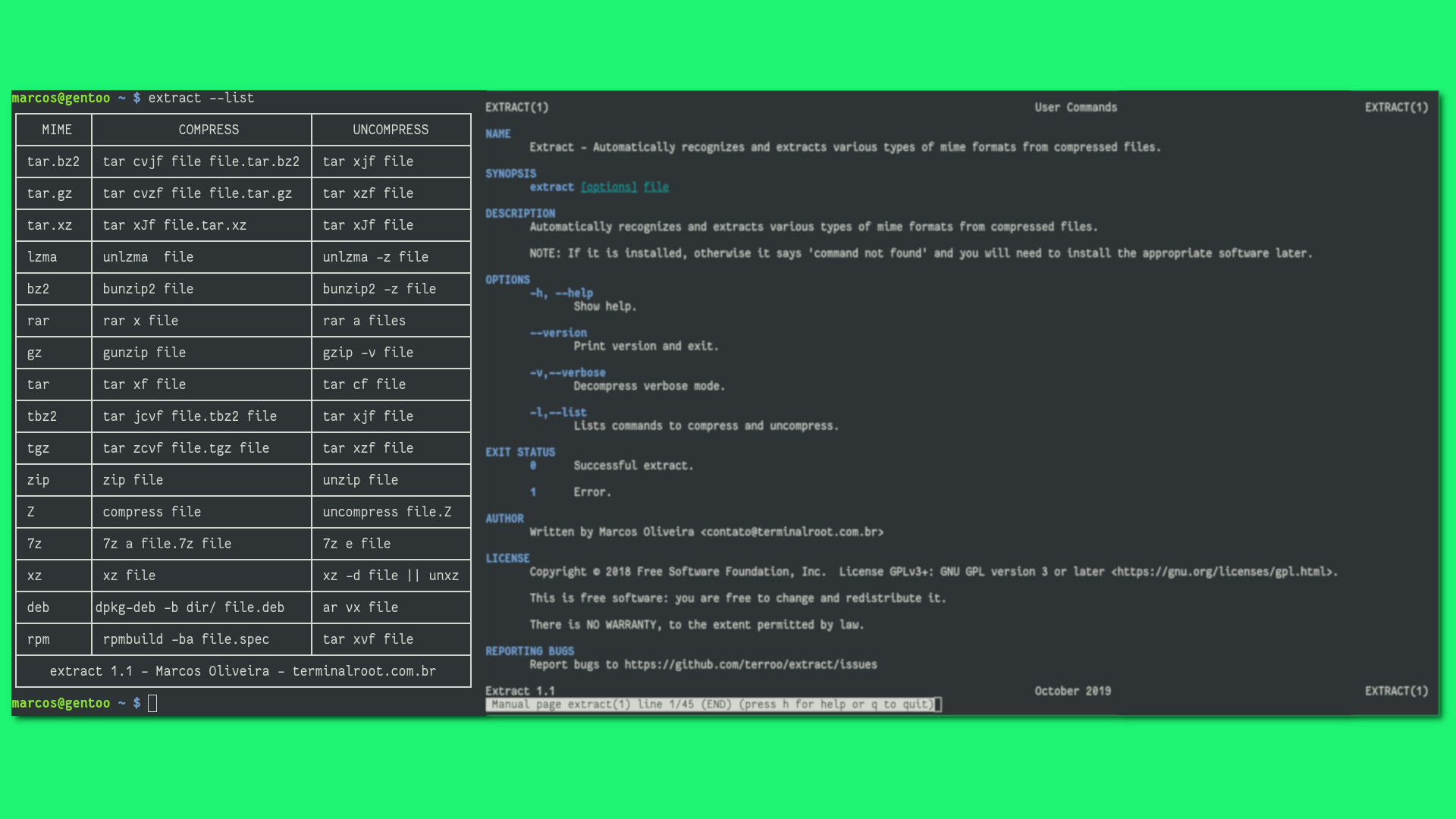
https://terminalroot.com/assets/img/terminal/extract.jpg
Web Apr 16 2019 nbsp 0183 32 mvn v or mvn version Command is not recognized Probably you are in one of the following 2 situations You didn t add the Maven to the path run ECHO PATH in cmd to see if you are in this situation Go to the environment variables and click on New and add M2 HOME lt your path gt MAVEN HOME M2 HOME
Templates are pre-designed files or files that can be used for different functions. They can save effort and time by providing a ready-made format and layout for developing various type of material. Templates can be used for individual or expert jobs, such as resumes, invites, leaflets, newsletters, reports, discussions, and more.
Bin Sh Mvn Command Not Found Mac
How To Fix Zsh Command Not Found Error On MacOS 5 Ways EaseUS
Zsh Command Not Found Mvn
Ngrok Command Not Found In Linux Programmer Hat
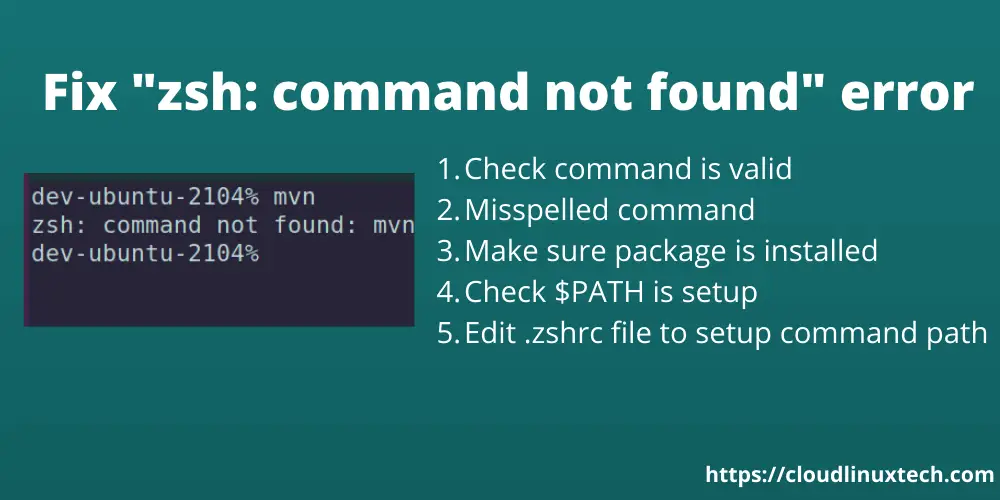
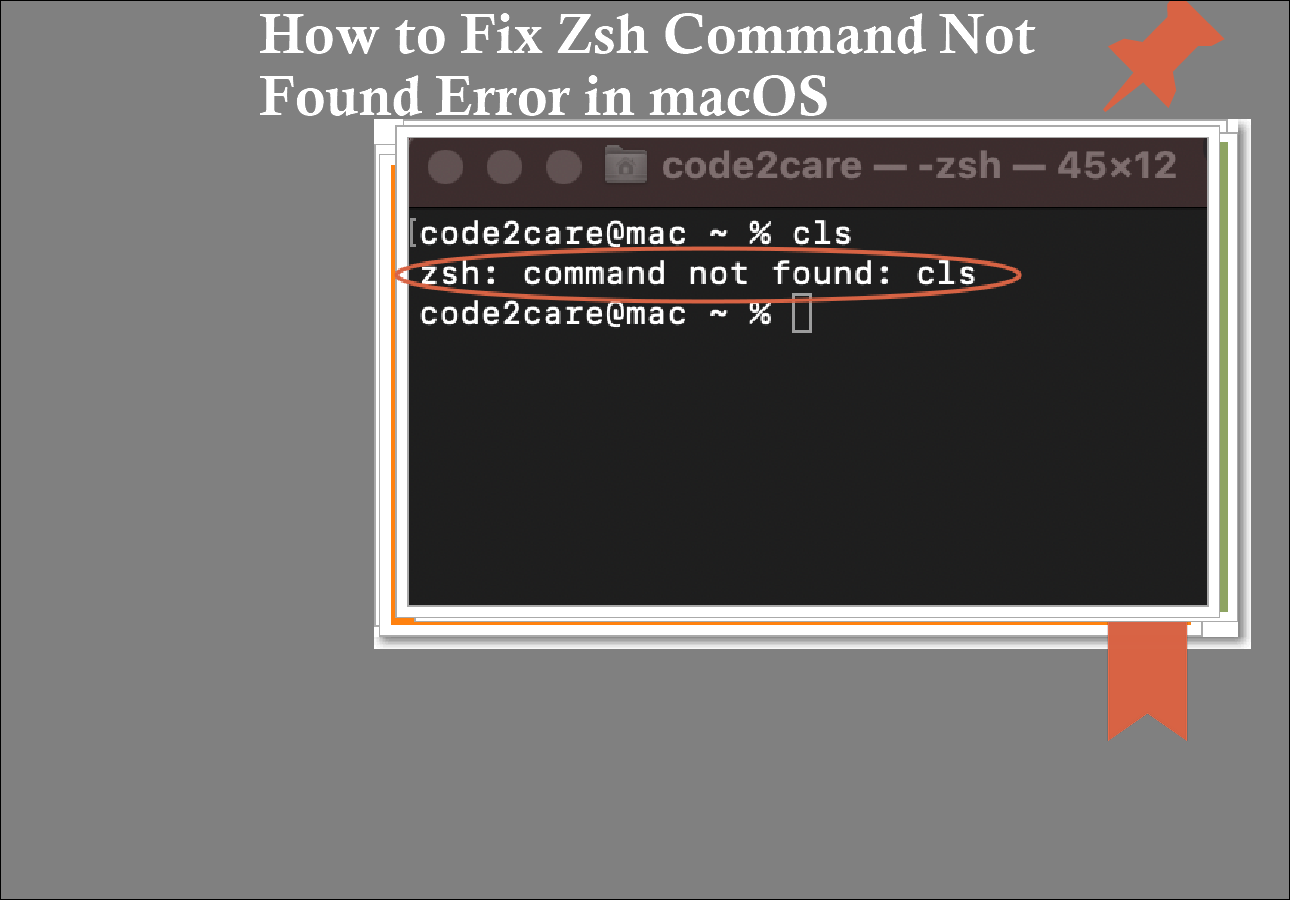
5 Solutions How To Fix Zsh Command Not Found Error In Linux Or

Solved Mvn Command Is Not Recognized As An Internal Or 9to5Answer

How To Fix brew Command Not Found TechColleague
Web Apr 11 2019 nbsp 0183 32 1 Answer Sorted by 0 Modify bash profile as follow vim bash profile export JAVA HOME usr libexec java home source bash profile Then restart CLI and run maven again mvn version More information about Important Java directories on Mac OS answered May 18 2019 at 2 24 e israel 619 10 30

Web There are a few reasons why the mvn command might not be found on your Mac You don t have Maven installed The mvn command is a part of the Maven build tool If you don t have Maven installed you won t be able to use the mvn command The Maven bin directory is not in your PATH environment variable
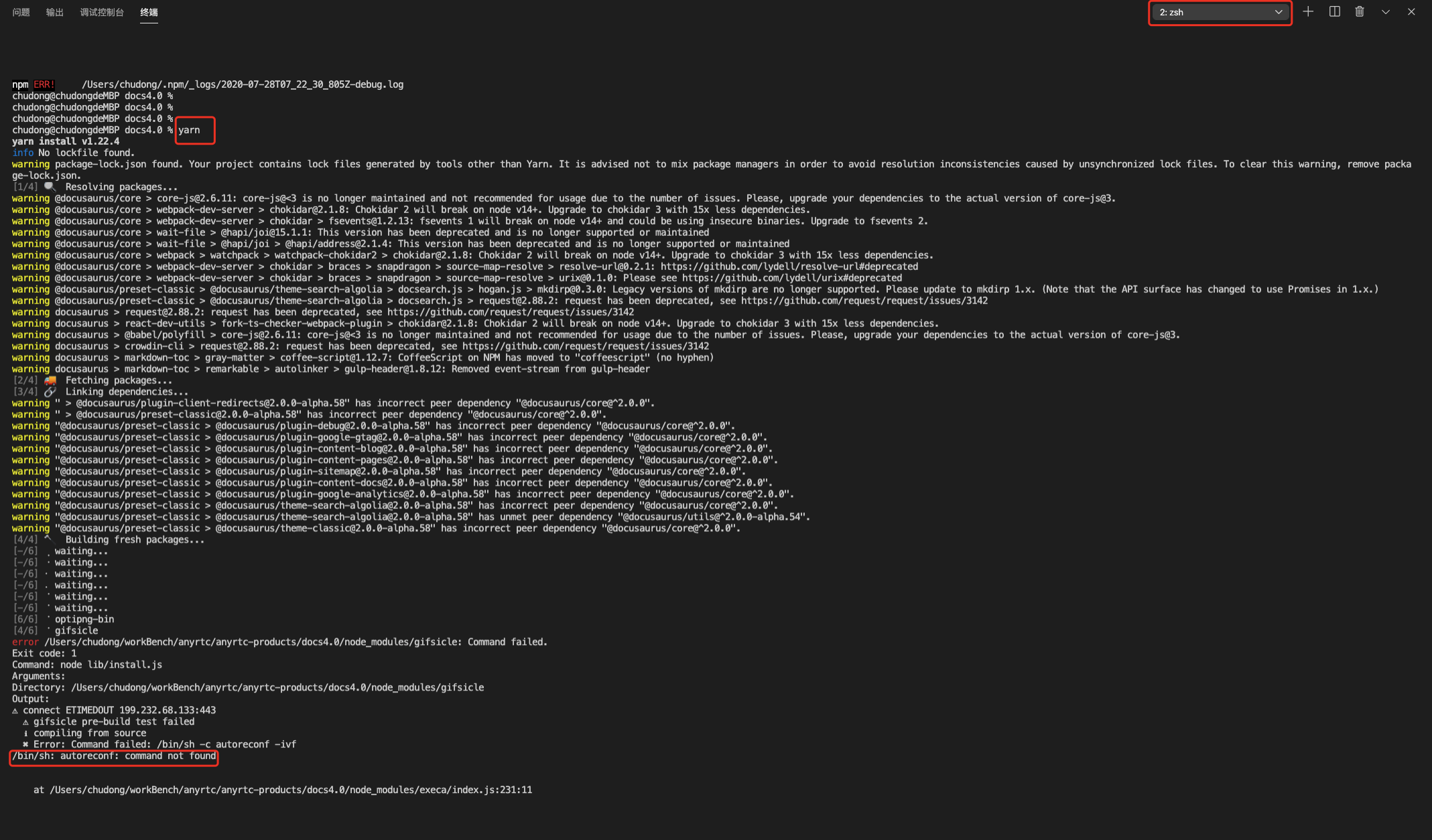
Web Oct 22 2009 nbsp 0183 32 I tried setting the Maven PATH in profile file as well using export commands in terminal Mac OSX But on running mvn commands getting bash mvn command not found Please help

Web Nov 2 2021 nbsp 0183 32 Mac command not found mvn 2021 11 02 00 53 59 7 8K 0 mac jdk1 8 mvn command not found jdk bash profile export

Web Aug 3 2022 nbsp 0183 32 export M2 HOME quot Users pankaj Downloads apache maven 3 6 3 quot PATH quot M2 HOME bin PATH quot export PATH You can relaunch Terminal to load these profile settings or use source bash profile command to apply it 2 3 Verifying the Maven Installation Finally run the mvn version command to check if Maven is installed
Web Dec 29 2018 nbsp 0183 32 1 Answer Sorted by 2 It seems you downloaded a source archive see the quot src quot in the filename that does not contain the binary you are trying to run Try downloading and unpacking a binary archive with quot bin quot in the filename instead Share Improve this answer edited Dec 29 2018 at 15 37 answered Dec 29 2018 at 12 40 ozzy Web Apr 21 2015 nbsp 0183 32 How can I fix this so that I can call maven from the CentOS 7 terminal The steps I took are from this tutorial and they are also described explicitly and entirely as follows wget http www eng lsu edu mirrors apache maven maven 3 3 3 1 binaries apache maven 3 3 1 bin zip unzip apache maven 3 3 1 bin zip mkdir
Web Dec 26 2012 nbsp 0183 32 You can check by typing this in the Terminal echo PATH If nothing is listed after you try that it might be part of the problem For more information you could try checking this page out http www cyberciti biz faq linux unix command not found error and how to get rid of it Share Improve this answer