Aws Reset Root Password Mfa AWS Reset Root MFA YouTube AWS MFA Root Account Secure Root Account Jumpstart For Sustainable AWS Environments With Secure Root Account Jumpstart For Sustainable AWS Environments With AWS How To Replace Key Pairs And Reset Administrator Password On To reset a password you need one of the following depending on how you sign in to AWS Your AWS account root user email address This is the email address that you used to create the account Your AWS Identity and Access Management IAM user name Your account administrator sets the user name and password for IAM users Your AWS account number
Troubleshoot multi factor authentication MFA devices in IAM if a device is lost or stops working recover mfa no reply verify signin aws Follow the directions in the email after signing in using alternative factors of authentication and establishing your replacement MFA device change your root user password in case an attacker Step 1 Download and Import Plugins to CyberArk PAM Please note the version numbers in the following process may change and the file names will change accordingly Download the following plugins from CyberArk Marketplace AWS Root Management with MFA Contains MFADeviceKeys v12 5 zip and AWSRootAccountsWithMFA v12 5 zip
AWS How To Replace Key Pairs And Reset Administrator Password On Summit Route Managing AWS Root Passwords And MFA Reset Your AWS Root Account s Lost MFA Device Faster By Using The AWS Enabling MFA On Your Root AWS Account A Cloud Xpert How To Enable MFA On Your Amazon AWS Root Account CloudKatha How To Reset Root Password On Cloud Server Tutorial UpCloud Reset Your AWS Root Account s Lost MFA Device Faster By Using The AWS Cara Mereset Password Root Mysql Lupa Password Root Mysql Duniailkom Reset Your AWS Root Account s Lost MFA Device Faster By Using The AWS
Aws Reset Root Password Mfa
 Aws Reset Root Password Mfa
https://i.ytimg.com/vi/nF0W6v700gQ/maxresdefault.jpg?sqp=-oaymwEmCIAKENAF8quKqQMa8AEB-AHsBIAC4AOKAgwIABABGDsgZSgPMA8=&rs=AOn4CLBYfzNULiT0p0vsks-1Knsorg2GJA
Click here to go to the AWS Login page and enter your user name After you enter the username and password you ll be asked to enter the MFA code Since the MFA device is not available and you cannot enter the MFA code the option we have is to reset the MFA based authentication To reset the multifactor authentication click on Troubleshoot MFA
Templates are pre-designed files or files that can be utilized for various purposes. They can conserve effort and time by supplying a ready-made format and layout for creating various kinds of content. Templates can be used for individual or expert jobs, such as resumes, invitations, flyers, newsletters, reports, discussions, and more.
Aws Reset Root Password Mfa

How To Reset The Forgotten Root Password In AWS EC2 Instance
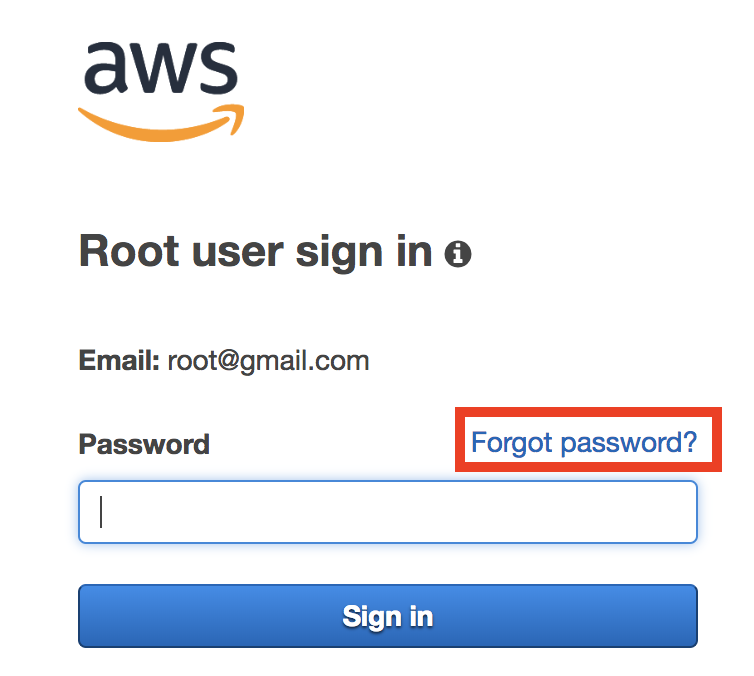
Summit Route Managing AWS Root Passwords And MFA

Reset Your AWS Root Account s Lost MFA Device Faster By Using The AWS

Enabling MFA On Your Root AWS Account A Cloud Xpert

How To Reset Root Password On Cloud Server Tutorial UpCloud

Reset Your AWS Root Account s Lost MFA Device Faster By Using The AWS

How do I reset it Resolution To reset your MFA device you must have access to the AWS root user account email address and phone number associated with the account Note If you are an AWS Identity and Access Management IAM user you can t reset MFA by yourself You must contact your administrator to deactivate the device
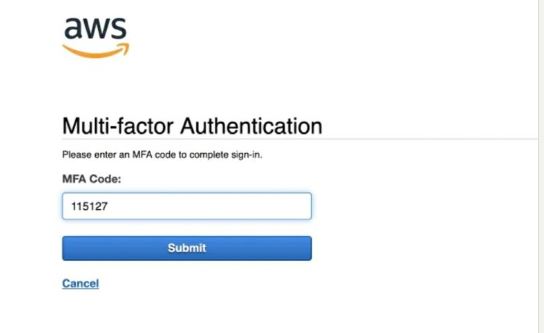
Reset your AWS root user account s lost MFA device faster by using the AWS Management Console I enabled multi factor authentication MFA for AWS Identity and Access Management IAM users or the AWS account root user I need to reset a lost or broken MFA device but I no longer have access
To learn how to reset a forgotten root user password see Resetting a lost or forgotten root user password To protect your password it s important to follow these best practices Change your password periodically Keep your password private because anyone who knows your password can access your account
To reset your device you first sign in with your root account s user name and password and then follow the steps to verify the email address and phone number associated with your root account After you have signed in with these alternative factors of authentication you can access your AWS account to reset your lost MFA device

Tasks that require root user credentials Troubleshooting issues with the root user Related information Did this page help you No Provide feedback Next topic Enable a virtual MFA device for your AWS account root user console Previous topic Identities Need help Connect with an AWS IQ expert
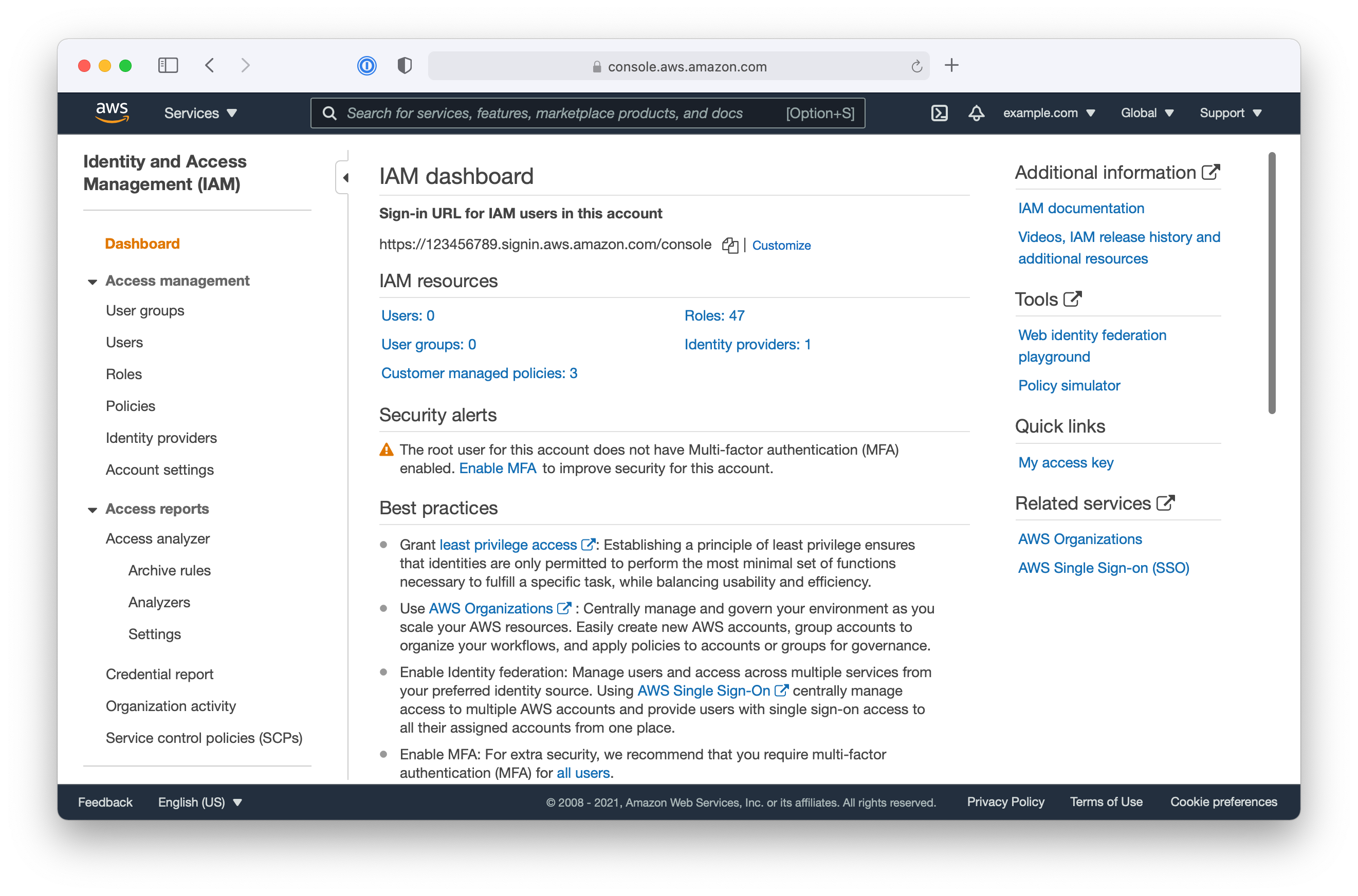
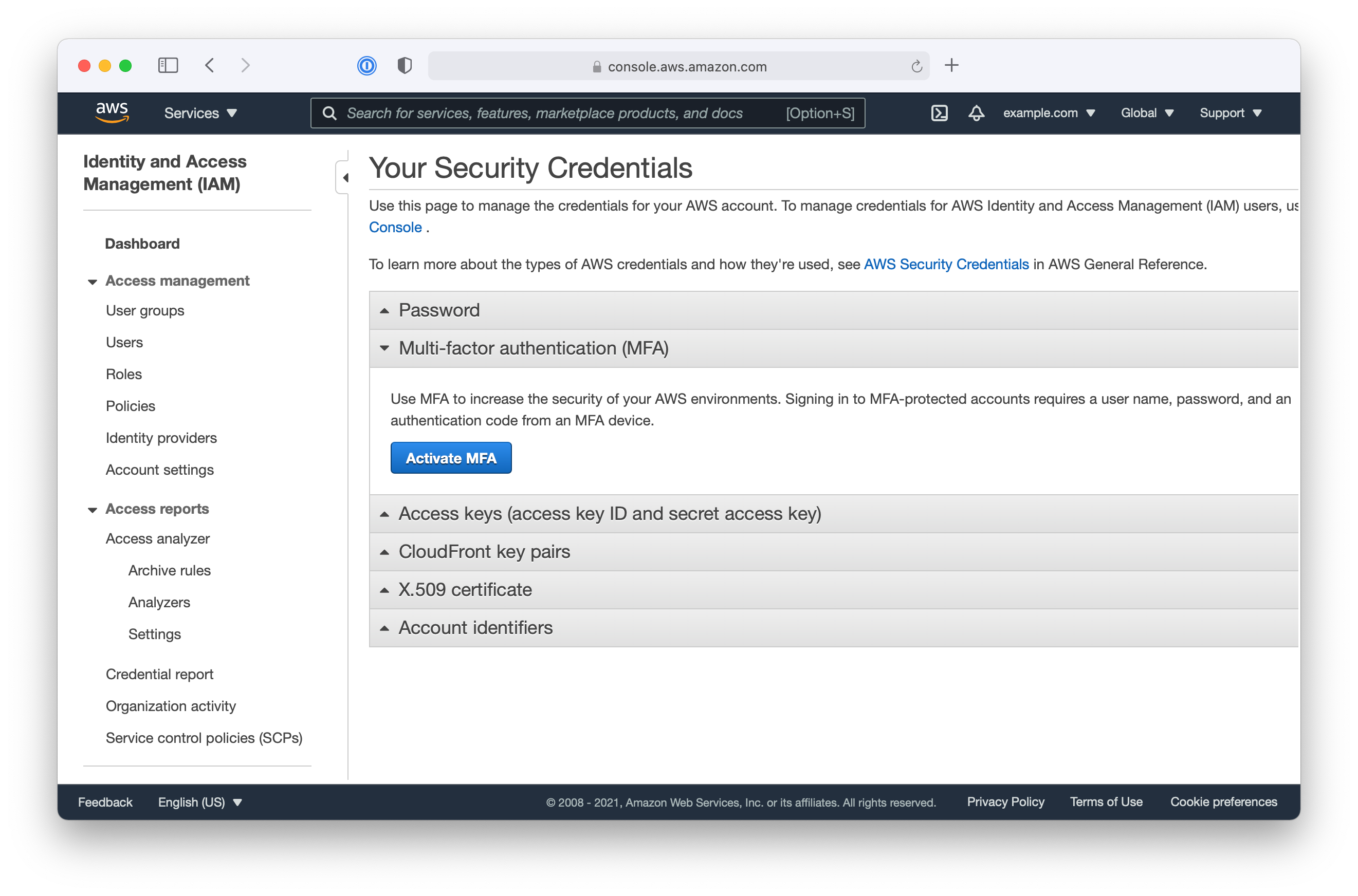
To reset your MFA device you must have access to the AWS root user account email address and phone number associated with the account Note If you are an AWS Identity and Access Management IAM user you can t reset MFA by yourself You must contact your administrator to deactivate the device If you lose your MFA device you won t be able to log in to your AWS account until you reset your MFA device You can reset your MFA device by using the AWS Management Console Steps to Reset Your MFA Device Log in to the AWS Management Console Go to the IAM console Click on the Dashboard tab Click on the Activate MFA on your
After a quick bit of research there is a process to allow you to gain access to your account as the root user without requiring the preconfigured MFA device that the account is associated with Instead additional verification checks can be made through both email and an automated phone call by AWS Using an alternate verification factor