Apt Install Kde Plasma Desktop Debian How to install KDE plasma desktop on Ubuntu 20.04 Focal Fossa Linux - Linux Tutorials - Learn Linux Configuration Install KDE Plasma on Debian 10/9/Ubuntu 18.04 - kifarunix.com How to Install KDE Plasma Desktop Environment on Debian 11 - ByteXD How To Install KDE GUI In Debian 9 Linux - RootUsers How to install KDE plasma desktop on Ubuntu 22.04 Jammy Jellyfish Linux - Linux Tutorials - Learn Linux Configuration Apt cache s madison command attempts to mimic the output format and a subset of the functionality of the Debian archive management tool madison It displays available versions of
Jan 10 2015 nbsp 0183 32 How do I install quot tree quot via apt get in Terminal I have been trying to do apt get update tree but nothing seems to happen Is it necessary to include sudo in the command I have successfully installed some packages using the command sudo apt get install packagename when I have known in advance that those packages are available But how can I
How to install KDE plasma desktop on Ubuntu 22.04 Jammy Jellyfish Linux - Linux Tutorials - Learn Linux Configuration How to install KDE Plasma 5 on Linux How to Install KDE Desktop on Ubuntu 18.04 Bionic Beaver How to install KDE plasma desktop on Ubuntu 20.04 Focal Fossa Linux - Linux Tutorials - Learn Linux Configuration How To Install KDE Plasma 5.12 on Ubuntu 18.04 & Linux Mint 19 % How to Install KDE Plasma Desktop Environment on Debian 11 - ByteXD How to Install KDE Plasma in Linux Desktop How to Install KDE Plasma 5.16 on Ubuntu 16.04/Ubuntu 18.04, 19.04 Fun Desktop Computing with Debian KDE Part 3: Applications
Apt Install Kde Plasma Desktop Debian
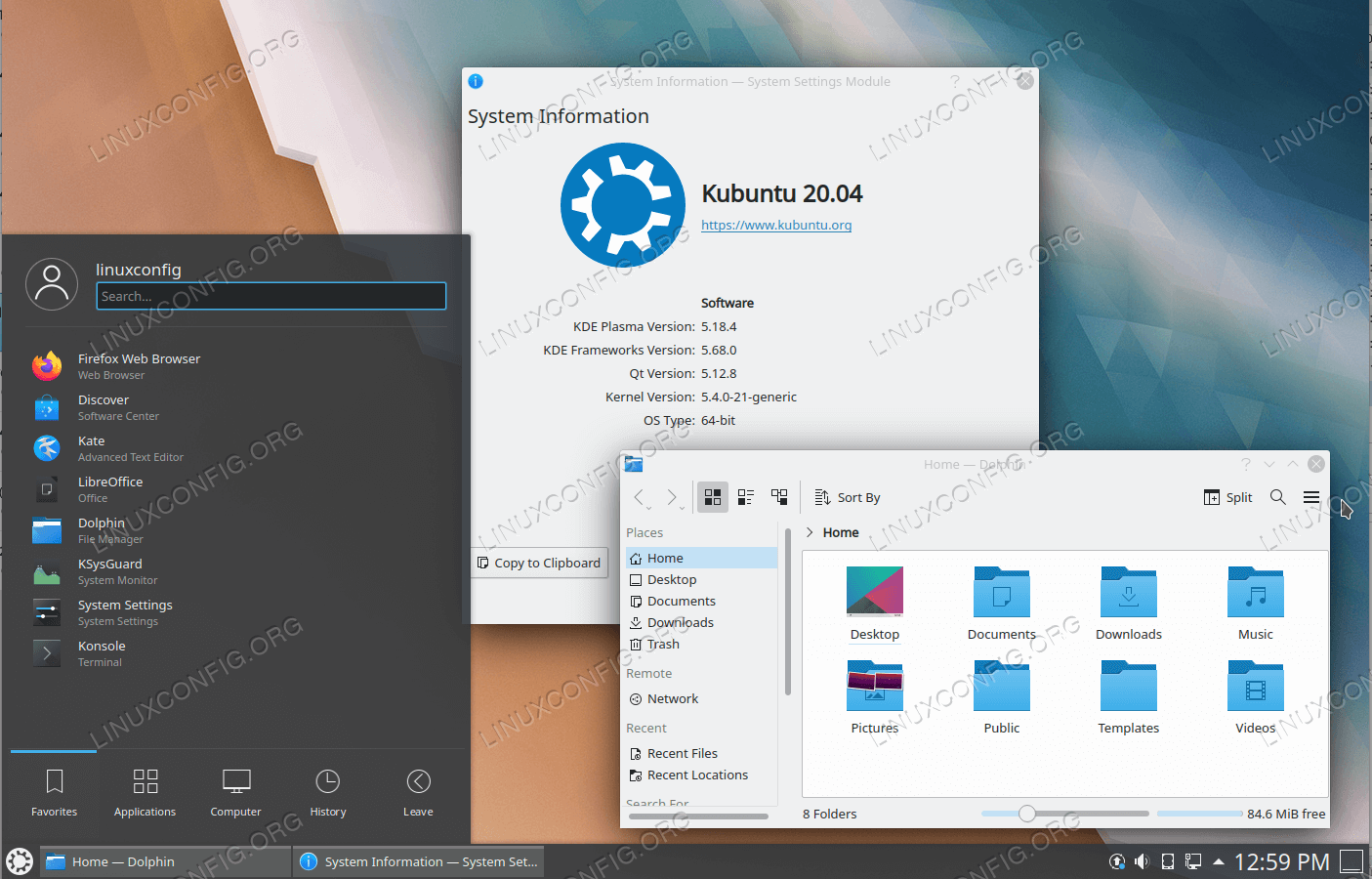 Apt Install Kde Plasma Desktop Debian
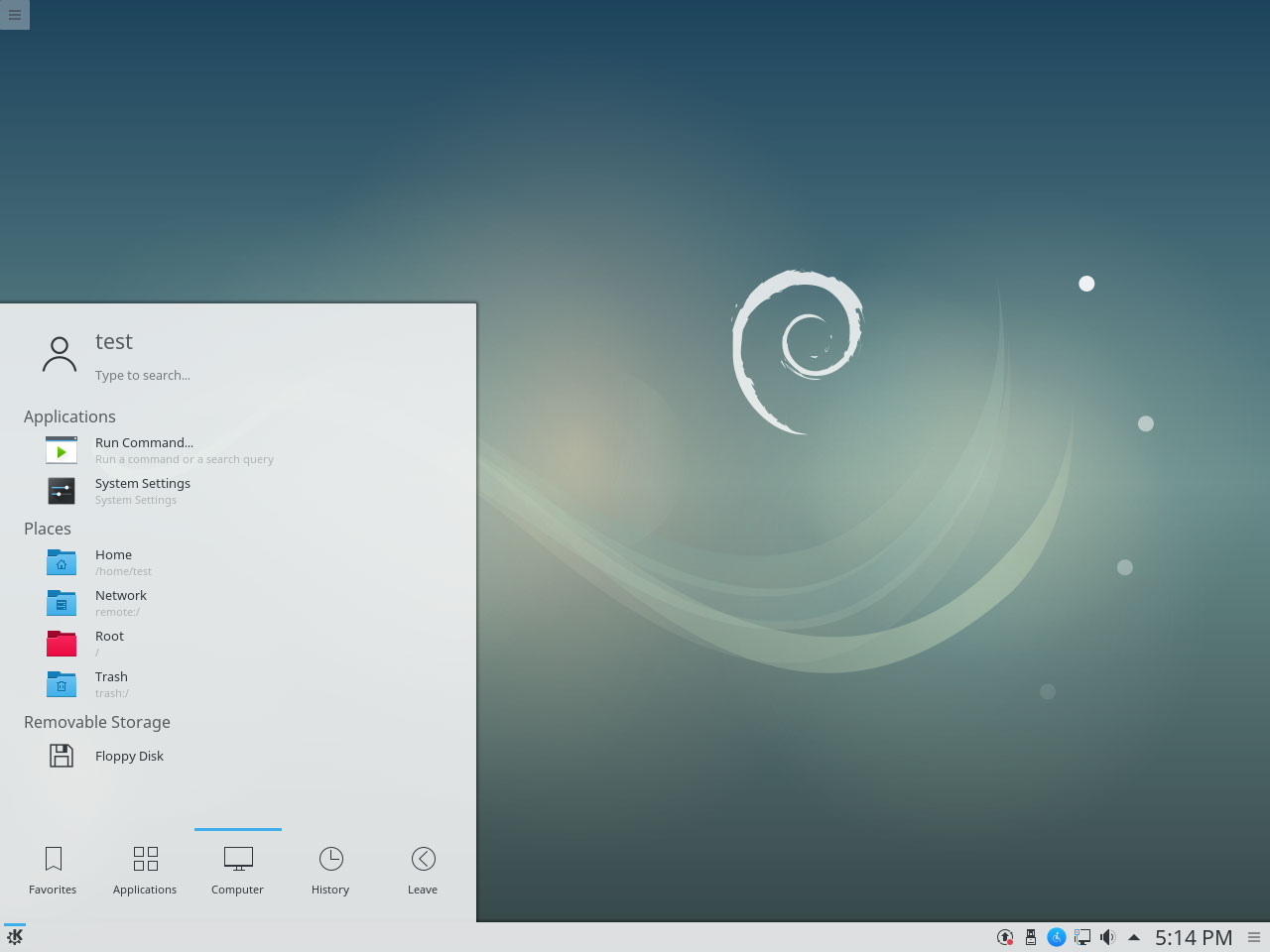
https://linuxconfig.org/wp-content/uploads/2019/12/09-how-to-install-kde-plasma-desktop-on-ubuntu-20-04-focal-fossa-linux.png
Sep 17 2014 nbsp 0183 32 sudo apt get autoclean Now clean the apt cache sudo apt get clean Now remove any unnecessary dependancies sudo apt get autoremove from the command above you can
Templates are pre-designed files or files that can be used for numerous purposes. They can save time and effort by providing a ready-made format and layout for producing various sort of material. Templates can be used for personal or expert jobs, such as resumes, invitations, leaflets, newsletters, reports, presentations, and more.
Apt Install Kde Plasma Desktop Debian
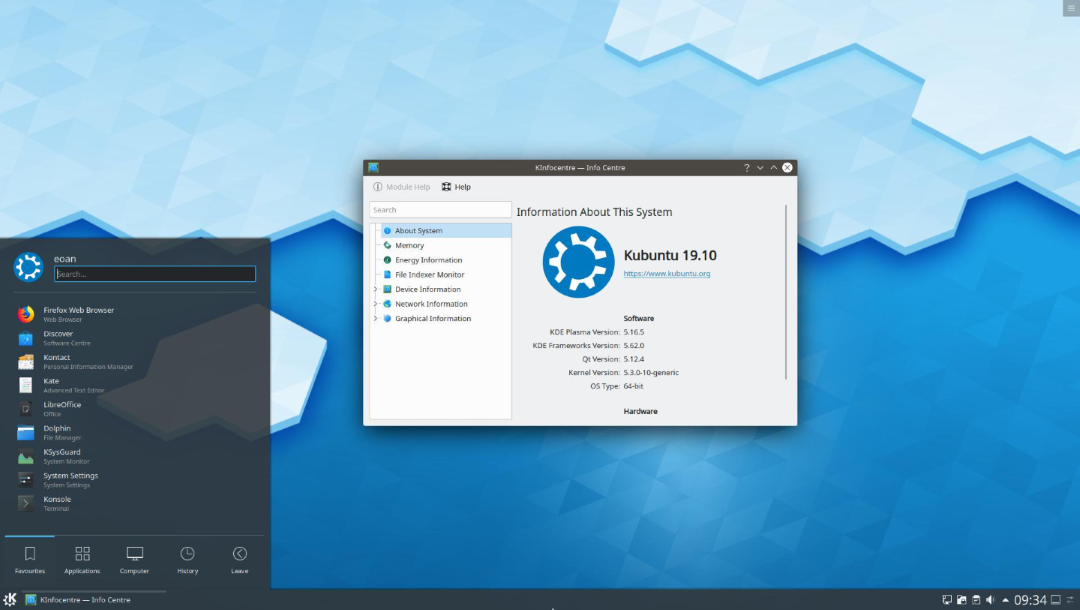
Distributions with Plasma and KDE Applications - KDE Community
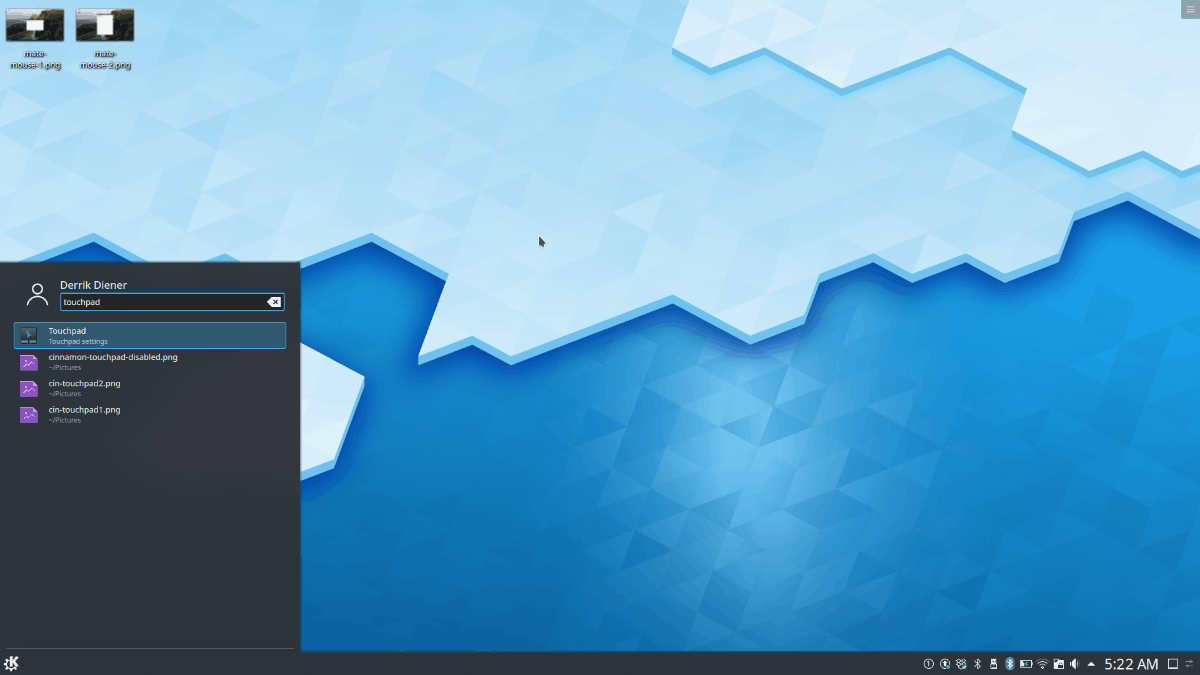
How to install KDE Plasma 5 on Linux
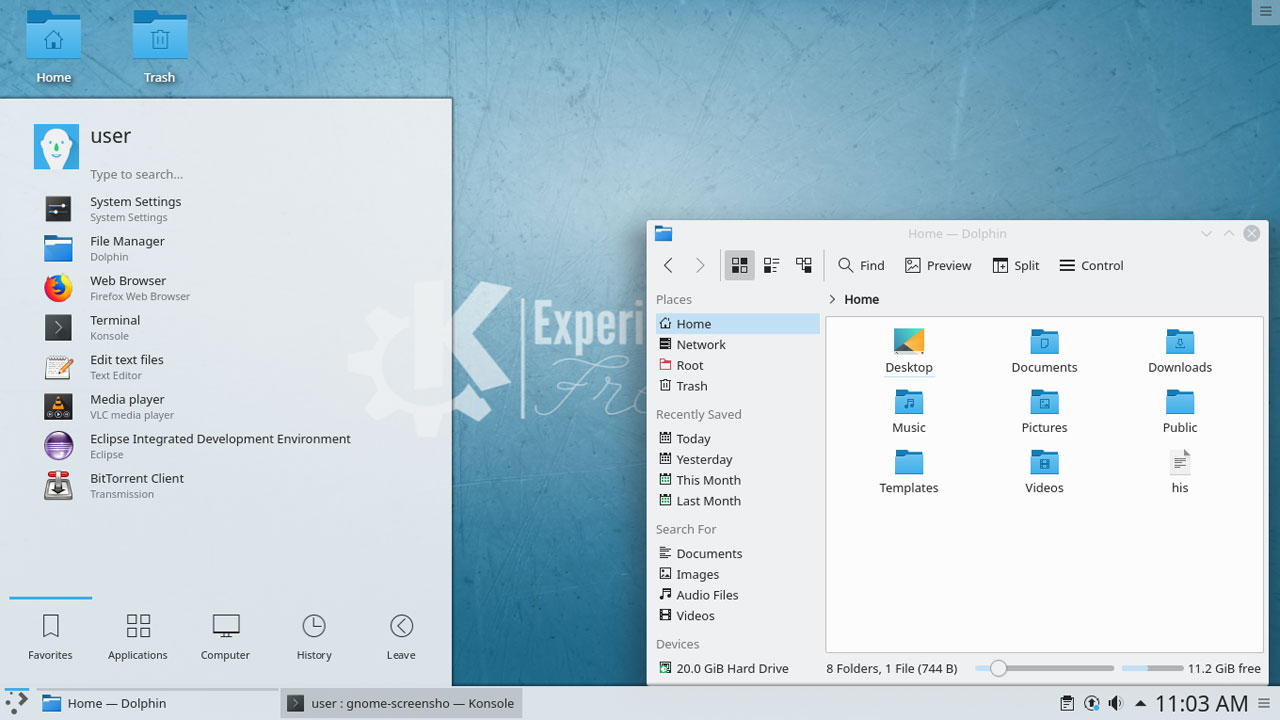
How to Install KDE Desktop on Ubuntu 18.04 Bionic Beaver
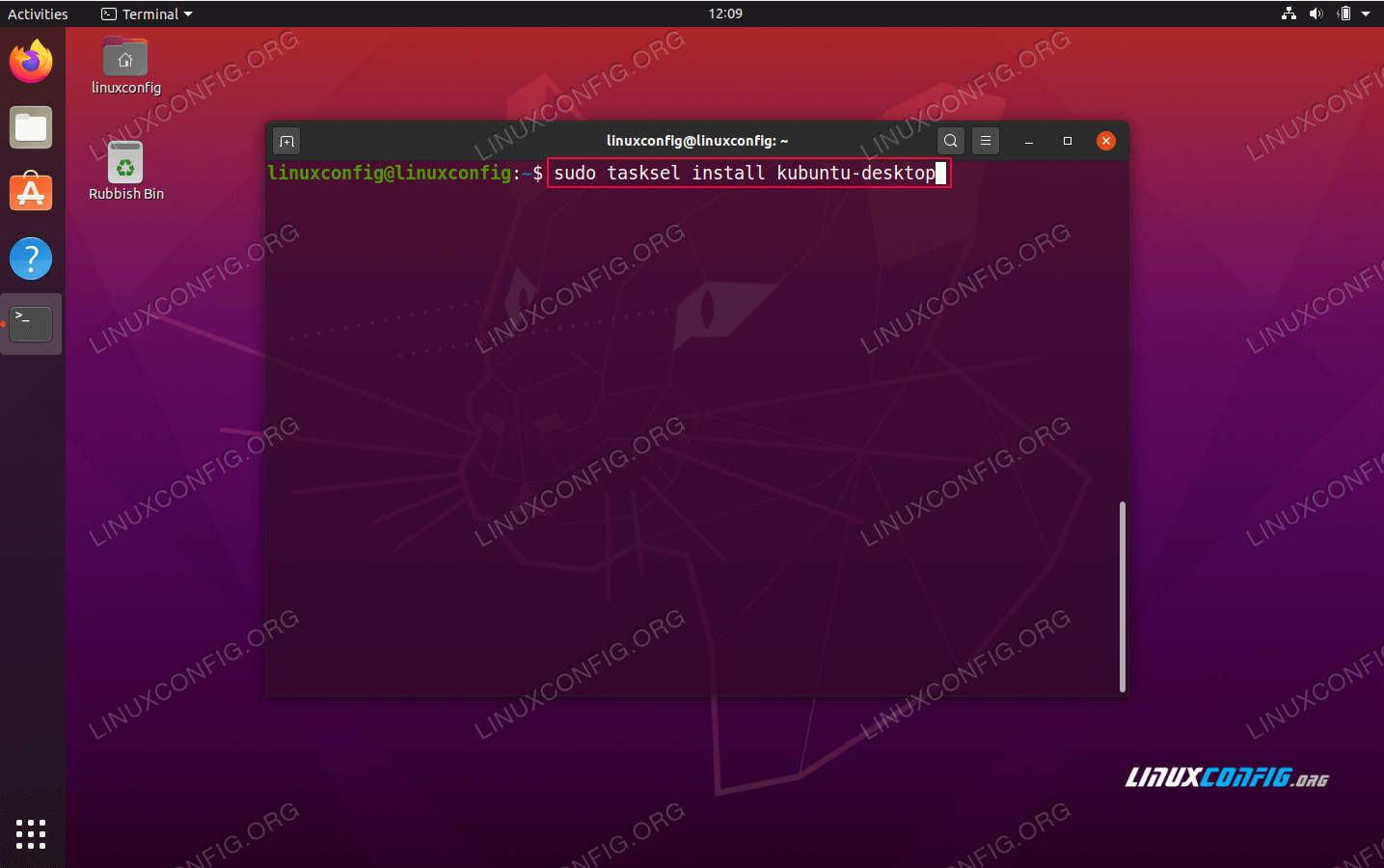
How to install KDE plasma desktop on Ubuntu 20.04 Focal Fossa Linux - Linux Tutorials - Learn Linux Configuration

How to Install KDE Plasma Desktop Environment on Debian 11 - ByteXD
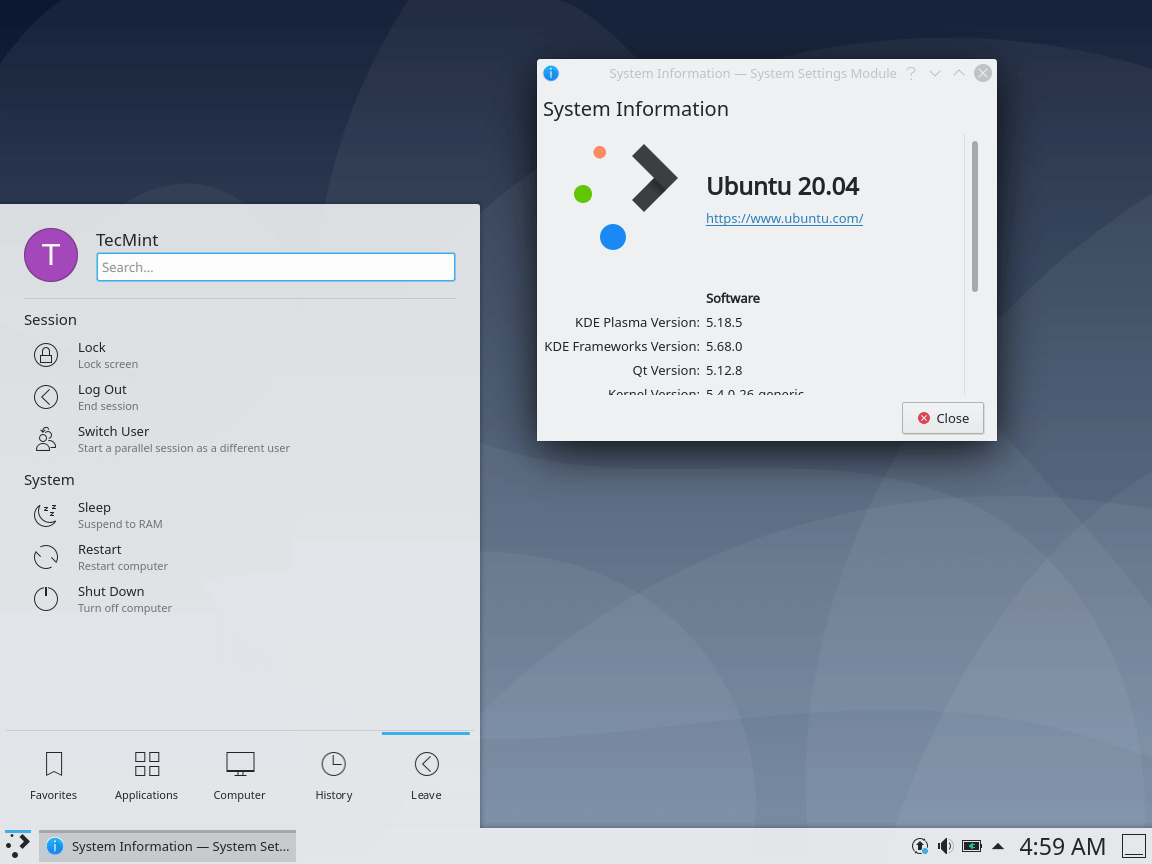
How to Install KDE Plasma in Linux Desktop

Sudo gpg a export lt PUBKEY gt sudo apt key add sudo apt get update Note that when you import a key like this using apt key you are telling the system that you trust the key you re
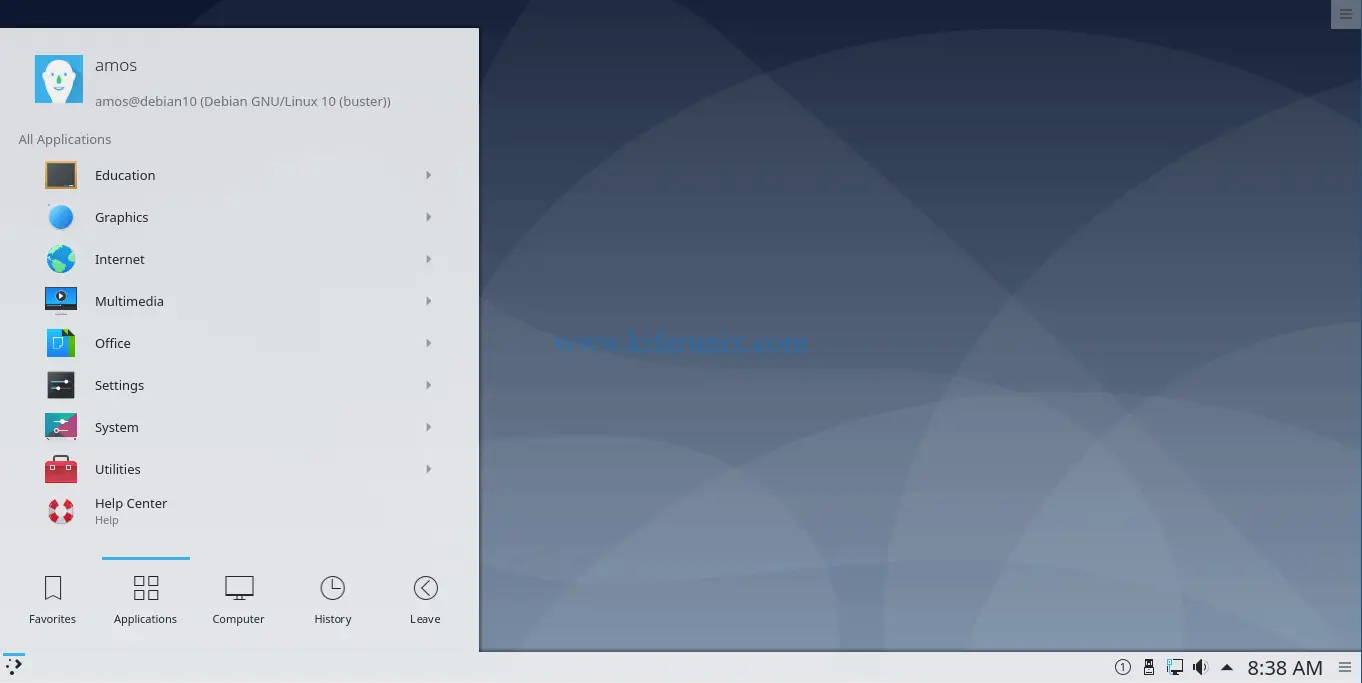
Ubuntu apt apt get apt apt get Linux
851 I read about the new fancy progress bar which was added to apt 1 0 in Softpedia and how to enable it here However on running sudo apt get update I did not see the fancy progress bars
All of the key servers I visit are timing out I need to install packages without checking the signatures of the public keys Is there a way to bypass all the signature checks ignore all of the

Jun 3 2012 nbsp 0183 32 Does apt get use https or any kind of encryption Is there a way to configure it to use it
[desc-11] [desc-12]
[desc-13]