Apt Get List All Manually Installed Packages How To Get List All Tables In Oracle Database DatabaseFAQs How To List Installed Packages On Fedora 2 Ways To List All Manually Installed Packages In Ubuntu Debian Build Serverless Devs Solved How Do I Remove Manually Installed Packages 9to5Answer I have successfully installed some packages using the command sudo apt get install packagename when I have known in advance that those packages are available But how can I
Aug 10 2017 nbsp 0183 32 I d like to get a list of packages installed manually by apt or aptitude and be able to find out whether a foobar package was installed manually or automatically How can we do that Aug 27 2010 nbsp 0183 32 apt get has a few options which looks the same to me autoclean autoremove and clean What do each of them do
Solved How Do I Remove Manually Installed Packages 9to5Answer Linux PAM Soarli How To List Installed Packages In Raspberry Pi OS List Installed Packages On Ubuntu And Debian Admin s Cave How Do I Apt get List Available Packages Linux NixCraft Linux Unix Installed List Installed Packages On Ubuntu With Apt And Dpkg Command How To List Installed Packages On Ubuntu Linux Start Installed
Apt Get List All Manually Installed Packages
 Apt Get List All Manually Installed Packages
https://databasefaqs.com/wp-content/uploads/2021/12/Query-to-List-all-Tables-in-Oracle-Database-1.png
Jun 23 2022 nbsp 0183 32 Ubuntu 22 04 How to add repo in sources list using add apt repository Ask Question Asked 3 years ago Modified 3 years ago
Templates are pre-designed files or files that can be used for different functions. They can conserve time and effort by providing a ready-made format and layout for producing various kinds of material. Templates can be utilized for personal or expert projects, such as resumes, invites, leaflets, newsletters, reports, discussions, and more.
Apt Get List All Manually Installed Packages
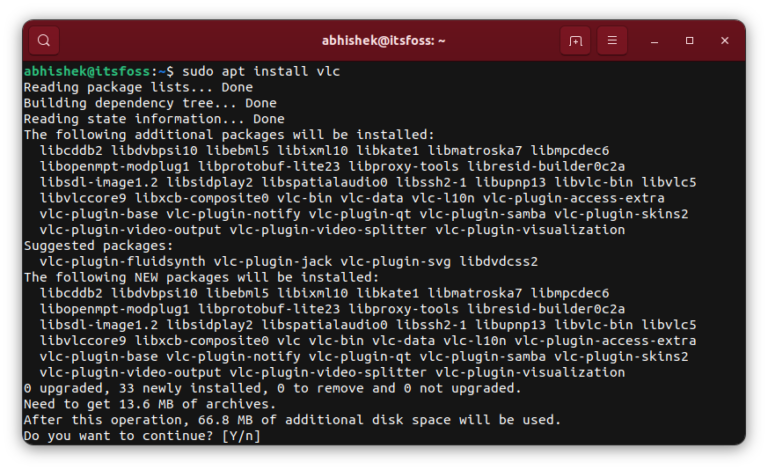
Package Is set To Manually Installed What Does It Mean
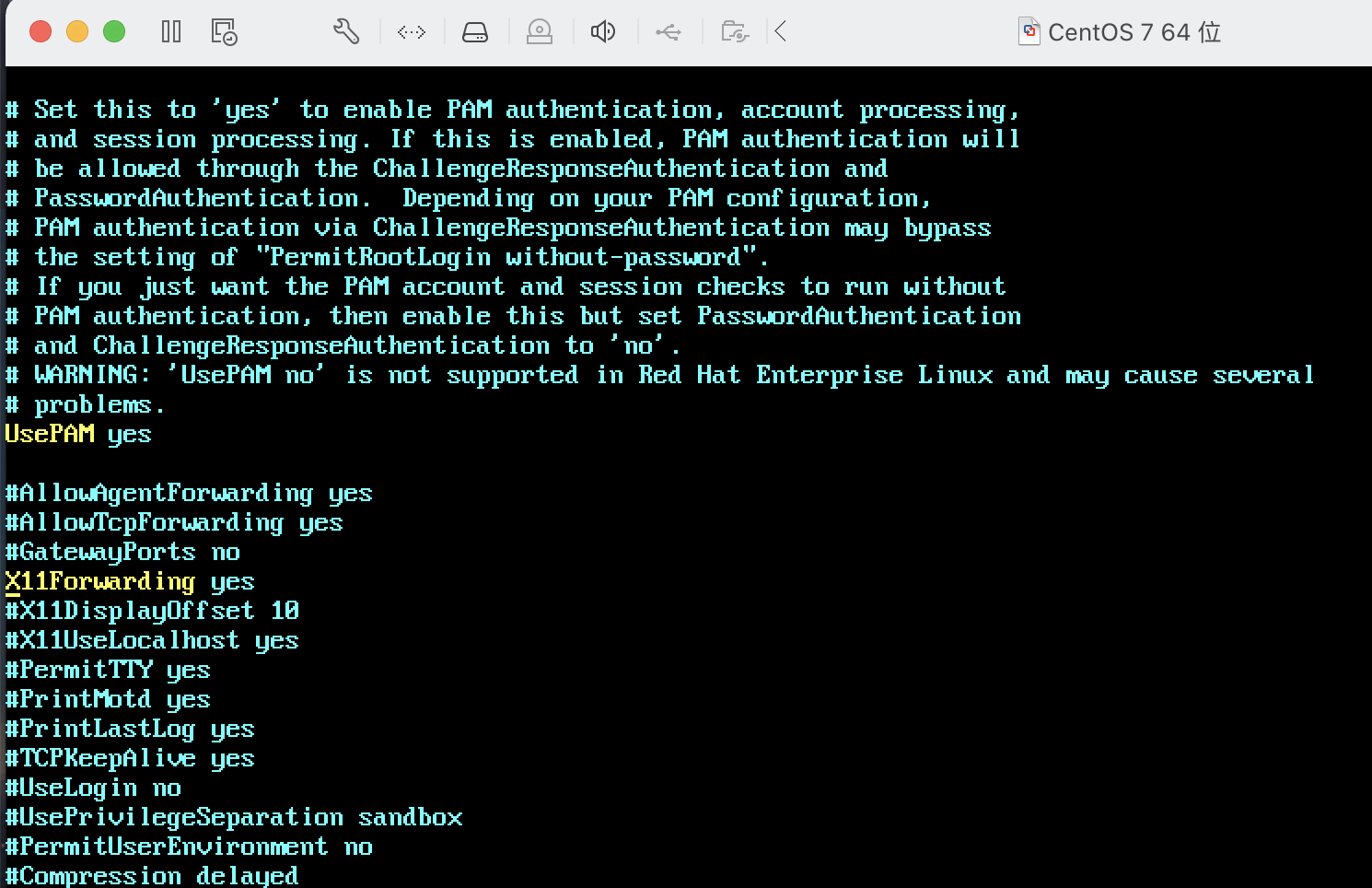
Linux PAM Soarli
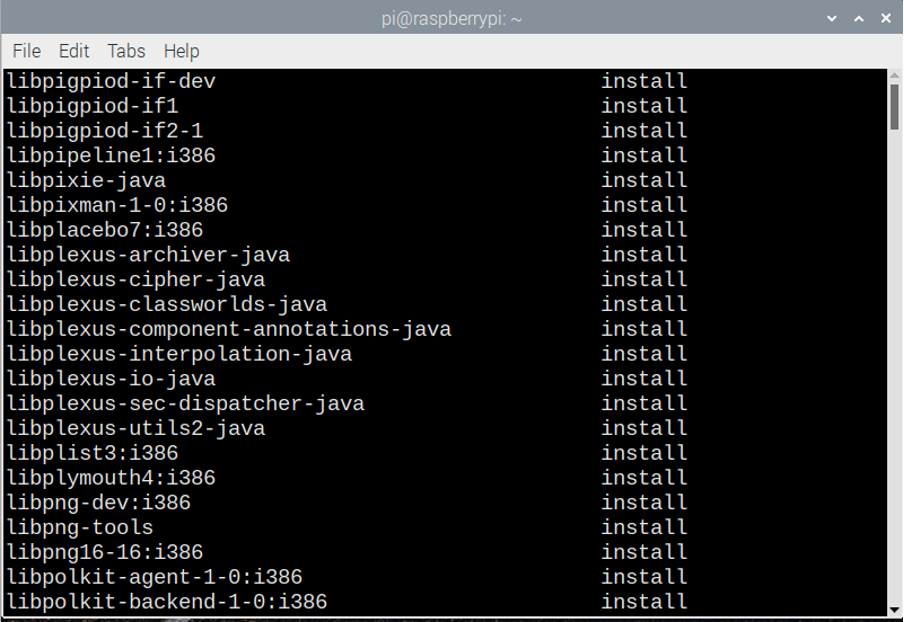
How To List Installed Packages In Raspberry Pi OS

List Installed Packages On Ubuntu And Debian Admin s Cave

Installed

List Installed Packages On Ubuntu With Apt And Dpkg Command

Ubuntu apt apt get apt apt get Linux

Sudo gpg a export lt PUBKEY gt sudo apt key add sudo apt get update Note that when you import a key like this using apt key you are telling the system that you trust the key you re
851 I read about the new fancy progress bar which was added to apt 1 0 in Softpedia and how to enable it here However on running sudo apt get update I did not see the fancy progress bars
Because etc apt trusted gpg d is a way to add keys to the keyring etc apt trusted gpg w o apt key add by copying files Also note that The recommended locations for keyrings are

Done Package munin memcached is not available but is referred to by another package This may mean that the package is missing has been obsoleted or is only available from another
[desc-11] [desc-12]
[desc-13]