Apt Get Command Not Found Mac Easily Fix Sudo Apt get Command Not Found Issue Techisours Fixed Mac Command Not Found Error In Terminal Zsh Bash Apt get Command Not Found Quick Fix Linux Apt get Command Summary With Examples YouTube How To Fix ip Command Not Found In Linux Programmer Hat Why Does the sudo apt get command not found Error Happen on Mac The particular issue of the sudo apt get command not being available on Mac involves multiple problems Although it is said to be available on Debian based systems the sudo commands were also considerately used for Mac systems
How to Fix Sudo apt get Command Not Found on Mac The macOs Terminal doesn t directly provide support to the sudo apt get command However you can use the Homebrew package manager to get it working 8 Answers Sorted by 94 If you want the equivalent of apt get or yum on Mac OS X you have two choices
How To Fix ip Command Not Found In Linux Programmer Hat Apt Get Command Not Found Easy Ways To Fix It MyTechRemedy Como Corrigir Sudo Apt get Comando N o Encontrado All Things Windows How To Fix Apt get Not Found In Docker Image Programmer Hat How To Fix Zsh Command Not Found Error On MacOS 5 Ways EaseUS 5 Solutions How To Fix Zsh Command Not Found Error In Linux Or pg ctl Command Not Found In Linux Programmer Hat Using Apt Commands In Linux Ultimate Guide Apt get Command In Linux Linux Tutorial apt get Command To Install
Apt Get Command Not Found Mac
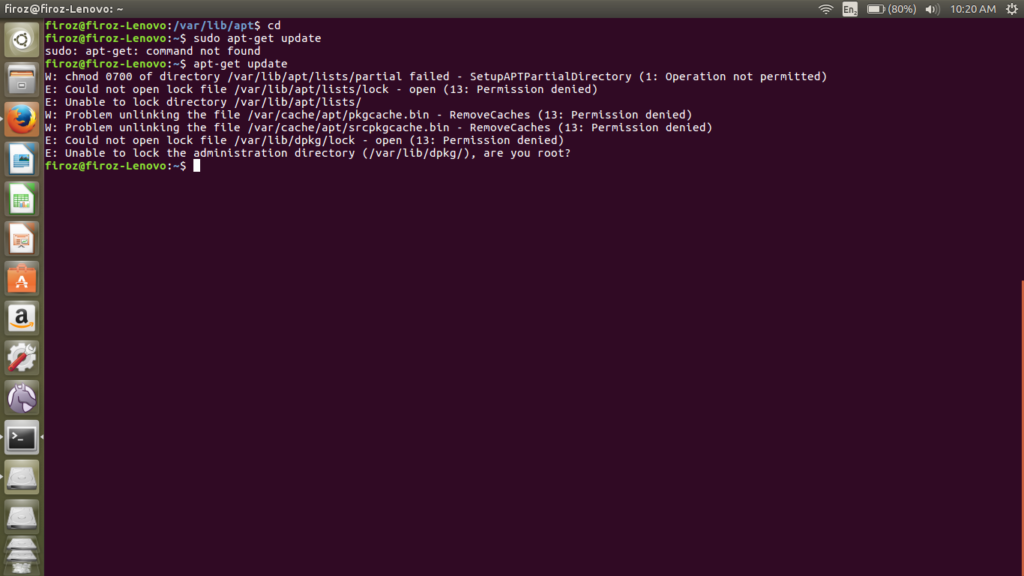 Apt Get Command Not Found Mac
https://techisours.com/wp-content/uploads/2021/10/cnjTq-1024x576.png
Apt get command not found More googling around told me to install hombrew which I already have Nevertheless I uninstalled and re installed homebrew but same error was shown afterwards I found anoter post that told me to do this brew install wget That installed correctly
Templates are pre-designed documents or files that can be used for different purposes. They can save effort and time by offering a ready-made format and design for developing various sort of content. Templates can be used for personal or expert jobs, such as resumes, invites, leaflets, newsletters, reports, presentations, and more.
Apt Get Command Not Found Mac

How To Fix apt get Command Not Found TechColleague

Apt Get Command Not Found Easy Ways To Fix It MyTechRemedy
Como Corrigir Sudo Apt get Comando N o Encontrado All Things Windows

How To Fix Apt get Not Found In Docker Image Programmer Hat
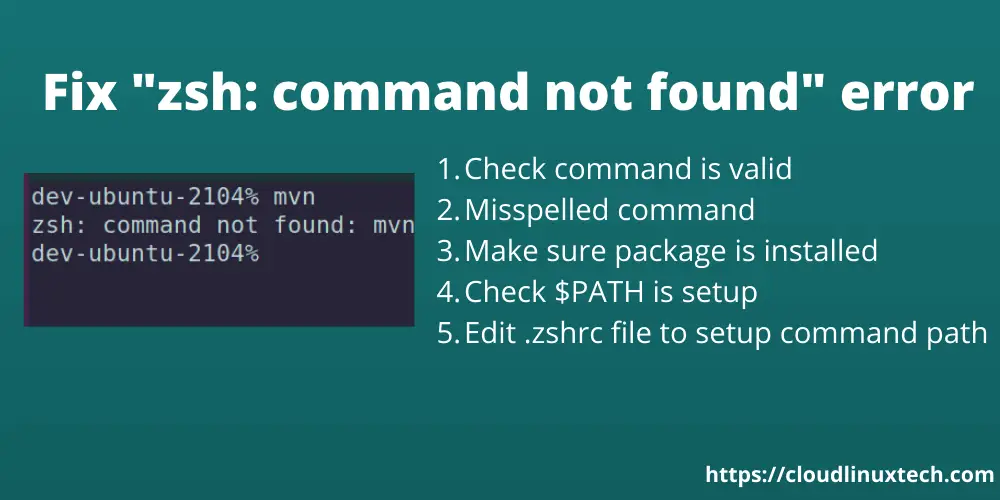
5 Solutions How To Fix Zsh Command Not Found Error In Linux Or

pg ctl Command Not Found In Linux Programmer Hat
6 Answers Sorted by 294 Mac OS X doesn t have apt get There is a package manager called Homebrew that is used instead This command would be brew install python Use Homebrew to install packages that you would otherwise use apt get for

The Apt get command not found message appears when users try to install a Linux app with the command There is nothing wrong with the Apt get command but it isn t going to work on macOS macOS doesn t have this particular package manager which is why it won t work How to fix apt get on Mac

What Is the Apt Get Command What Causes the Error Sudo Apt Get Command Not Found on macOS What to Do to Fix Sudo Apt Get Command Not Found on Mac Wrapping Up Quick Fix Download and try Outbyte MacAries right now to see what it can do for your Mac Developed for macOS Special offer See more information about Outbyte and uninstall instructions

Method 1 Install Homebrew Method 2 Install MacPorts Video on How to Fix sudo apt get command not found on Your Mac Download Computer Malware Repair Tool It is recommended to run a free scan with Combo Cleaner a tool to detect malware and fix computer errors

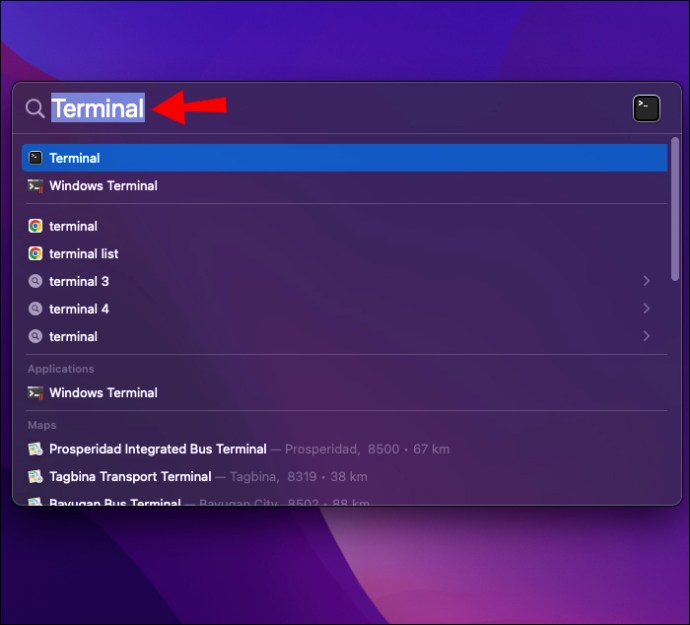
To use Homebrew to eliminate the APT GET Not Found error follow these steps Install the Homebrew app Press Command Space to launch Spotlight Type Terminal and hit the Enter key Type
The apt get command is specific to some varieties of Linux e g Ubuntu it is not a command included in OS X which is based on FreeBSD There are similar offerings to apt get for OS X but all of them have to be installed before you can then use them to install packages Brew http brew sh MacPorts http www macports Found a UNIX executable in my Mac installed by default named apt I assume apt was the same as apt get but when I typed in the relevant commands I get apt invalid flag get Usage apt apt and javac options source files where apt options include classpath path Specify where to find user class files and annotation processor
With such a supported package management tool you can resolve the apt get command not found issue as well The most popular equivalent of apt get on a Mac is Homebrew Its repository shares a significant amount of software with apt get s including Python Git wget Vim Node js CMake GCC GDB SQLite OpenSSL etc