Apt Get Check Installed Package Version Check Installed Packages Through Apt On Ubuntu YouTube Package Installed But Not Installed apt get 2 Solutions YouTube Pip Install Specific Version How To Install A Specific Python Package Sponsor Nordamerika Rezept Apt List Packages Telefon Katarakt Der Pfad Hello Raspberry Pi Check Installed Package In Raspberry Pi OS Using You can do that easily in the following manner sudo apt install package name package version How do you know which versions are available for a certain package Use this command apt list all versions package name In the screenshot below you can see that I have two versions of VLC available and I use the command to install the older version
Apt get check This command is a diagnostic tool It does an update of the package lists and checks for broken dependencies apt get f install This command does the same thing as Edit Fix Broken Packages in Synaptic Do this if you get complaints about packages with unmet dependencies apt get autoclean List all installed packages by executing the following command This will also show version numbers and architecture for each installed package as well as what repositories they belong to apt list installed Since each package consumes a line within the output a massive amount of lines can be returned
Hello Raspberry Pi Check Installed Package In Raspberry Pi OS Using Ubuntu 22 04 libdvd pkg apt get Check Failed Check Installed Codecs Darelosoul Apt Vs Apt get Advanced Package Tool Linux Tutorials Learn Linux App Not Installed Error An Existing Package By The Same Name With A How To Check Version Of Installed Windows 11 Edition Technoresult How To Use Apt cache Search To Find Packages Use Apt Or Apt Get Command To Install A Specific Version Of A Package How To Check Installed Package In Linux Terminal YouTube
Apt Get Check Installed Package Version
 Apt Get Check Installed Package Version
https://i.ytimg.com/vi/-p4KLDTlZns/maxresdefault.jpg?sqp=-oaymwEmCIAKENAF8quKqQMa8AEB-AG-B4AC0AWKAgwIABABGGUgZShlMA8=&rs=AOn4CLCz7gAeojB4V7sSP3EGzPknPzYhkw
To list the installed packages on your Ubuntu system use the following command sudo apt list installed As you can see from the output above the command prints a list of all installed packages including information about the packages versions and architecture
Pre-crafted templates provide a time-saving option for producing a diverse variety of files and files. These pre-designed formats and designs can be utilized for numerous personal and professional tasks, consisting of resumes, invitations, leaflets, newsletters, reports, presentations, and more, enhancing the material production procedure.
Apt Get Check Installed Package Version

How To Check Version Of Installed Package On Ubuntu And Debian
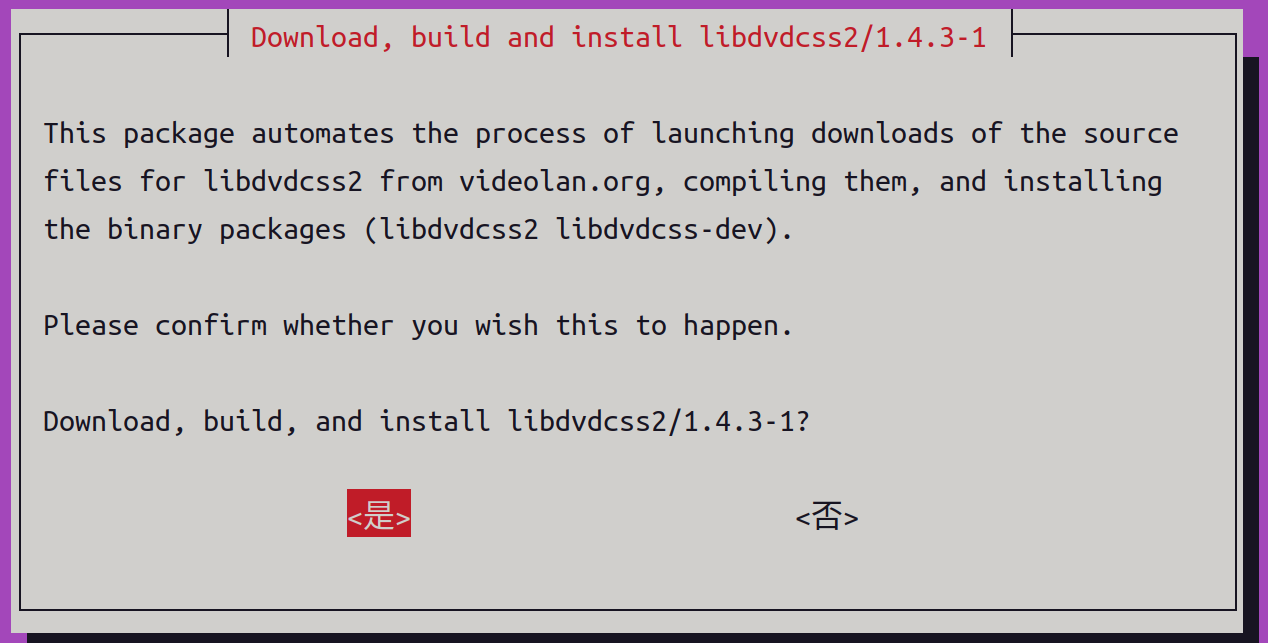
Ubuntu 22 04 libdvd pkg apt get Check Failed

Check Installed Codecs Darelosoul
Apt Vs Apt get Advanced Package Tool Linux Tutorials Learn Linux
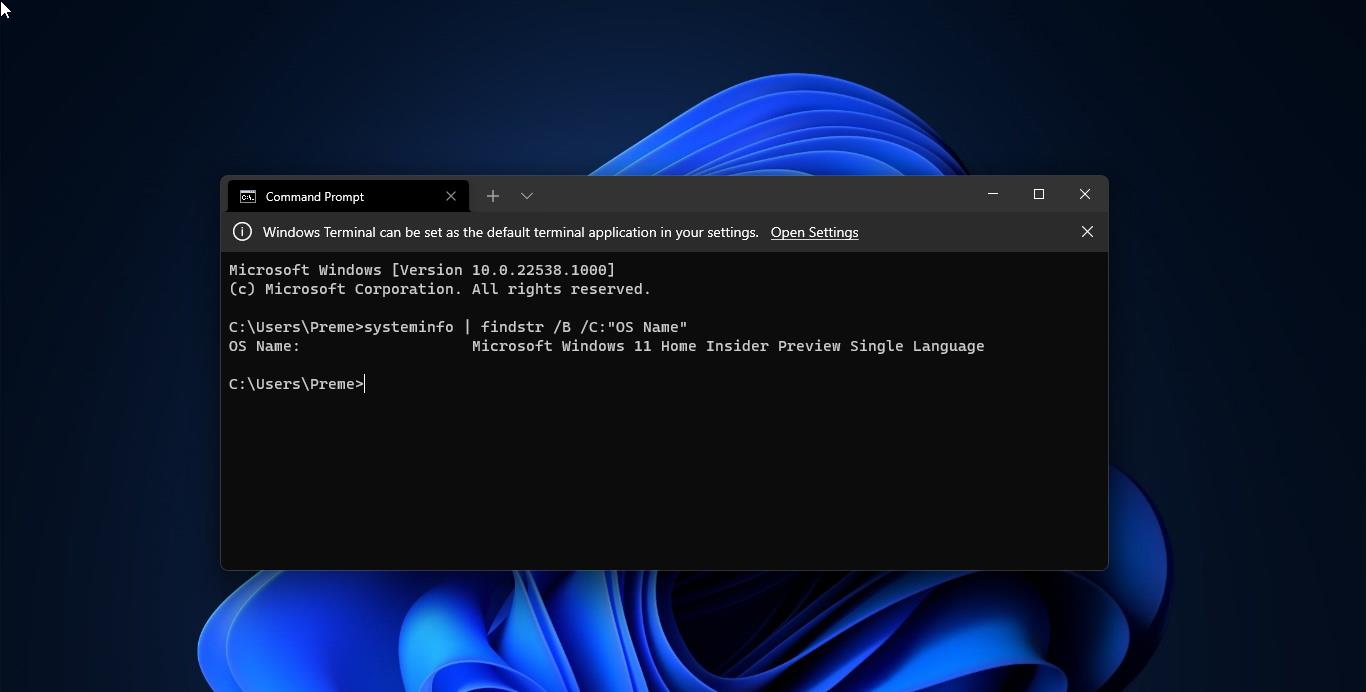
How To Check Version Of Installed Windows 11 Edition Technoresult
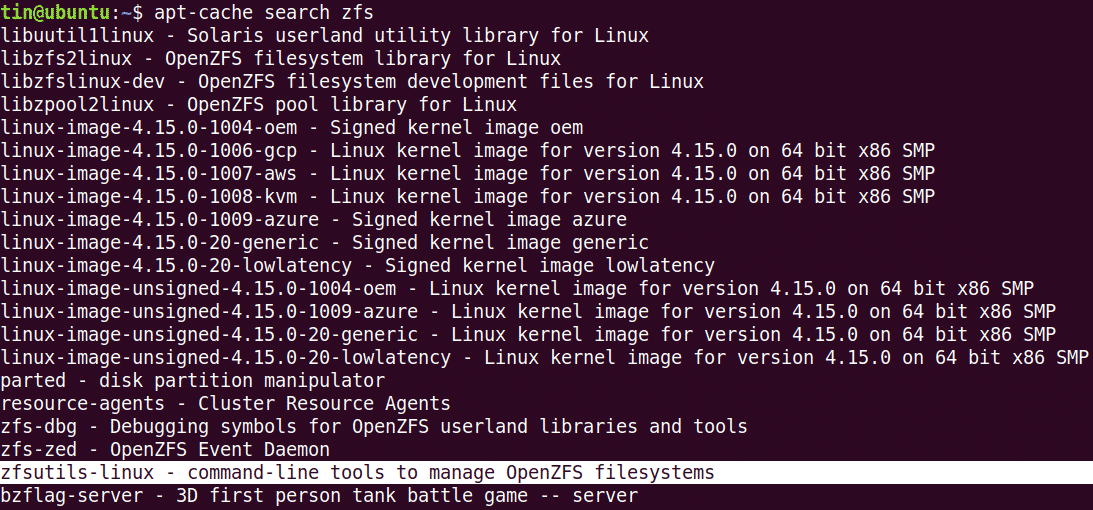
How To Use Apt cache Search To Find Packages

Method 1 Using apt command The apt command has an option list that you can use to check a version of the package installed on an Ubuntu or Debian system For example to check a version of the curl package installed on my Ubuntu Debian server I d run apt list curl Listing

78 Using APT you can install a specific version of a package using apt get install package 1 0 But you can t do apt get install package 1 So how can I find out which versions are avaliable for package on a specific repository or in all repositories in my etc apt sources list debian package management repository apt get Share

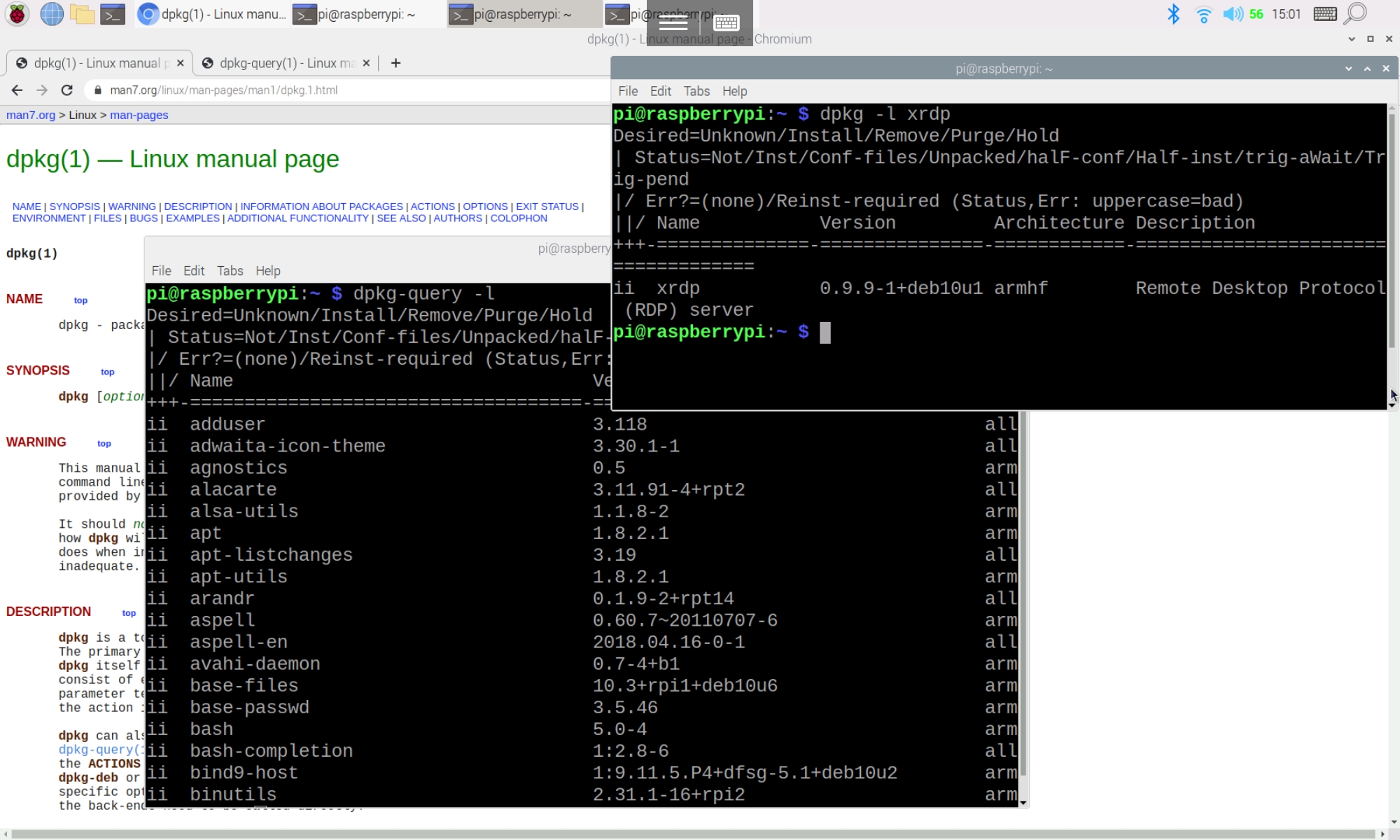
I use the dpkg l command to find out what version of a package I have installed For example dpkg l network manager returns the information on the package

Join Patreon Method 1 Ubuntu Linux package version apt cache command The syntax is apt cache policy package OR apt cache madison package For example before I install nginx package I would like to know what version of nginx I would get on my system run apt cache policy nginx OR apt cache madison nginx
13 Fortunately apt get install is idempotent so it is safe to just run it and not worry about if it is installed or not David Baucum Mar 31 2016 at 14 28 3 Related you should use command v command not which command Also see Check if a program exists from a Bash script jww Oct 21 2017 at 5 49 7
The version listed as Candidate is the one that will be installed if you do apt get install apache2 If there s more than one version available you can force which one you want by giving the version number in my example it would by default install 2 4 7 1ubuntu4 1 but I can force the other version with apt get install apache2 2 4 7 1ubuntu4 Here is the command to check version of installed package on Ubuntu show installed package versions or Ubuntu check package versions available 3 Commands to Check Version of Installed Package Learn how to list installed packages with its Ubuntu version 1 Using apt command
The following command will store the list of all installed packages on your Debian system to a file called packages list txt sudo dpkg query f binary Package n W packages list txt Now that you have the list you can install the same packages on your new server with sudo xargs a packages list txt apt install