Android Set Default Application For Pdf Simple Mobile Apps Flat Blue Purple Icon Set Default Application For How To Set Default Application For File Type Mac Boatuse How To Clear Default App Settings On Windows 10 Tactig Cambiar Launcher Android 7 Actualizado Octubre 2022 Mac Os Set Default Application Kurtsoho On your Android phone or tablet open the Google Maps app If you don t have the app download it from Google Play Make sure you re connected to the internet and signed in to
Centro assistenza ufficiale di Android in cui puoi trovare suggerimenti e tutorial sull utilizzo del prodotto oltre ad altre risposte alle domande frequenti La plupart des t 233 l 233 phones Android permettent de partager les donn 233 es mobiles via une connexion Wi Fi Bluetooth ou USB Important Certains op 233 rateurs de t 233 l 233 phonie mobile
Mac Os Set Default Application Kurtsoho Windows Server Set The Default Application For All Users TechGuy Android Clear The Default Application The Dishwasher Vampire Smile Campaign Length Keyslikos Learn New Things How To Set Default App For Windows 10 Web Browser Mac Set Default Application For File Type Omggarry Inside Galaxy Samsung Galaxy S4 How To Change Default Storage In The How To Set Default Application In Windows 7 YouTube How To Change The Default Application For A File In Windows In Windows
Android Set Default Application For Pdf
 Android Set Default Application For Pdf
https://static.vecteezy.com/system/resources/previews/013/751/300/non_2x/simple-mobile-apps-flat-blue-purple-icon-set-default-application-for-interface-design-message-file-calendar-illustration-vector.jpg
On your Android device go to your 2 Step Verification settings for your Google Account You may need to sign in Tap Set up authenticator On some devices tap Get Started Follow the on
Pre-crafted templates provide a time-saving option for creating a diverse series of documents and files. These pre-designed formats and layouts can be made use of for different individual and professional projects, consisting of resumes, invites, flyers, newsletters, reports, presentations, and more, streamlining the content creation process.
Android Set Default Application For Pdf

How To Set Default Application In Latest Windows 10 YouTube

Windows Server Set The Default Application For All Users TechGuy

Android Clear The Default Application

The Dishwasher Vampire Smile Campaign Length Keyslikos
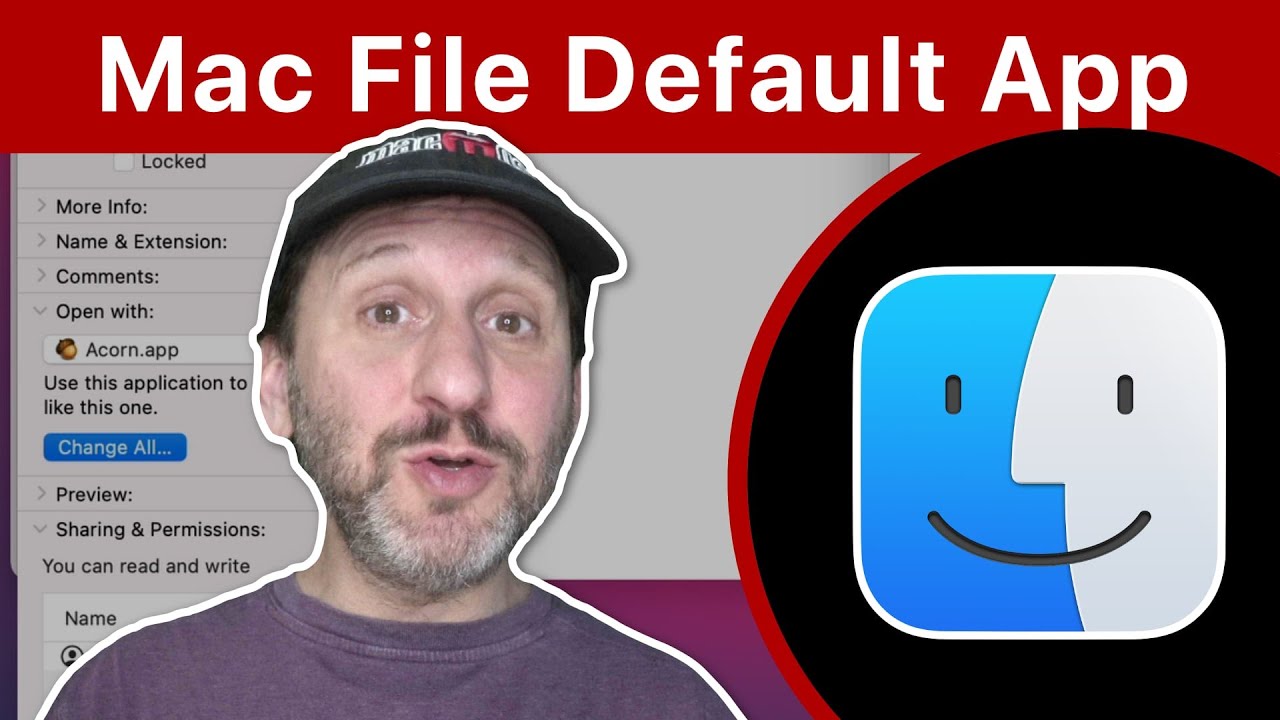
Mac Set Default Application For File Type Omggarry
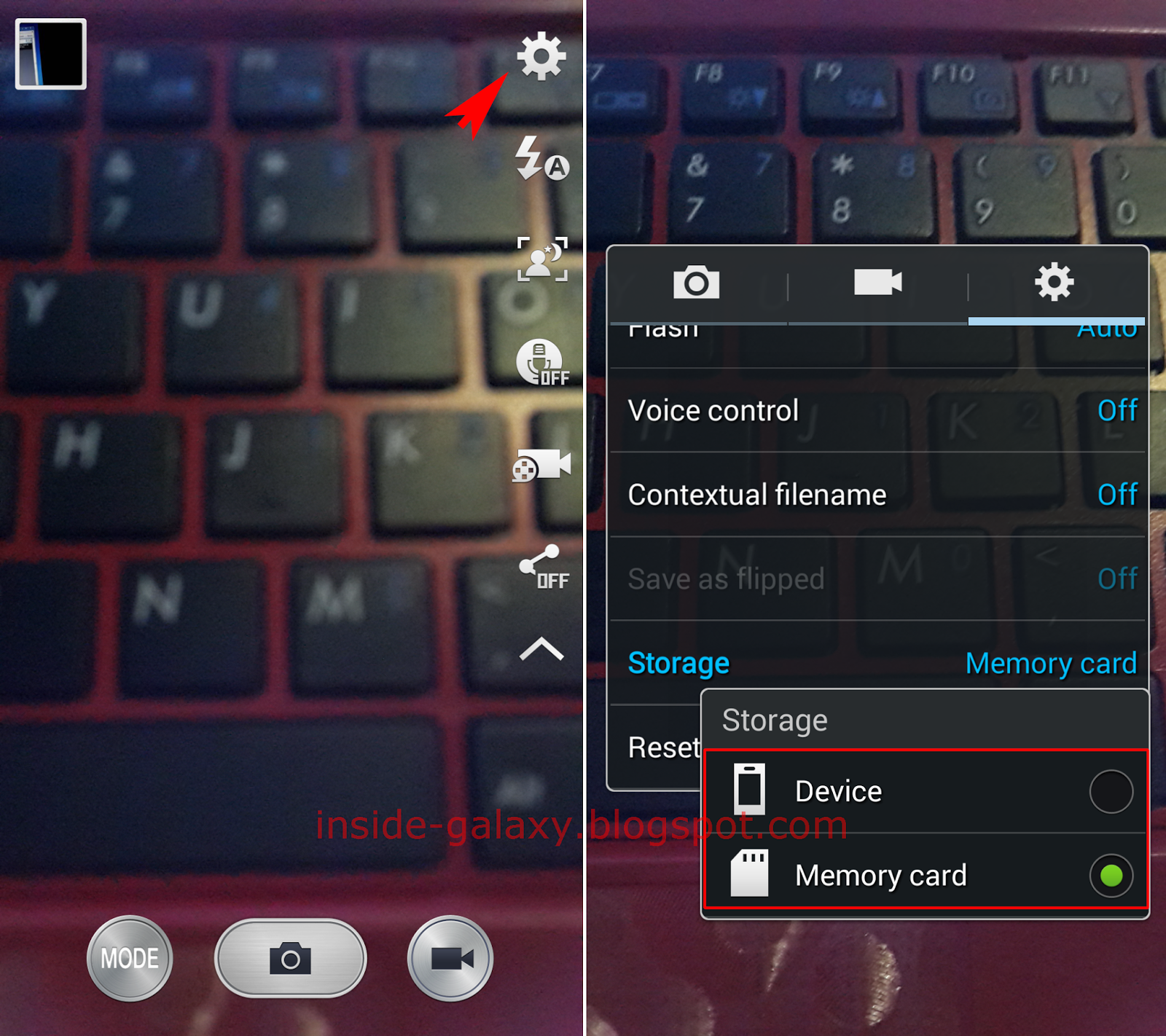
Inside Galaxy Samsung Galaxy S4 How To Change Default Storage In The

Dec 17 2024 nbsp 0183 32 To retrieve accidentally deleted text messages on your Android device you have several options Check the Recycle Bin or Trash folder in your messaging app Some Android

Android 252 r 252 n 252 ne ait resmi Yard m Merkezi sayfas nda 252 r 252 n 252 n kullan m yla ilgili ipu 231 lar n ve e itici bilgileri ve s k sorulan sorulara verilen di er yan tlar bulabilirsiniz
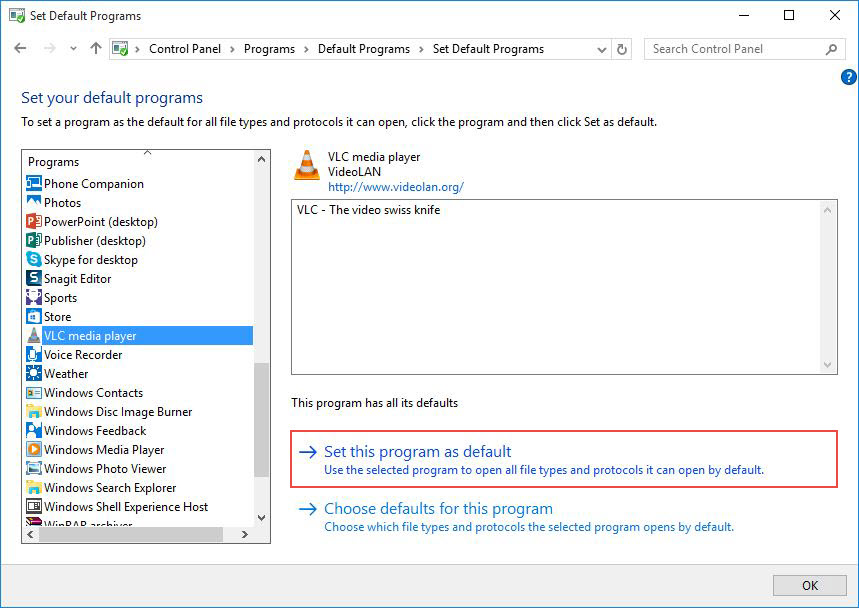
Android

What you can do with Google Play Get games for Android devices and Chromebooks Download Google Play Games Mobile App Rent or buy movies and TV shows Download the Google TV

On your Android device go to subscriptions in Google Play Select the subscription you want to cancel Tap Cancel subscription Follow the instructions
[desc-11] [desc-12]
[desc-13]