Android Openvpn Certificate Location OpenVPN Certificate Update OpenVPN IPFire Community Solved OpenVPN Upgrade Existing Certificates From MD5 9to5Answer OpenVPN Certificate Update OpenVPN IPFire Community OpenVPN For Android OpenVPN Certificate Update OpenVPN IPFire Community Using OpenVPN for Android is not hard but the need to import third party OpenVPN configuration files does make setup a little more involved than with pre configured off the shelf VPN apps Download the OpenVPN configuration files from your VPN provider s website
How to set up OpenVPN on Android In this tutorial you will learn how to set up the OpenVPN app on your Android device You will need a phone or tablet running Android and an active Surfshark subscription which you can purchase on our pricing page You will learn how to Get your credentials Download configuration files Install the app Android Android OpenVPN Setup Serena 18 days ago Updated You can use the guide below to connect your Android device to our VPN server using the OpenVPN Connect app 1 Download the OpenVPN Connect app from the Google Play Store 2 Install the downloaded OpenVPN Connect app on your Android device 3
OpenVPN Certificate Update OpenVPN IPFire Community How To Configure OpenVPN On Android VPN PPTP SSTP L2TP And OpenVPN OpenVPN Certificate Update OpenVPN IPFire Community What Is OpenVPN How To Set up OpenVPN ZenMate VPN Android Openvpn Configuration Location How To Configure Android OpenVPN Client With Certificate Authentication Setting Up VPN On Android OpenVPN Setup Guide Android OpenVPN On Android Knowledgebase FrostVPN How To Set Up OpenVPN On Your Android Phone MyOpenRouter
Android Openvpn Certificate Location
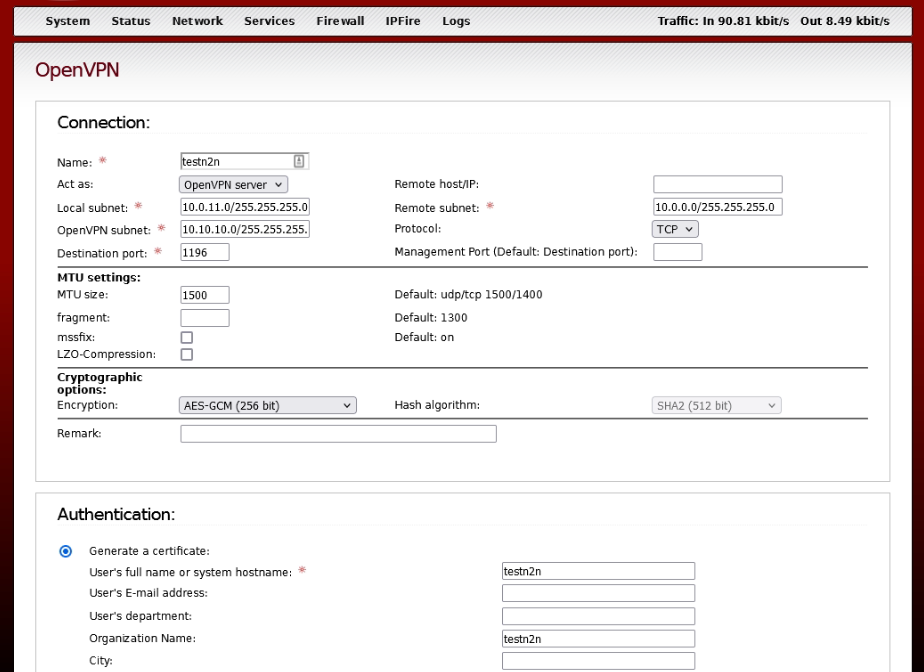 Android Openvpn Certificate Location
https://community.ipfire.org/uploads/default/original/2X/5/5ecfb2df66274962124ebb5b354e60c08bc74fed.png
Connectivity Android Manual OpenVPN setup on Android The OpenVPN Connect application can be used as an alternative way to connect to NordVPN servers on your Android device Since this manual connection method is more complicated to set up it is recommended for advanced Android users
Pre-crafted templates provide a time-saving option for producing a diverse variety of files and files. These pre-designed formats and designs can be used for various personal and professional projects, consisting of resumes, invitations, flyers, newsletters, reports, presentations, and more, simplifying the content creation procedure.
Android Openvpn Certificate Location
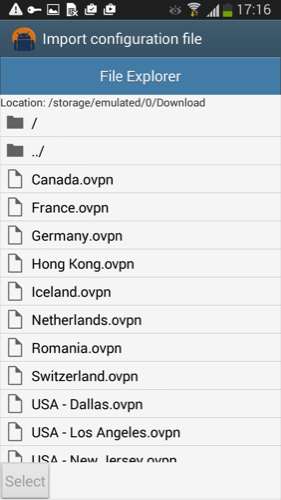
Android Openvpn Configuration Location

How To Configure OpenVPN On Android VPN PPTP SSTP L2TP And OpenVPN
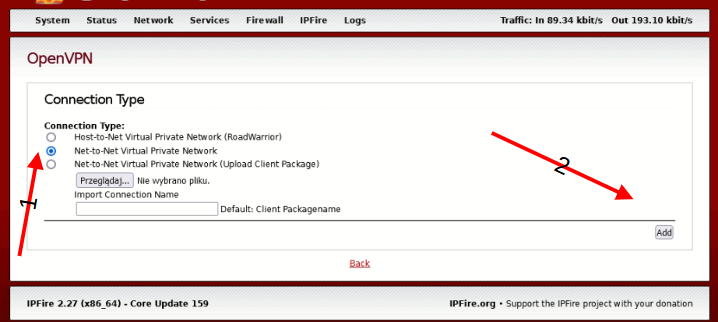
OpenVPN Certificate Update OpenVPN IPFire Community

What Is OpenVPN How To Set up OpenVPN ZenMate VPN
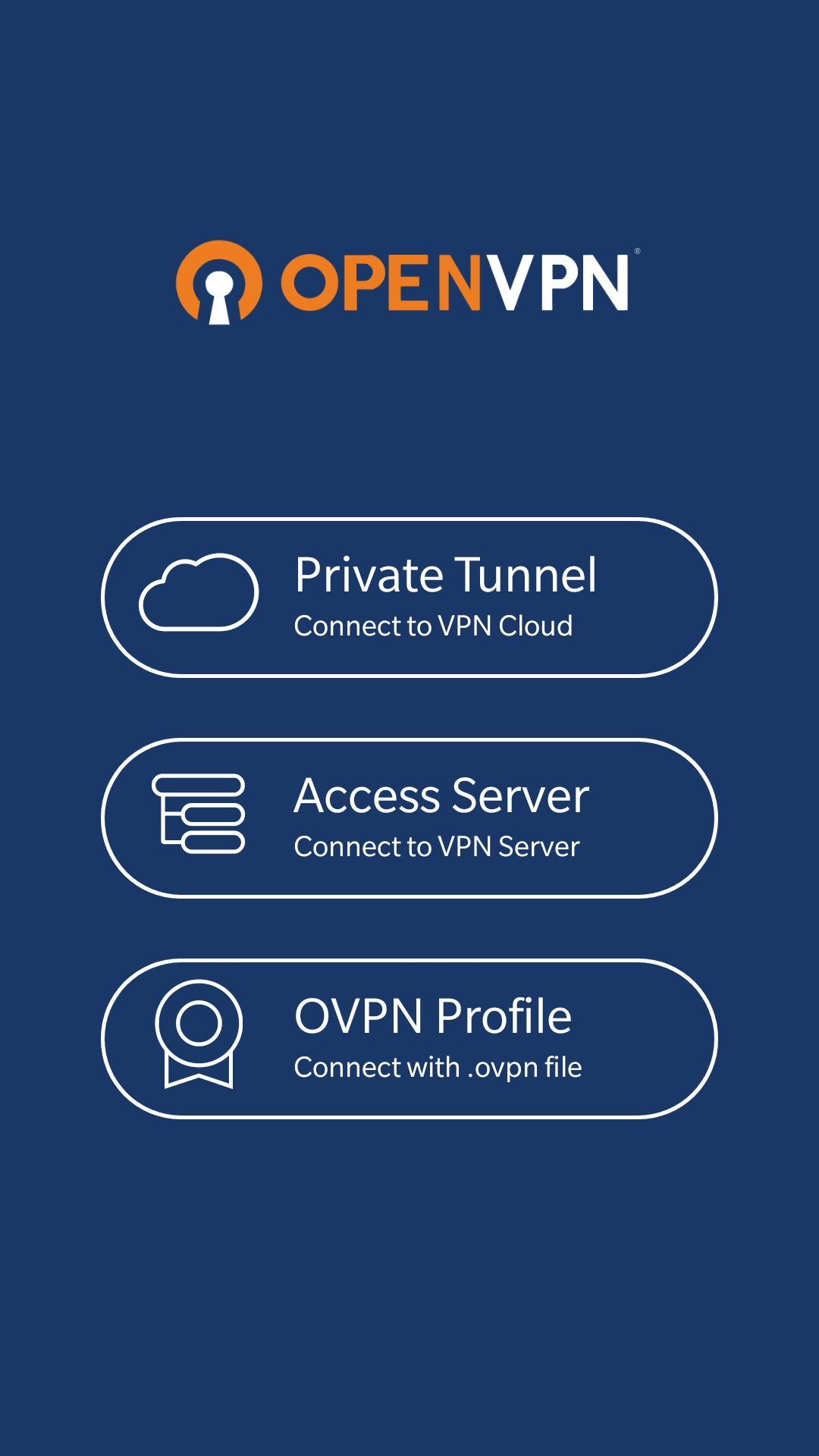
How To Configure Android OpenVPN Client With Certificate Authentication

Setting Up VPN On Android OpenVPN Setup Guide Android

Upload the PKCS12 certificate to KM In the OpenVPN app import the OpenVPN configuration file and select the certificate from the Android Keystore system Connect your device to the VPN How do I add the OpenVPN Connect application in Knox Manage In your KM console go to Application Add Public

One method could be by sending the certificate to an e mail which can be accessed from Android device itself 2 Tap on the p12 certificate into the attachments type the p12 certificate password as configured on Endian UTM Appliance during client certificate creation and tap on OK 3

1 I have imported the client config file to official OpenVPN client for Android The config file contains CA cert but no client cert or key That s fine because i have auth user pass directive in it But when I try to connect a window pops up saying Select Certificate This profile doesn t include a client certificate

A Using the Android keychain to store your private key has the added security advantage of leveraging on the hardware backed keystores that exist on many Android devices allowing the key to be protected by the Android level device password and preventing key compromise even if the device is rooted

Setting up your own Certificate Authority CA Setting up your own Certificate Authority CA The first step in building an OpenVPN 2 x configuration is to establish a PKI public key infrastructure The PKI consists of a separate certificate also known as a public key and private key for the server and each client and
Technically you don t need to keep them although it s a good idea to keep the certificates in case you later need to revoke them In that case keep them on the CA machine Set up OpenVPN client on Android phone with step by step instructions fredmeng OpenVPN Client Android
To use the Android OpenVPN Connect app you need an OpenVPN profile to connect to a VPN server OpenVPN profile files have an extension of ovpn You can import a profile through the following methods Copy the profile and any files it references to your device s file system ensure you put all files in the same folder File Browse