Android Countdown Timer Example Countdown Timer App Concept UpLabs 7 Best Website Countdown Timer Widgets To Use Free In 2024 Countdown Timers W Progress Bar Datasaurus Rex Countdown Timer ByteBau GitHub Sagarsiddhpura CountdownTimer A Simple Countdown Timer Incorporating a countdown timer into your Android app is made simpler with the class By considering edge cases and following best practices you can create a robust and user friendly timer
CountDownTimer is useful for repeatedly performing an action in a steady interval for a set duration In this example we will update a text view every second for 30 seconds telling how much time is remaining Then when the timer finishes we will set the TextView to say Done 1 CountDown Timer for Android App Hey Guys This is another useful post which solves another common problem If you frequently need to use a countdown timer inside your apps for building
GitHub Sagarsiddhpura CountdownTimer A Simple Countdown Timer CountDown Timer Android Apps On Google Play 5 Free Countdown Timer Apps For IPhone Make A Timer App Countdown Timer Ep 2 Android Kotlin Tutorial Free Countdown Timer Desktop App Free Download Bravotopp DesignOye Marketplace Vectors PSD PNG Downloads Classic 10 Best Countdown Timer Plugins In Javascript 2021 Update Jquery Script GitHub Tsuryo Android Countdown Timer Android Library Provide A How To Add Download Button With Countdown Timer In WordPress Advance
Android Countdown Timer Example
 Android Countdown Timer Example
https://assets.materialup.com/uploads/e4b72f2b-5b3d-4f73-835c-b575734779c5/preview.jpg
A CountDownTimer is an accurate timer that can be used for a website or blog to display the count down to any special event such as a birthday or anniversary Likewise here let s create an Android App to learn how to create a simple Countdown App So let s begin app creation step by step towards its completion Step by Step Implementation
Templates are pre-designed files or files that can be used for numerous purposes. They can conserve time and effort by supplying a ready-made format and layout for creating various kinds of content. Templates can be used for personal or expert jobs, such as resumes, invites, flyers, newsletters, reports, discussions, and more.
Android Countdown Timer Example
Android CountDown Timer YouTube

CountDown Timer Android Apps On Google Play

5 Free Countdown Timer Apps For IPhone

Make A Timer App Countdown Timer Ep 2 Android Kotlin Tutorial

DesignOye Marketplace Vectors PSD PNG Downloads Classic

10 Best Countdown Timer Plugins In Javascript 2021 Update Jquery Script

Android CountDownTimer class is used to schedule a countdown until a time in the future defined by the user with regular notifications on intervals along the way This class is an abstract class whose methods need to be overridden to implement it in our project

New CountDownTimer 30000 1000 public void onTick long millisUntilFinished mTextField setText seconds remaining millisUntilFinished 1000 logic to set the EditText could go here public void onFinish mTextField setText done start Share Improve this answer Follow edited Jul 26 2022 at 4 05 Ryan M
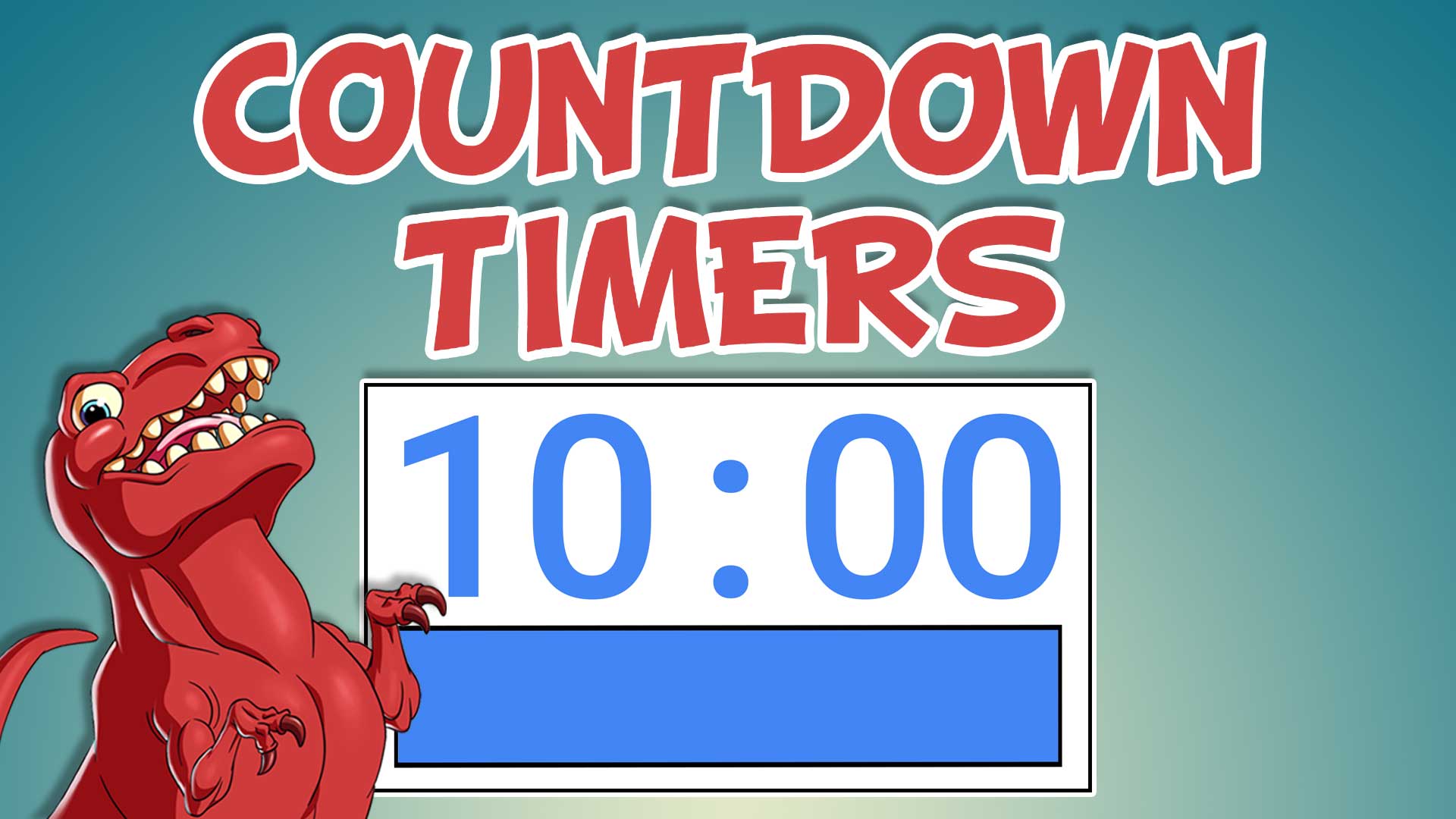
New CountDownTimer 50000 1000 public void onTick long millisUntilFinished Used for formatting digit to be in 2 digits only NumberFormat f new DecimalFormat 00 long hour millisUntilFinished 3600000 24 long min millisUntilFinished 60000 60 long sec millisUntilFinished 1000 60 textView setText f
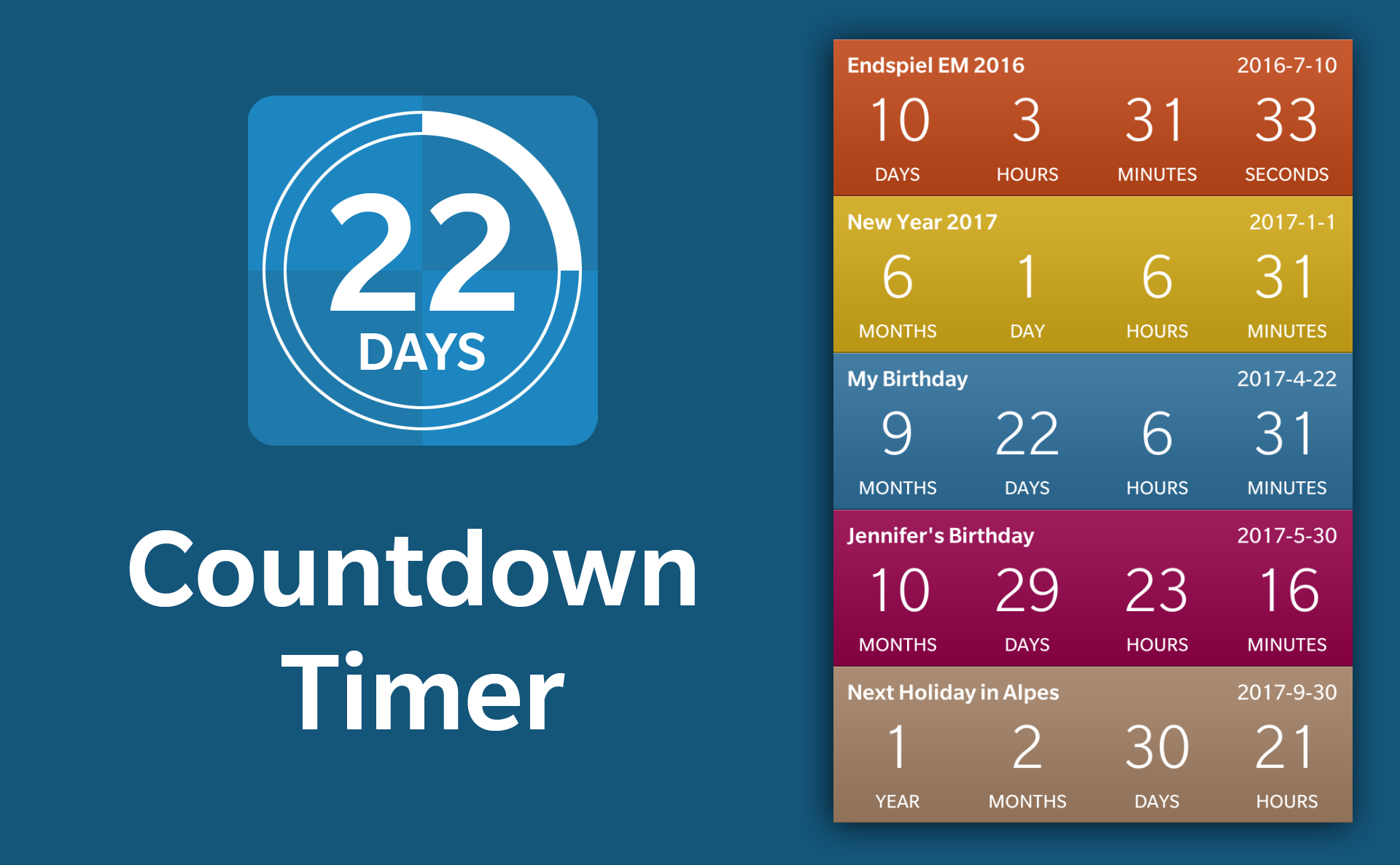
CountDownTimer in Android is used to set a countdown based on interval set by you and it will stop when the time has come in future You can use this Count Down Timer for creating any countdown for event CountDownTimer Basic Code CountDownTimer long millisecInFuture long countDownInterval
In this tutorial we will learn how to build a simple countdown timer which shows the remaining time in minutes and seconds It will have a start pause butt
24 Answers Sorted by 499 ok since this isn t cleared up yet there are 3 simple ways to handle this Below is an example showing all 3 and at the bottom is an example showing just the method I believe is preferable Also remember to clean up your tasks in onPause saving state if necessary Today I will show you how to build a timer that countdowns until an event e g new year s day or the release date of a video game using the Handler to update the TextView every second First add a TextView in your layout like that
1 Start a new project on Android studio Select the empty activity so we would be able to create our own views 2 Configure your Project You can name your app whatever like i would be using