After Effects Color Correction Videoda Renk D zeltme Color Correction Nedir Umutium Color Correction In After Effects With Color Finesse Day 2 YouTube How To Use The Lumetri Color Effect In Adobe After Effects For Color Color Grading Correction Adobe Premiere Vs After Effects And Additional How To Do Color Correction With Adobe After Effects CS6 YouTube AEJuice I Want It All Bundle http bit ly 3d4fJbZ AEJuice Free Plugins http bit ly 2vmDElZ AEJuice YouTube Channel http bit ly 2qNj2kRHey eve
Select the Project Settings button in the Project panel Project Settings Color under the Color Settings section choose a color depth from the Bit Depth dropdown list You can specify a color depth for each render item which overrides the project color depth when rendering for final output Intro Cinematic Color Correction After Effects Tutorial The Easiest Way EZ Tutorials 60 5K subscribers 27K views 5 years ago Easy Effects In After Effects Learn how to make a
How To Do Color Correction With Adobe After Effects CS6 YouTube Adobe After Effects Color Correction Color Grading Best Udemy Guides On How To Use After Effects For Color Correction After Effects Color Correction Tutorial YouTube Color Correction Tutorial In Adobe After Effects Free Preset Download Color Correction In After Effects Color Correction And Balancing An Mastering Colour Grading In After Effects Setting Contrast Levels Color Correction In After Effects Color Correction And Balancing An Adobe After Effects Colour Correction Tutorial YouTube
After Effects Color Correction
 After Effects Color Correction
https://umutium.com/wp-content/uploads/2020/07/color-correction-nedir.jpg
As seen above After Effects offers many options in its Effect Color Correction filters The trick or the best way to work is to keep everything as modular as you can by correcting in passes and by using Adjustment Layers as much as possible
Templates are pre-designed documents or files that can be utilized for numerous functions. They can conserve time and effort by offering a ready-made format and design for creating different sort of content. Templates can be used for individual or expert tasks, such as resumes, invitations, leaflets, newsletters, reports, discussions, and more.
After Effects Color Correction
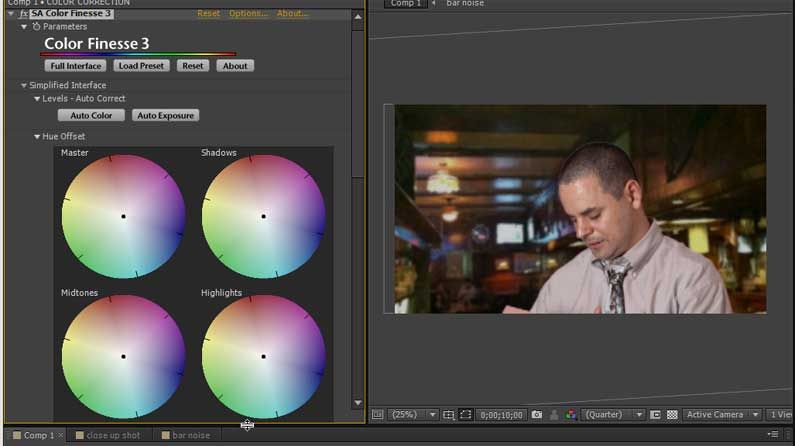
How To Colour Grade In After Effects Creative Bloq

Adobe After Effects Color Correction Color Grading Best Udemy

Guides On How To Use After Effects For Color Correction

After Effects Color Correction Tutorial YouTube
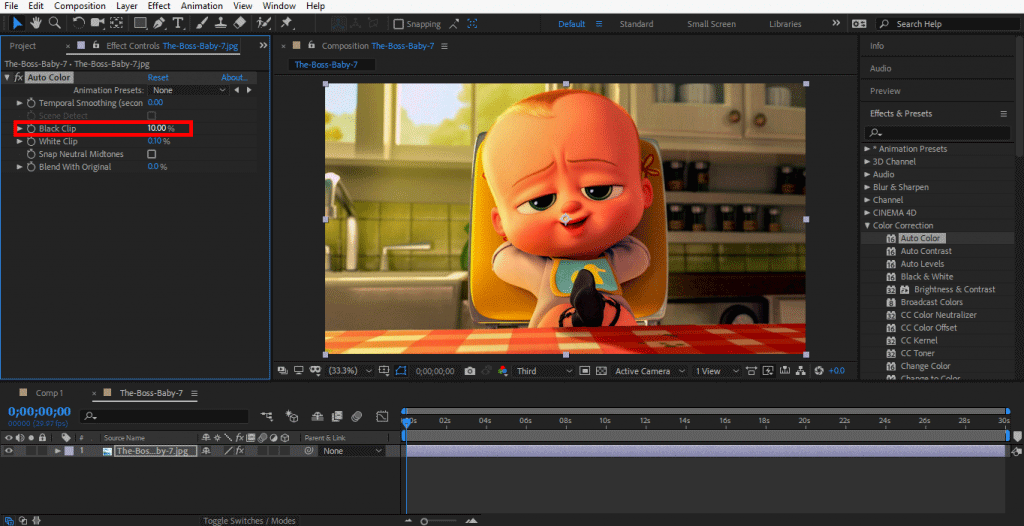
Color Correction In After Effects Color Correction And Balancing An

Mastering Colour Grading In After Effects Setting Contrast Levels

A quick and easy way to colour correct your footage using Adobe After Effects Website https www dmdesigns xyz Follow me on Twitter https twitter DM

In this video we look at how to do basic color correction in After Effects with Lumetri Color We will also look at the color wheels and how to change colors
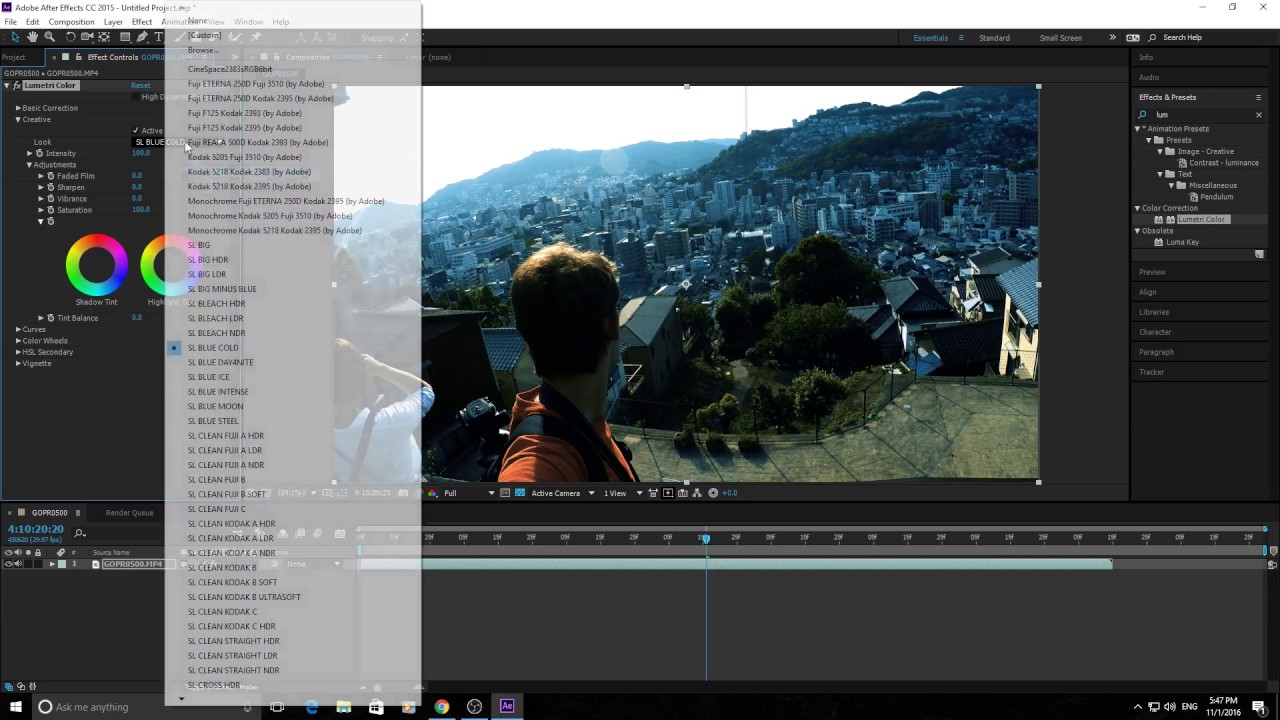
Welcome to our comprehensive guide to color correction in Adobe After Effects In this in depth tutorial we ll walk you through the essential techniques and tools to transform your footage
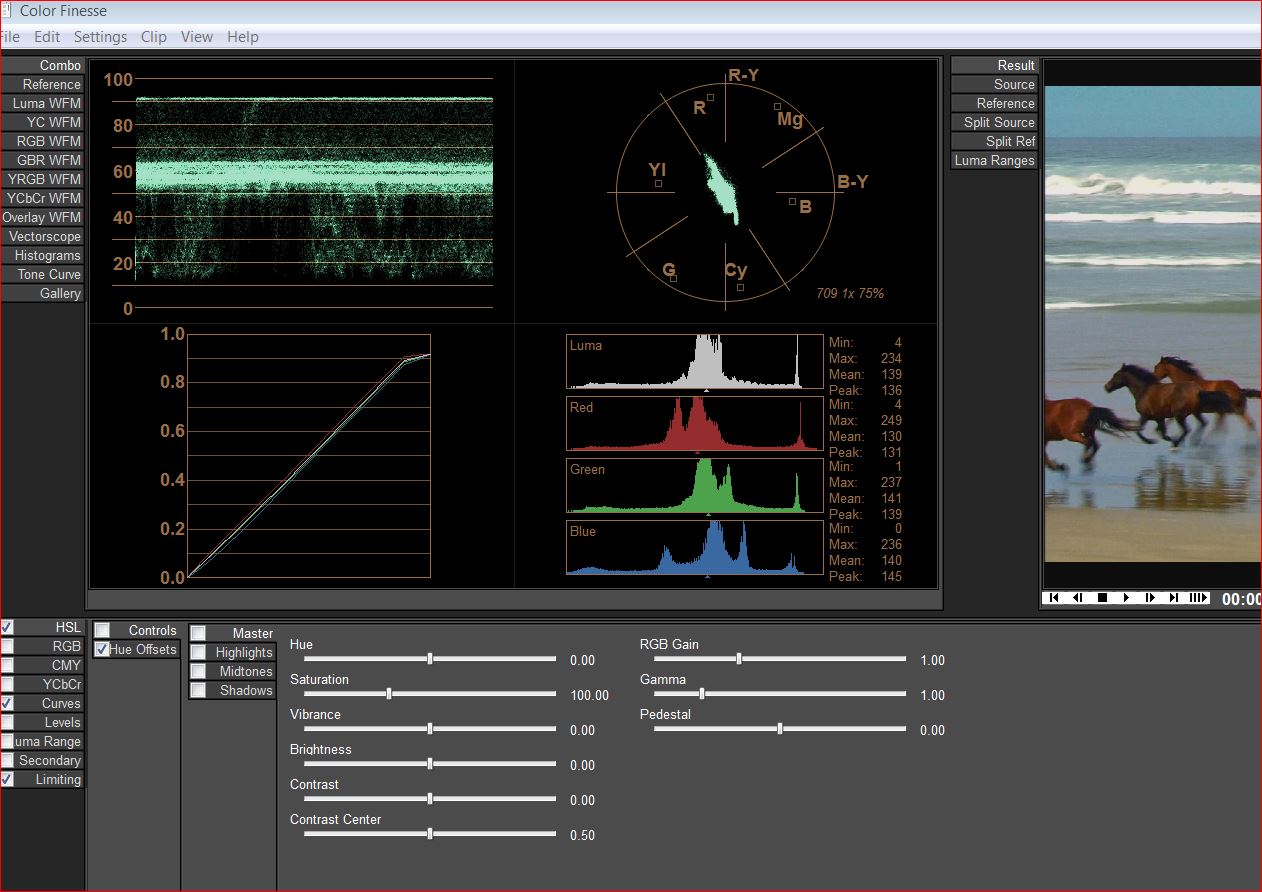
After Effects performs all of its color operations in the working color space You assign a working color space project working space in the Project Settings Color tab See Choose a working color space and enable color management

Color Correction Made Easy In After Effects After Effects Tutorial TechnoMafia Visuals 95 2K subscribers Join Subscribe Share 1 2K views 3 weeks ago After Effects Tutorials This
The After Effects Black White filter gives you more control than the Hue Saturation filter when converting a color image to black white For a stylized look we could put the Black White effect on an adjustment layer and change the opacity of the layer or put it in a blending mode like Soft Light Nature After Effects Color Correction Presets Make the greens grener your skies bluer and your nature images more intense with help from this pack It s easy to customize but there s a video tutorial included if needed Cinematic LUTs Vol 1
1 Cinematic Color Correction Color Grading If you re looking to give your footage a non destructive teal overlay like those found in action movies then this tutorial is a great place to start Learn how to create a cinematic color grade using the Color Finesse plugin built into After Effects 2