Affinity Photo Move Selection Affinity Photo Tutorial MOVE Tool Unleashed All The Options And Photoshop Move Selection Multiple Layers YouTube Affinity Designer 2 Affinity Photo IPA Cracked For IOS Free Download Affinity Photo Download Torrent Europeanwopoi Web select from click to display the Refine Selection dialog to access advanced selection settings reduces the sharpness of selection edges by partially selecting edge pixels when enabled the selection will be drawn from its center This is exclusive to the Elliptical Marquee Tool
Web May 24 2021 nbsp 0183 32 There is a feature in Affinity Photo which allows you to transform and move the selection you have made This is Photoshop s equivalent to transform selection If you re coming from Web Photo editing tools View Tool Move Tool Color Picker Tool Crop Tool Zoom Tool Vector line tools Pen Tool Node Tool Selection tools Selection Brush Tool Flood Select Tool Marquee Selection Tools Fill tools Flood Fill Tool Gradient Tool Paint tools Paint Brush Tool Color Replacement Brush Tool Pixel Tool Paint Mixer Brush
Affinity Photo Download Torrent Europeanwopoi Affinity Photo How To Use The Selection Brush Tool In Affinity Photo Lenscraft The Move Tool Context Toolbar It s Mysteries Explained In Affinity Blue Selection Box Stuck Over Document Windows Affinity On Desktop Tom Odell Achter De Schermen Qmusic Affinity Photo MOVE TOOL Secrets YouTube Affinity Photo Affinity Designer Connect On Affinity Photo Move Transform YouTube
Affinity Photo Move Selection
 Affinity Photo Move Selection
https://i.ytimg.com/vi/9Ck6VnbBP3s/maxresdefault.jpg
Web Jul 17 2015 nbsp 0183 32 227 Location Monterrey MX Posted July 17 2015 Actually in photoshop you create a selection and you can move it with the move tool The move tool in Affinity only moves objects but I would like to move selection also Quote
Pre-crafted templates provide a time-saving option for developing a diverse variety of documents and files. These pre-designed formats and layouts can be made use of for numerous personal and expert jobs, consisting of resumes, invitations, flyers, newsletters, reports, discussions, and more, enhancing the material development process.
Affinity Photo Move Selection
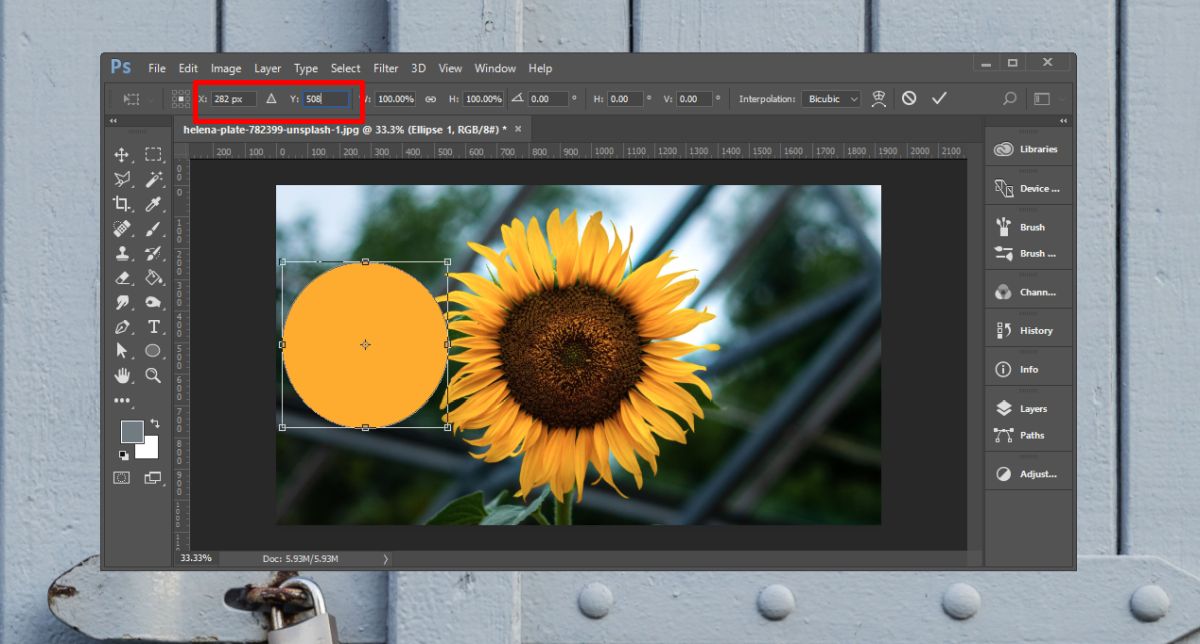
How To Move Objects In Photoshop To A Specific Position

Affinity Photo

How To Use The Selection Brush Tool In Affinity Photo Lenscraft

The Move Tool Context Toolbar It s Mysteries Explained In Affinity

Tom Odell Achter De Schermen Qmusic

Affinity Photo MOVE TOOL Secrets YouTube

Web To move a pixel selection leaving pixel unaffected With a selection in place select a marquee selection tool or the Freehand Selection Tool Drag inside the selection To transform a selection leaving pixel unaffected Do one of the following Press Q On the Toolbar click Toggle Quick Mask From the Select menu select Edit Selection As

Web Feb 2 2023 nbsp 0183 32 Hi I have Affinity Photo 2 and was wondering how to select and move part of an image My google searching failed me and can t find what I m looking for I was trying to use the Marquee Tool like I would in Photoshop then the Move Tool but that just moves the whole layer Image layer around An
Web Jun 24 2021 nbsp 0183 32 This video will show you how to move any part of an image or a photo around using the quot select tool quot and the move tool in Affinity Photo We will look at some tips for repairing the area the

Web Jun 9 2022 nbsp 0183 32 Steps 1 Use selection brush tool on photo 2 Edit tab copy paste 3 Use the move tool to place the photo where you want it to go 4

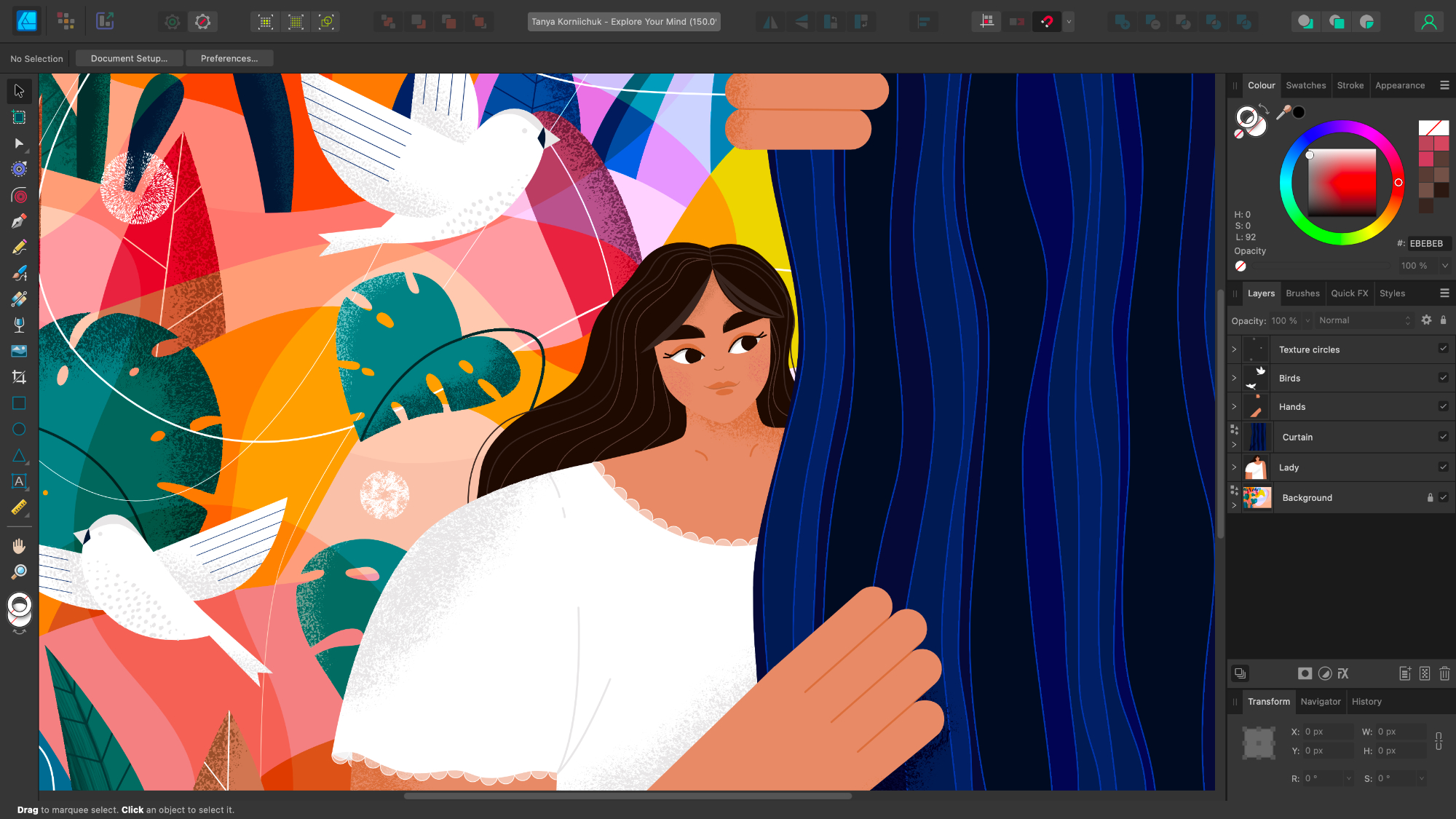
Web Once selected the Move Tool allows you to move rotate and resize the selected content The following settings are available on the context toolbar when provides access to the Preferences dialog for advanced application settings shows when no content is selected
[desc-11] [desc-12]
[desc-13]