Affinity Photo Eps File EPS India s 18 News EPS Files Are Terrible Pre V2 Archive Of Affinity On Desktop Serif Affinity Publisher 1 Overview And Supported File Types Affinity Designer 2 Affinity Photo Download Torrent Europeanwopoi Affinity Photo converts Smart Objects in Photoshop documents to pixel layers by default To convert to embedded documents instead turn on Import PSD smart objects where possible in the app s preferences Smart Objects that are linked meaning their content comes from an external file are not converted to embedded documents
The complete feature list and system requirements for Affinity Photo show you why it s the first choice of thousands of creatives around the world EPS PDF FH and AI files Output SVG for efficient Web graphics Save your file in Affinity Photo or Affinity Designer they are 100 compatible PSD flattened image representation Open Files from Other Apps Open PDFs Adobe Illustrator files containing a PDF stream Edit objects in their native form shapes text images SVG and EPS supported for vector designs Illustrator objects groups and effects maintained where possible Open and edit Adobe FreeHand files versions
Affinity Photo Download Torrent Europeanwopoi Affinity Designer Icon Print Affinity Premium PSD Traveling Social Media Banner And Facebook Cover Template Eps File Isolated Abstract Background Stock Photo By Vectorvalley Serif Affinity Photo Serif Affinity Photo 2 Download 19663 B H Photo Video Problem With Some Ai And Eps Files Affinity On Desktop Questions Affinity Photo 1 10 0 Free Download For Mac Torrent TechShare Serif Affinity Photo 1 8 5 703 Crack With Patch Download
Affinity Photo Eps File
 Affinity Photo Eps File
https://www.indias18.com/wp-content/uploads/2020/02/photo-eps-file-image.jpg
13 8K subscribers 240 views 3 months ago Affinity Photo 2 Tutorials How to place an eps vector file and then use the eps file in Affinity Photo 2 1 such as add styles use
Templates are pre-designed documents or files that can be used for various purposes. They can save effort and time by providing a ready-made format and design for producing various sort of content. Templates can be utilized for personal or professional projects, such as resumes, invitations, flyers, newsletters, reports, presentations, and more.
Affinity Photo Eps File

IMAGENES DIGITALES Mind Map

Affinity Designer Icon Print Affinity

Premium PSD Traveling Social Media Banner And Facebook Cover Template

Eps File Isolated Abstract Background Stock Photo By Vectorvalley

Serif Affinity Photo 2 Download 19663 B H Photo Video

Problem With Some Ai And Eps Files Affinity On Desktop Questions

0 00 2 12 How To Open EPS Files In Affinity Designer For Beginners Graphicxtras 14 6K subscribers 21K views 8 years ago How To Affinity Designer Tutorials Key more more
Firstdefence Members 11 3k Location Notts UK Posted February 13 2022 Can you upload one of the eps files Quote iMac 27 2019 Ventura 13 6 iMac 27 Affinity Designer Photo Publisher V1 V2 Adobe Inkscape Vectorstyler Blender C4D Sketchup more

Affinity Designer is capable of opening many raster and vector file formats directly Designer also imports PDF and Adobe PSD files and exports a range of raster file formats and the PSD file format Affinity template Adobe Illustrator AI Adobe Freehand 10 and MX 2 Adobe PhotoShop PSD J2K JP2 JPEG XR JXR WDP HDP
EASILY make Repeated Patterns in Affinity Designer 9 5K views 1 year ago We review a quick and easy way to eps files and upload them on Shutterstock Freepik and Adobe Stock Subscribe to

Affinity Designer Tutorial Extracting images and using vector eps files PinkStudio 69 subscribers Subscribe Share 491 views 11 months ago FLORIDA We review a quick and easy way to extract
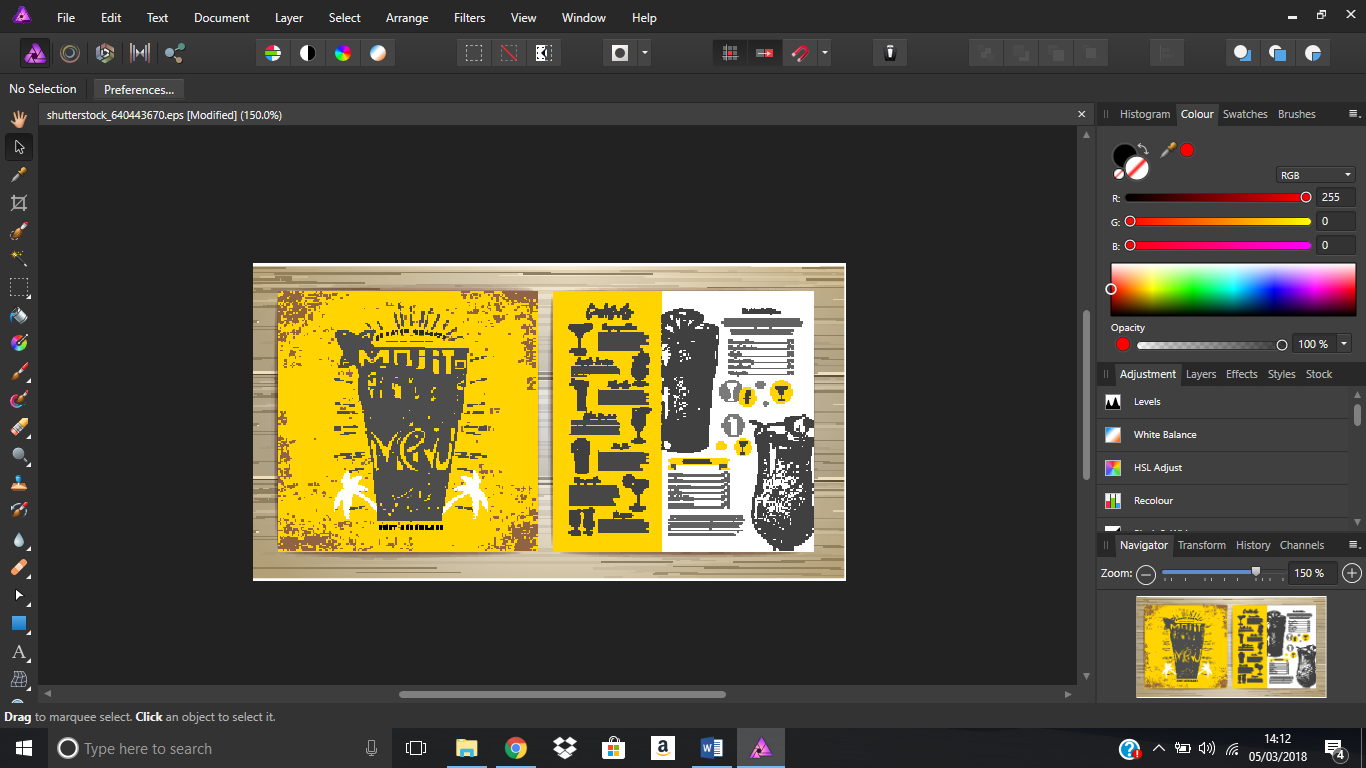
Step 1 Go to https www photopea and open the eps file using photopea Step 2 Once the file is open in in PhotoPea click File Save as PSD and save the file as a psd Step 3 Open the New psd file in Affinity Designer And you re done So depending on the EPS file some import flawlessly and some just have proprietary features implemented which Affinity can t render Illustrator EPS are very often cheating They provide only a small pixelated preview with full native and proprietary AI file format for the real image embedded That s also a problem the other way round
Share 1 3K views 1 year ago Not all eps files with open in Affinity Designer Many eps files will either open as squares or as a flat image even though they are supposed to be a