Affinity Designer Trace Image Ipad How To Trace An Image Using Affinity Designer YouTube Affinity Designer Debuts On IPad As A Full Featured Graphic Design Tool Trace An Image To Vector Manually With Affinity Designer YouTube T l chargement Affinity Designer 1 8 0 T l charger Avec Le Parisien Affinity Photo 2 For IPad Quickstart Guide WEB May 18 2023 nbsp 0183 32 Get started with Affinity Designer 2 for iPad using this short overview of the product its user interface and key features
WEB Jun 22 2022 nbsp 0183 32 In this tutorial I m going to trace a floppy disk Vector tracing is a process of recreating a pixel based image within vector software like Affinity Design WEB Affinity Designer for iPad is a professional graphic design app with everything you need to create incredible designs and illustrations on the go Try for free
Affinity Photo 2 For IPad Quickstart Guide Download Free Brushes For Affinity Designer Photo Your Great Design How To Trace A Character In Affinity Designer YouTube Tutorial Affinity Designer Tracing Images Indonesia YouTube Affinity Photo Remove Object Spaceshooli Affinity Designer For IPad 20 Getting Started Tips And Tricks Video Affinity Designer For IPad Take Your Designs Further Food Logo Design Affinity Designer For IPad First Look Step By Step YouTube Affinity Photo 2 Released Better Non destructive Editing New Masks
Affinity Designer Trace Image Ipad
 Affinity Designer Trace Image Ipad
https://i.ytimg.com/vi/crStMURPj8I/maxresdefault.jpg
WEB Dec 25 2022 nbsp 0183 32 In this guide we explain you how to vectorize an image with Affinity Designer by tracing the image If you like to know how to trace an image in Adobe Illustrator visit our guide here Keep on reading if you want to learn it yourself or check out the Tracing with Affinity Designer Course
Pre-crafted templates offer a time-saving option for producing a diverse range of files and files. These pre-designed formats and designs can be made use of for different individual and professional jobs, including resumes, invites, leaflets, newsletters, reports, presentations, and more, enhancing the material development procedure.
Affinity Designer Trace Image Ipad

Affinity Designer 2 IPad

Download Free Brushes For Affinity Designer Photo Your Great Design

How To Trace A Character In Affinity Designer YouTube

Tutorial Affinity Designer Tracing Images Indonesia YouTube

Affinity Designer For IPad 20 Getting Started Tips And Tricks Video

Affinity Designer For IPad Take Your Designs Further Food Logo Design

WEB Nov 18 2022 nbsp 0183 32 Looks like a reuse of the Potrace algorithm which has been translated from C into for a bunch of other prog languages routines too GitHub is full of such ports Here s how a default Potrace will trace that also in B W via the DragPotrace GUI for Potrace And here s what Vtracer makes out of it
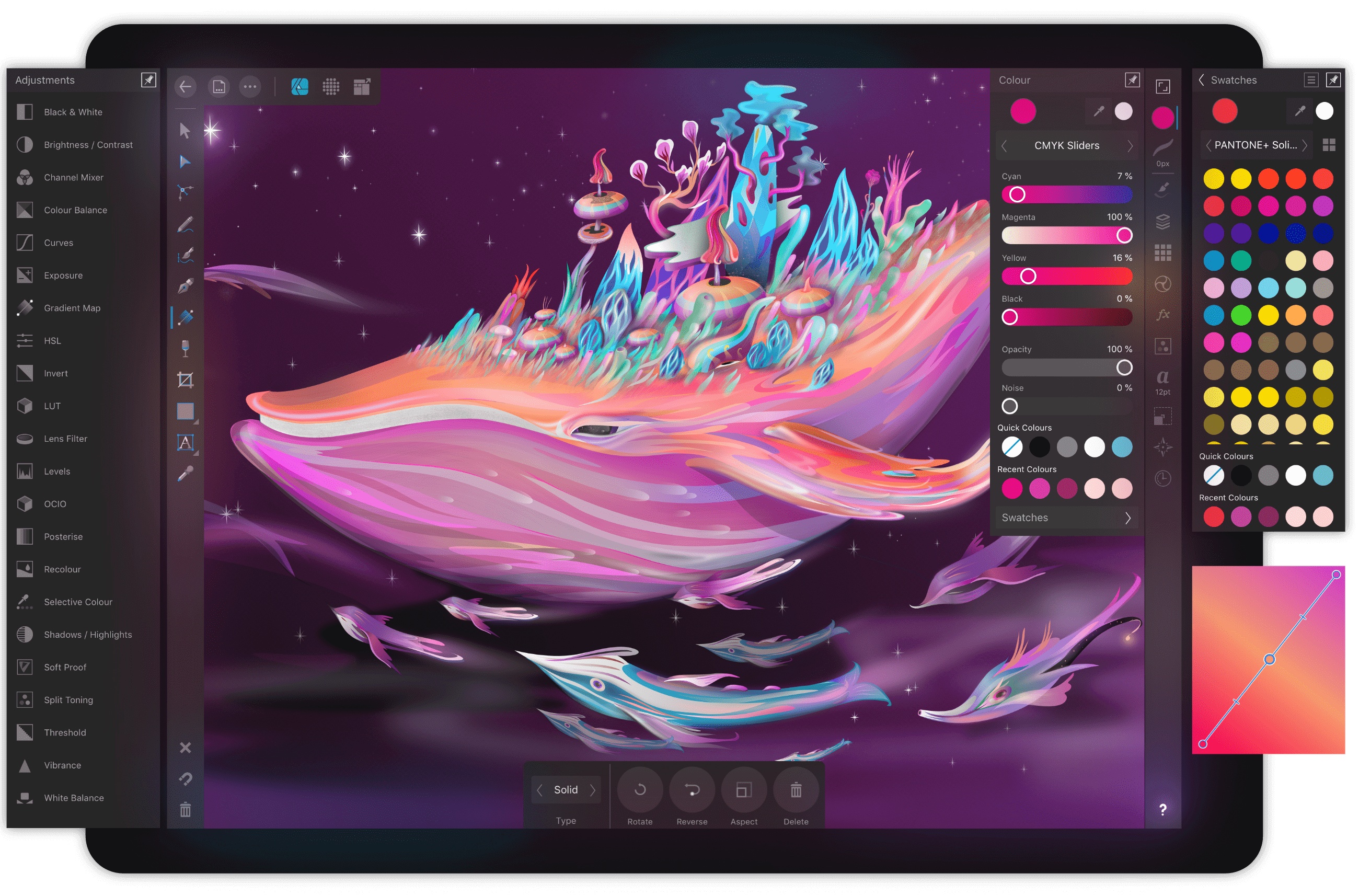
WEB Mar 8 2021 nbsp 0183 32 The only real way to go about vector image tracing with Affinity Designer is to do so manually using the Pen Tool This can be done by simply drawing individual elements right on top of your image and then coloring them in using the Color Picker tool

WEB Jun 8 2023 nbsp 0183 32 On both Designer V1 and V2 you can manually trace over a a pixel image using the vector tools available within the app E G Pen Tool Vector Brush tool pencil tool Designer V1 V2 doesn t currently have an auto trace function currently as

WEB Tracing And Building Logos In Affinity Designer For iPad In Easy To Follow Steps Creating your own logo is really easy if you start with a known design and

WEB The Auto Trace feature is still missing in Affinity Designer V2 but we can trace raster images manually follow this tutorial to learn how affinitydesigner AutoTrace
WEB Jul 12 2018 nbsp 0183 32 The companion app to Affinity Photo Designer is a vector illustration app that can operate as an outright Adobe Illustrator replacement for many graphic artists In this initial hands on WEB Nov 29 2023 nbsp 0183 32 I ll trace an image on Affinity Designer v1 Ipad with Smart Selection Brush Tool Then transfer that into Affinity Designer v1 Ipad Question 1 Now I want to convert It vector then remove the fill So It looks like a regular traced vector
WEB How on the iPad to create an auto trace vector of an image and then use the vector image with Affinity Designer