Affinity Designer Scale Line Thickness Affinity Designer Tutorial Rotate Multiple Nodes Transform Scale Star Tattoo Design For Neck Design Talk The Owl House Pilot Designs Design Talk Artwork Specifications Supacolor Price Comparison Icon 311651 Free Icons Library About Dash Line Style For dashed line styles a number grid appears at the bottom of the panel which sets the Dash pattern using two number pairs The first two values set the size of the initial dash and subsequent space
Drawing a line creates an open path with a skeletal structure that can be adjusted The boundaries of a line on the other hand cannot be edited Expanding the stroke converts the line s boundaries into paths forming a closed shape so you can edit them individually in the same way as a regular shape The expand stroke feature has a range of uses Subscribed 11K views 3 years ago Affinity Designer Tutorials In this Affinity Designer quick tip video you will find out how to resize stroke proportionately using scale with object
Price Comparison Icon 311651 Free Icons Library Affinity Designer Mac Download Review 15 Most Helpful Affinity Designer Tutorials Reviews In 2020 Affinity Designer DMG Cracked For Mac Free Download Cad Practice Drawings 1 In This Tutorial We Make Cad Practice Drawings Change Line Thickness And Lineweight In AutoCAD Thickness And Engineering Drawing SCALES Grids In Affinity Designer Tutorial YouTube Grid Python Meshgrid Size And Line Thickness Stack Overflow
Affinity Designer Scale Line Thickness
 Affinity Designer Scale Line Thickness
https://i.ytimg.com/vi/870Ed9mv5dw/maxresdefault.jpg
Active select the curve and click on the context toolbar active drag the end node and drop on top of start node when the pointer changes right click the end node and select active right click the node at the point at which you want the curve to break and select active select a curve and one of its nodes then click
Pre-crafted templates provide a time-saving option for developing a diverse series of files and files. These pre-designed formats and designs can be utilized for numerous individual and expert jobs, consisting of resumes, invitations, flyers, newsletters, reports, discussions, and more, improving the content development procedure.
Affinity Designer Scale Line Thickness

Affinity Designer Achat En Ligne Prix Essai Gratuit Evaluations Et Avis
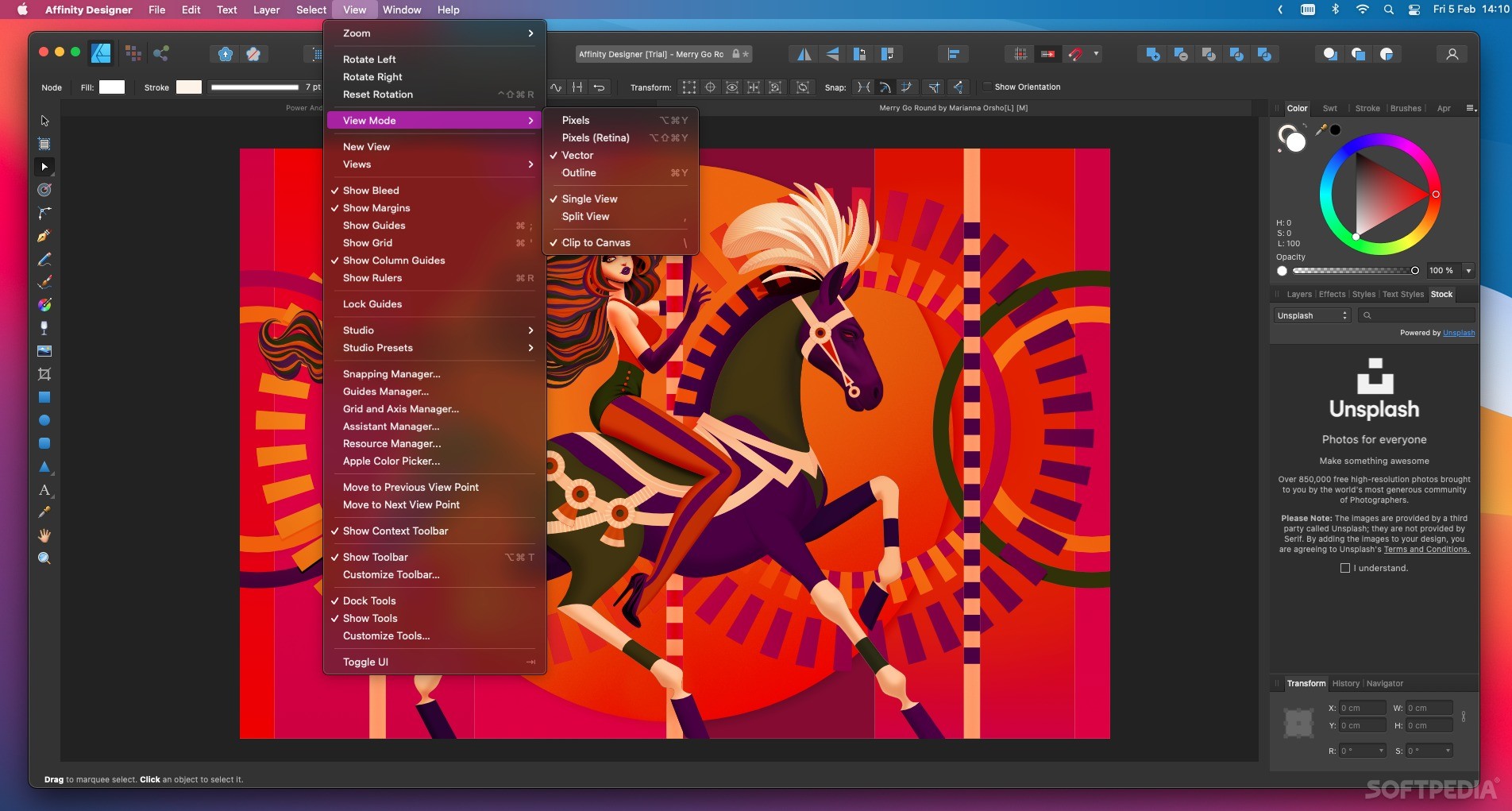
Affinity Designer Mac Download Review

15 Most Helpful Affinity Designer Tutorials Reviews In 2020

Affinity Designer DMG Cracked For Mac Free Download

Change Line Thickness And Lineweight In AutoCAD Thickness And

Engineering Drawing SCALES
The Stroke panel showing properties applied to an object The following controls are found on the panel Select a line style button to change how the line is drawn Choose from None Solid Line Style Dash Line Style and Texture Line Style respectively The last option applies the currently selected brush in the Brushes panel to the stroke

5 comments Best Add a Comment msandovalabq 2 yr ago Not sure if this is what you re referring to but there s a box in the Stroke panel labeled scale with object If that s checked the line width will increase proportionately with the object Turn it off to preserve original line width slimecounty 2 yr ago

44 subscribers 4 7K views 5 years ago In this video you ll learn how to change the width of a stroke You can vary the size of a stroke throughout not just thick to thin We ll use the Stroke

Affinity Designer lets you set a drawing scale on any new document or open unscaled document the drawing scale of imported CAD based DWG DXF documents is also honored This means page dimensions object readouts on creation resizing moving measurements guides grids and rulers will all display real world scaled values by default

You can create variable strokes on your lines in Affinity Designer or apply variable thickness by using these pressure profiles in Affinity Designer In thi
When resizing Vectors the Strokes at times may not resize proportionately This is how to resolve it In this video I show you how you can give your line strokes inside Affinity Design a custom variable width like the width tool in Adobe Illustrator Subscribe
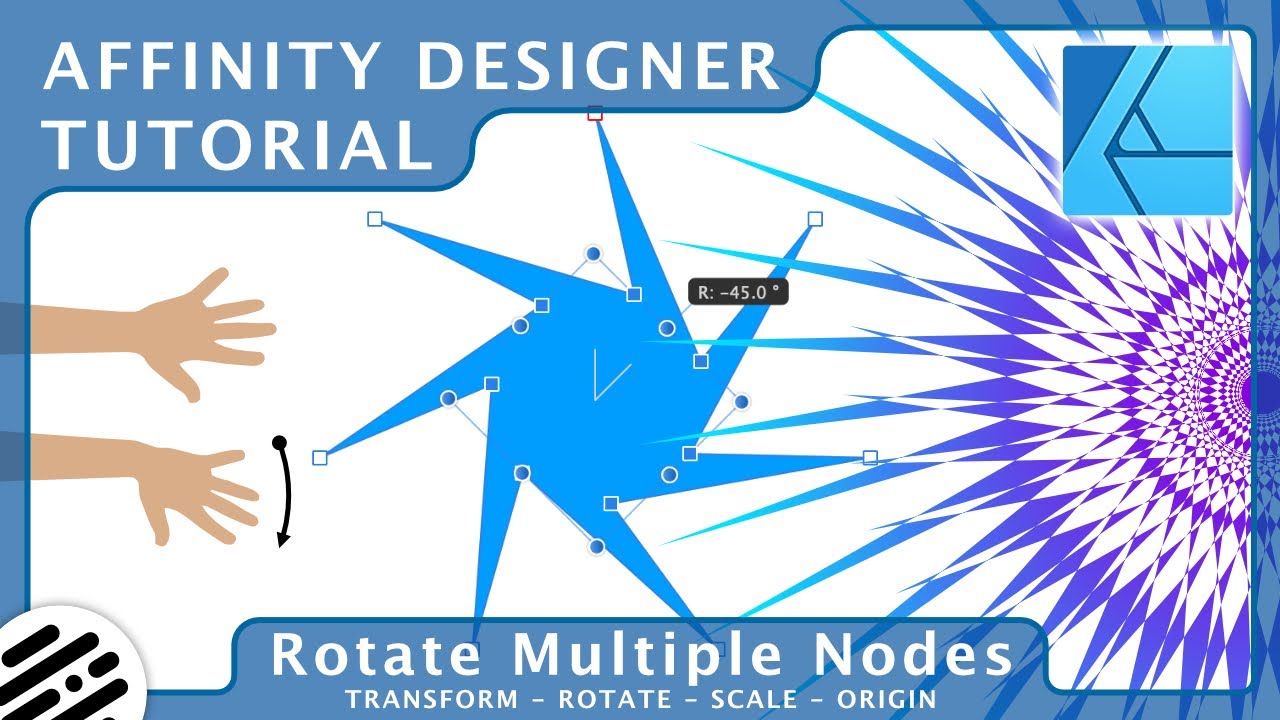
Transforming is a general term to describe the repositioning sizing scaling rotation shearing or flipping of objects Several choices are available by eye Using the or by dragging control rotation handles Move data entry For accurate repositioning rotating scaling and duplicating of objects and artboards by dialog