Affinity Designer Merge Shapes Merging a few shapes into a single shape/object (not grouping)? - Affinity on Desktop Questions (macOS and Windows) - Affinity | Forum How to join shapes - Affinity on Desktop Questions (macOS and Windows) - Affinity | Forum How to join this shapes into one? - Affinity on Desktop Questions (macOS and Windows) - Affinity | Forum How To Combine Shapes In Affinity Designer For Beginners - YouTube Affinity Designer - Combine two shapes on iPad version - YouTube To join curves in Affinity Designer select the objects you want to combine and grab the Node Tool With the Node Tool enabled click the button in the tool
Mar 17 2020 Please Like Comment SubscribeThis video shows you how to join lines to create shapes in Affinity Designer Affinity Designer is a To merge pixel layers in Affinity Designer select the layers you d like to merge group them together then rasterize the group by right clicking it and
Affinity Designer - Combine two shapes on iPad version - YouTube How To Combine Shapes In Affinity Designer For Beginners - YouTube Why Merging Layers In Affinity Designer Is So Complicated - Logos By Nick Affinity Designer MERGE/ CUT OUT SHAPES [Tutorial] - YouTube Why Merging Layers In Affinity Designer Is So Complicated - Logos By Nick vector - Merging (adding) two curve shapes together creates lines between them - Graphic Design Stack Exchange How to merge layers? [Solved] - Affinity on iPad Questions - Affinity | Forum How to boolean add or subtract shapes in Affinity Designer - Graphic Design Stack Exchange How to merge layers? [Solved] - Affinity on iPad Questions - Affinity | Forum
Affinity Designer Merge Shapes
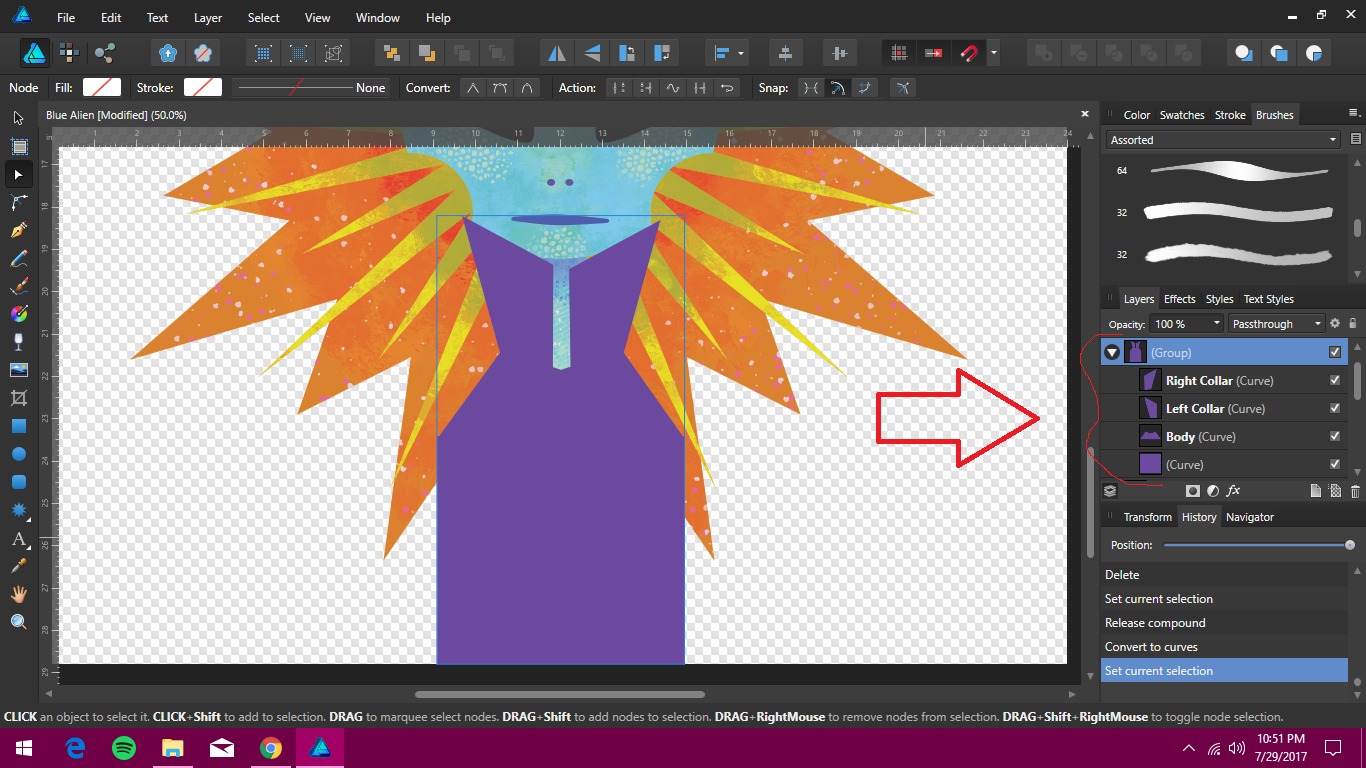 Affinity Designer Merge Shapes
https://forum.affinity.serif.com/uploads/monthly_2017_07/597d5a9041032_makesingleshape.png.d8a3fcb4565dfcd722af9d82939f1aac.png
I just refreshed my memory on what Merge does precisely in Illustrator on my office computer It removes whatever is overlapped hidden under
Templates are pre-designed files or files that can be used for various purposes. They can save effort and time by supplying a ready-made format and layout for developing different type of material. Templates can be used for personal or expert jobs, such as resumes, invitations, flyers, newsletters, reports, presentations, and more.
Affinity Designer Merge Shapes

Erasing vector objects to custom shapes. - Affinity on iPad Questions - Affinity | Forum

How To Combine Shapes In Affinity Designer For Beginners - YouTube
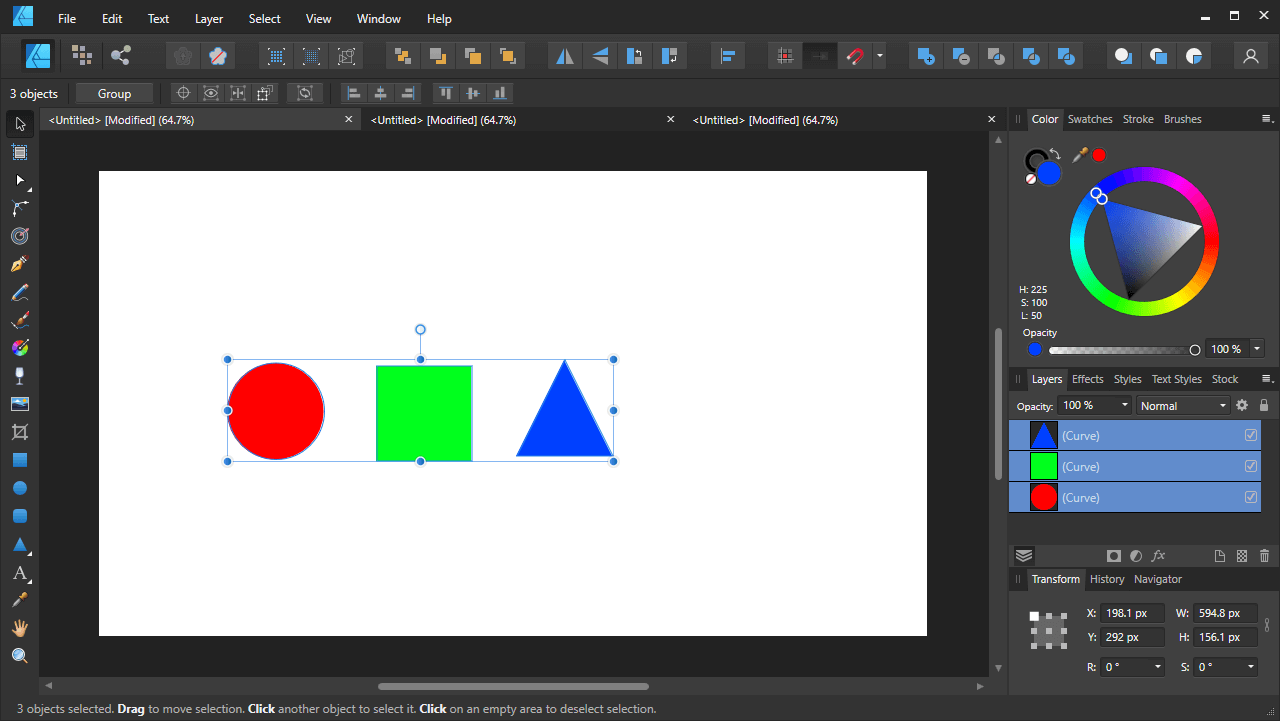
Why Merging Layers In Affinity Designer Is So Complicated - Logos By Nick

Affinity Designer MERGE/ CUT OUT SHAPES [Tutorial] - YouTube

vector - Merging (adding) two curve shapes together creates lines between them - Graphic Design Stack Exchange
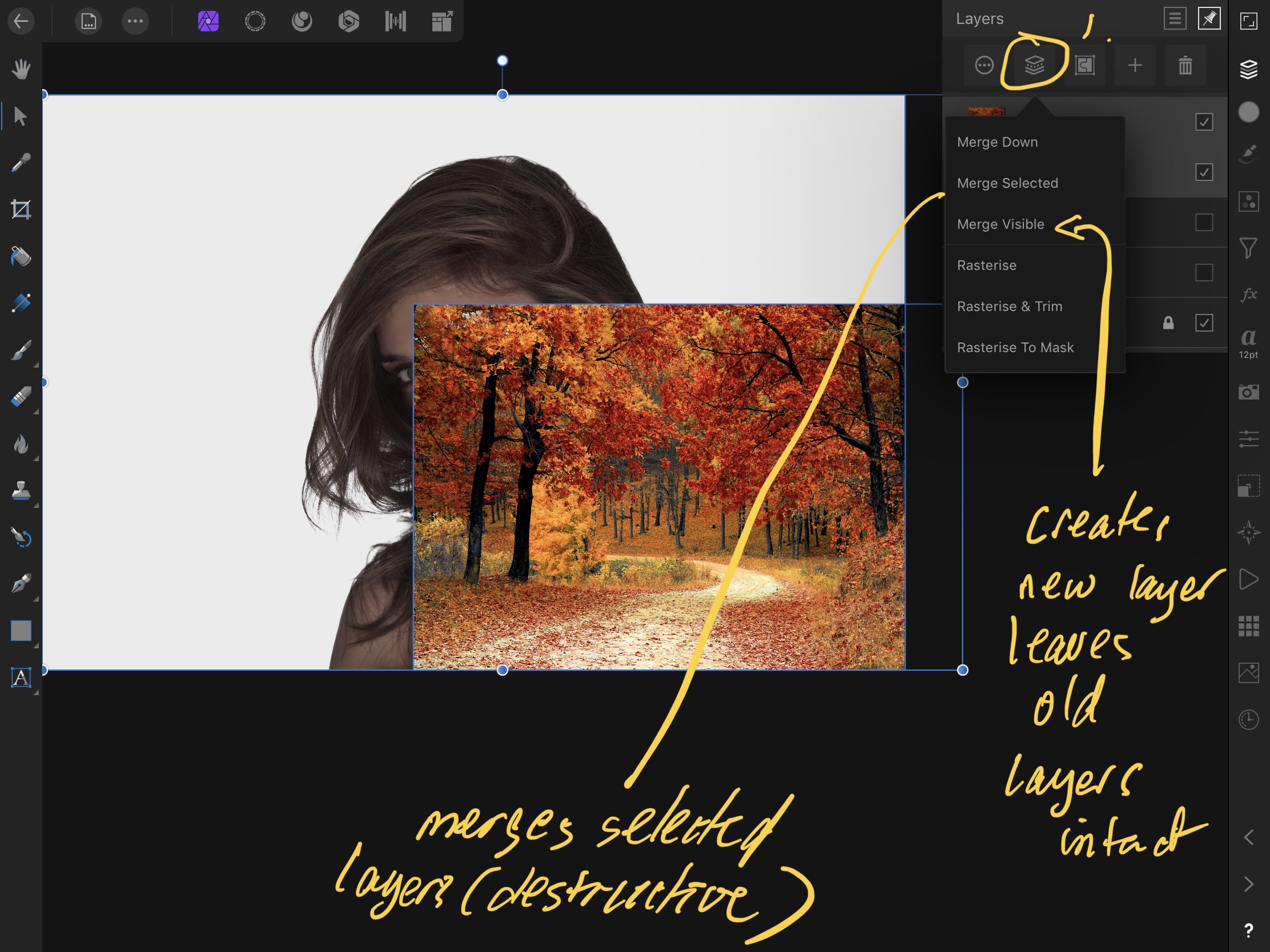
How to merge layers? [Solved] - Affinity on iPad Questions - Affinity | Forum
If I understand what you want to do correctly just select all four shapes use Layer menu Geometry Add or the Add button on the
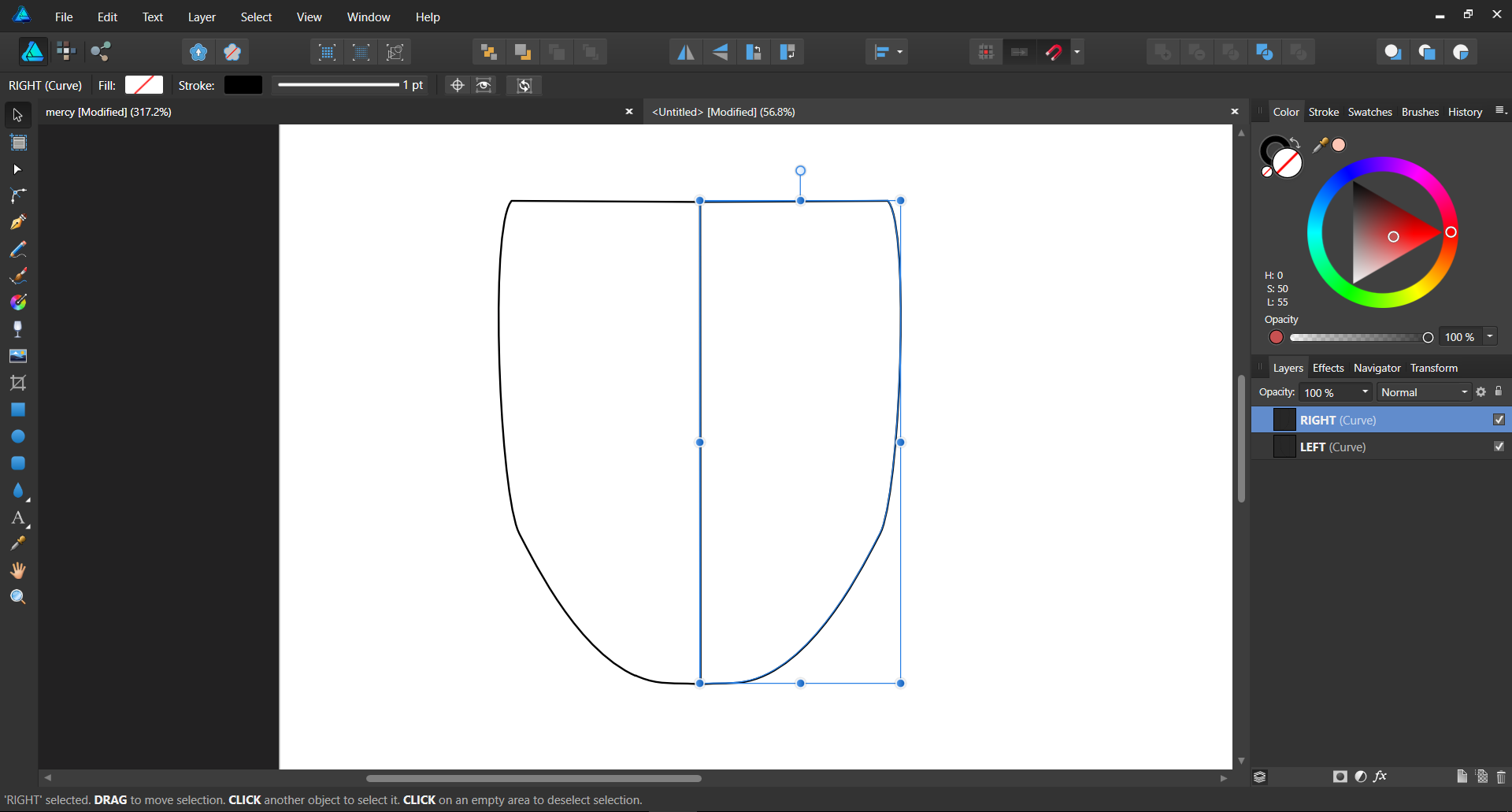
In Affinity position your two shapes with one of top of the other and click the Divide button see image to right You will then be able to separately select
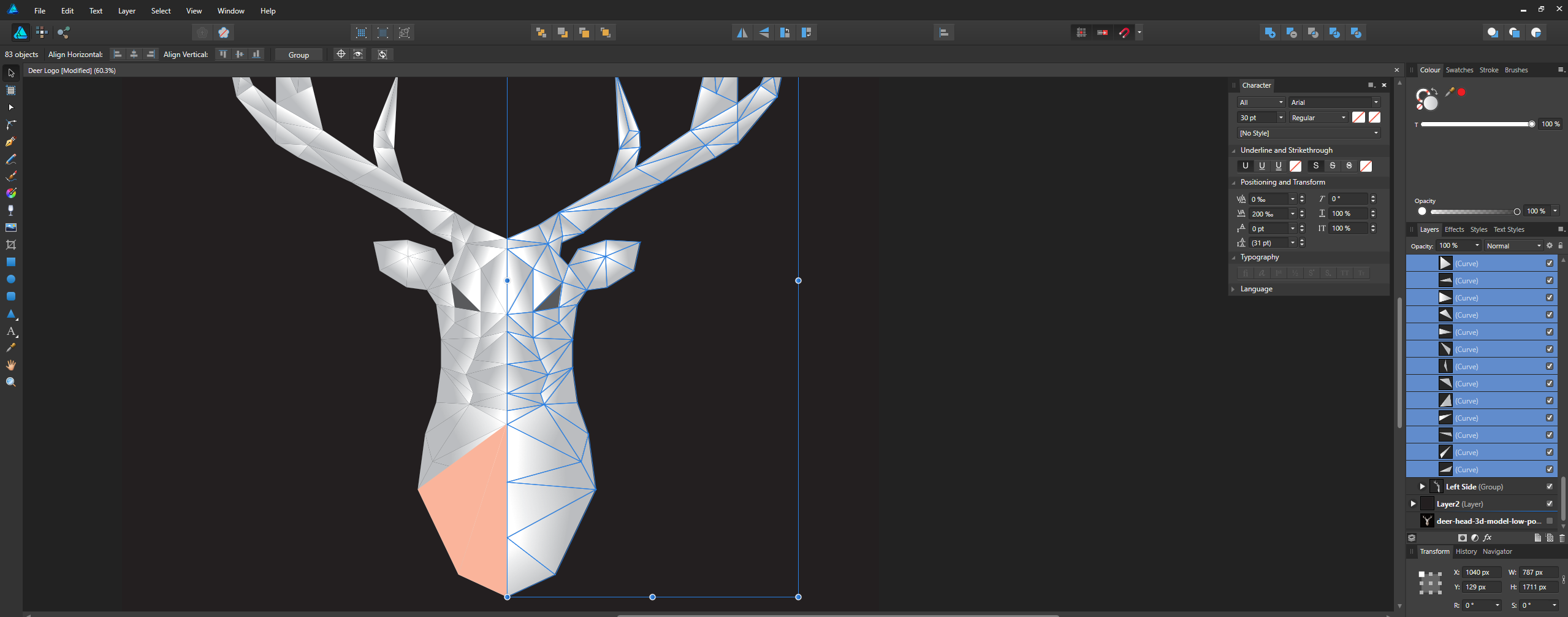
Select multiple objects Do one of the following On the Toolbar select Add Subtract Intersect Xor or Divide From the Layer menu s Geometry sub menu

Select multiple shape layers Press the and click then from the Geometry sub menu select an operations command Press the right mouse button then from the

Select both lines using the Move Tool Using the Node Tool select both end nodes you want to join hold down Shift to select them both
Select both lines using the Move Tool Using the Node Tool select both end nodes you want to join hold down Shift to select them both Choose Join Curves Combining different images into one in Affinity Photo can be fun In this tutorial you will learn
Jules has some posts in the Tips and Tricks section that walk you through the process for Affinity Designer Adobe Illustrator