Affinity Designer Ipad System Requirements Affinity Designer 2 Ipad Affinity Designer IPad Ist Da Affinity Tutorials GamesK Empire Takeover Video Game Affinity Designer 2 How To Draw With Affinity Photo For IPad TheFastCode Updated April 21 2023 Credit Serif The Bottom Line If you re searching for a professional grade vector graphics editor that s gentle on your purse strings Affinity Designer 2 is an
49 99 Download Now What features does Affinity Designer have on the iPad Smooth vector tools Affinity Designer for iPad offers vector tools that allow you to create with and I quote pinpoint precision Our Verdict Powerful full spec drawing app with all the core tools for creating on the go at a very reasonable price For Seamless switching between drawing modes Extensive import export options Excellent functionality Against No gesture customisation options
How To Draw With Affinity Photo For IPad TheFastCode Best IPad For ArcSite Buying Options And System Requirements Pro Illustrator App Affinity Designer Comes To IPad With Apple Pencil Affinity Designer Debuts On IPad As A Full Featured Graphic Design Tool Serif Ai Mac Win Affinity Designer iPad Affinity Affinity Designer For IPad Take Your Designs Further Food Logo Design QuickStart Anleitung Zu Affinity Photo 2 For IPad Affinity Designer Ab Jetzt Auch F r Das IPad Erh ltlich MEER DER IDEEN IPad Surface Design In Affinity Designer Vectors Textures Artboards
Affinity Designer Ipad System Requirements
 Affinity Designer Ipad System Requirements
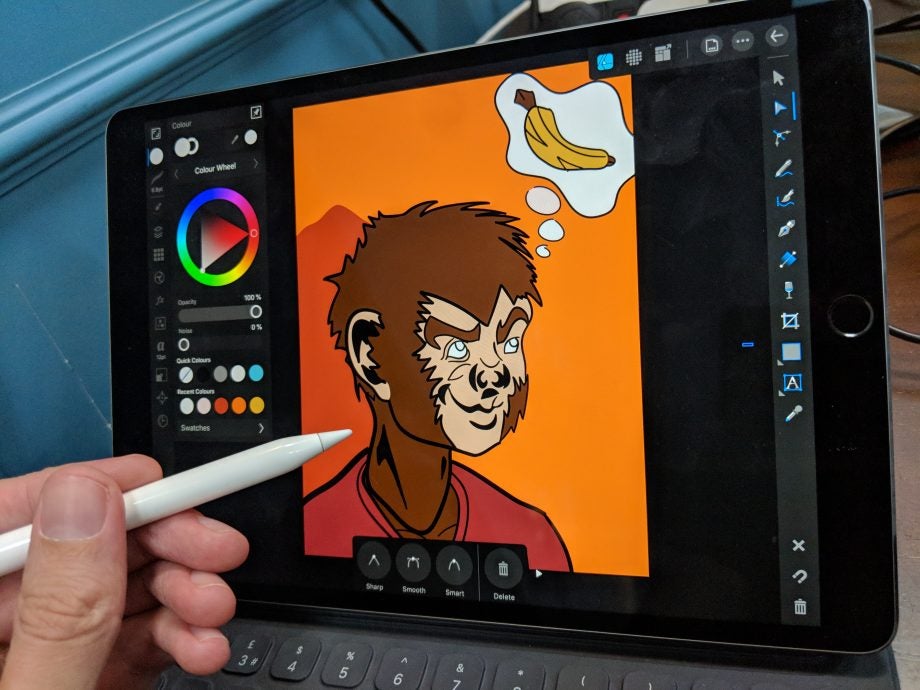
https://www.trustedreviews.com/wp-content/uploads/sites/54/2018/08/MVIMG_20180801_125110-1-920x690.jpg
What are the system requirements to run V2 of all three Affinity apps on an iMac and iPad I ve searched through the Affinity Serif website and have not found any mention of system requirements
Pre-crafted templates provide a time-saving option for producing a diverse series of documents and files. These pre-designed formats and designs can be used for various individual and professional jobs, consisting of resumes, invitations, leaflets, newsletters, reports, presentations, and more, simplifying the content production procedure.
Affinity Designer Ipad System Requirements

Affinity Designer Jetzt Auch F rs IPad Mit Pencil Support Mac Life

Best IPad For ArcSite Buying Options And System Requirements
Pro Illustrator App Affinity Designer Comes To IPad With Apple Pencil

Affinity Designer Debuts On IPad As A Full Featured Graphic Design Tool

Affinity Designer For IPad Take Your Designs Further Food Logo Design

QuickStart Anleitung Zu Affinity Photo 2 For IPad

You can find out the recommended system specifications for our V2 apps on macOS Windows and iPadOS on our website using the links below Affinity Designer https affinity serif designer full feature list Affinity Photo https affinity serif photo full feature list Affinity Publishe
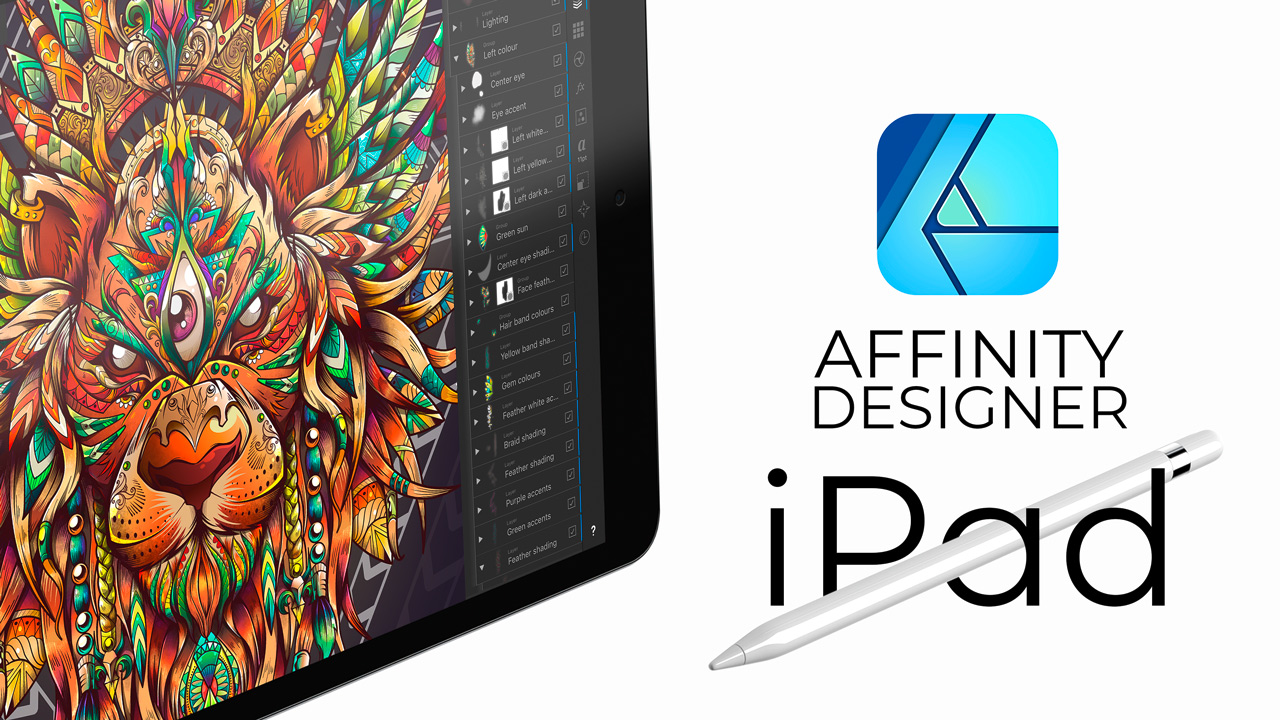
System requirements The system requirements are as follows Minimum Mac with Apple M1 chip or Intel processor OS X Mavericks 10 9 or later Supported up to macOS Big Sur 11 0 2 GB RAM 2 8 GB of available hard disk space 1280 x 768 display or better

9 November 2022 Affinity Version 2 sets new standards in creative software Brand new products launched today Affinity V2 Universal License ownership tier announced and Affinity Publisher comes to iPad Serif has today unveiled the long awaited Version 2 of its award winning Affinity creative suite
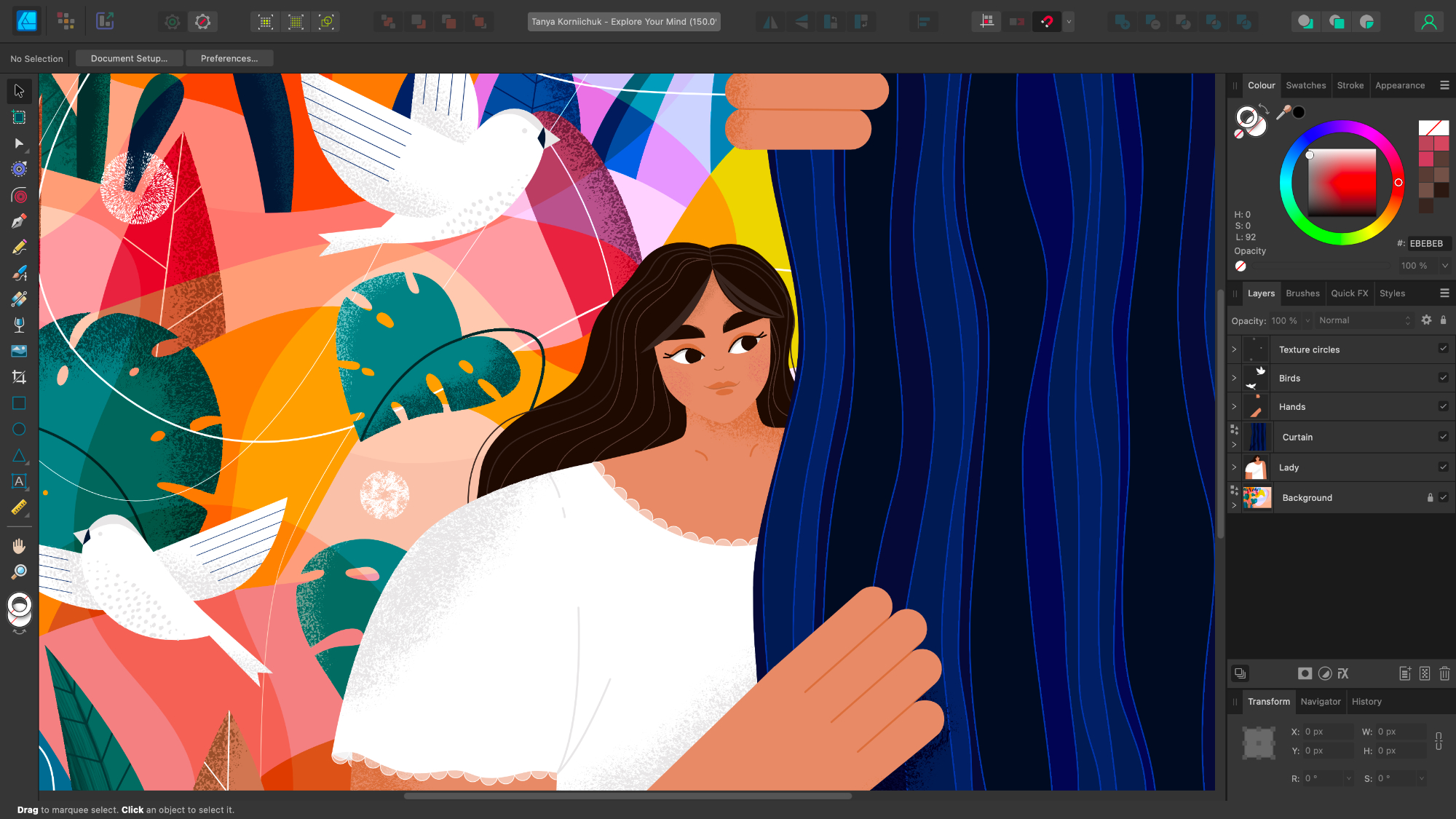
Comprehensive blend mode set Multiple apps rolled into one Combine vector and raster design seamlessly avoiding time consuming flipping between separate vector and pixel apps Non destructive operations Adobe illustrator import export with high fidelity Interworking with other Affinity products
What is Affinity Designer Affinity Designer for iPad offers the user a new and fresh high end graphic design experience on your iPad device All the power and precision of the macOS and Windows versions of Affinity Designer are at hand in this iPad version System requirements Please see this link for up to date system requirements SEE ALSO
Get started on Windows or Mac now for a one off payment of 69 99 or on iPad for 18 49 For the best value purchase as part of the Affinity V2 Universal License and get our entire creative suite on all platforms for just 164 99 No monthly costs whatever you decide Buy now Depending on your iPad version most programs cap your file size limit at around 8000 x 8000 pixels and in Procreate that only allows you to use 4 layers This means that if you want to create large work for print on demand companies or client work you are stuck with a desktop program
Design aids Using undo redo and history Clip to Canvas Rotate document view Grids Isometric and axonometric grids Ruler and column guides Margins Rulers Measuring guides Dynamic guides Snapping Curve snapping Construction snapping for curves Force Pixel Alignment Constraints Using snapshots Assistant Manager Layer effects FX