Affinity Designer Ipad Perspective Tool Affinity Designer 2 Affinity Publisher 2 For IPad Quickstart Guide PUBG Ipad Perspective File New Perspective Tool Adobe Illustrator Affinity Designer iPad Duke s With an image open from the Layer menu choose Live Projection Perspective Projection An initial perspective plane will be added covering the image Drag the four corner nodes to align the plane to a particular area within the image e g vanishing point Select any tool adjustment or filter to automatically project the plane to a flat 2D
Welcome to Affinity Designer 2 for iPad Affinity s Home screen Upon opening Affinity Designer you re greeted with its Home screen Use the icons on the left to create open or manage documents Tap New and then New Document to create a blank document Just as feature packed as the desktop version Affinity Designer for iPad is a professional graphic design app with everything you need to create stunning illustrations branding icons UI UX designs print projects typography concept art and much more all completely free from the confines of your desk No subscription
Adobe Illustrator Affinity Designer iPad Duke s Affinity Designer IPad Ist Da Affinity Tutorials Affinity Designer IPad Node Tool Understanding How It Works YouTube Affinity Designer Transform Perspective Design Talk How To Make A Perspective Grid In Affinity Designer IPad UI Affinity Designer For IPad Rriver Affinity Designer IPad Contour Tool Affinity Designer Infographic Node Tool Affinity On IPad Questions Affinity Forum Affinity Designer For Desktop Tutorials
Affinity Designer Ipad Perspective Tool
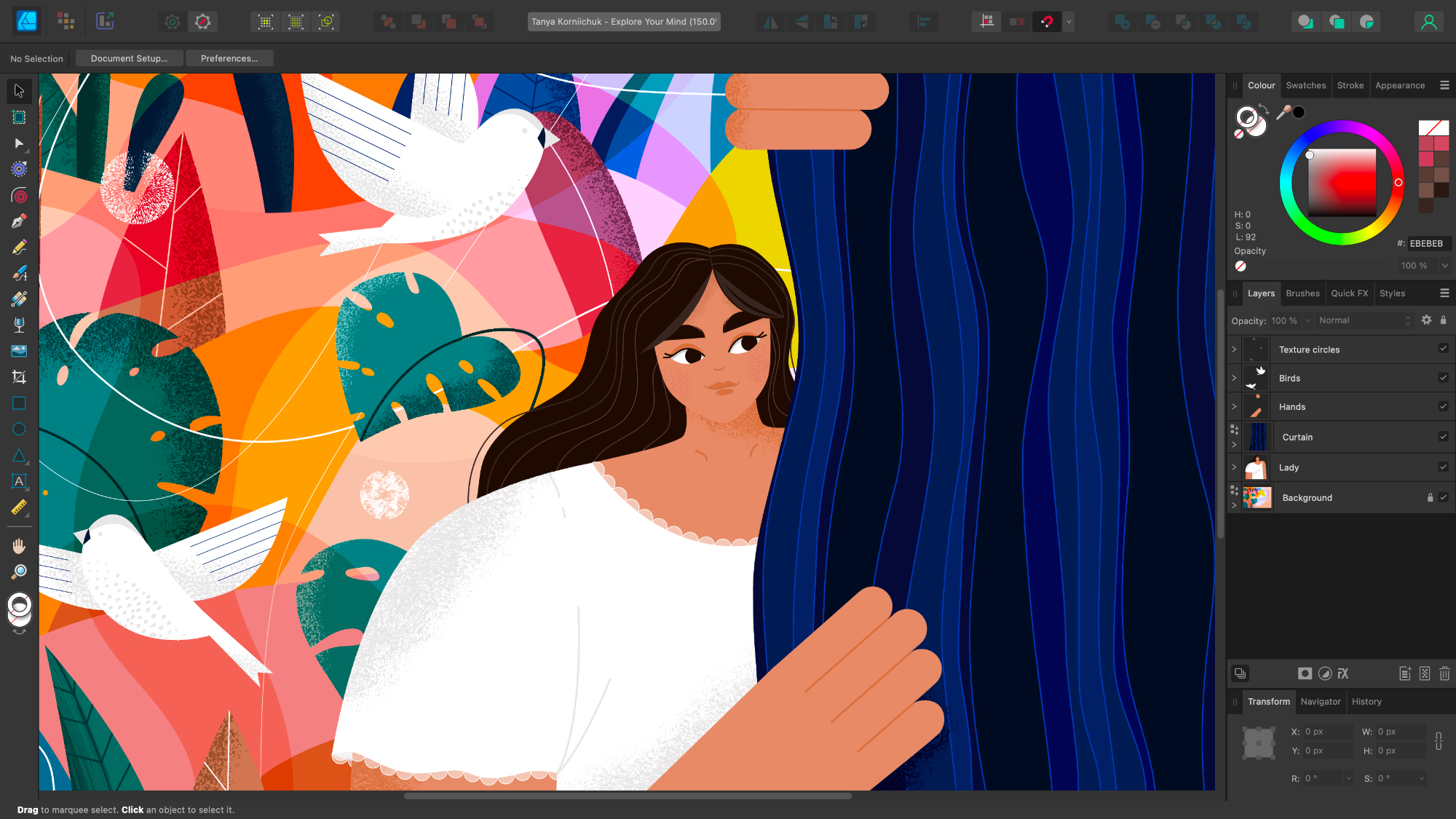 Affinity Designer Ipad Perspective Tool
https://affinity.help/designer2/shared/sample.jpg
Step 1 Create a line going across your canvas The first step in our quest to make a perspective grid in Affinity Designer is to use the Pen Tool keyboard shortcut P to draw a single straight horizontal line going across your canvas Draw a single line across the canvas This line will be duplicated and turned into a perspective grid
Templates are pre-designed files or files that can be utilized for different functions. They can conserve time and effort by providing a ready-made format and design for developing various type of content. Templates can be used for personal or expert tasks, such as resumes, invitations, flyers, newsletters, reports, discussions, and more.
Affinity Designer Ipad Perspective Tool

Affinity Designer Debuts On IPad As A Full Featured Graphic Design Tool

Affinity Designer IPad Ist Da Affinity Tutorials

Affinity Designer IPad Node Tool Understanding How It Works YouTube
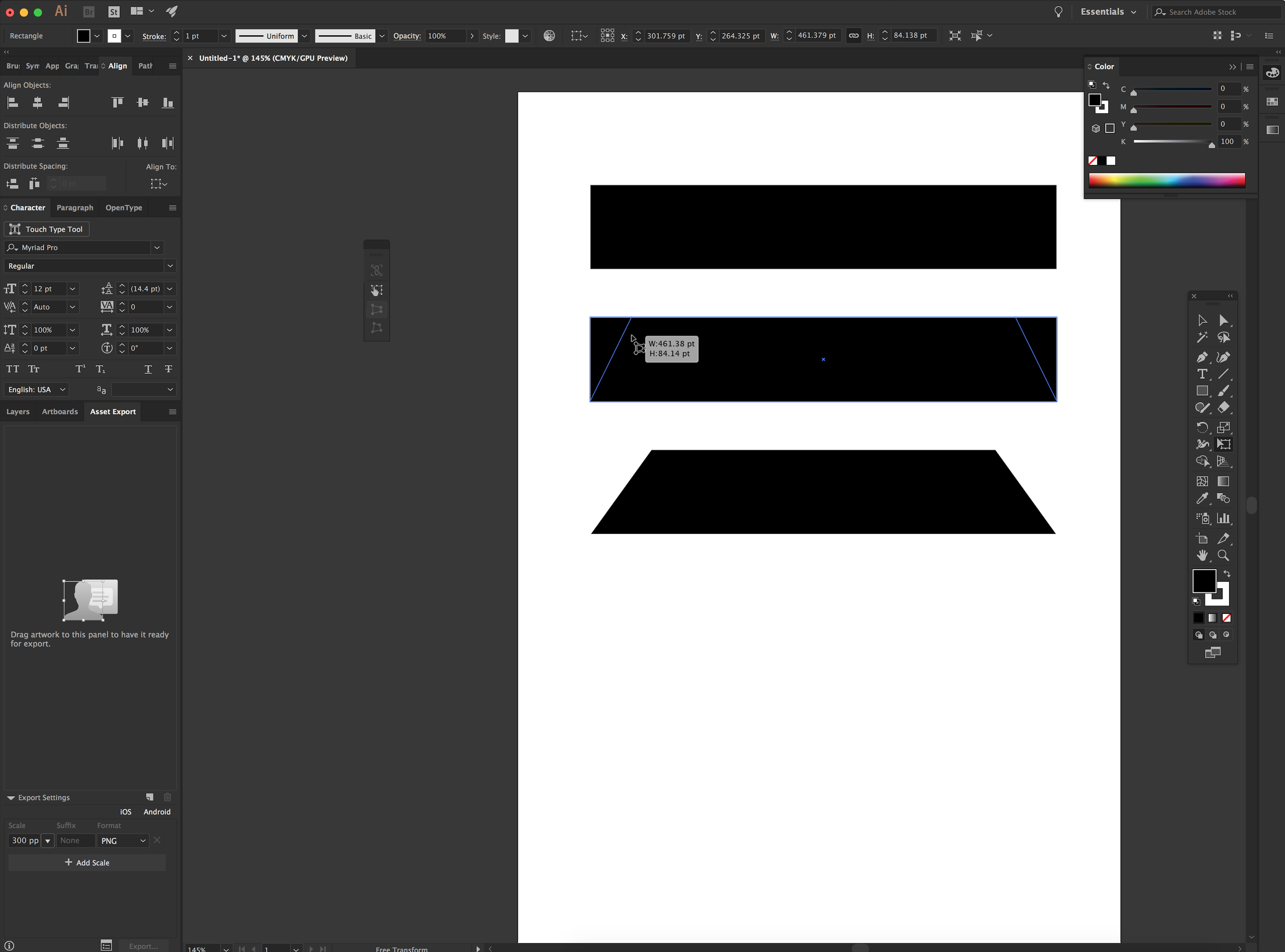
Affinity Designer Transform Perspective Design Talk
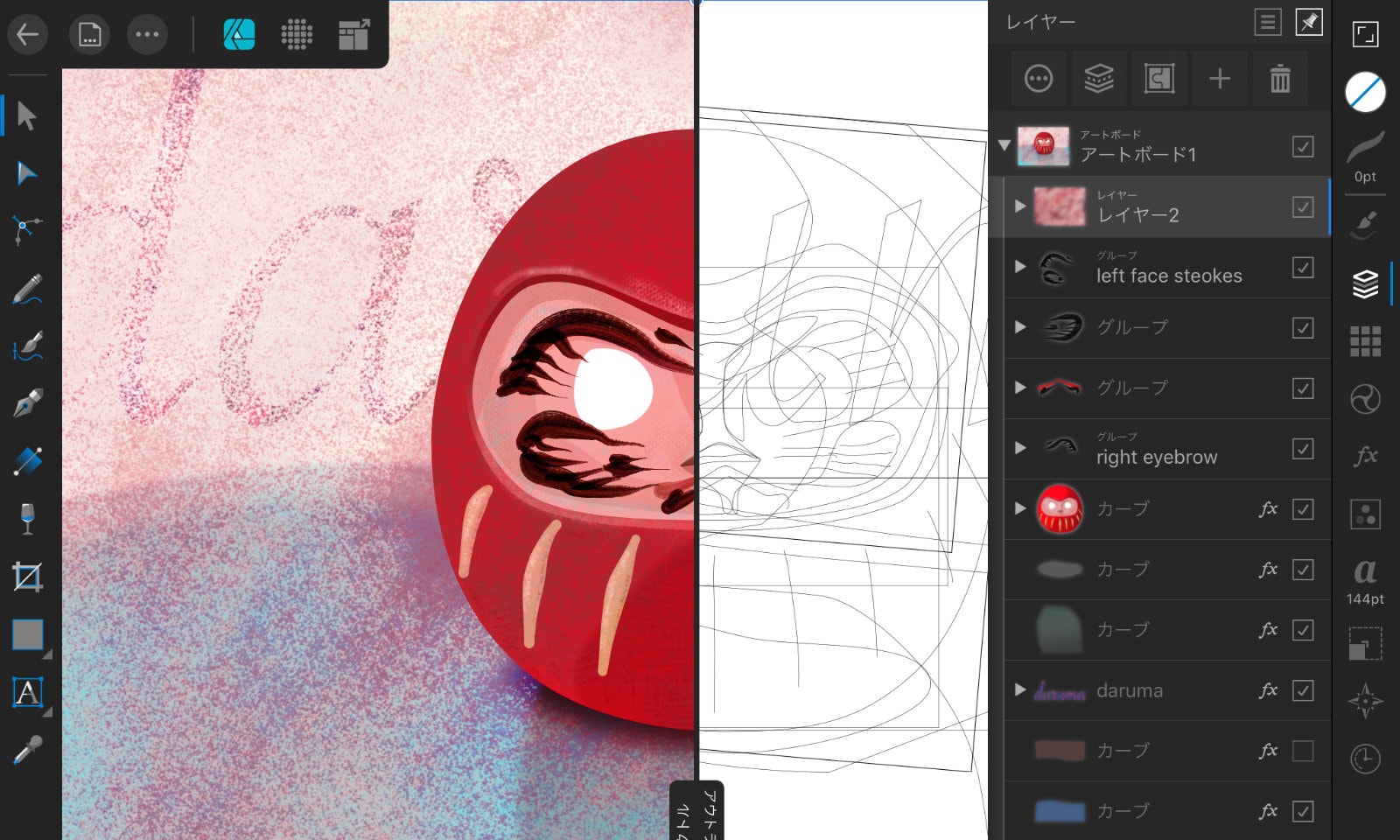
IPad UI Affinity Designer For IPad Rriver

Affinity Designer IPad Contour Tool Affinity Designer Infographic
YouTube 0 00 2 24 How To Use PSD Mockup Templates In Affinity Designer Design Made Simple The Perspective tool in Affinity Photo on iPad is a game changer for digital artists and

Followers 1 Reply to this topic Shokstar Members 7 Posted September 16 2019 Hi there for me is it really important to have a live perspective tool like the concept app it has to have in Affinty Designer Ipad Also a Grid for Vanishing Points like Procreate also to warp Text and other forms too Thank you Markio 1 Quote 3 weeks later Skm

The Perspective Tool allows you to modify the perspective of your image It has full History support meaning each modification such as handle dragging and option toggling can be undone Using the Perspective Tool to alter the appearance of a building structure Settings

In this tutorial we ll be going over how to distort perspective in Affinity Designer This is accomplished by using the new Warp Group transformations that w

Perspective Perspective gives your image a three dimensional appearance by applying a warp along one or more planes By reshaping a supporting perspective grid you can transform your image Using the Perspective Tool to alter the appearance of a building structure To apply perspective From the Tools Planes
All about Affinity Designer 2 for iPad Video tutorials V2 Whether you are new to Affinity or are familiar with the desktop version of Designer our YouTube channel hosts a range of tutorials demos and behind the scenes creative sessions to help you master Designer on iPad Go to Youtube Quickstart Guide V2 Prospective Tool your key to unlocking the future of design This innovative feature redefines how you approach creative projects allowing you to envision
You can take an Affinity Designer file and place it or open it in Affinity Photo which has perspective warp and other warps and achieve a simple and effective perspective effect that way too For classic isometry as has been noted in a far more on point answer from User287001 all you need do is skew your text the appropriate direction to