Affinity Designer Delete Line Segment Vreelin High Speed USB 2 0 Host Core For Xilinx FPGA s Vreelin Tutorial Marvelous Designer Delete Topstitch YouTube MucahidLunna On Twitter flowon76 Mysta Https t co QrnABQXbdv Delete Line Segment General Houdini Questions Od forum Web Action Deleting Key Delete character to left of insertion point Delete character to right of insertion point Delete Delete from insertion point to start of word Delete from insertion point to end of word Delete Delete from insertion point to start of line Delete from insertion point to end of paragraph K
Web Posted September 6 2021 On 9 6 2021 at 8 37 AM Old Bruce said Using the Node tool I can Control Click on a line segment to delete it Web Do one of the following Select the node and then drag the control handles Drag on the line directly to pull it into position click a segment to straighten it click a segment to delete it creating two separate curves within one curve object click a segment to delete it creating two separate curves within one curve object Modifier keys
Delete Line Segment General Houdini Questions Od forum How To Easily Cut Divide And Trim Artwork Delete Line Segment General Houdini Questions Od forum On Twitter flowon76 Mysta Https t co QrnABQXbdv Revit Curtain Wall Plug in Curtain Wall Grid Line Deletion Method And Segment Vertical Line ClipArt ETC Illustrator CC Line Tools 04 Line Segment Tool YouTube How To Remove Illustrator Remove Background Png Quick And Easy Tutorial How To Remove And Change A Background With Affinity Designer Design
Affinity Designer Delete Line Segment
 Affinity Designer Delete Line Segment
https://vreelin.com/wp-content/uploads/2017/01/usbexplorer.jpg
Web Customization The Segment Toolhas several options on the shape and on the context toolbar to enable the percentage removed from the upper and lower section of the ellipse and the angle of the ellipse to be controlled Two possible outcomes when the options are customized Settings The following settings can be adjusted from the context toolbar
Pre-crafted templates offer a time-saving solution for creating a diverse series of documents and files. These pre-designed formats and designs can be utilized for different personal and expert jobs, consisting of resumes, invites, leaflets, newsletters, reports, discussions, and more, simplifying the material development procedure.
Affinity Designer Delete Line Segment

About Lines And Shapes

How To Easily Cut Divide And Trim Artwork

Delete Line Segment General Houdini Questions Od forum

On Twitter flowon76 Mysta Https t co QrnABQXbdv

Segment Vertical Line ClipArt ETC
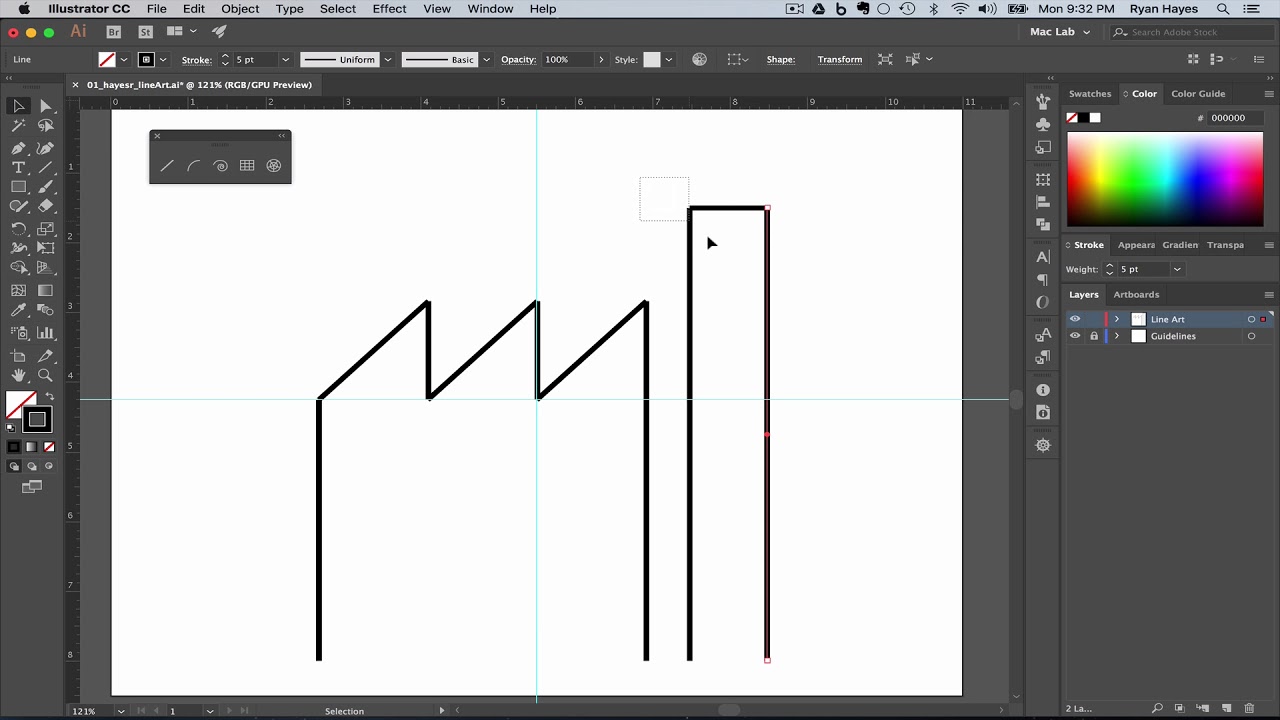
Illustrator CC Line Tools 04 Line Segment Tool YouTube

Web Mar 13 2022 nbsp 0183 32 In case it helps can t be sure without having a sample file that shows exactly what you need You can delete a line segment from a Curve by switching to the Node Tool placing it over the segment you want to delete and using Ctrl Click on Windows probably Cmd Click on Mac also Ctrl Click on Mac see below

Web Mar 10 2021 nbsp 0183 32 Posted February 5 2021 I just discovered the quot Delete Segment quot option added to the Node tool For those who don t know Control clicking on a curve segment with the Node Tool will now delete that segment with one click Great addition

Web Drag on the line directly to pull it into position click a segment to straighten it click a segment to delete it creating two separate curves within one curve object

Web Jan 18 2022 nbsp 0183 32 As long as the segment you want to remove is surrounded by two nodes you can quickly delete it by selecting the Node Tool pressing and holding CTRL you should see a red cross appearing near the cursor icon while you are hovering the segment and clicking at that point to remove it

Web Feb 15 2022 nbsp 0183 32 There s no way to delete a segment of a shape directly but you can break the nodes that surround the segment so it becomes an independent line then delete it To do this with the shape object selected select the Node Tool shift click the two nodes that delimit the segment you want to delete then go to the context toolbar and click the Break
Web Overview Transcript 2 2 Adding Deleting and Connecting Nodes Learn how to edit existing curves by adding deleting and connecting nodes in this lesson You ll also discover how to extend open ended curves close curves join nodes and break curves 1 Introduction 1 lesson 00 58 1 1 Affinity Designer Quick Start 00 58 2 Vector Persona Web It was painful to delete a segment from a shape You have to select the nodes that surround that segment one at a time and click Break Curve with the Node Tool Then click anywhere on the canvas to deselect the entire shape and
Web Mar 25 2020 nbsp 0183 32 Affinity Support Affinity Support amp Questions Affinity on Desktop Questions macOS and Windows Yes that would be correct I would like to determine is there is any other way to delete excess lines using the designer persona Also would be helpful if you have any other methods to get those pointy and edgy lines without using