Affinity Designer Add Measurements How To Convert Object To Artboard Pre V2 Archive Of Affinity On IPad Surface Design In Affinity Designer Vectors Textures Artboards Where Can I Find The Add Noise Feature On The Layer Fx Affinity On New Artboard Formats Affinity On IPad Questions Affinity Forum Affinity Publisher 2 Desktop Quickstart Guide Settings The following general settings are available from all adjustment dialogs closes the dialog and deletes the adjustment layer removing the adjustment from the image merges the current adjustment layer with the layer immediately below it in the layer order reverts all dialog settings to default
Measuring Measuring Measuring lets you display the distance between points objects and page elements on the page using either a dedicated Measure Tool or a hover over feature An Area Tool additionally measures the area of one or more objects plus the perimeter of a shape and open curve lengths Measuring with the Measure Tool Importing Affinity add ons About Affinity add ons Extracting add ons Importing assets Importing brushes Installing fonts Importing styles Importing swatches palettes Importing templates Extras Hardware acceleration Third party support Using pen tablets Using Sidecar Using Surface Pen Using Surface Dial Keyboard shortcuts
Affinity Publisher 2 Desktop Quickstart Guide Affinity Designer How To Create Artboards In Affinity Photo 2 Hack YouTube Add ons Installed With Affinity Photo Don t Appear Installed With Affinity Photo For IPad Apple s IPad App Of The Year Gets Significant My Version Of The IPhone 14 Pro Wallpaper On Behance Letter G Logo Tech Company Logo Template Logo Template Logo Website Design Inspiration Inspiration Fitness Affinity Designer Add How Do I Add Shapes Together In Affinity Designer
Affinity Designer Add Measurements
 Affinity Designer Add Measurements
https://forum.affinity.serif.com/uploads/monthly_2019_10/ab.png.2b34c1287d7f250b29b040736ecccac3.png
The new measure and area tools in Version 2 enable you to measure line lengths segments distances and areas of any objects to scale The Measure Tool allows you to measure the distance between two points objects while the Area Tool allows you to determine the area perimeter and any segment length of a closed shape
Templates are pre-designed files or files that can be utilized for various functions. They can save time and effort by offering a ready-made format and layout for developing different sort of material. Templates can be used for personal or expert projects, such as resumes, invites, leaflets, newsletters, reports, presentations, and more.
Affinity Designer Add Measurements
Affinity Designer 1 10 5 Free Download Software Reviews Downloads

Affinity Designer
How To Create Artboards In Affinity Photo 2 Hack YouTube
Add ons Installed With Affinity Photo Don t Appear Installed With

My Version Of The IPhone 14 Pro Wallpaper On Behance

Letter G Logo Tech Company Logo Template Logo Template Logo
Affinity Designer offers Measuring through the Measure Tool and Area Tool though it doesn t currently support permanent measures to be added to the document canvas This is something our team are still hoping to implement in a future update
Settings The following settings can be adjusted from the context toolbar Drawing Scale sets the drawing scale for the document or currently selected artboard By default all measurements are made using this scale setting
Measuring guides Measuring guides display the distance between a selected object and any object currently under your cursor Using the with a range of tools will display measuring guides as you move your cursor around the page

You can change the Dimensions Text Style font to get a different look and you can change the Dimensions colour in the Dimensioning Palette to create a quick blueprint see last attached image affinity dimension lines afdesign Expand That is a very useful idea
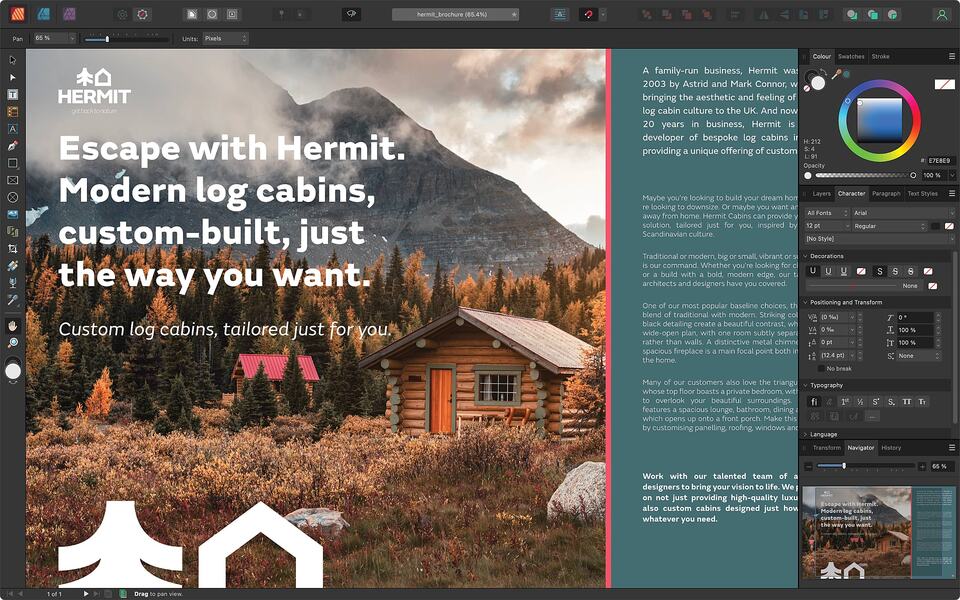
Affinity Designer lets you set a drawing scale on any new document or open unscaled document the drawing scale of imported CAD based DWG DXF documents is also honored This means page dimensions object readouts on creation resizing moving measurements guides grids and rulers will all display real world scaled values by default
Well Affinity Designer comes with one of the most complex gradient creation tools that I have seen within a digital product of its type so believe me when I say it can do a lot of things Now by default the tool is located within the left Tools panel or it can quickly be selected using the G keyboard shortcut which will activate its own Is there a way to create shapes by exact dimension in Affinity Designer the only way i have figured out so far is to draw a shape of arbitrary size and modify it in the transform panel This is quite a cumborsome workflow Any help would be greatly appreciated
Although it is not nearly as polished and refined as Designer it does however have a built in easy to use measurements extension that allows you to work with path lengths and areas and more and it s free