Adobe Pdf Margin Settings How To Use Margin In Adobe Illustrator Margin In Adobe Illustrator Margin Call 2011 Coinbase Pro Margin Trading Illustration By Dominic Flask For Coinbase Margin And Padding Basics In Elementor Sites On WordPress Margin Call 2011 Web Apr 20 2021 nbsp 0183 32 How to Set Adjust Margin of PDF Pages in Adobe Acrobat Change Margin of PDFs Peak Knowledge Acrobat is not a word processing or document layout
Web Oct 30 2023 nbsp 0183 32 Introduction to Acrobat Workspace basics Opening and viewing PDFs Opening PDFs Navigating PDF pages Viewing PDF preferences Adjusting PDF views Enable thumbnail preview of PDFs Web Oct 18 2023 nbsp 0183 32 In Adobe Acrobat 8 0 Professional you can adjust the margins of a PDF document by using the quot Crop Pages quot tool To access this feature go to the quot Document quot
Margin Call 2011 Margin Call 2011 Custom Margins Feature Spotlight BudSense Margin Stock Vector 2819971 Crushpixel Adobe Acrobat How To Edit Margin When Printing To PDF File Super User Education Gulfbrokers Business Card Psd Template With Trim And Bleed Guides Birthdaylsa Margin L G u i m V Nh c i m Khi S D ng Margin
Adobe Pdf Margin Settings
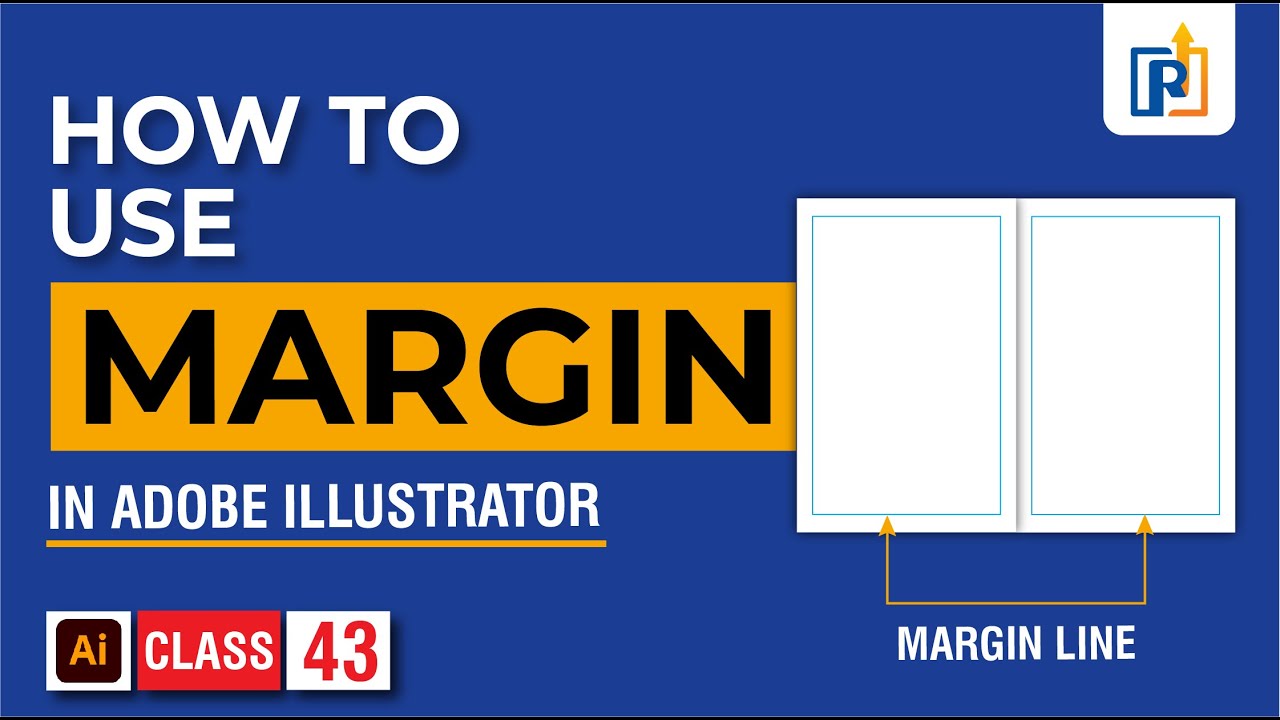 Adobe Pdf Margin Settings
https://i.ytimg.com/vi/E_l8yWVi2dw/maxresdefault.jpg
Web Sep 8 2023 nbsp 0183 32 Access the Crop Pages dialog via the Crop Tool The bottom pane Change Page Size permits configuration of a custom width and height Bumping out these values
Pre-crafted templates provide a time-saving solution for creating a varied range of files and files. These pre-designed formats and designs can be used for various personal and expert projects, consisting of resumes, invites, flyers, newsletters, reports, presentations, and more, streamlining the content production procedure.
Adobe Pdf Margin Settings

Answer Margin

Margin Call 2011

Custom Margins Feature Spotlight BudSense

Margin Stock Vector 2819971 Crushpixel
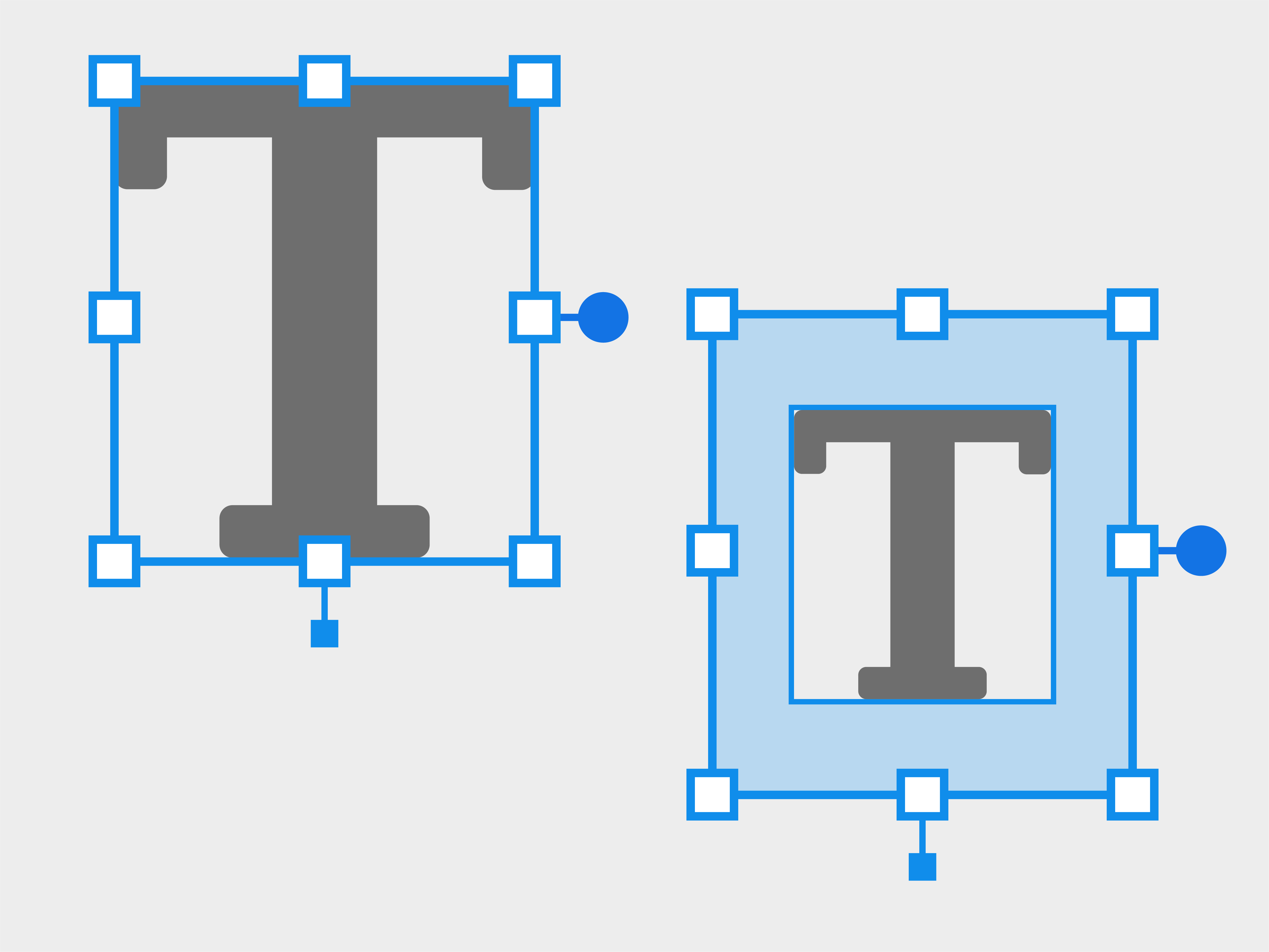

Education Gulfbrokers

Web Step 1 Open your PDF file in Adobe Reader Click quot File quot then quot Properties quot Advertisement Step 2 Click the quot Initial View quot tab in the Properties dialog box Click the drop down menu next to quot Magnification quot Step 3 Select the

Web Jun 17 2015 nbsp 0183 32 Here are the Settings I used to fix a PDF that had no Margins From the quot Imposition Control Panel quot select quot Step and repeat quot I created a preset called

Web Recommended Browser Google Chrome Adobe Acrobat DC It is recommended you configure your browser for pdfs to open up on in Adobe Acrobat You may wish to set

Web Tech Support How to Adjust Adobe PDF Margin Settings Open PDF in Word Beginning with Word 2013 you can open a PDF file directly in Word without needing to export it

Web May 14 2016 nbsp 0183 32 I ve a pdf file whose margins are not deservedly set As the image does show left margin is something considerable in comparison with the right one which is trivial Typical pdf page I am eager to
Web Oct 30 2023 nbsp 0183 32 Advanced PDF print settings in Adobe Acrobat Pro for PostScript and non PostScript printers PostScript options output options halftone screen frequency Web Feb 16 2022 nbsp 0183 32 1 For a purpose of putting further annotations on PDF I need to increase the right margin of all pages in a PDF The page size does not have to stay the same it is
Web Use Acrobat tools for free Sign in to try 20 tools like convert or compress Add comments fill in forms and sign PDFs for free Store your files online to access from any device