Add To Default How To Change The Microsoft Office Default Save Location On Windows 10 How To Change Default Font Style Size And Line Spacing In Google Docs Set The Default Browser Using Group Policy Internet Explorer 11 For IT How To Make Google My Search Engine In Microsoft Edge How2db Com Www Yellen Says we Have To Default On Something If Congress Fails Moneyweb Sep 10 2019 nbsp 0183 32 In the column on the left click or tap quot Default apps quot Windows 10 Settings Go to Default apps How to set the default apps for email maps music player photo viewer video player and web browser To change the
Jul 22 2015 nbsp 0183 32 In Settings click on the quot System quot icon and scroll down to quot Default Apps quot in the left hand side menu Configure Stock Default Apps Jun 4 2015 nbsp 0183 32 How to add a column to a SQL Server table with a default value that is equal to value of an existing column I tried this T SQL statement ALTER TABLE tablename ADD
Yellen Says we Have To Default On Something If Congress Fails Moneyweb How To Set A New Default Account In Outlook Windows Central Stimulsoft Reports And Dashboards New Version 2022 1 Released How To Restore Default IPhone Settings Without Erasing Your Data 9to5Mac How To Change The Default Email App On Windows 10 For Mailto Links Default Corporation RecNet Default Player Back To Default back to default Twitter
Add To Default
 Add To Default
https://www.groovypost.com/wp-content/uploads/2021/04/microsoft-default-saved-location-2.png
May 2 2022 nbsp 0183 32 1 Change Default Apps From Settings The easiest way to change default apps on Windows is through the Settings app You can change the file associations by app or set
Templates are pre-designed files or files that can be used for numerous purposes. They can conserve effort and time by providing a ready-made format and design for producing various kinds of content. Templates can be utilized for individual or expert tasks, such as resumes, invitations, flyers, newsletters, reports, discussions, and more.
Add To Default

Default Letter Template
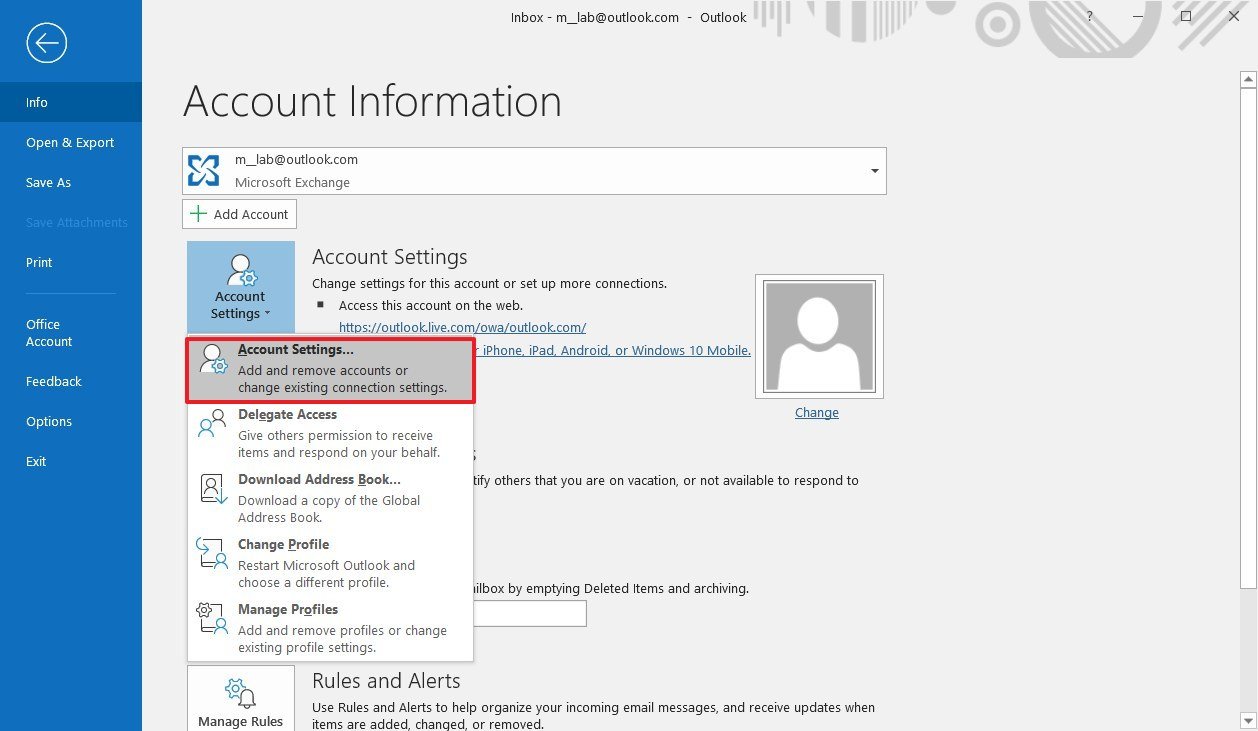
How To Set A New Default Account In Outlook Windows Central
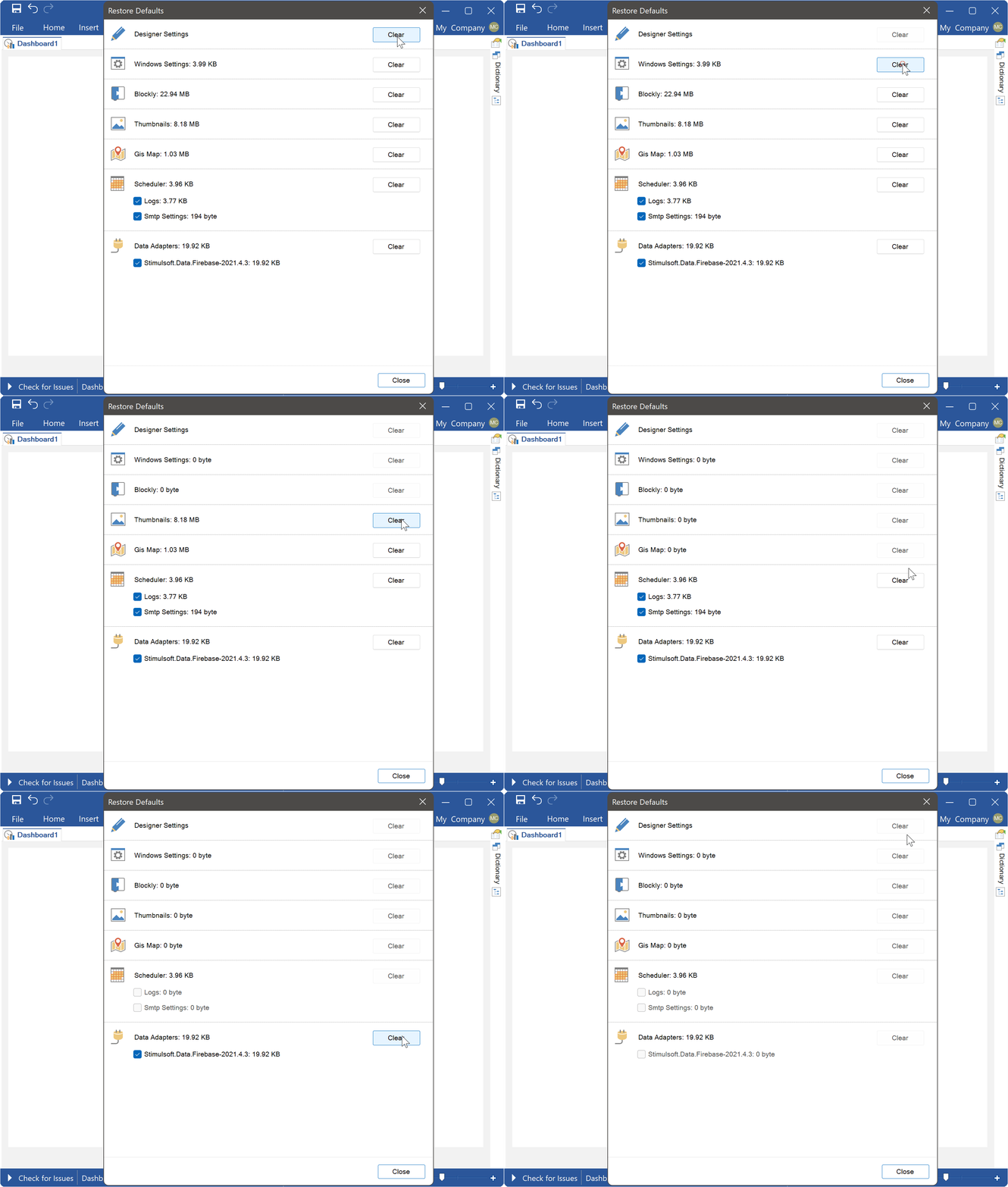
Stimulsoft Reports And Dashboards New Version 2022 1 Released

How To Restore Default IPhone Settings Without Erasing Your Data 9to5Mac

Default Corporation

RecNet

Sep 28 2019 nbsp 0183 32 Adding programs to the list of Default Apps I run Windows 10 Home latest patches It the settings where I set Default Apps and I set for example Default Vide player

09 Mar 2021 How to Choose Default Apps to Open Files with in Windows 10 A default app is the program that Windows uses automatically when you open a particular file type or protocol

Apr 24 2020 nbsp 0183 32 To change your default programs in Windows 10 follow these steps to access the default apps settings page Go to Settings gt Apps Click Default apps in the pane on the left
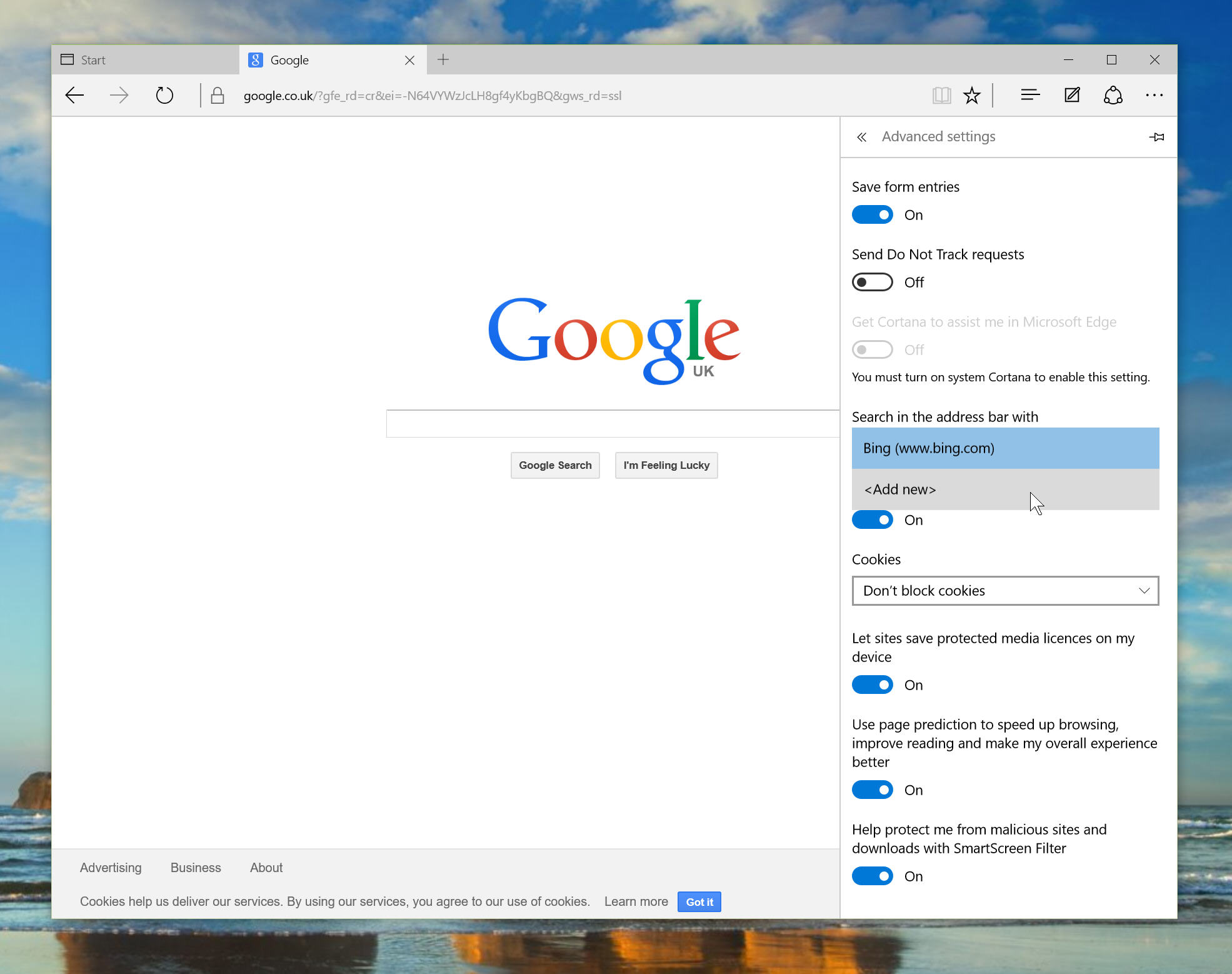
Aug 12 2021 nbsp 0183 32 In Settings click quot Apps quot in the sidebar and then select quot Default Apps quot on the right side of the Window Once you re on the Default Apps screen there are several different ways to change your default app settings We ll go

To create a DEFAULT constraint on the quot City quot column when the table is already created use the following SQL MySQL ALTER TABLE Persons ALTER City SET DEFAULT Sandnes SQL
Aug 15 2023 nbsp 0183 32 By Michael Muchmore Updated August 15 2023 Credit Microsoft PCMag Windows 11 adds slick design updates and some great new options to Microsoft s desktop OS Oct 4 2023 nbsp 0183 32 To change the default apps in Windows 11 you can simply rely on the Settings app Another way to achieve your goal is to use the Open with menu when trying to run the file
Mac On your computer open Chrome In the top right click More Click Settings In the Default browser section click Make default If you don t see the button Google Chrome is already