Add Tab In Excel Formula How To Add The Developer Tab In Excel Compute Expert 23 See All Formulas In Excel Image Formulas Riset How To Remove Formula In Excel Without Copy Paste Riset Excel Complete Formula Menu Complete Formula Tab In Excel YouTube How To Add A New Tab In Excel 15 Steps with Pictures WikiHow Web Apr 14 2016 nbsp 0183 32 1 Here s the set up in Excel I have several hundred tabs each with a different name The first tab is a Summary tab that references specific data fields on the
Web Aug 17 2022 nbsp 0183 32 1 Inserting Cell Range with VBA to Create Tabs Automatically In our first method with VBA we will insert a certain cell range to create tabs For that we will create an input dialogue box through Web Mar 19 2012 nbsp 0183 32 7 Answers Sorted by 19 As TAB cannot be displayed in Excel cell instead of using CHAR 9 in order to indent the line I recommend using spaces By using REPT
How To Add A New Tab In Excel 15 Steps with Pictures WikiHow Microsoft Excel 2016 Basic Course Using The Formula Tab Video No Solved 1 Label A Tab In EXCEL Problem 1 Matt s Master Chegg Formula Tab In Excel Excel Tutorial 105 UNIT 7 Excel Formula TAB YouTube How To Use Formula Tab Microsoft Excel Part 4 YouTube HOW TO BRING DATA ADD IN TAB IN EXCEL YouTube How To Add The Developer Tab In Excel Rubylasopa How To Add Developer Tab In Excel Enasoffice
Add Tab In Excel Formula
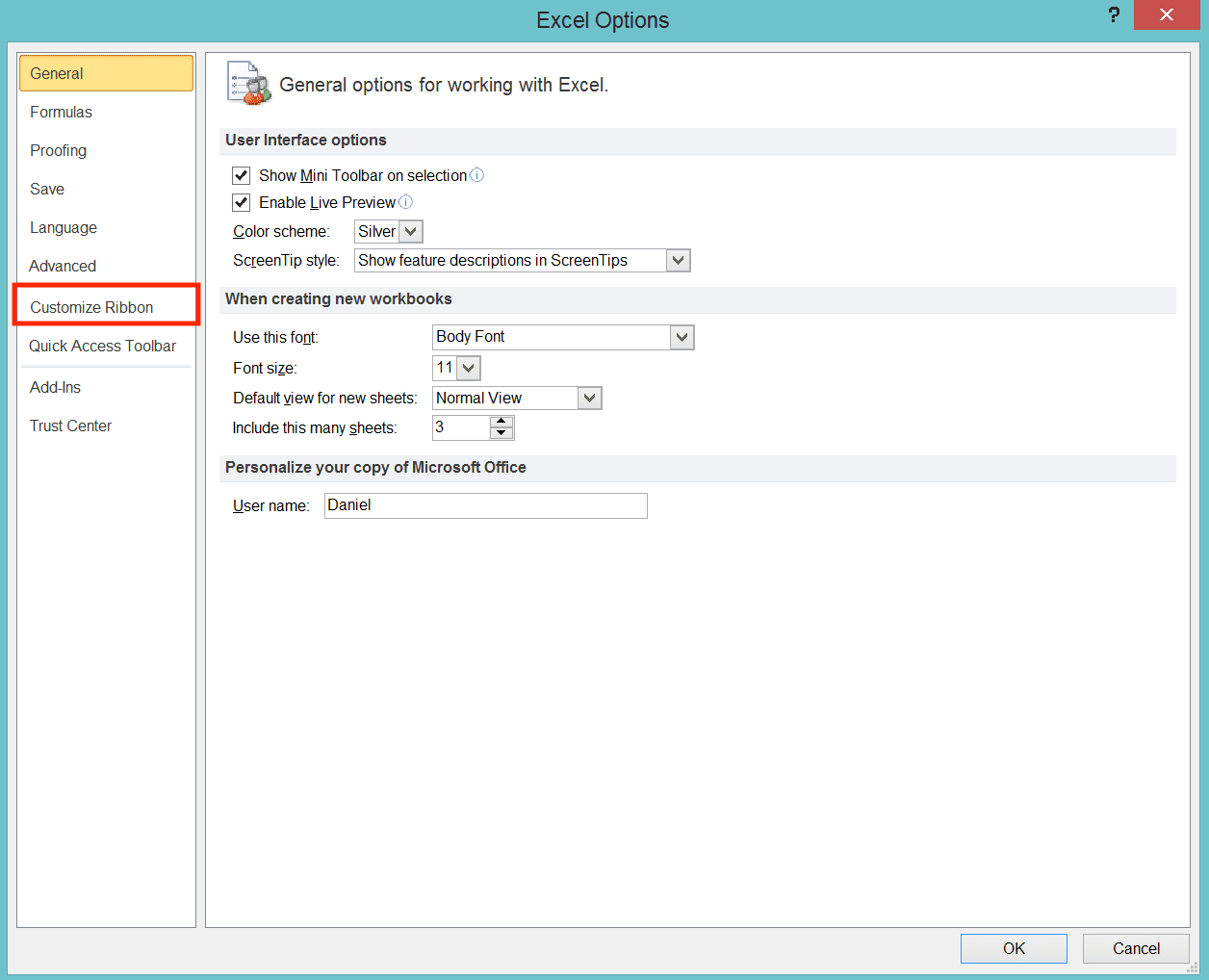 Add Tab In Excel Formula
https://computeexpert.com/english-blog/excel-tips-and-trick/screenshot/add-developer-tab/how-to-add-developer-tab-in-excel-2.png
Web Dec 25 2022 nbsp 0183 32 Step 1 Open your workbook in Excel Start up Excel from the Start menu Windows or the Applications folder Mac and open the
Templates are pre-designed files or files that can be utilized for various purposes. They can save effort and time by providing a ready-made format and design for creating different type of content. Templates can be utilized for individual or expert tasks, such as resumes, invites, flyers, newsletters, reports, presentations, and more.
Add Tab In Excel Formula
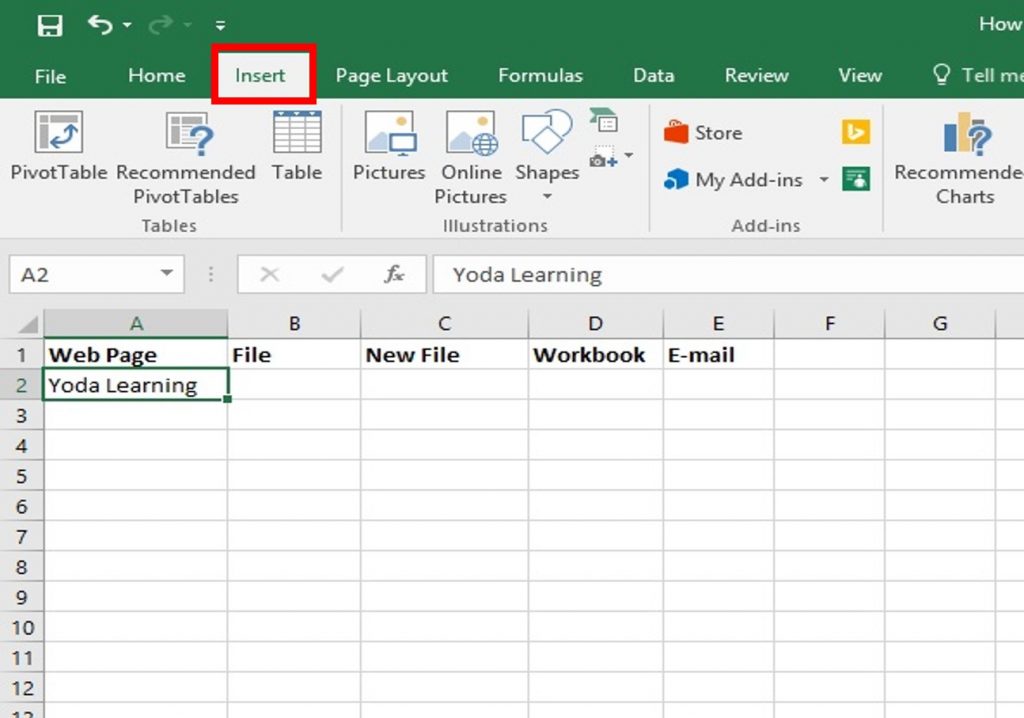
Excel Tricks Create Hyperlink In Excel Hyperlink Function In Excel
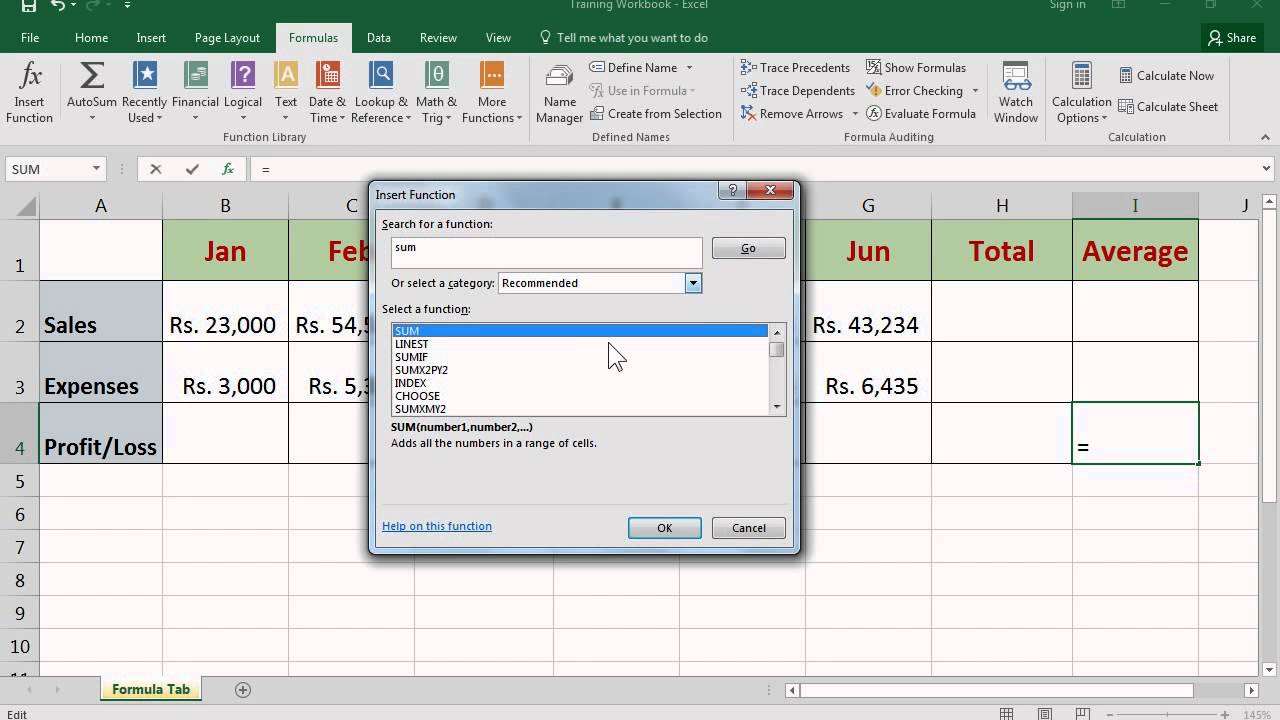
Microsoft Excel 2016 Basic Course Using The Formula Tab Video No
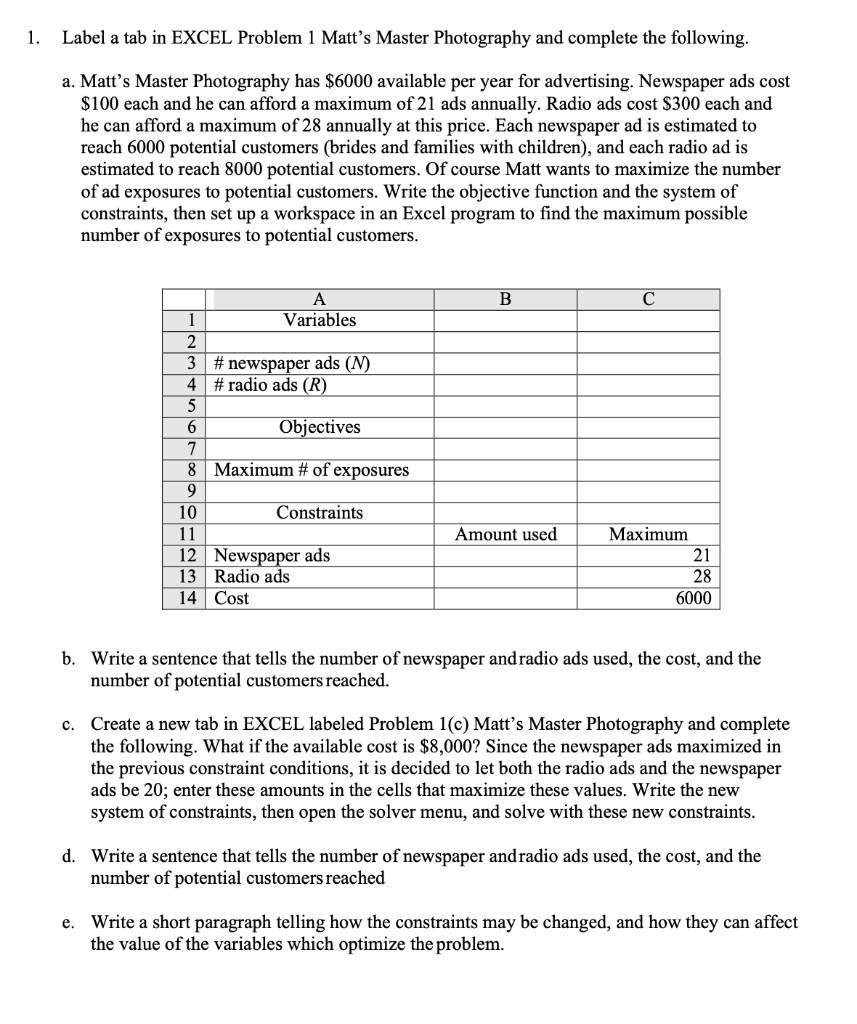
Solved 1 Label A Tab In EXCEL Problem 1 Matt s Master Chegg
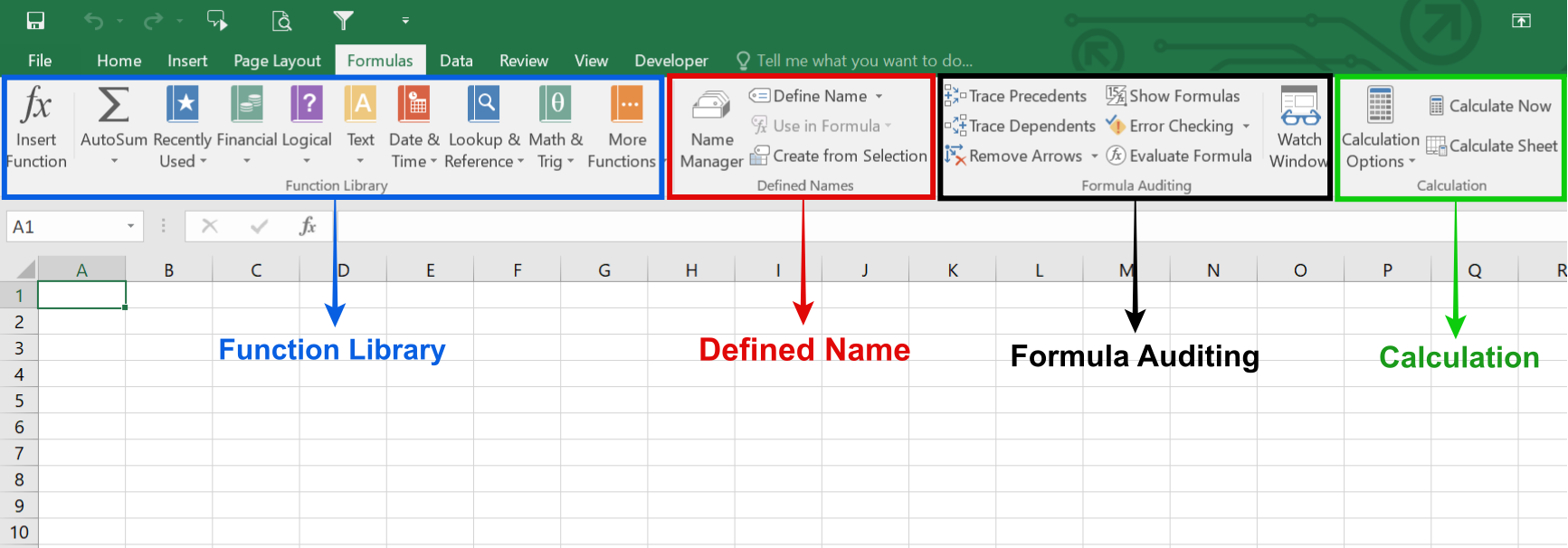
Formula Tab In Excel Excel Tutorial
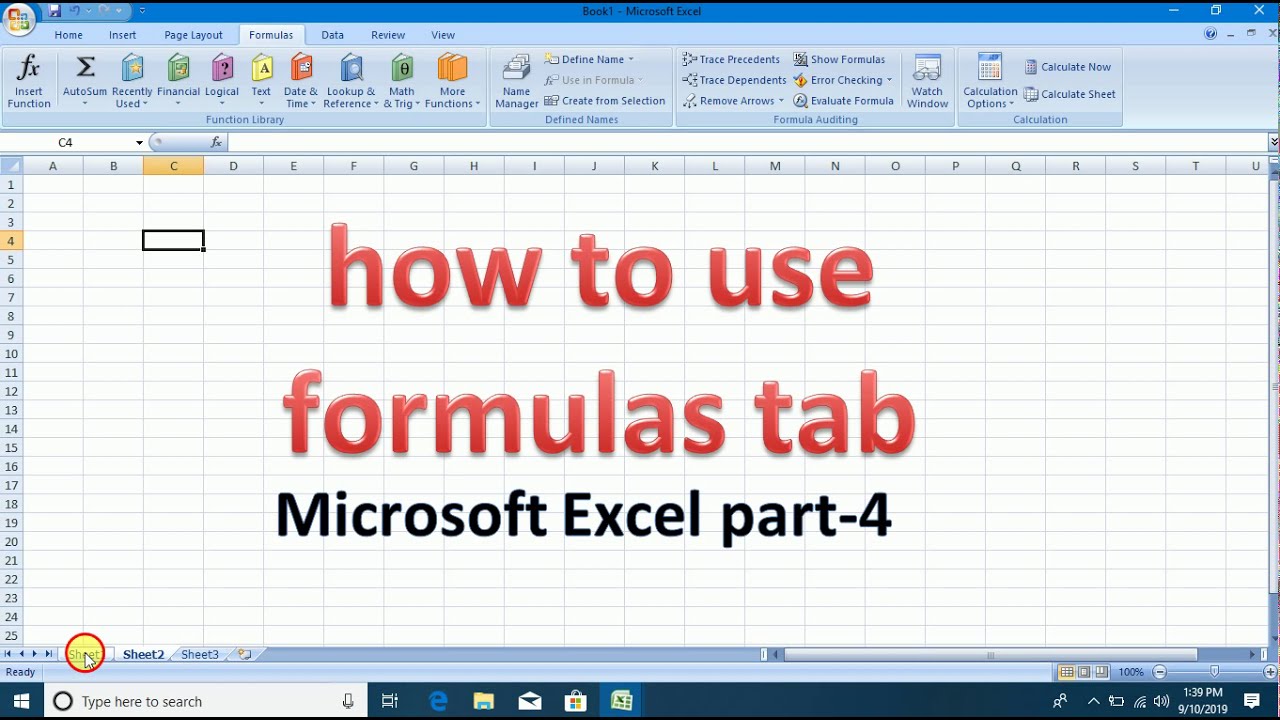
How To Use Formula Tab Microsoft Excel Part 4 YouTube
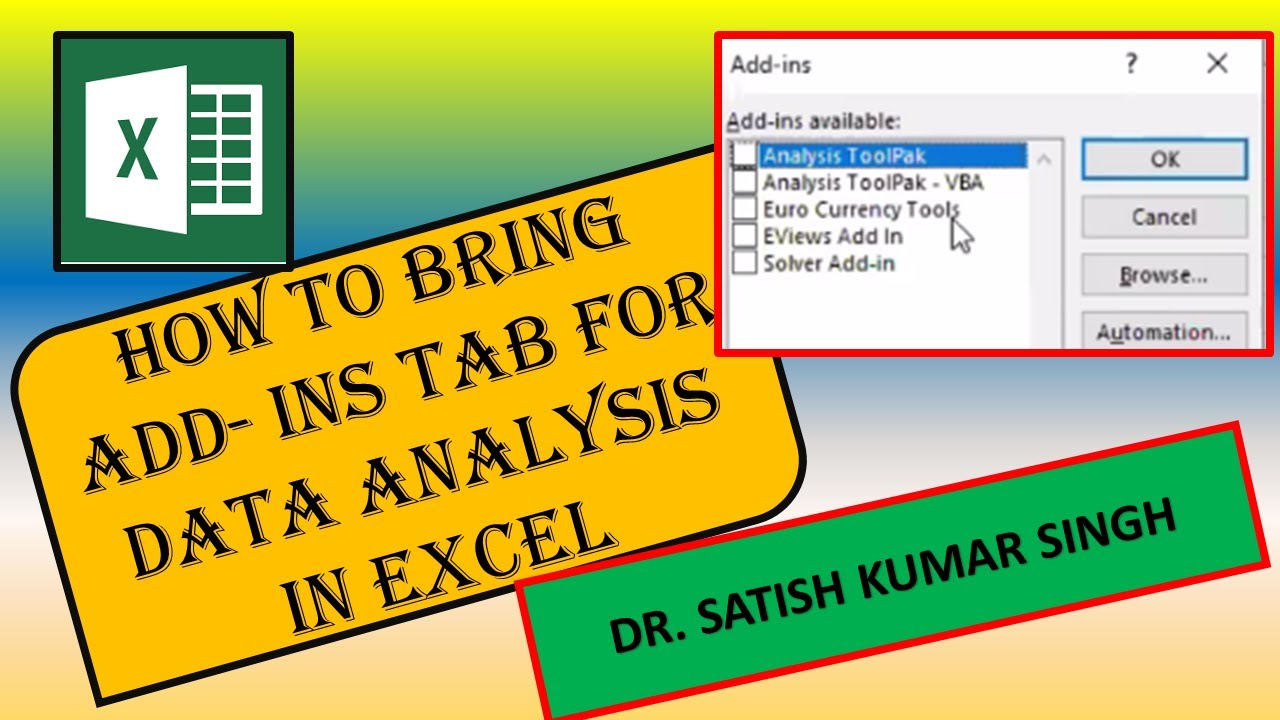
HOW TO BRING DATA ADD IN TAB IN EXCEL YouTube
Web Dec 1 2020 nbsp 0183 32 Here is an easy way to insert the current worksheet s name into a cell MID CELL filename A1 FIND CELL filename A1 1 255 In the below we have called the worksheet Sales
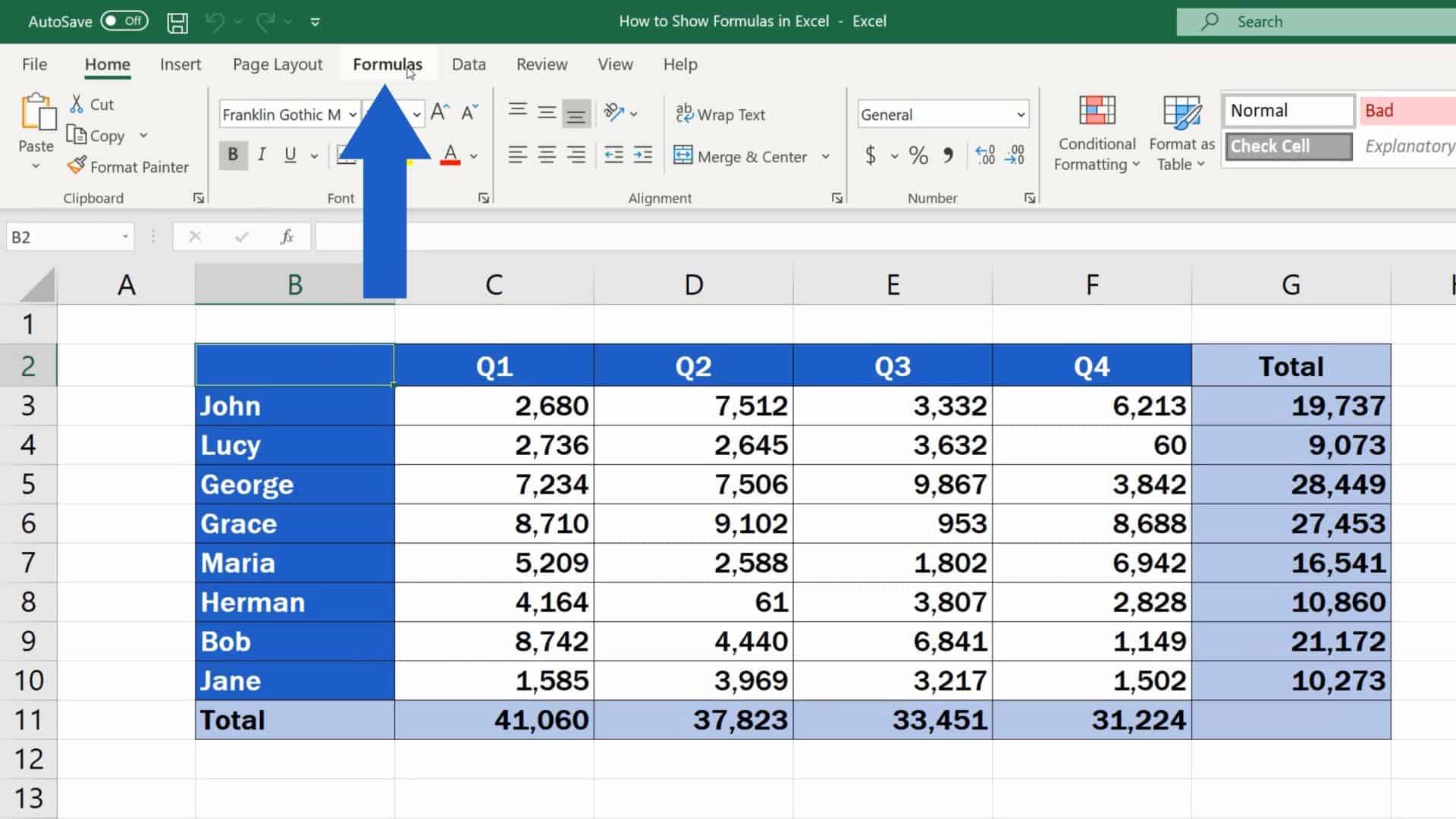
Web Aug 31 2011 nbsp 0183 32 teachman Hello I would like to find a way to concatenate two tab characters to the beginning of a string in a cell Example A4 quot Alpha quot A5 quot Zeta quot A6 has A4 amp quot
Web Sep 11 2023 nbsp 0183 32 You can use the following formula in Excel to reference the current tab name i e sheet name in a formula TEXTAFTER CELL quot filename quot quot quot This

Web Jun 10 2022 nbsp 0183 32 Excel does not have an inbuilt way of inserting a tab in a cell You can t add a tab in a cell by simply pressing the Tab key on the keyboard as you would in a word

Web Sep 30 2017 nbsp 0183 32 I need to add several tabs in my formula so that when pasted as text the values have tabs I use CHAR 9 for each tab but using multiple CHAR 9 s made my
Web Enter a formula that contains a built in function Select an empty cell Type an equal sign and then type a function For example SUM for getting the total sales Type an opening Web Jun 17 2014 nbsp 0183 32 1 Answer Sorted by 3 Open Excel open your workbook hit Alt F11 start coding your VBA
Web Dec 31 2023 nbsp 0183 32 How To Add Formulas In Excel A Step By Step Guide December 31 2023 manycoders Key Takeaway Excel formulas are a powerful tool for data analysis and