Add Pdf For Mac Readdle Brings PDF Expert To The Mac For Easy And Powerful PDF Save Editable Pdf For Mac App Berlindawar Free Adobe Pdf For Mac Mserlstage Flip Pdf For Mac Hopdedowntown Utility To Split Pdf For Mac Os Xaserblackberry Web Learn how to edit a PDF on a Mac device using Adobe Acrobat Acrobat lets you do more than just view PDFs and make notes Create a PDF from scratch annotate files work with images and even create fillable PDF forms In addition to changing the content of PDFs Acrobat can also help you manage them
Web Oct 30 2023 nbsp 0183 32 Send PDF forms to recipients using email or an internal server Combining files Combine or merge files into single PDF Rotate move delete and renumber PDF pages Add headers footers and Bates numbering to PDFs Crop PDF pages Add watermarks to PDFs Add backgrounds to PDFs Working with component files in a PDF Web Click the Select a file button Choose a file from your internal storage cloud storage or Google Drive or drag and drop it from your desktop into the drop zone After the file uploads sign in with your Adobe login to use the tools to add text highlight draw and more
Utility To Split Pdf For Mac Os Xaserblackberry 4 M thodes Pour Imprimer Un PDF S curis Avec sans Suppression Du Mot Primo Pdf For Mac Mertqliving Adobe Reader PDF 20 013 20074 For Mac Windows Free Download Pdf How To Add A Specific Page Number To PDF File By Using A PDF Number Pro Drawboard PDF Download Invoice Template Mac Invoice Template Ideas Introducing Flip PDF Professional For Mac Convert PDF To Flipping page Create Pdf Documents For Mac Lenaflight
Add Pdf For Mac
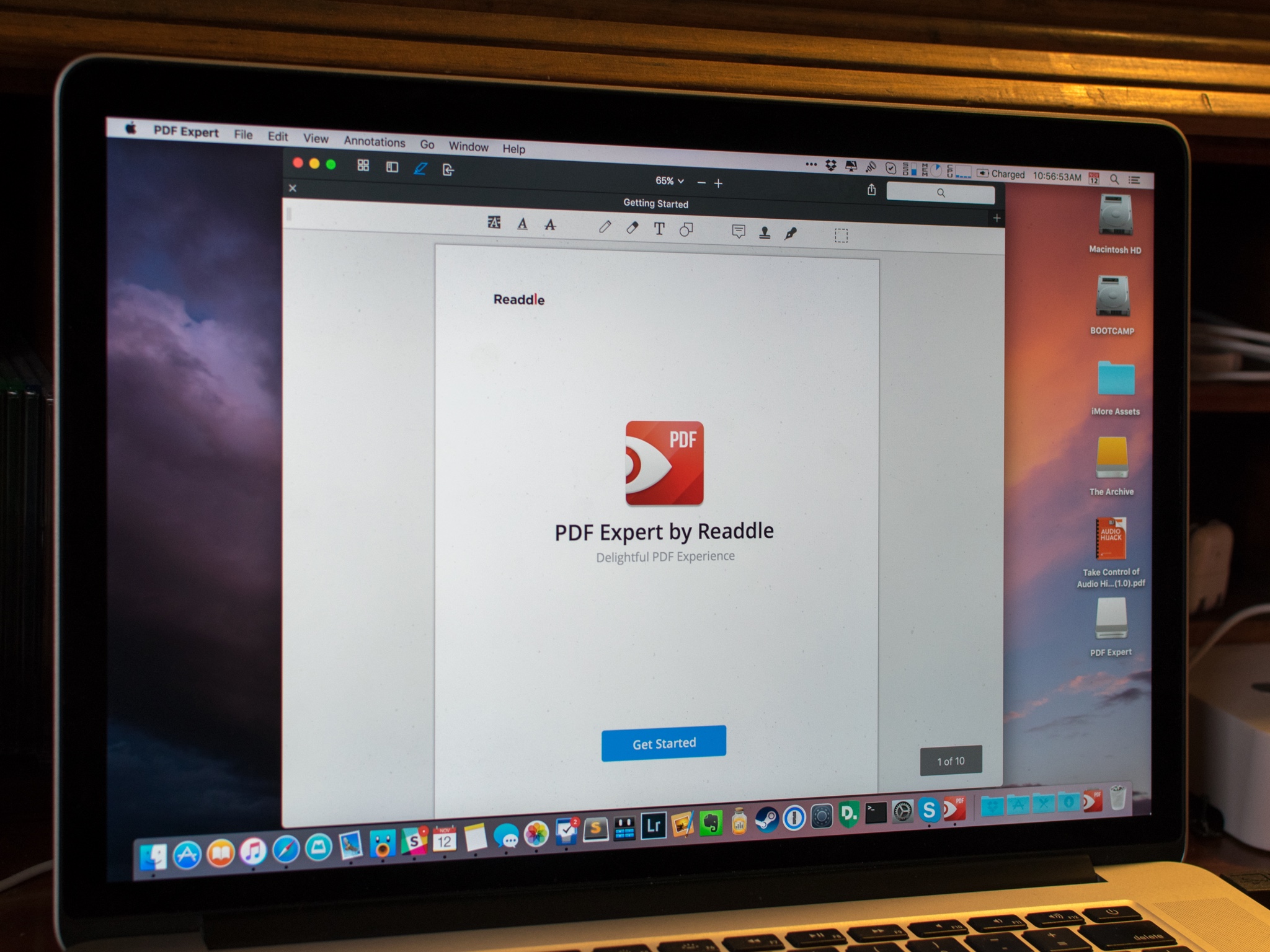 Add Pdf For Mac
https://www.imore.com/sites/imore.com/files/styles/large/public/field/image/2015/11/pdf-expert-mac-hero.jpg?itok=3phjQHNZ
Web Open the Mac App Store to buy and download apps Foxit PDF Reader 4 Annotate form fill sign PDF Foxit Corporation 3 4 84 Ratings Free Screenshots The award winning PDF reader on Windows PCs is now available on Mac Foxit PDF Reader is a free PDF reader which allows you to view annotate and sign PDF files quickly and easily
Templates are pre-designed files or files that can be utilized for different functions. They can conserve time and effort by supplying a ready-made format and layout for producing different type of material. Templates can be used for individual or expert jobs, such as resumes, invites, leaflets, newsletters, reports, presentations, and more.
Add Pdf For Mac

Flip PDF Pro For Mac PDF FlipBuilder

4 M thodes Pour Imprimer Un PDF S curis Avec sans Suppression Du Mot

Primo Pdf For Mac Mertqliving

Adobe Reader PDF 20 013 20074 For Mac Windows Free Download Pdf

Drawboard PDF Download

Invoice Template Mac Invoice Template Ideas

Web On your Mac click the Finder icon in the Dock to open a Finder window Select the files you want to combine into a PDF Alternatively you can select the files on your desktop Note The files appear in the PDF in the same order that you select them

Web Need to edit or fill in a PDF and don t want to pay Add signatures combine pages rotate pages reduce file size convert PDFs and more with these Free PDF editors

Web Download free Adobe Acrobat Reader software for your Windows Mac OS and Android devices to view print and comment on PDF documents This website no longer works on Internet Explorer due to end of support

Web Aug 26 2022 nbsp 0183 32 This guide reveals how to edit a PDF on Mac without the need to buy any extra software using Preview or Quick Look

Web Mar 8 2024 nbsp 0183 32 1 Adobe Acrobat Pro DC 2 FineReader PDF For Mac 3 PDF Expert 4 pdfFiller 5 Foxit PDF Editor 6 Nitro PDF Pro 7 Kofax Power PDF 8 Soda PDF 9 Kdan PDF Reader Pro 10 PDF Reader Pro What We Looked For In These PDF Editors Is There an Apple PDF Editing Software Are There Any Free PDF Editing Apps For Macs
Web Apr 24 2024 nbsp 0183 32 How to add text to a PDF on a Mac modify a PDF How to add a tick check to a box in a PDF Often you ll be required to fill in a PDF on your Mac Maybe you are applying for a Web MacWorld PDFgear is a full featured easy to use and free PDF Editor amp PDF Reader With practical functions like view convert form filling and page reorganizing in PDFgear the comprehensive PDF toolkit users could handle their PDF files with more efficiency
Web Feb 27 2024 nbsp 0183 32 1 Best overall 2 Best by Apple 3 Best for iOS 4 Best for iPad 5 Best for security 6 Best for basics 7 Best file management 8 FAQs 9 How we test The best PDF readers for Mac don t just