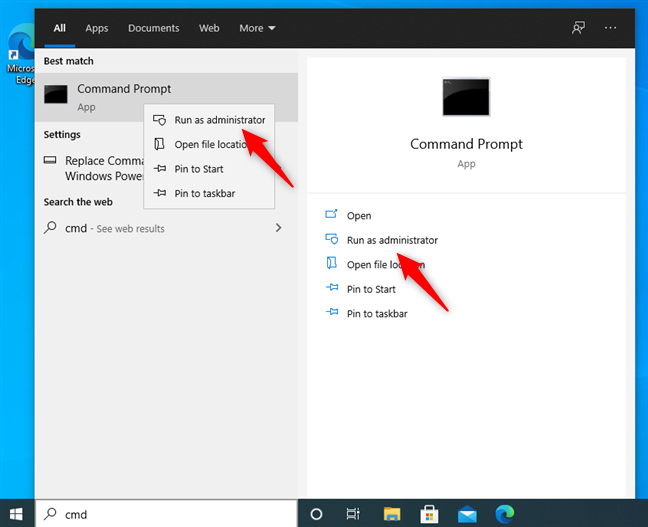
Add Path To Command Prompt Windows 10 Open Administrator Command Prompt Windows 10 Jumpvast How To Get Help In Windows 10 Command Prompt Lates Windows 10 Update How To Start Command Prompt On Windows XP Doughbies How To Launch Command Prompt Windows 10 Mokasinindiana Command Prompt Tutorial 1 Default Path Change Directories And List Web Aug 19 2023 nbsp 0183 32 First type quot cmd quot in the Windows Search bar to open Command Prompt and then select quot Command Prompt quot from the search results With Command Prompt opened you re ready to change directories Change Directories Using
Web Jan 26 2018 nbsp 0183 32 Check your quot command prompt quot path by typing quot path quot If your quot command prompt quot path is correct it will show the following path quot SystemRoot system32 SystemRoot SystemRoot System32 Wbem quot 3 Change your quot command prompt quot path Web Feb 3 2023 nbsp 0183 32 Syntax path lt drive gt lt path gt PATH path Parameters Remarks The Windows operating system searches using default file name extensions in the following order of precedence exe bat and cmd
Command Prompt Tutorial 1 Default Path Change Directories And List How To Execute A Command As Root In Jenkins Stack Overflow Cmd Exe Download Xp Memehopde How To Get Help In Windows 10 Command Prompt Lates Windows 10 Update Command Prompt What It Is And How To Use It Windows 7 Command Prompt Commands Pdf Architecturemokasin How To Open The Command Prompt In Windows 10 How To Add A User Account Using The Command Prompt Spotlawpc Best 2 Ways To Boot To Command Prompt In Windows 10
Add Path To Command Prompt Windows 10
 Add Path To Command Prompt Windows 10
https://www.digitalcitizen.life/wp-content/uploads/2020/08/open_cmd-3.png
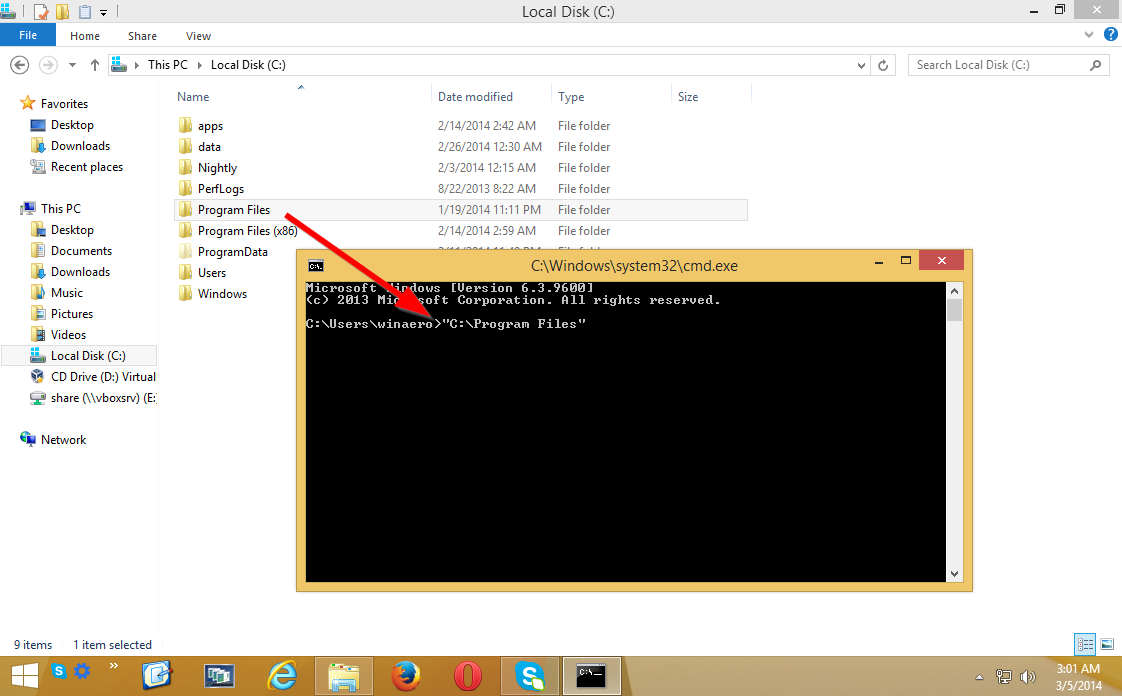
Web Sep 27 2022 nbsp 0183 32 Type cmd into the Windows 11 or Windows 10 search bar to open the command prompt Type cd followed by a space and then drag the folder or type the name of the folder into the command prompt Check that your syntax is correct if directory changes don t work
Pre-crafted templates provide a time-saving solution for creating a varied variety of documents and files. These pre-designed formats and layouts can be utilized for various personal and expert projects, including resumes, invitations, leaflets, newsletters, reports, discussions, and more, streamlining the material production procedure.
Add Path To Command Prompt Windows 10

Linux Crontab Con Ejemplos De Trabajos Cron
How To Execute A Command As Root In Jenkins Stack Overflow
Cmd Exe Download Xp Memehopde

How To Get Help In Windows 10 Command Prompt Lates Windows 10 Update
Windows 7 Command Prompt Commands Pdf Architecturemokasin
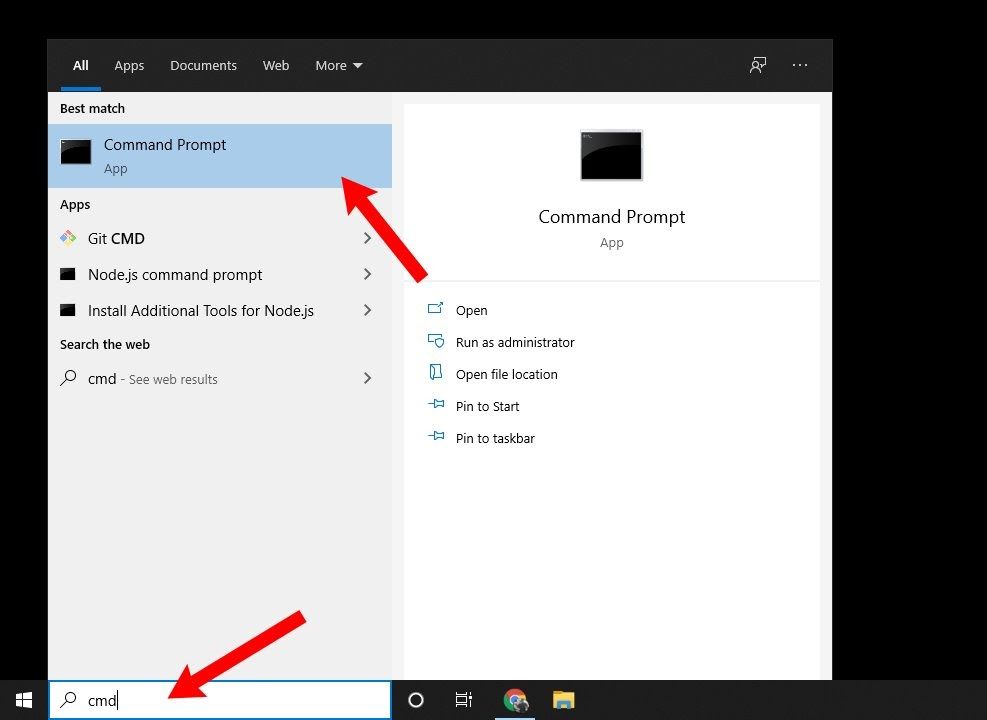
How To Open The Command Prompt In Windows 10

Web Apr 13 2023 nbsp 0183 32 The PATH tells Windows where it should look for executables making them accessible via command line interfaces or scripts To add a new folder to PATH navigate to Advanced System Settings gt Environment Variables select

Web How to add installed program to command prompt in windows right click my computer click Properties click Advanced System Settings click Environment Variables In the bottom pane find Path select it and click Edit after the last add the full path to the folder containing geany exe in this

Web Jan 13 2015 nbsp 0183 32 To update the PATH in your current commandline session only use set PATH PATH FOO To edit it for the current user only use setx PATH quot PATH FOO quot Note that this change is not visible in your current command line session you need to start a new command line

Web Apr 19 2019 nbsp 0183 32 Add a directory to Windows PATH environment variable from CMD Set Windows PATH permnently or for the current session Echo print Windows PATH variable

Web Sep 26 2017 nbsp 0183 32 To add a new path simply click on New and it ll add a new line to the bottom of the list If you know the path simply type it in or copy and paste it If you prefer you can also click Browse and then navigate to the desired path To edit any path simply select it and then click on the Edit button
[desc-11] [desc-12]
[desc-13]