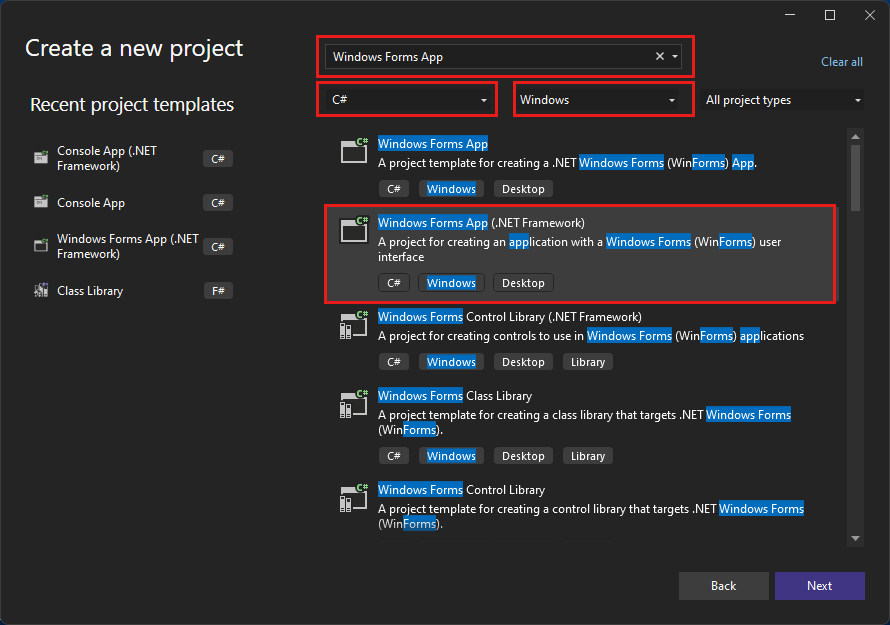
Add New Form In Visual Studio Neues In Visual Studio 2019 Microsoft Learn Primeros Pasos Con WinForms WikiOD Windows Forms Templates Visual Studio 2019 Create Login Form In Vb Net With Sql Server Db Windows Form Application Visual Studio 2019 Ngmzaer Riset Open Visual Studio and select Create a New Project Visual Studio will provide you with a list of project templates you can choose from To create a Windows Forms Application
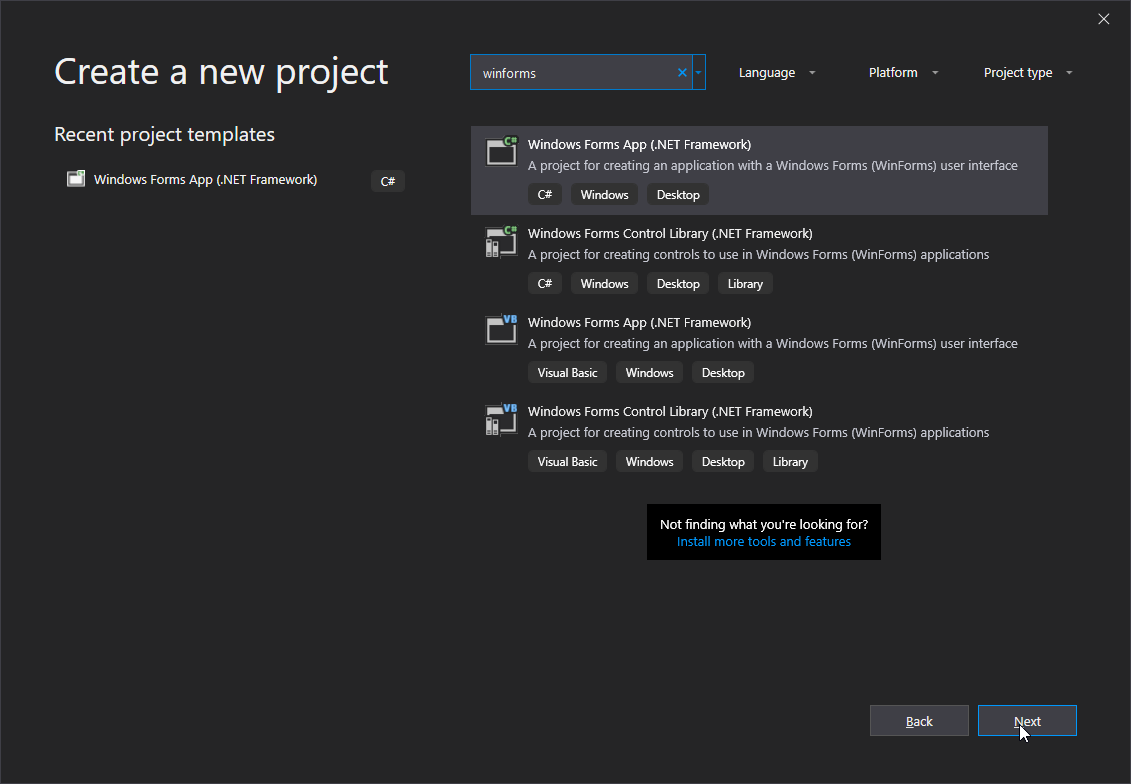
Create Your First C Windows Forms Application using Visual Studio YouTube 0 00 11 35 Introduction Create Your First C Windows Forms Open Visual Studio Select Create a new project In the Search for templates box type winforms and wait for the search results to appear In the
Windows Form Application Visual Studio 2019 Ngmzaer Riset How To Add New Form New Window In C Net With Visual Studio 2012 How To Add New Form New Window In C Net With Visual Studio 2012 Tworzenie Aplikacji Windows Forms Za Pomoc J zyka C Visual Studio Visual Studio 2019 How To Create Student Profile Form In VB NET Part GitHub Socheatsok78 uses My Current Setup C Geli tiricilerine Genel Bak Visual Studio Windows Microsoft Create A Windows Forms App With C Visual Studio Windows Suggestion Menu With USINGS In Visual Studio Keyboard Shortcut
Add New Form In Visual Studio
 Add New Form In Visual Studio
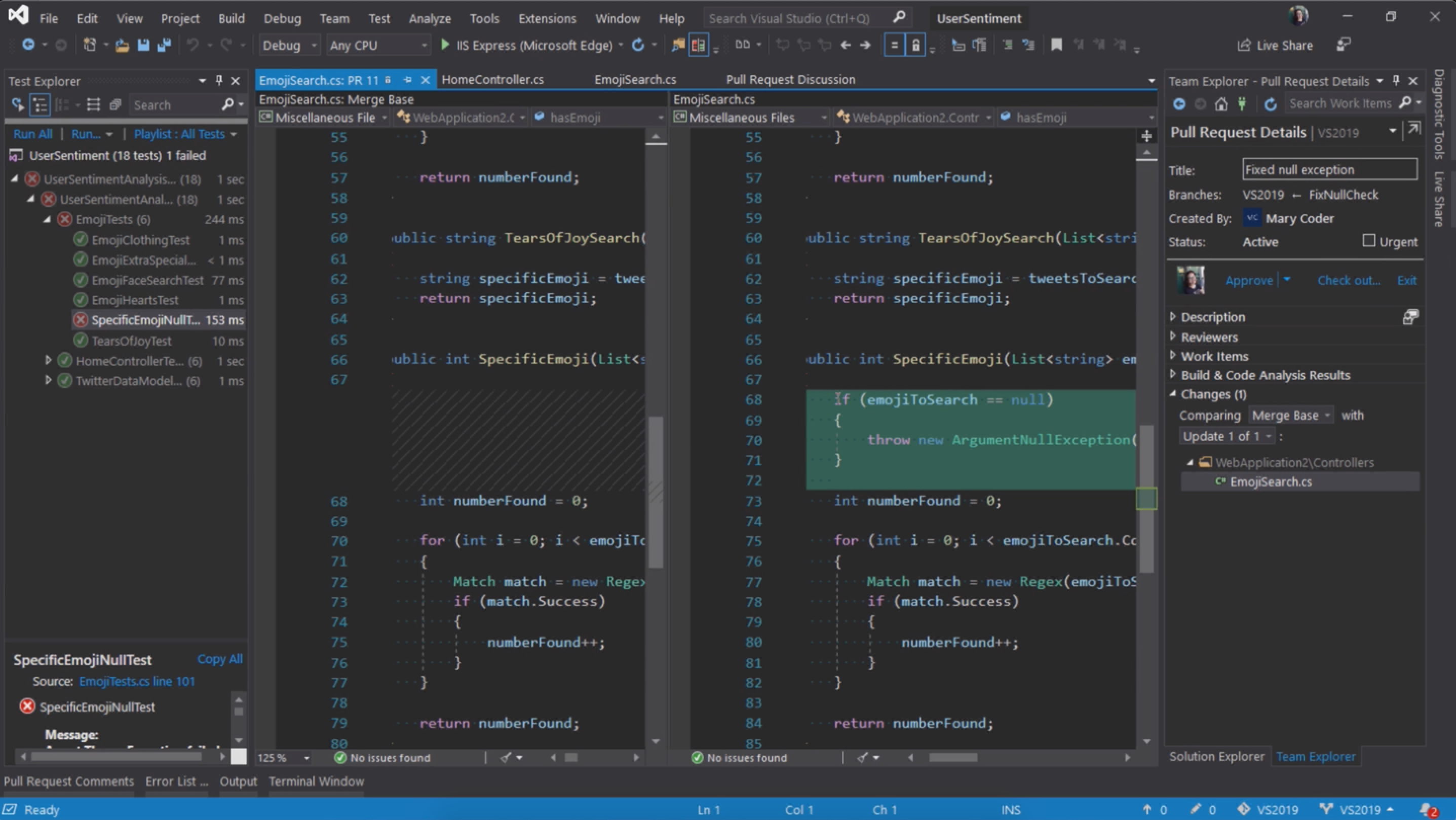
https://learn.microsoft.com/de-de/visualstudio/ide/media/vs-2019/pr-experience.png?view=vs-2022
In Visual Studio 2022 Preview 2 we have introduced a new designer for Web Forms projects that is powered by Web Live Preview In this post we will
Pre-crafted templates use a time-saving solution for developing a varied series of documents and files. These pre-designed formats and layouts can be made use of for numerous personal and professional projects, consisting of resumes, invitations, leaflets, newsletters, reports, presentations, and more, improving the material production procedure.
Add New Form In Visual Studio

Winform How To Create A New Popup Window Using C

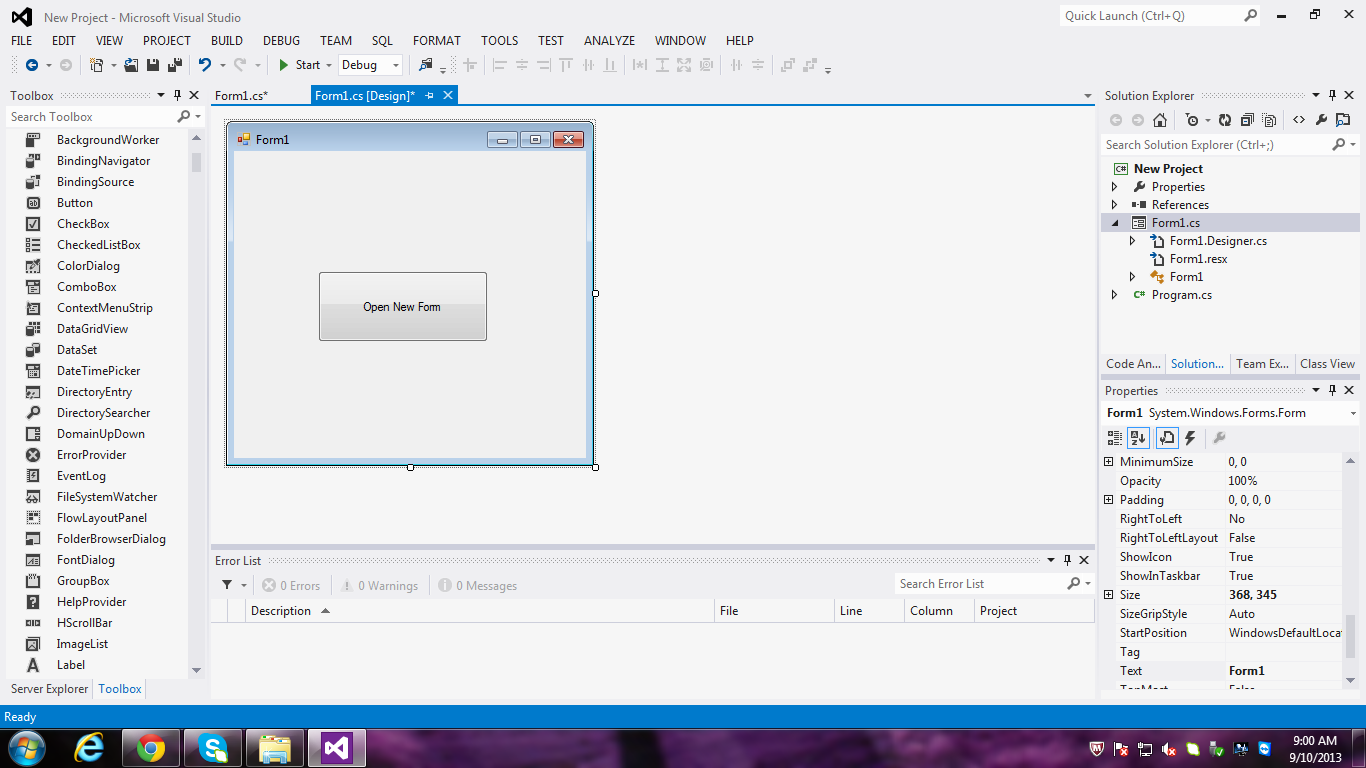
How To Add New Form New Window In C Net With Visual Studio 2012
How To Add New Form New Window In C Net With Visual Studio 2012
Tworzenie Aplikacji Windows Forms Za Pomoc J zyka C Visual Studio

GitHub Socheatsok78 uses My Current Setup

C Geli tiricilerine Genel Bak Visual Studio Windows Microsoft

You can generate a form inside a panel By doing this below private void button1 Click object sender EventArgs e Form2 frm new Form2

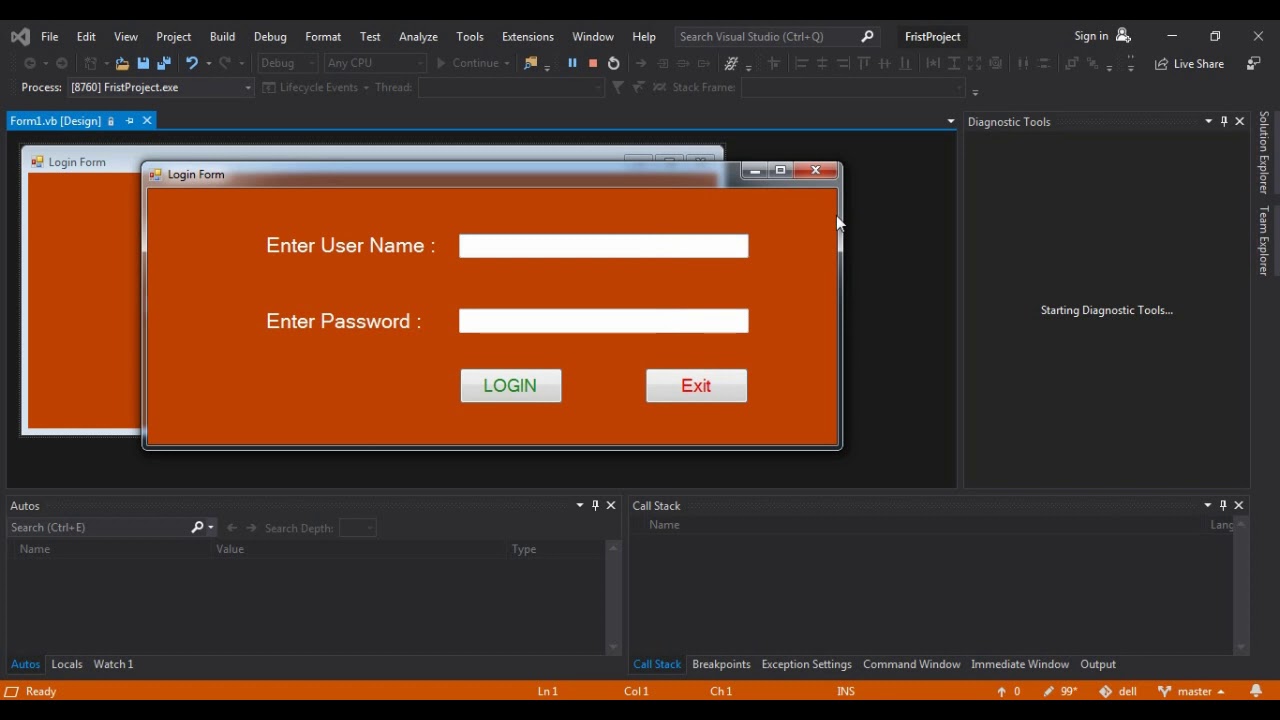
Create a Windows Forms app in Visual Studio with Visual Basic add a button to the form add a label and code and run the application Tutorial Create Windows Forms app Visual

Adding a new form to a Visual Studio project is a straightforward process that allows you to create additional windows or dialog boxes within your applicatio
The steps to create a new WinForms project are as follows Start the Visual Studio After a while the following window should show up Click image to enlarge On the left side you will
Hello students How to add new form in Visual Studio A new video that I wish you like it and find it helpful step by step course for you to learn everything c
Select ASP NET Web Application NET Framework A few clicks later you can select Web Forms If you don t see the ASP NET Web Application Add the NET Ribbon to Your Form Open your Form in design view and you should now see a few new controls in your toolbox including C1Ribbon
Visual Studio uses the Forms Designer to design forms There is a Controls pane which lists all the controls available to your app You can add