Add Mysql Data Source To Visual Studio How To Connect Github To Visual Studio Code YouTube Create User Mysql Workbench Inrikobible 7 Visual Studio Code Alternatives For Better Coding Programming Cube Best Ways To Optimizing Your Visual Studio Code In 2022 CodingSutra Vscode open Visual Studio Marketplace Web Result MySQL for Visual Studio provides access to MySQL objects and data without forcing your developers to leave Visual Studio Designed and developed as a Visual Studio package MySQL for Visual Studio integrates directly into Server Explorer providing a seamless experience for setting up new connections and working with
Web Result Open Visual Studio and follow these steps Adding a new data connection Go to View gt Server Explorer Right click on Data Connections and select Add Connection If MySQL Database is not in the list of data sources click Change and select it Configuring the connection properties Web Result Jun 1 2023 nbsp 0183 32 For Entity Framework first create your entity classes and then start the wizard by selecting Project gt Add New Data Source described in more detail later in this article Data Sources window After you create a data source it appears in the Data Sources tool window Tip
Vscode open Visual Studio Marketplace The Data School How To Read In And Sort A File Using Alteryx Visual Studio Code Vs Visual Studio 2019 Community Aboutkop How To Use MySQL With Visual Studio Code Step By Step Turing Mysql For Visual Studio 1 2 8 Daysberlinda Can t Add Appleid To Visual Studio For Mac Microsoft Q A MySQL For Visual Studio Download Gain Access To MySQL Databases And Visual Studio 2017 Enterprise Serial Key Likosclinic C How To Connect To A MySQL Data Source In Visual Studio 2019
Add Mysql Data Source To Visual Studio
 Add Mysql Data Source To Visual Studio
https://i.ytimg.com/vi/d2xEaQtEhQQ/maxresdefault.jpg
Web Result Feb 28 2023 nbsp 0183 32 Connect to a MySQL Data Source SQL Server Import and Export Wizard Article 02 28 2023 7 contributors Feedback In this article Get the MySQL connectors Connect to MySQL with the Net Framework Data Provider for MySQL Connect to MySQL with the MySQL ODBC driver Other data providers and more
Templates are pre-designed files or files that can be used for different functions. They can save effort and time by providing a ready-made format and layout for creating different type of content. Templates can be utilized for individual or expert projects, such as resumes, invites, flyers, newsletters, reports, discussions, and more.
Add Mysql Data Source To Visual Studio
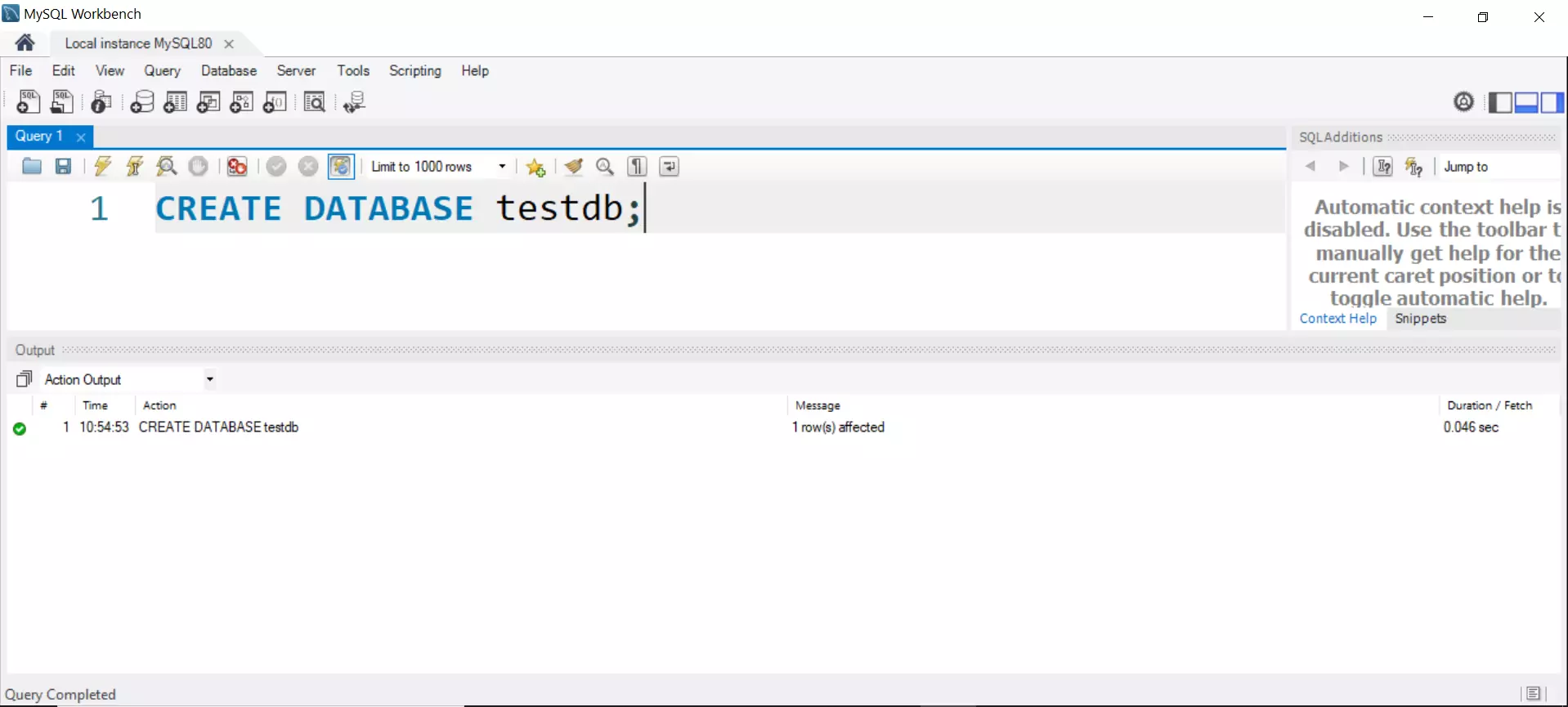
MySQL CREATE DATABASE Statement TestingDocs
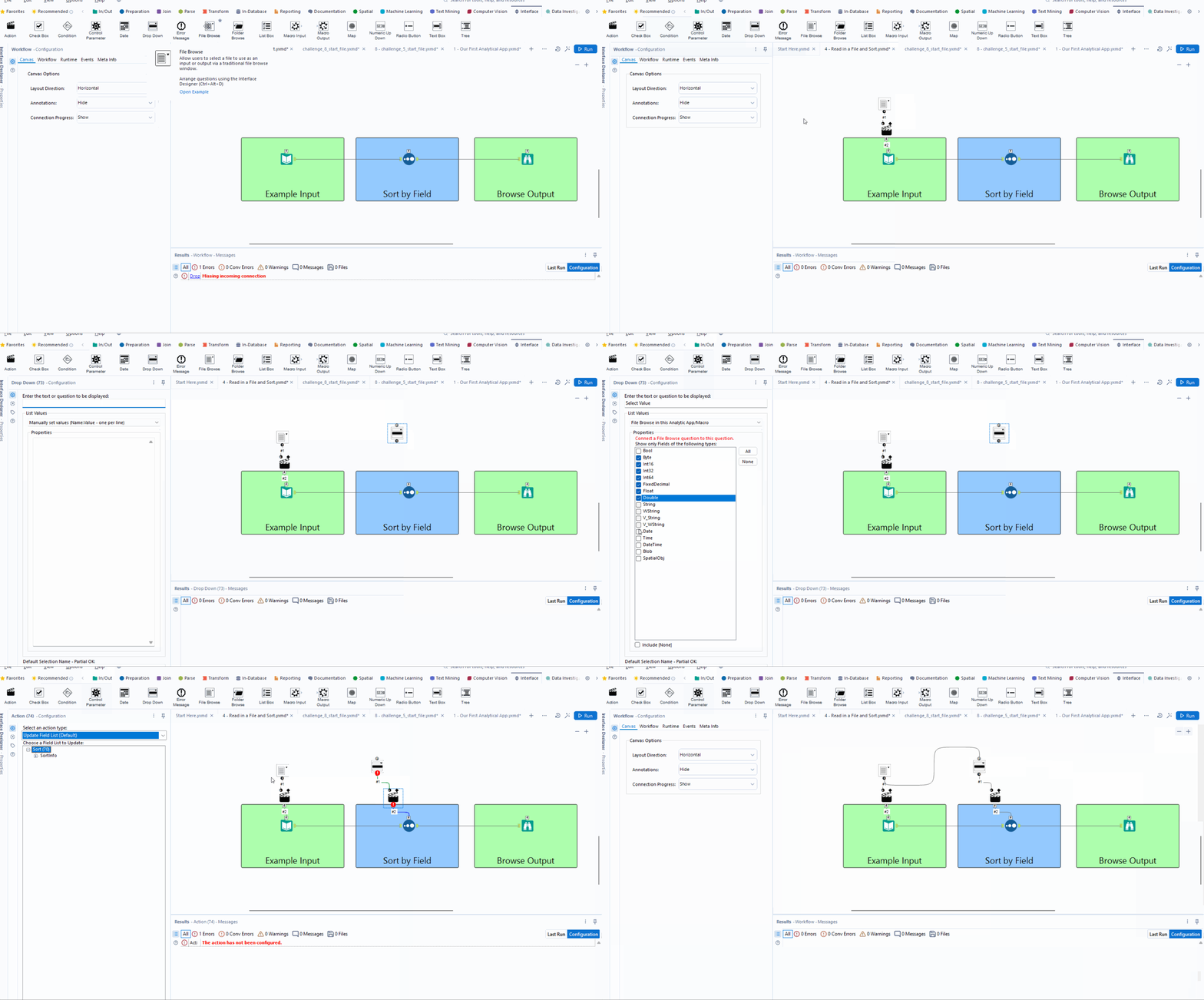
The Data School How To Read In And Sort A File Using Alteryx
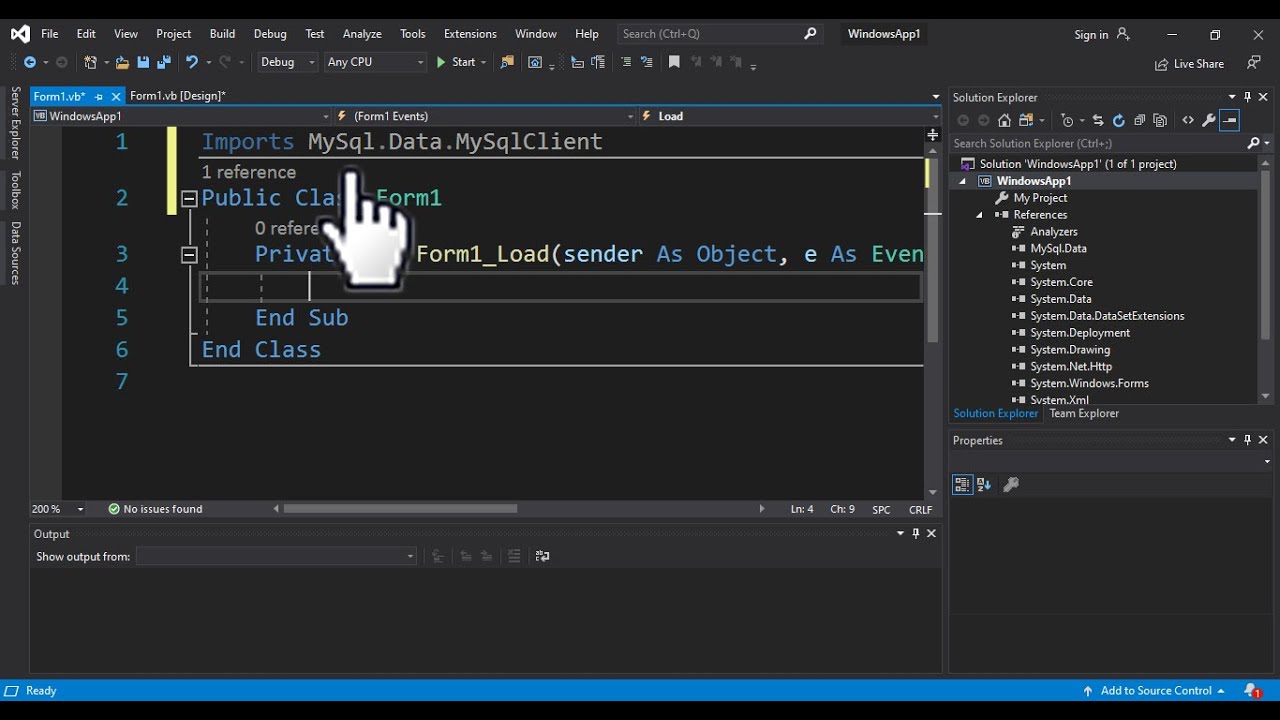
Visual Studio Code Vs Visual Studio 2019 Community Aboutkop

How To Use MySQL With Visual Studio Code Step By Step Turing

Can t Add Appleid To Visual Studio For Mac Microsoft Q A
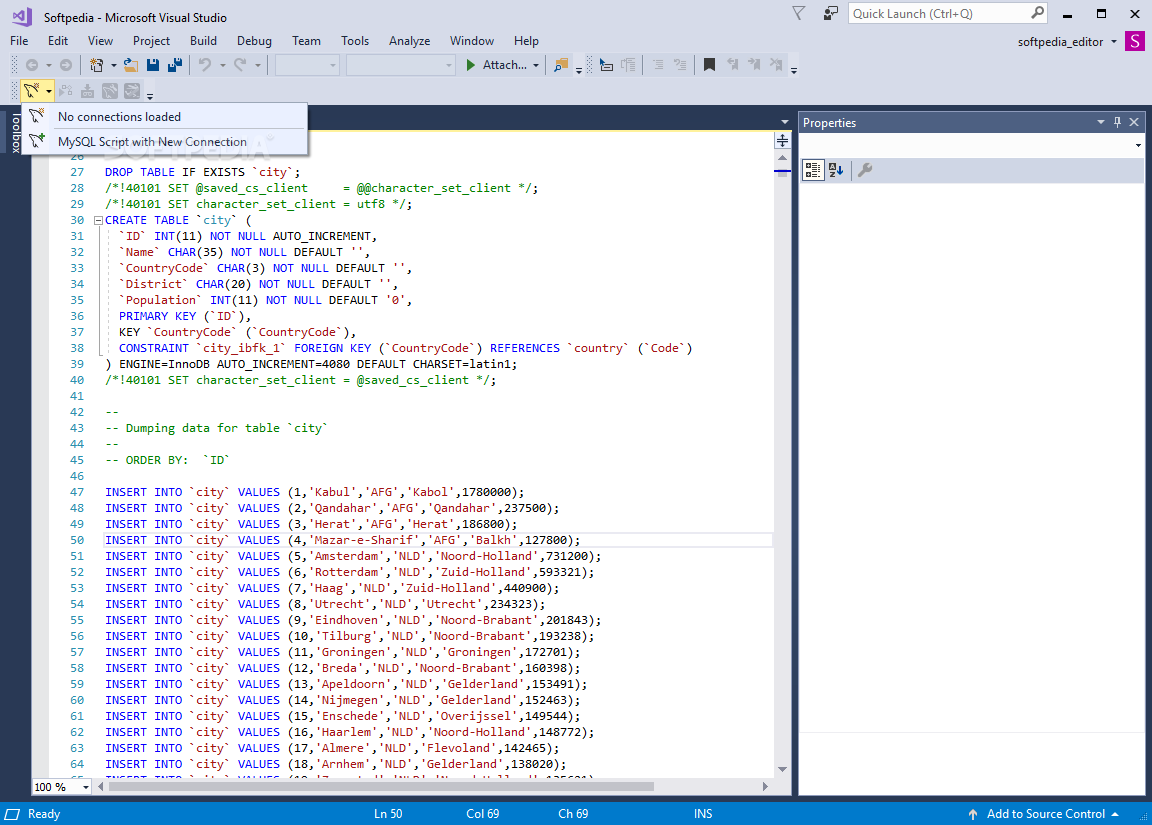
MySQL For Visual Studio Download Gain Access To MySQL Databases And
Web Result First you need to install the mysql connector net it is located at http dev mysql downloads connector net 1 0 html Next create a new project Next add reference to MySql Data Next add quot using MySql Data MySqlClient quot but im not able to install the connector website http bitdaddys MySQL
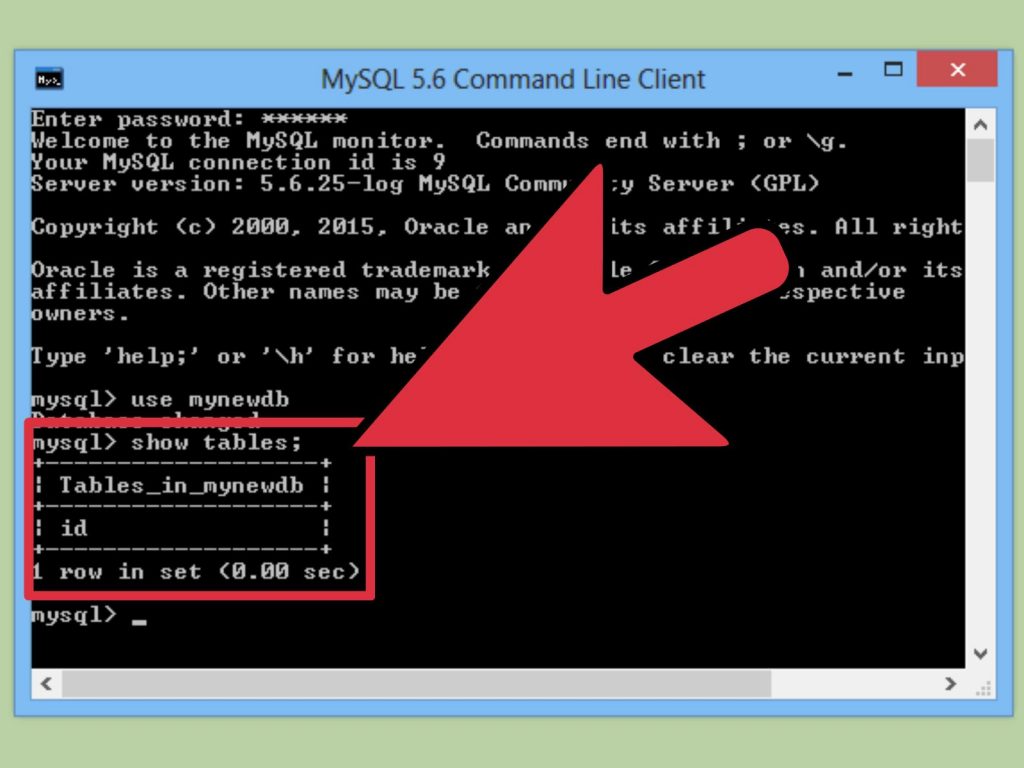
Web Result Jun 2 2013 nbsp 0183 32 Run MySQL Installer and install upgrade Connector NET and MySQL for Visual Studio to current versions 8 0 17 and 1 2 8 at the time Run Visual Studio Installer gt Visual Studio Community 2017 gt Modify gt Individual components gt add NET Framework Targeting Packs for 4 6 2 4 7 4 7 1 and 4 7 2
Web Result Jun 22 2022 nbsp 0183 32 This video shows you how to connect to MySQL database from Visual Studio 2022The link MySql Data is https www nuget packages MySql Data 8 0 29 src tem

Web Result Learn how to connect MySQL to Visual Studio 2022 with the MySQL Connector for Visual Studio This step by step guide will show you how to install the connector create a connection to your MySQL database and query data
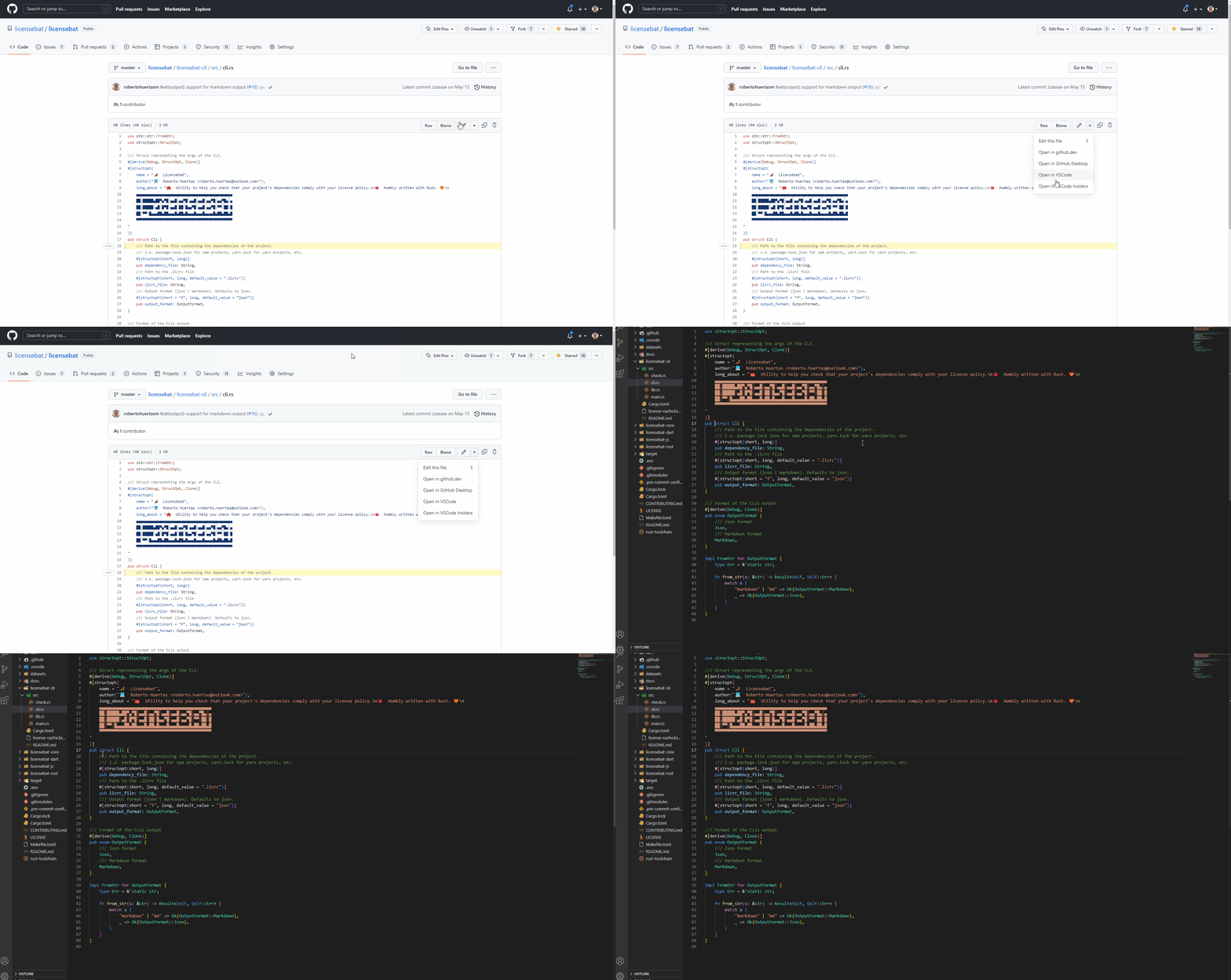
Web Result Designed and developed as a Visual Studio package MySQL for Visual Studio integrates directly into Server Explorer providing a seamless experience for setting up new connections and working with database objects The following MySQL for Visual Studio features are available as of version 2 0 2
Web Result Sep 24 2023 nbsp 0183 32 The first step in integrating MySQL with Visual Studio is installing the MySQL Connector This software bridge allows you to connect Visual Studio to a MySQL database Visit the MySQL official website and download the Connector NET package Installing Via MSI Installer Installing Via NuGet Web Result Dec 31 2023 nbsp 0183 32 Setting Up MySQL For Visual Studio MySQL for Visual Studio is a plugin that integrates directly into Microsoft s Visual Studio IDE It provides tools for accessing and managing MySQL databases from within the Visual Studio environment This integration streamlines database development enabling
Web Result Apr 13 2019 nbsp 0183 32 I m trying to create a new connection using MySql as a Data Provider in Visual Studio 2019 but the list of Data source doesn t show me MySql So I check out my mysql connector and I had the 8 0 15 msi version