Add Multiple Columns In Pivot Table Report Classification Add Values From Multiple Columns In Pivot Table Add Multiple Columns To A Pivot Table CustomGuide Excel Vba Tutorial Pivot Tables Fabulousgarry How To Use Columns In Pivot Table Printable Forms Free Online Pivot Table How Can I Combine Columns In One Columns In Excel Mobile 1 Open the Excel file with the pivot table you want to edit Find and double click your Excel file on your computer to open it If you haven t made your pivot table yet open a new Excel document and
1 Country field to the Rows area 2 Amount field to the Values area 2x Note if you drag the Amount field to the Values area for the second time Excel also populates the Columns area Pivot table 3 Next click any 1 I m trying to make a pivot table from data where there is one column I want to pivot on Hair Color and then a lot of columns I want to calculate counts for These count columns all have a common list of
Pivot Table How Can I Combine Columns In One Columns In Excel Mobile Excel 2016 Pivot Table From Multiple Tables Microsoft Community How To Generate Multiple Pivot Table Sheets From Single Pivot Table In How To Create A Pivot Table In Excel To Slice And Dice Your Data Riset Pivot Table Count Of Multiple Columns Brokeasshome How To Have Multiple Columns In Pivot Table Brokeasshome Change Order Of Column Labels In Pivot Table Brokeasshome Can You Combine Two Worksheets Into One Pivot Table Brokeasshome Pivot Table Filter How To Filter Data In Pivot Table With Examples
Add Multiple Columns In Pivot Table Report
 Add Multiple Columns In Pivot Table Report
https://i.stack.imgur.com/348z3.gif
To filter the Pivot Table like you re looking for try using slicers To do this Click on the first Pivot Table Click Analyze in the ribbon menu up top Click Insert Slicer Setup slicers for Name Date Site
Templates are pre-designed documents or files that can be used for numerous purposes. They can conserve effort and time by providing a ready-made format and layout for creating various type of material. Templates can be used for individual or expert tasks, such as resumes, invites, flyers, newsletters, reports, presentations, and more.
Add Multiple Columns In Pivot Table Report

How To Use Columns In Pivot Table Printable Forms Free Online

Excel 2016 Pivot Table From Multiple Tables Microsoft Community
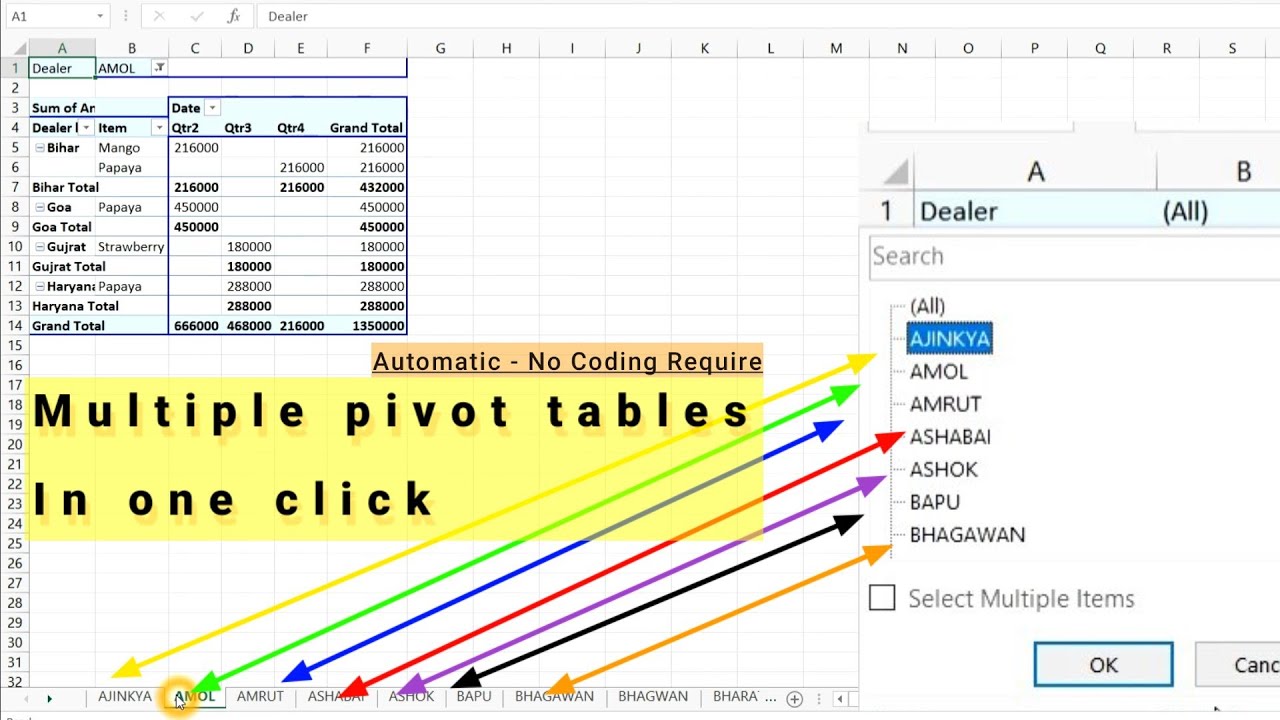
How To Generate Multiple Pivot Table Sheets From Single Pivot Table In

How To Create A Pivot Table In Excel To Slice And Dice Your Data Riset
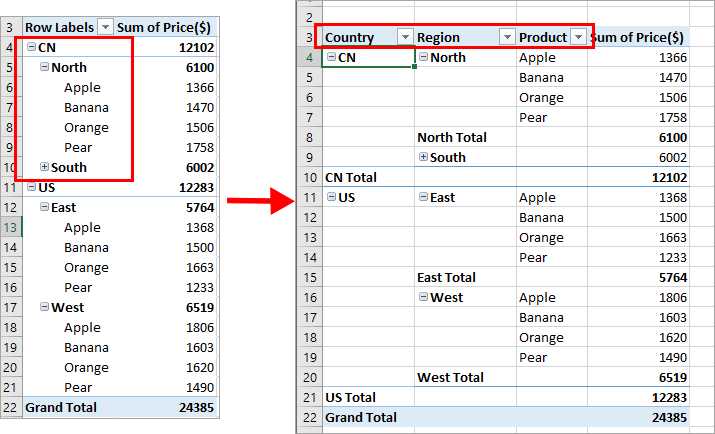
How To Have Multiple Columns In Pivot Table Brokeasshome
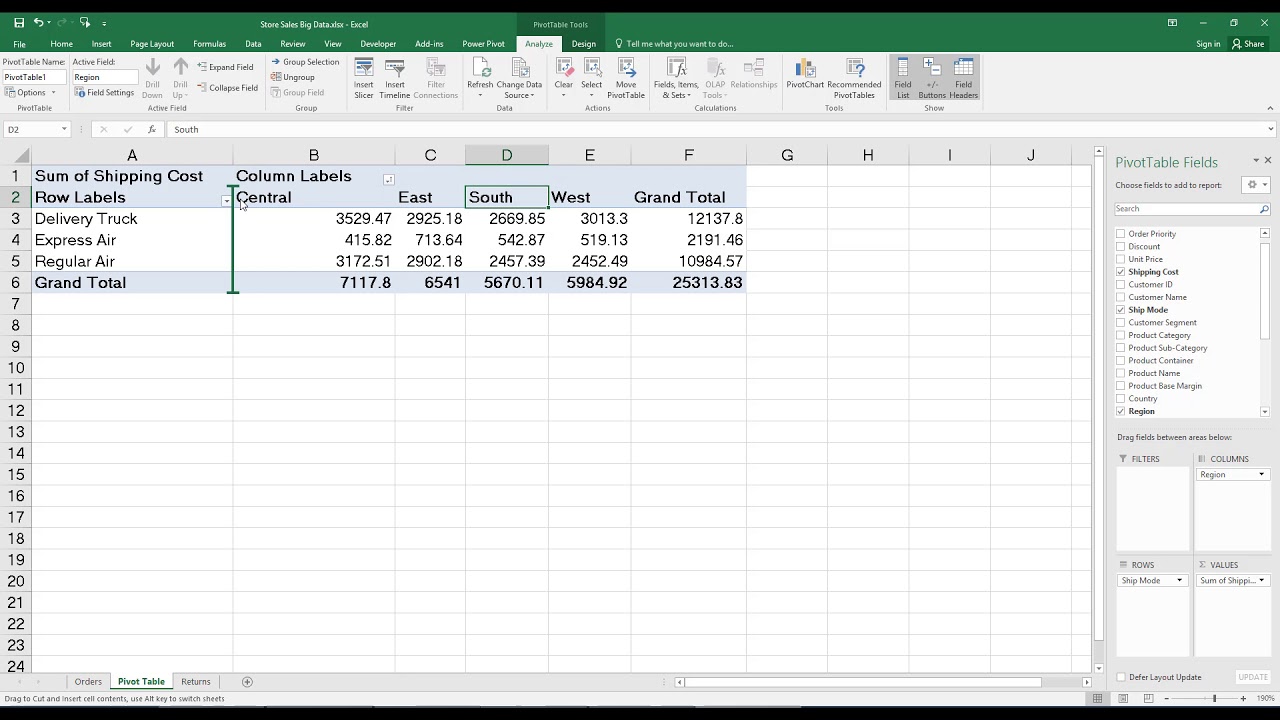
Change Order Of Column Labels In Pivot Table Brokeasshome

Here s how to insert a pivot table with multiple columns A Selecting the data range Before creating a pivot table it s important to select the entire data range that you want
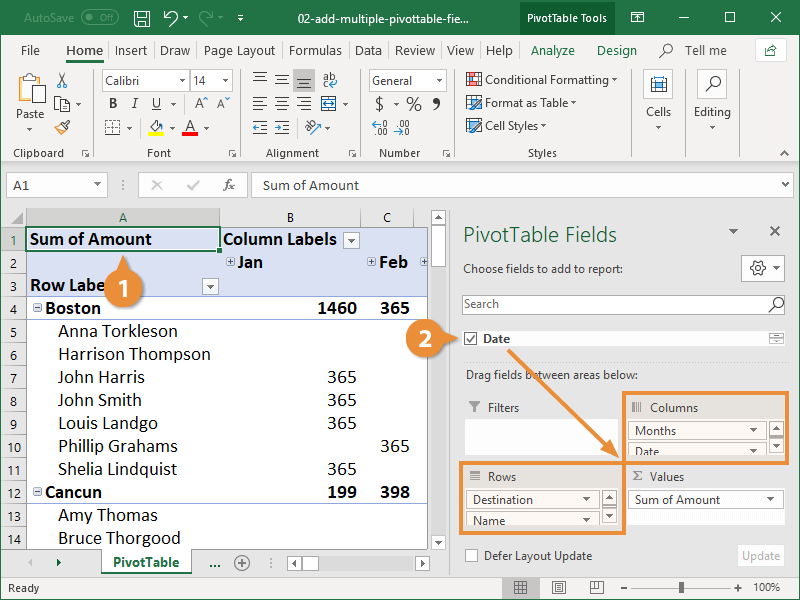
Step 1 Open your pivot table in Microsoft Excel or any other spreadsheet software that supports pivot tables Step 2 Click on the pivot table to select it Step 3 In the pivot
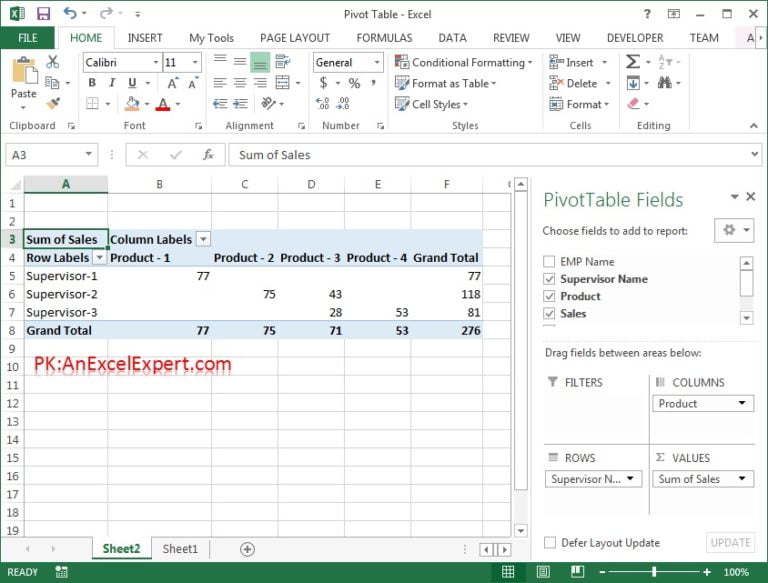
To better understand this data we want to create a pivot table with multiple columns To create a pivot table we will first select our data and then use

Demonstration of adding multiple columns in pivot table Take the following scenario for example You want to analyze sales data by both product and region You can add two

Key Takeaways Pivot Table Add Column helps users add additional columns in a pivot table based on existing data The pivot table functionality helps consolidate and
Click the drop down arrow to the right of the Options button on the left side Click the Show Report Filter Pages button The Show Report Filter Pages window will 1 Answer Sorted by 1 Whenever you have more than one item to the Values box Excel will need to show them side by side in some way The default is to show both values as side
Start by selecting any cell in the data range and go to the Insert tab Click on the Pivot Table button Double check that the range is correct Then press OK Drag the