Add Module To Python Path Pycharm How To Edit A Python File In Linux Terminal Systran Box Module Unable To Install Packages Pycharm Python exec Path Not How To Install PyCharm For Python On Windows Python Path And Permission Issues Using Pycharm With Windows 10 Ubuntu18 04 Diver Import project also gives my an unresolved reference error edit I should add that I cannot change the code as it is a shared project I need that exact import line to work on my machine My counterpart uses eclipse were it seems to be easier to add a path to additional code python import path pycharm Share Improve this question Follow
Click the drop down and select the desired Python interpreter If it s not on the list click Show All Then select the desired interpreter in the left pane and click OK When PyCharm stops supporting any of the outdated Python versions the corresponding Python interpreter is marked as unsupported Python add PYTHONPATH during command line module run python somescript py somecommand But when I run this I need to include a certain directory I can t just add it to my environment variables because the directory I want to add changes based on what project I m running Is there a way to alter while running a script
Ubuntu18 04 Diver Install Pycharm Editor And Set Up Project Interpreter Path YouTube Pycharm terminal shell Path pycharm Shell CSDN Python Having Issues With Django URL Mapping Stack Overflow Sten Python Add Module To A Page Divi Extended Documentation Solved PyCharm Current Working Directory 9to5Answer Python Pycharm What Is Python Path Tutorials Link
Add Module To Python Path Pycharm
 Add Module To Python Path Pycharm
https://syscdn.systranbox.com/1661315855523.jpg
In 2021 PyCharm added a new Packages tool window to help you see which Python packages are in your interpreter as well as manage them You can use this to see what packages PyCharm has installed for example some will be installed if you select Flask as your project type such as the Jinja2 and Flask packages
Pre-crafted templates use a time-saving option for creating a varied range of files and files. These pre-designed formats and designs can be made use of for numerous personal and expert projects, including resumes, invitations, leaflets, newsletters, reports, discussions, and more, enhancing the content development process.
Add Module To Python Path Pycharm

Python Adding To PYTHONPATH In VS Code Stack Overflow
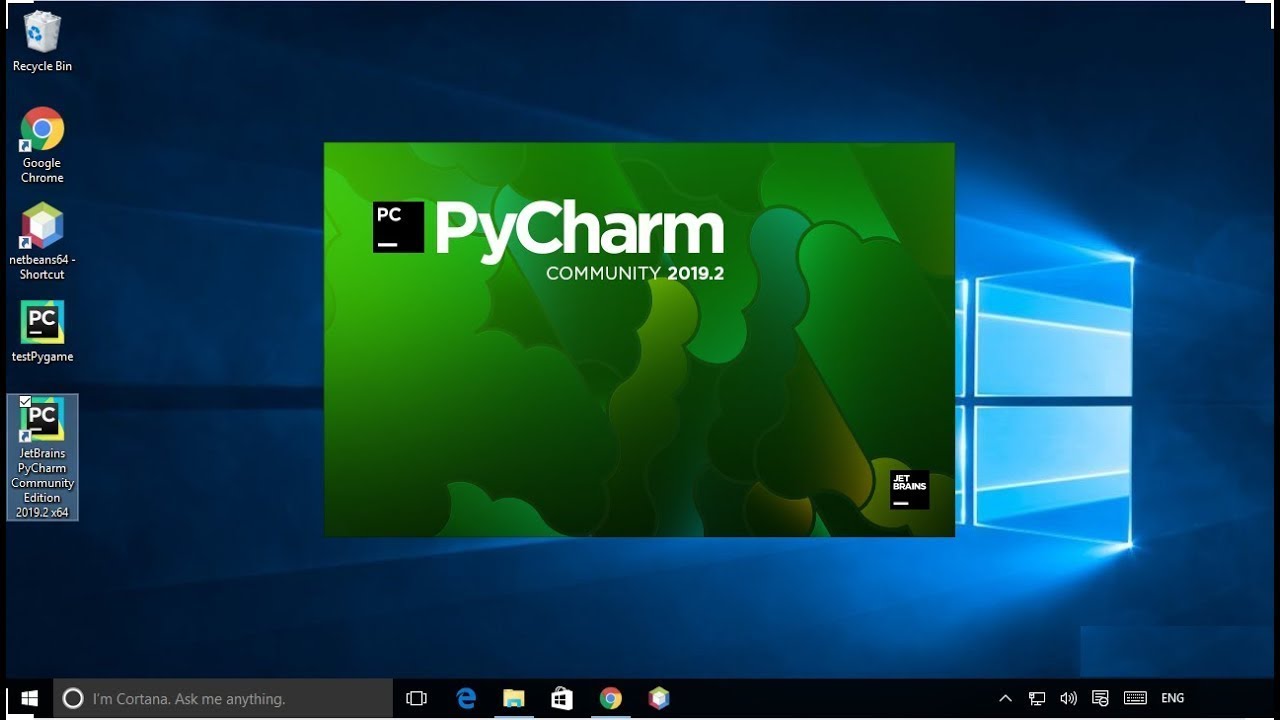
Install Pycharm Editor And Set Up Project Interpreter Path YouTube
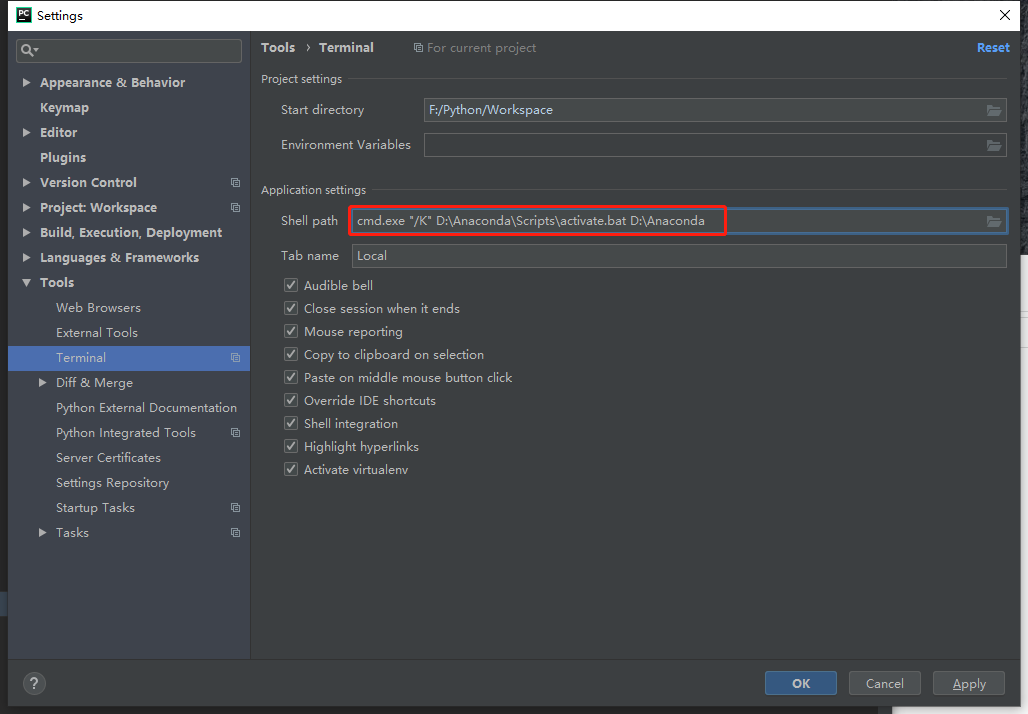
Pycharm terminal shell Path pycharm Shell CSDN

Python Having Issues With Django URL Mapping Stack Overflow
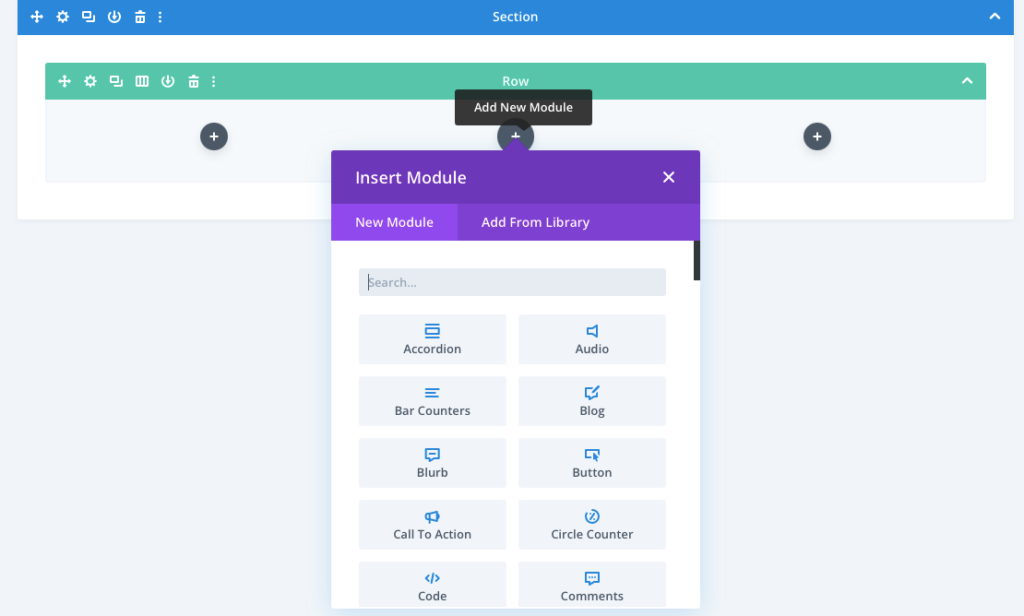
Add Module To A Page Divi Extended Documentation

Solved PyCharm Current Working Directory 9to5Answer

Click the Add Package link on the Python Packages toolbar and select From Disk Specify a path to the package directory or an archive zip or whl Select Install as editable e if you want to install the package in the editable mode for example setuptools develop mode Upgrade packages

How do I use installed packages in PyCharm Ask Question Asked 10 years 2 months ago Modified 2 days ago Viewed 622k times 217 In PyCharm I ve added the Python environment usr bin python and GNU Radio works fine outside of PyCharm However importing it fails in PyCharm with an undefined reference from gnuradio import gr

PyCharm add Python extra path Custom module path for missing import resolution Stack Overflow PyCharm add Python extra path Custom module path for missing import resolution Asked 1 year 2 months ago Modified 4 months ago Viewed 283 times 2 I m coming from VSCode into PyCharm as my team wants me to use PyCharm It s a hard requirements

Use this dialog to create a run debug configuration for Python scripts Configuration tab Logs tab Use this tab to specify which log files generated while running or debugging should be displayed in the console that is on the dedicated tabs of the Run or Debug tool window Common settings
Press Ctrl Alt 0S to open the IDE settings and then select Appearance Behavior Path Variables Click enter the name and value of the variable and click OK to apply the changes You can use path variables to specify paths and command line arguments for external tools and in some run configurations
The first step is to locate the directory in which your target Python executable lives The path to the directory is what you ll be adding to the PATH environment variable To find the Python executable you ll need to look for a file called python exe Various methods can be used to import the module by using its full path here we are using some generally used methods for importing python files in Python those are following Using sys path append Function Using importlib Package Using SourceFileLoader Class Using exec Function
I would have expected that whenever PyCharm creates a new virtual environment it would look at the system wide PYTHONPATH environment variable and add any paths found in that to the local venv s interpreter paths setting This does not appear to be happening As a test I created a package in the my packages folder called helloworld