Add Language Windows 10 Powershell Frequently Asked Powershell Windows 10 Questions This Guide Brings HOW TO ADD LANGUAGE Windows 10 YouTube Windows 10 How To Switch To Dvorak Keyboard Layout Adding And Removing Keyboard Languages With PowerShell 4sysops Uninstalling Windows Store Apps Using PowerShell CloudAppie Starting with Windows 10 1803 Microsoft has begun to replace language packs LPs in cab format with Local Experience Packs LXPs You can also add these AppX packages via the store They will change language management fundamentally for admins Only Windows Server 2019 will keep cab files for the time being Author Recent Posts
1 I m trying to add a language pack to existing Windows 10 builds mostly 20H2 but the language is only available and not downloaded as per the screenshot Only the default en us can be selected as the Windows Display Language until en IE is downloaded Any PowerShell commands I find only work after the pack is downloaded You can use these commands to install and set your language Add WindowsPackage Online PackagePath lp de cab ll New WinUserLanguageList Language language Set WinUserLanguageList ll Force Note that language would be the language code you want to apply after the previous install
Uninstalling Windows Store Apps Using PowerShell CloudAppie Sprachfenster Hinzuf gen 10 Gyoumagazine Changing Windows 10 s Language To English With PowerShell Todd Klindt How To Change The System Language On Windows 10 Change Windows 10 Language How To Change System Language On Windows 10 Windows Central How To Change Language On Windows 10 How To Add Language YouTube 9 Ways To Open PowerShell In Windows 10 Windows 10 Scripting Restore And Reinstall Windows Store In Windows 10 After Removing With
Add Language Windows 10 Powershell
 Add Language Windows 10 Powershell
https://i.pinimg.com/originals/1d/f6/05/1df60530f14550957b85628e6c1ef5cb.png
Select Start Settings Time language Language region Choose a language from the Add a language list under Preferred languages and then select Options Select Download from the Download language pack option After the language pack is installed select Back Choose a language from the Windows display language menu
Templates are pre-designed files or files that can be used for various purposes. They can conserve time and effort by supplying a ready-made format and design for developing different sort of material. Templates can be utilized for individual or expert tasks, such as resumes, invites, flyers, newsletters, reports, presentations, and more.
Add Language Windows 10 Powershell
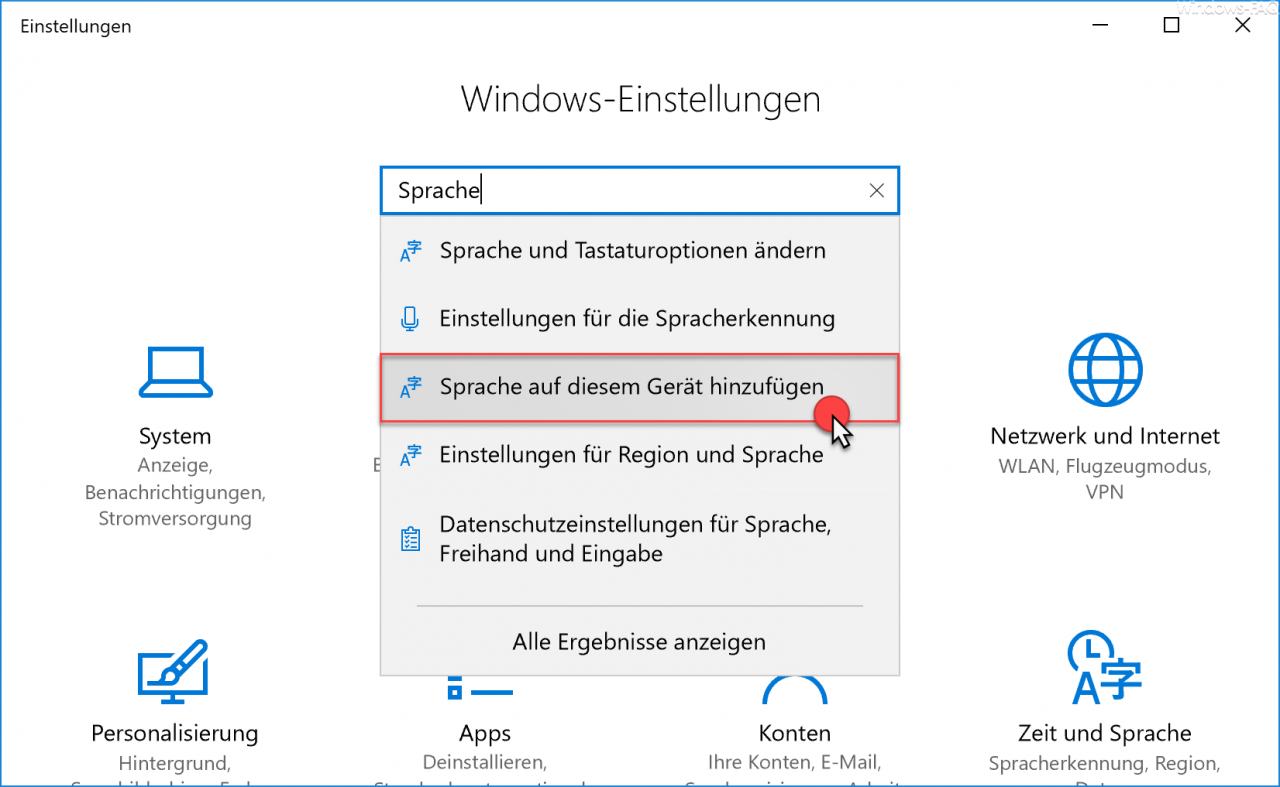
Install Additional Language On Windows 10 HowPChub

Sprachfenster Hinzuf gen 10 Gyoumagazine

Changing Windows 10 s Language To English With PowerShell Todd Klindt
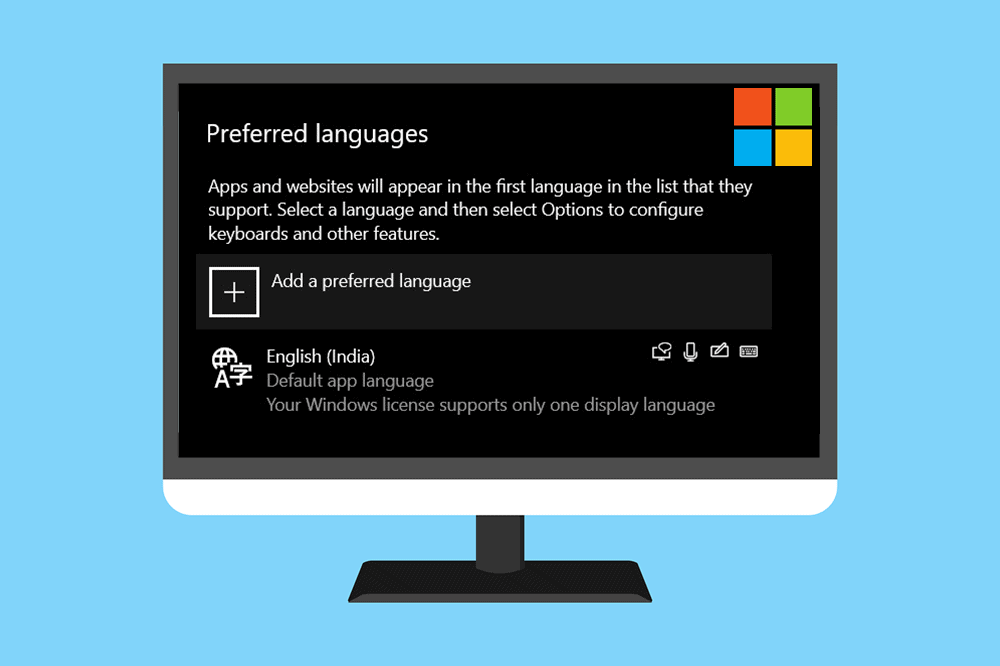
How To Change The System Language On Windows 10

How To Change System Language On Windows 10 Windows Central

How To Change Language On Windows 10 How To Add Language YouTube

Description Downloads and installs the available language components for the specified language onto a device You can also change your Display Language by using the International module commands Set WinUILanguageOverride lnstalled Language Examples Example 1 Add a language to a device PowerShell Install Language ja JP

How to install a Language pack using command line Hi I want to know How to install a Language pack using command line in Windows 10 Eg I want to install the Japanese language pack using PowerShell command so that it should install and provide me the language selection from the Task Bar This thread is locked

Adding languages It s simple to look at the language list as PowerShell has a built in cmdlet for this LanguageList Get WinUserLanguageList When we view the contents of LanguageList we ll see the object returned And if US English is your only chosen keyboard language your output should look like the following

This module can be used to easily add languages and related language features and manage settings like System Preferred UI Language System Locale Input method Keyboard Locale Speech Recognizer User Preferred Language List using the new cmdlets Note These cmdlets are supported on client operating system only

According to Microsoft this new PowerShell Module allows users to easily add languages and related language features and manage settings like System Preferred UI Language System Locale Input method Keyboard Locale Speech Recognizer User Preferred Language List using the new cmdlets
1 Answer Sorted by 19 Consider using the Set WinSystemLocale and or Set WinUserLanguageList PowerShell cmdlets right from the PowerShell command line or IDE with no script and with a couple simple commands Commands Note Be sure to replace en US with the language locale for your need Set WinSystemLocale en US Set WinUserLanguageList en US Hi In this video I will show you How To Install Language Packs in Windows 10 With Powershell Pre Windows 1809 Language Pack cab filesPost Windows 1809
Tip change or add new language in Windows 11 Start to do the following MS PowerShell in Administrative mode Windows R command PowerShell and Ctrl Shift Enter to start 1 How to show a list of currently installed language packs 1 Start the command DISM online Get Intl