Add Git Gui To Right Click Menu How To Customize The Right Click Context Menu In Windows 11 Touchpad How To Assign Three Finger Tap Into Right Click Menu On How To Customize Windows 11 Right Click Menu Windows 10 Taskbar Preview Broken Troubleshooting Linus Tech Tips Right Click Menu Not Collected Svg Png Icon Free Download 388056 A Tcl Tk based graphical user interface to Git git gui focuses on allowing users to make changes to their repository by making new commits amending existing ones creating branches performing local merges and fetching pushing to remote repositories Unlike gitk git gui focuses on commit generation and single file annotation and does not
Use the Windows key R keyboard shortcut to open the Run command type regedit and click OK to open the registry Browse the following path HKEY CLASSES ROOT Directory Background shell How to remove git from menu context in Documents Ask Question Asked 6 years 1 month ago Modified 5 months ago Viewed 42k times 48 I have a little question How can I remove the git bash here and git gui here from my menu context in my Documents directory I have tried Reinstalling the Git 2 15 64 bit with unchecked options
Right Click Menu Not Collected Svg Png Icon Free Download 388056 Git gui Alternatives And Similar Software AlternativeTo How To Customize The Right Click Menu In Windows 11 Git GUI error How To Manually Edit The Right Click Menu On Windows 10 Step By New Right Click Menu Not Collected Svg Png Icon Free Download 372275 Right Click Menu Svg Png Icon Free Download 388059 OnlineWebFonts COM Right Click Menu Take A Screenshot MacRumors Forums Ctrl click Not Accepted As Equivalent To Right Click On A Mac Issue
Add Git Gui To Right Click Menu
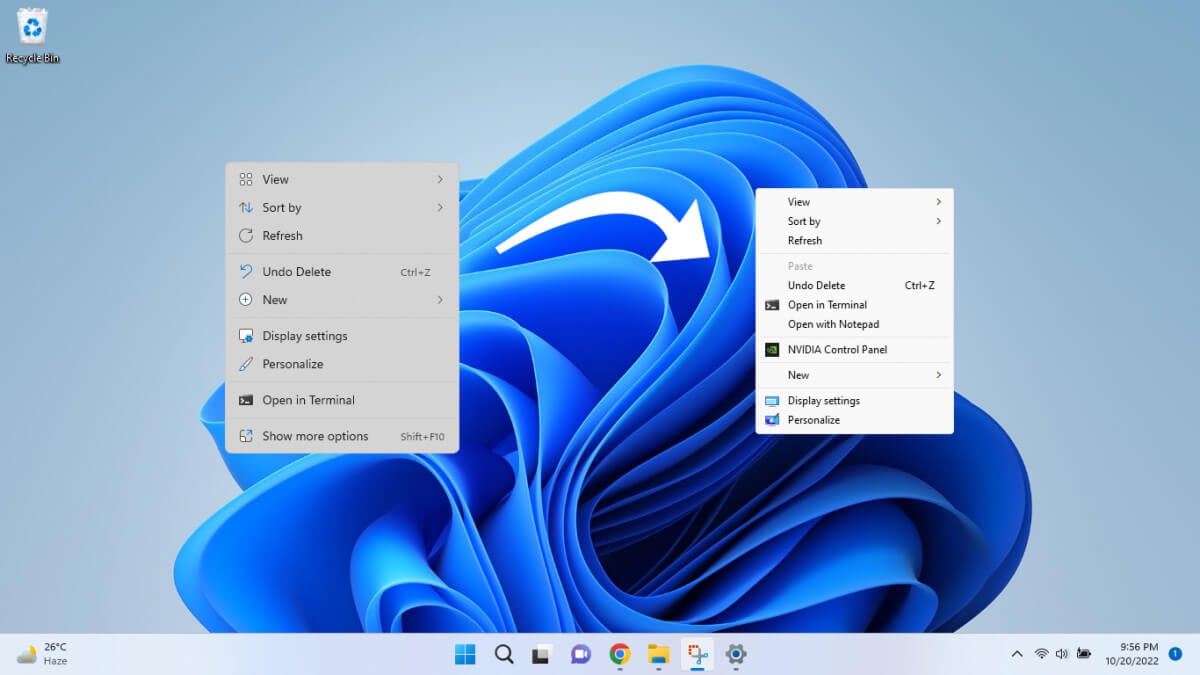 Add Git Gui To Right Click Menu
https://helpdeskgeek.com/wp-content/pictures/2022/10/preview-media-0-Title-Image-4.jpg
Please add TortoiseGit menu to the right click menu in Windows 11 Currently in Windows 11 I have to go to Show more options to see classic menu TortoiseGit menu is available in classic menu Edited 2 years ago 0 0 To upload designs you ll need to enable LFS and have an admin enable hashed storage More information Child items 0 Show labels
Pre-crafted templates use a time-saving solution for producing a varied range of files and files. These pre-designed formats and layouts can be used for different individual and professional tasks, consisting of resumes, invites, flyers, newsletters, reports, discussions, and more, improving the material development procedure.
Add Git Gui To Right Click Menu
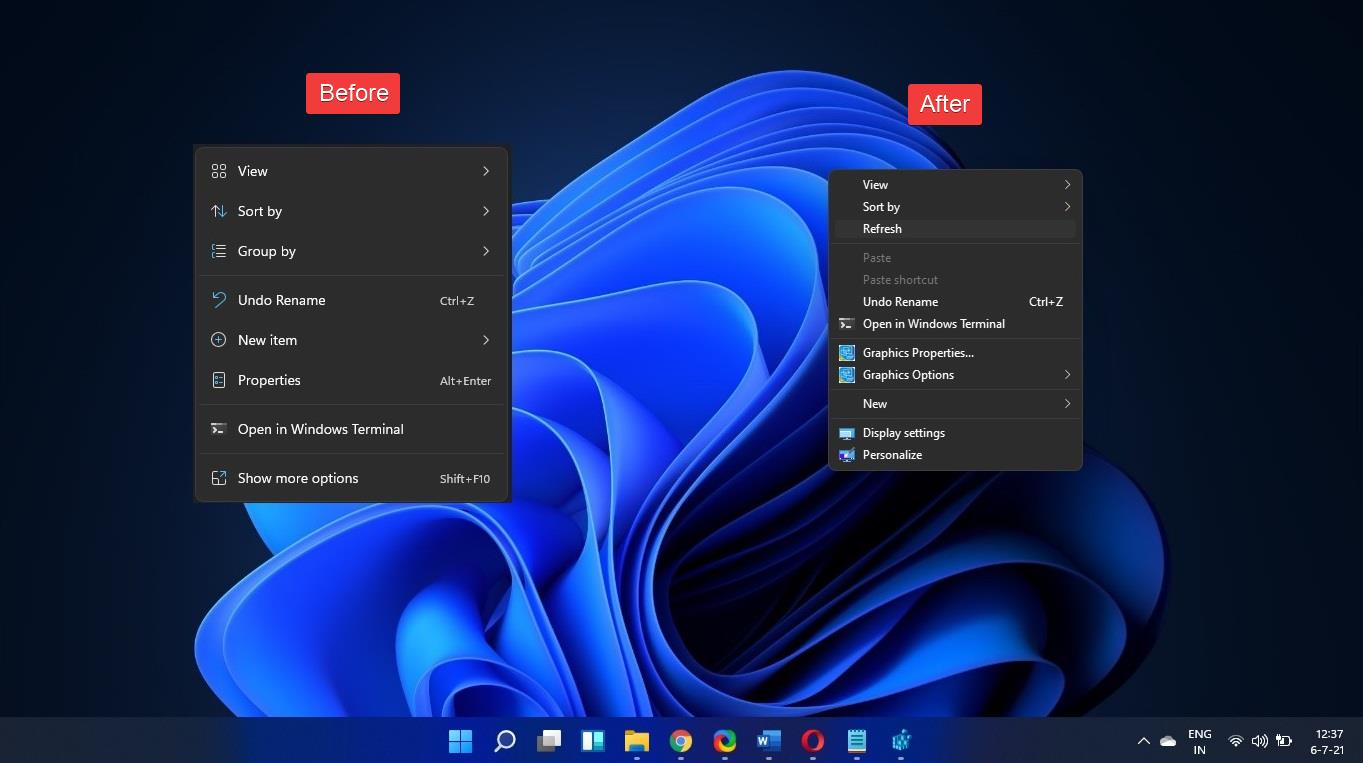
How To Disable Windows 11 New Right click Context Menu Technoresult
Git gui Alternatives And Similar Software AlternativeTo
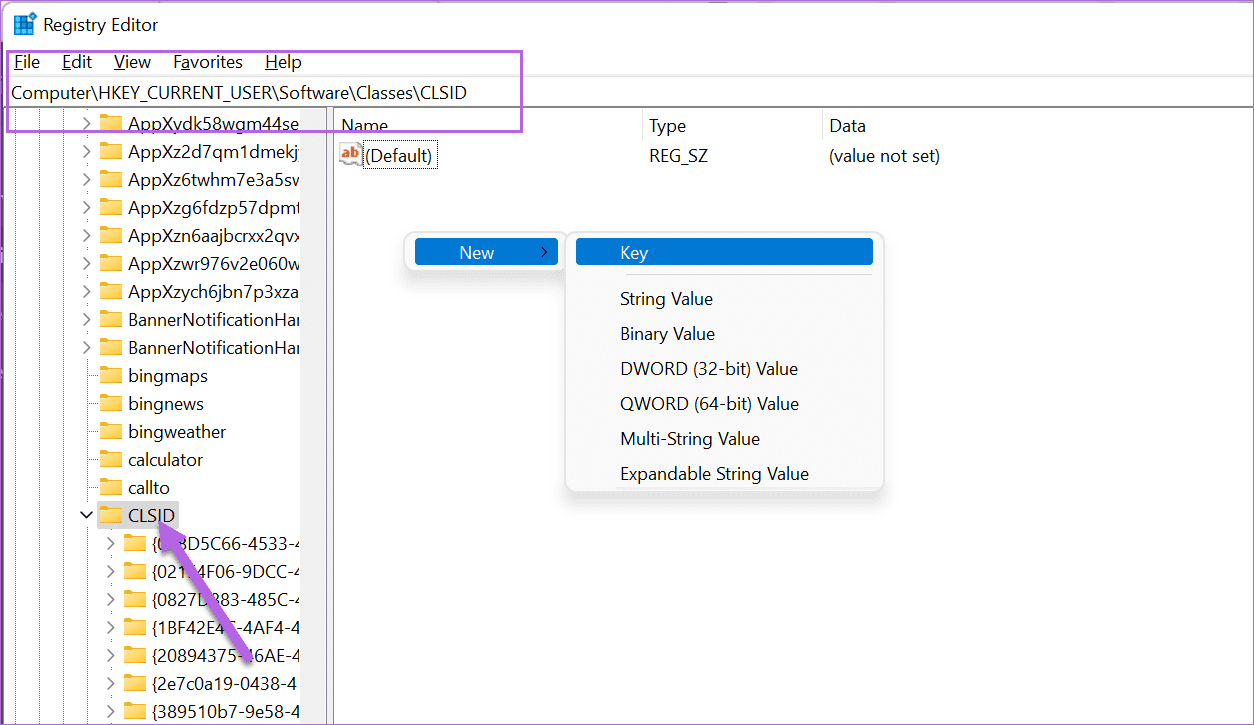
How To Customize The Right Click Menu In Windows 11
Git GUI error

Right Click Menu Not Collected Svg Png Icon Free Download 372275

Right Click Menu Svg Png Icon Free Download 388059 OnlineWebFonts COM

How to launch Git Bash Here from context menu on windows 11 Add git bash here to right click on windows 11 Simple settings file https drive google

How to add a context aka right click menu to the windows explorer that when clicked opens the git bash console in the current explorer folder By default

5 I ve had git running on my machine for over a year I have a folder in my C root called gitRepo which contains all my various repos For some reason for one repo only the git bash command is suddenly missing from the right click context menu Here s a screenshot from a working repo And here s the non working repo

1 For some reason I dont know why I couldn t see this menu when I make a right click Git Add all files now Git Commit Tool Git History Git Gui Git Branch Git Bash What I have right now What I am looking for inside the red rectangle The softwares that I installed Git 2 15 1 2 64 bit exe TortoiseGit 2 5 64bit msi

How to open Github for Windows 11 Git Shell on right click Ask Question Asked 1 year 10 months ago Modified 1 year 10 months ago Viewed 312 times 1 enter image description here 1 I have upgrade windows 10 to windows 11 Then I have lost my git bash on right click menu enter image description here windows 11 Share Improve this question Follow
Graphical Interfaces Git s native environment is in the terminal New features show up there first and only at the command line is the full power of Git completely at your disposal But plain text isn t the best choice for all tasks sometimes a visual representation is what you need and some users are much more comfortable with a point OK try the following gsettings get org gnome desktop background show desktop icons it should be false then set it to true via gsettings set org gnome desktop background show desktop icons true You should now have the content of your home dir on the desktop AND right click should allow opening a terminal FelixJN
Step 8 For the command directory repeat the procedure performed in Step no 5 This time in the dialog box enter the path to which your git bash exe is pointed For most cases the path should be something like this C Program Files Git git bash exe Press OK and that s it you have recovered the git bash command on right click