Accessibility Line Height Disability Ethical AI Accessibility Accessibility browsing 5g Free Stock Photo Public Domain Pictures Sticker Line Cut Accessibility Suitable Royalty Free Vector Accessibility VISITFLANDERS Kaya Accessibility Guide Theme Update Use accessibility features on Android Content Overview of accessibility Vision Hearing Mobility amp dexterity Voice Cognitive Additional accessibility features Related resources Overview of
Tap Accessibility TalkBack Choose Use TalkBack After you turn on TalkBack control your device with TalkBack gestures Way 2 Use shortcuts You can use a special button on your Android accessibility overview You can customize your Android device with accessibility settings and apps Content Use a screen reader with TalkBack Change your display Interaction
Kaya Accessibility Guide Theme Update Planit Accessibility Testing Services HTML Line Spacing How Line Height Impacts Readability Accessibility How Does Line Height Work In XD Adobe Community 11649672 Introduction To Accessibility YouTube Accessibility Enabler InternalError500 4 Height Safe 360 Website Performance Tools Claim Your Online Authority Do It By
Accessibility Line Height
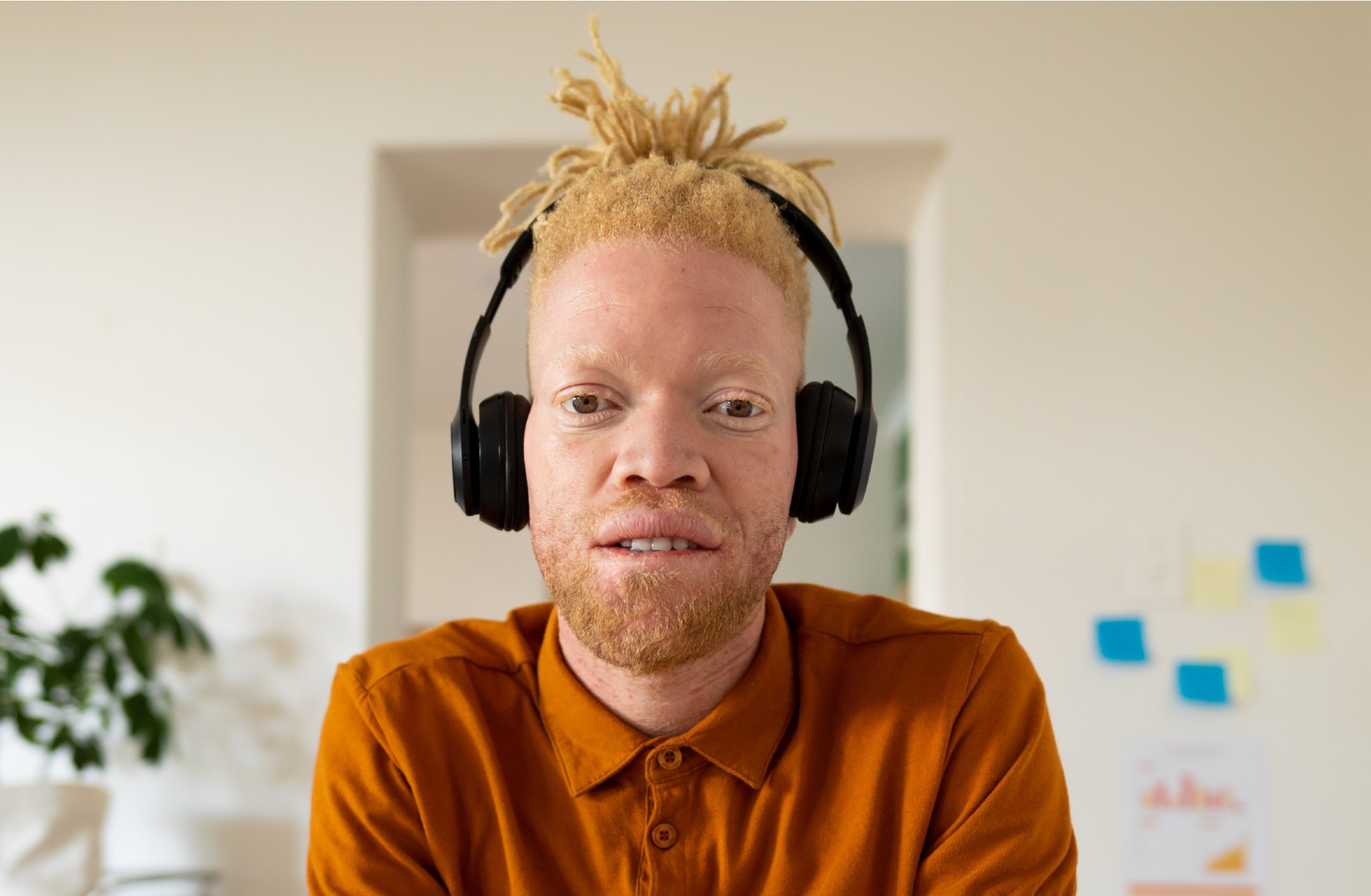 Accessibility Line Height
https://disabilityethicalai.org/wp-content/uploads/2022/03/shutterstock_2049493523-resize.jpg
Accessibility Lab CC BY SA 2 0 We are all designers and users different Some of us have dyslexia others have partial hearing loss for instance The areas of user needs we should
Templates are pre-designed documents or files that can be used for different purposes. They can save effort and time by offering a ready-made format and design for producing different type of content. Templates can be used for personal or expert tasks, such as resumes, invitations, flyers, newsletters, reports, discussions, and more.
Accessibility Line Height

Situational Disabilities A Hidden Challenge For Accessibility AEL Data

Planit Accessibility Testing Services

HTML Line Spacing How Line Height Impacts Readability Accessibility

How Does Line Height Work In XD Adobe Community 11649672

Accessibility Enabler

InternalError500

Official Google Accessibility Help Center where you can find tips and tutorials on using Google Accessibility and other answers to frequently asked questions

Choose the accessibility features you d like to use Text to speech Turn on the screen reader or Select to speak Type text with your voice Turn on dictation Display and magnification Turn

Turn off TalkBack TalkBack is an accessibility feature that helps people who are blind or have low vision to interact with their Android devices using touch and spoken feedback When TalkBack

You can also find accessibility settings in quick settings where you can quickly change your preferred text and content settings Tip These settings can also be set up from the start in the
.png?w=186 "Kaya Accessibility Guide Theme Update")
You can hear full pages read aloud with Chromebook s built in screen reader You can hear parts of a page including specific words read aloud with Select to speak Listen to all text To have
[desc-11] [desc-12]
[desc-13]