6000 Divided By 80 ArtStation Divided Divided Reimagined YouTube Music Divided By Burtn On DeviantArt Can You Show Me What 800 Divided By 80 Would Look As It Was Shown On Divided H M Mar 30 2024 nbsp 0183 32 connect hp envy to wifi 9032105Hi sloping Welcome to the HP Support Community I d be happy to help you Please follow the steps listed below to restore the printer to its network defaults and then reconnect it to the network Step 1 Restore the printer to its network defaults On the back of the printer press and hold the Wireless button for 5 seconds This will
Sep 16 2024 nbsp 0183 32 Have been told the maximum paper weight for the HP Envy 6000 All in one series is 60 90 gsm for A4 Has anyone tried anything heavier than that Seems off it will take HP cards whatever those are up to 200gsm Jan 6 2018 nbsp 0183 32 I put a fresh Windows 7 on this ProBook managed to find most drivers but still 2 things missing one for something unnown with ACPI HPQ6000 and one for Trusted Platform Module 1 2 Maybe not very important but I like to make things perfect
Divided H M A World Divided ArtStation Divided Teacher Created Resources Division Tables Chart 7578 By Teacher Divided YouTube Divided Society YouTube Divided By Disaster Divided WEBTOON Divided S par s H J Flickr
6000 Divided By 80
 6000 Divided By 80
https://cdnb.artstation.com/p/assets/images/images/052/091/901/large/st3doom-divided.jpg?1658928838
Jun 12 2024 nbsp 0183 32 My HP Envy 6000 printer is offline and I need to know how to get it back online
Templates are pre-designed documents or files that can be used for different purposes. They can conserve time and effort by offering a ready-made format and design for producing different kinds of content. Templates can be used for personal or expert projects, such as resumes, invites, flyers, newsletters, reports, discussions, and more.
6000 Divided By 80

Divided YouTube

A World Divided
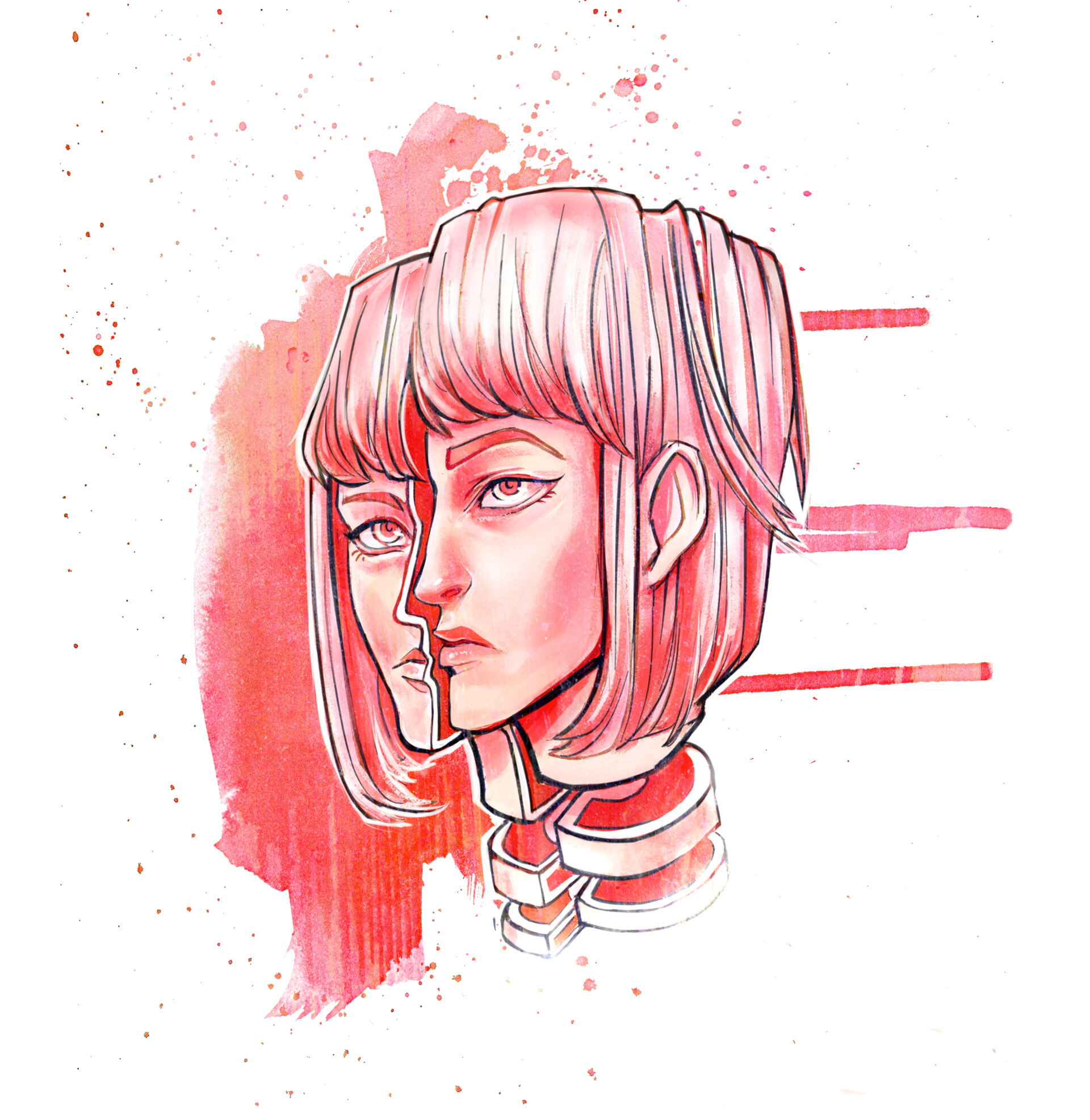
ArtStation Divided

Teacher Created Resources Division Tables Chart 7578 By Teacher

Divided Society YouTube

Divided By Disaster

Feb 9 2024 nbsp 0183 32 To scan with the HP SmartTank 6000 series follow these steps Prepare Your Document Place the document you want to scan face down on the scanner glass or face up in the document feeder depending on your model Power On Make sure your HP SmartTank printer is turned on and connected to your computer or network

Jul 1 2025 nbsp 0183 32 5000 6000 CPU

Jan 11 2024 nbsp 0183 32 How to install driver so computer can see the printer and I can print even though I ve done this before hundreds of times

2025 DIY

2 days ago nbsp 0183 32 2025 5500 6000
[desc-11] [desc-12]
[desc-13]