4k Resolution Pixels Photoshop 19 Top Terbaru 4k Resolution 2560x1600 Landscape Pixel Art 2560x1600 Resolution Wallpaper HD Artist 4K Wallpapers Images Best IPhone 11 Pro Wallpapers Here 4K Resolution 1125 X 2436 Pixels Resolution HD Abstract 1280x1024 New York City Art 1280x1024 Resolution Wallpaper HD Artist 4K Wallpapers Images 4K Pixel Wallpapers Top Free 4K Pixel Backgrounds WallpaperAccess Pixels Image Size and Image Resolution in Photoshop Want the best results when resizing images in Photoshop Start by learning all about pixels image size and resolution Written by Steve Patterson
Photoshop Resolution Setting A complete guide and cheat sheet Improve Photography Photoshop Resolution Setting A complete guide and cheat sheet The resolution of a camera sensor is different from the resolution of a monitor which is Click to enlarge The new Enhanced image upsized using the Super Resolution feature at 8512 5664 pixels shown at 100 in Adobe Photoshop Click to enlarge Once I upsized the image using
4K Pixel Wallpapers Top Free 4K Pixel Backgrounds WallpaperAccess How To Select Pixels In Photoshop Quick Guides 2022 Jornalismo Online Web Design Cria o Em Pixels Photoshop X Paint Pin By Rogue s Gallery On DIGITAL MEDIA ARTS Instagram Dimensions Instagram Algorithm Grow Download 39 Get Wallpaper 4K Pc Nature Gif Jpg Free Download 4k Resolution HD Images Wallpapers 17016 HD Wallpapers Site 3840x2160 For Your Sports Fabrics Logo Mockup PSD Template Pack Including Sports Fabrics Textures And A Stitching Pac Man Pixels HD Artist 4k Wallpapers Images Backgrounds Photos And Pictures 1440 Vs 4k Whats The Difference Gopro
4k Resolution Pixels Photoshop
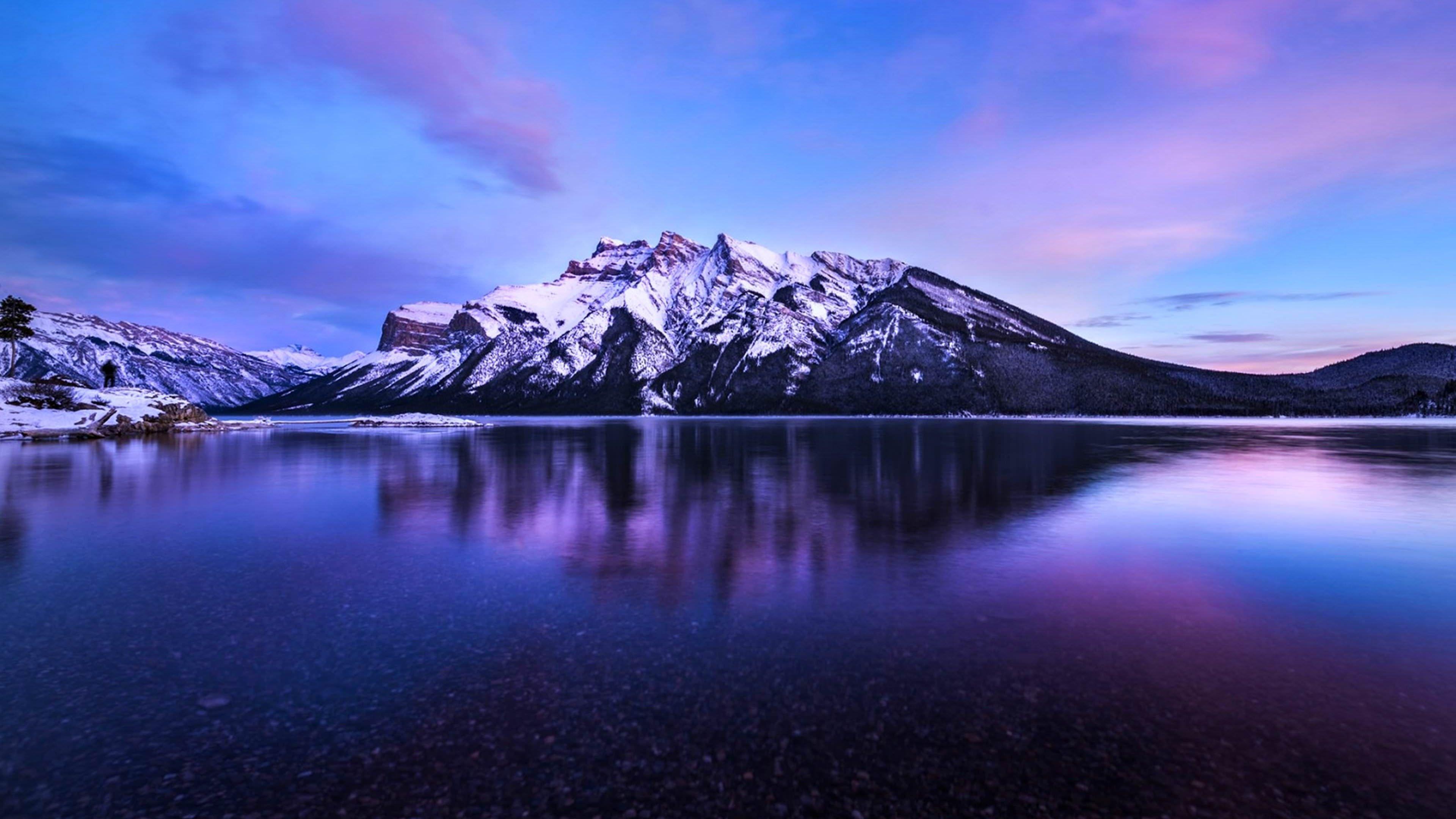 4k Resolution Pixels Photoshop
https://wallpapercave.com/wp/wp2708351.jpg
In this Photoshop tutorial you ll learn the step by step way to convert low resolution into high resolution and finally get a better quality photo from your
Pre-crafted templates offer a time-saving option for developing a varied variety of documents and files. These pre-designed formats and designs can be utilized for different personal and professional projects, consisting of resumes, invitations, flyers, newsletters, reports, presentations, and more, enhancing the material creation process.
4k Resolution Pixels Photoshop
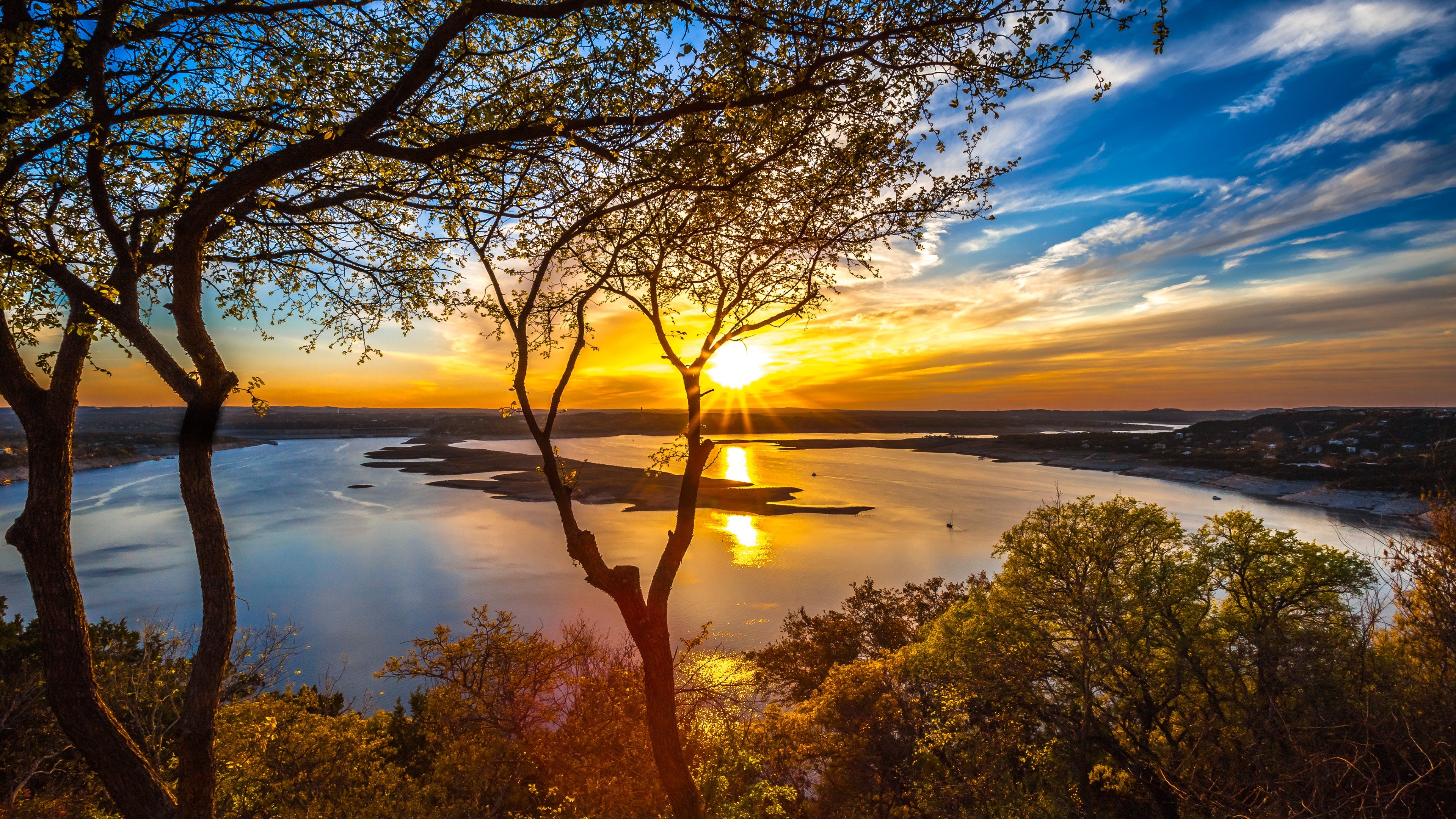
Free Download Beautiful Landscape High Resolution 4K Wallpaper 58 3840x2160 For Your Desktop
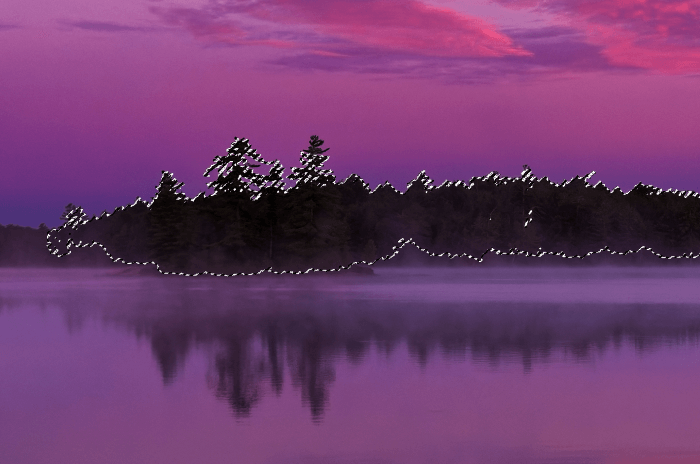
How To Select Pixels In Photoshop Quick Guides 2022

Jornalismo Online Web Design Cria o Em Pixels Photoshop X Paint

Pin By Rogue s Gallery On DIGITAL MEDIA ARTS Instagram Dimensions Instagram Algorithm Grow
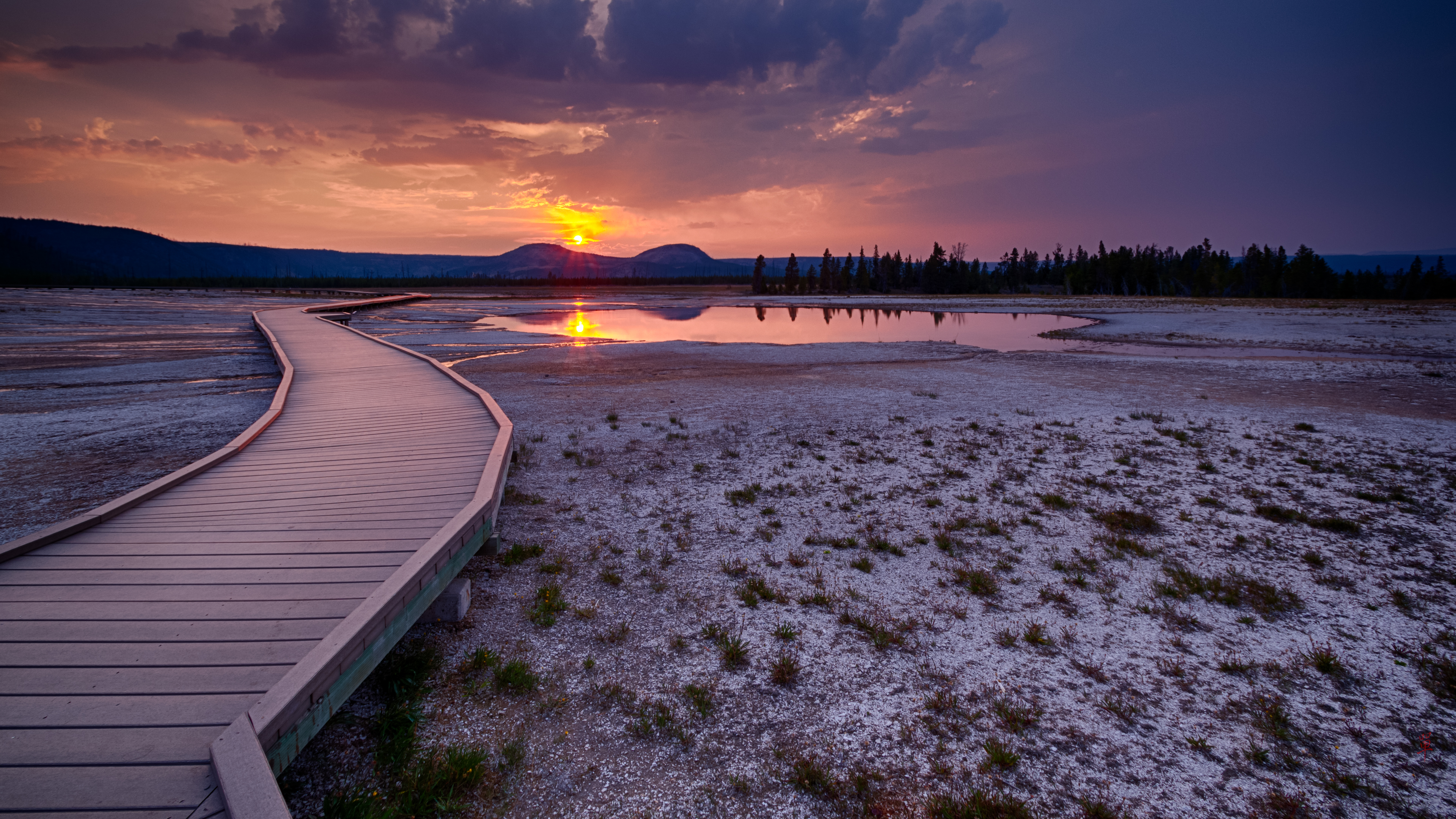
Free Download 4k Resolution HD Images Wallpapers 17016 HD Wallpapers Site 3840x2160 For Your

Sports Fabrics Logo Mockup PSD Template Pack Including Sports Fabrics Textures And A Stitching

Adjust resolution in Photoshop Choose the best interpolation method when upsampling Get the most out of every picture Get the low down on increasing resolution Discover what pixel resampling upsampling and downsampling mean and how they can affect the look of your photo

Resolution is the number of image pixels assigned to each inch when an image is printed measured in pixels per inch ppi Thus the more pixels an image has per inch the greater will be its resolution And a high resolution image will produce a better quality printed output

How to create a 4K document in Adobe Photoshop Setting up files in Adobe Photoshop How to make a 4K document in Adobe Creative Cloud File size tutorial G

Open the Image in Photoshop by clicking on File Open and select the image Once it is visible in Photoshop click on Image Image Size You can also press Ctrl Shift I to open the Image Size adjustment box Just check Pixels are selected as the option next to Width and Height Go to the Resolution tab and type 200 or 300 or 500

PRO TIP 4K resolution is a very high resolution that is not commonly used If you are not familiar with 4K or do not have a very powerful computer you may have difficulty working with 4K images in Photoshop And there you have it Your very own 4K image created entirely in Photoshop Kathy McFarland
Step 1 Find the Image Size First find the size of your image by opening the image size dialogue box Go to Image Image Size or use the shortcut Option Command I Alt I for Windows In this dialogue box you find your image size You see width and height pixel dimensions Part 2 How to Upscale an Image to 4K Resolution in Photoshop Adobe Photoshop is a powerful and widely used image editing software that lets you upscale your pictures to 4K resolution with ease This part will guide you through the process of upscaling an image to 4K using it Step 1 Launch Adobe Photoshop and open the image file you want to
Regarding Photoshop there are two ways to increase image resolution resampling and interpolation Resampling involves adding or removing pixels from an image while interpolation uses complex algorithms to guess at missing pixels