3d Models For Powerpoint Ppt 3d Models 3D Models In PowerPoint Via Office Insider Professional PowerPoint Templates Slides SlideModel Animated Powerpoint Slide Templates How To Make 3D Models In PowerPoint Top 10 Tips PowerPoint 2019 Tricks QuadExcel Web Insert and position a 3D model as described in Get creative with 3D models On the Animations tab of the ribbon select one of the categories of effects such as Emphasis Effects The available 3D animations are at the top of the list
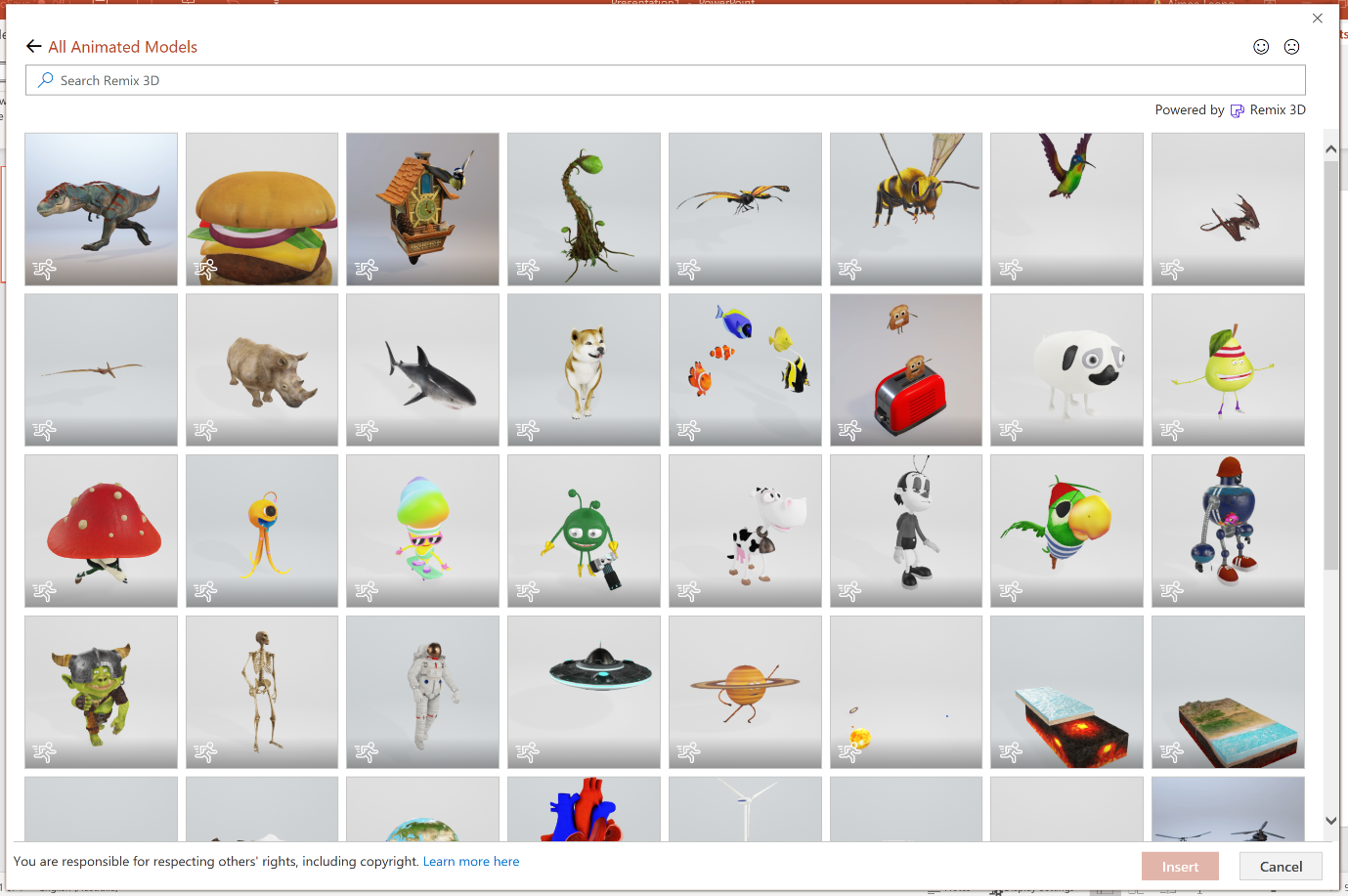
Web Powerpoint 3D models Sketchfab Powerpoint 3D models ready to view buy and download for free Popular Powerpoint 3D models View all Create A Wrestle Camp 2 Combat Cup Cage 74 0 1 Powerpoint logo 281 0 4 Aarietta Brookes The 1 1k 0 Annie From My FP Fighter quot JadeOme quot 89 0 1 Conference Room 6 2k 6 170 Web Oct 23 2018 nbsp 0183 32 STEP 1 Firstly you ll need to insert an animated model Navigate to Insert Tab gt 3D Models gt From Online Sources to peruse Office s library of 3D models In the dialogue box click the All Animated Models category Insert any that catches your eye There s novel characters education focused examples realistic animals and many more
How To Make 3D Models In PowerPoint Top 10 Tips PowerPoint 2019 Tricks QuadExcel How To Easily Insert 3D Models Into Your Microsoft PowerPoint 2019 YouTube Powerpoint 3D Models Download Create Custom 3D Models For PowerPoint BrightCarbon 3D Models And 3D Animation In PowerPoint YouTube The Beginner s Guide To Creating PowerPoint 3D Models How To Add 3D Animated Models In PowerPoint PresentationPro Blog Create Custom 3D Models For PowerPoint BrightCarbon Create Custom 3D Models For PowerPoint BrightCarbon
3d Models For Powerpoint
 3d Models For Powerpoint
https://s3.amazonaws.com/thinkific/courses/course_card_image_000/334/2581534419117.original.png?1534419117
Web Download the template 3D template tutorials Learn how to take your PowerPoint presentations to three dimensions with this training template Download the template Use 3D models in your Word documents with these
Templates are pre-designed files or files that can be used for numerous purposes. They can conserve time and effort by offering a ready-made format and layout for producing different kinds of content. Templates can be utilized for individual or expert tasks, such as resumes, invites, flyers, newsletters, reports, presentations, and more.
3d Models For Powerpoint
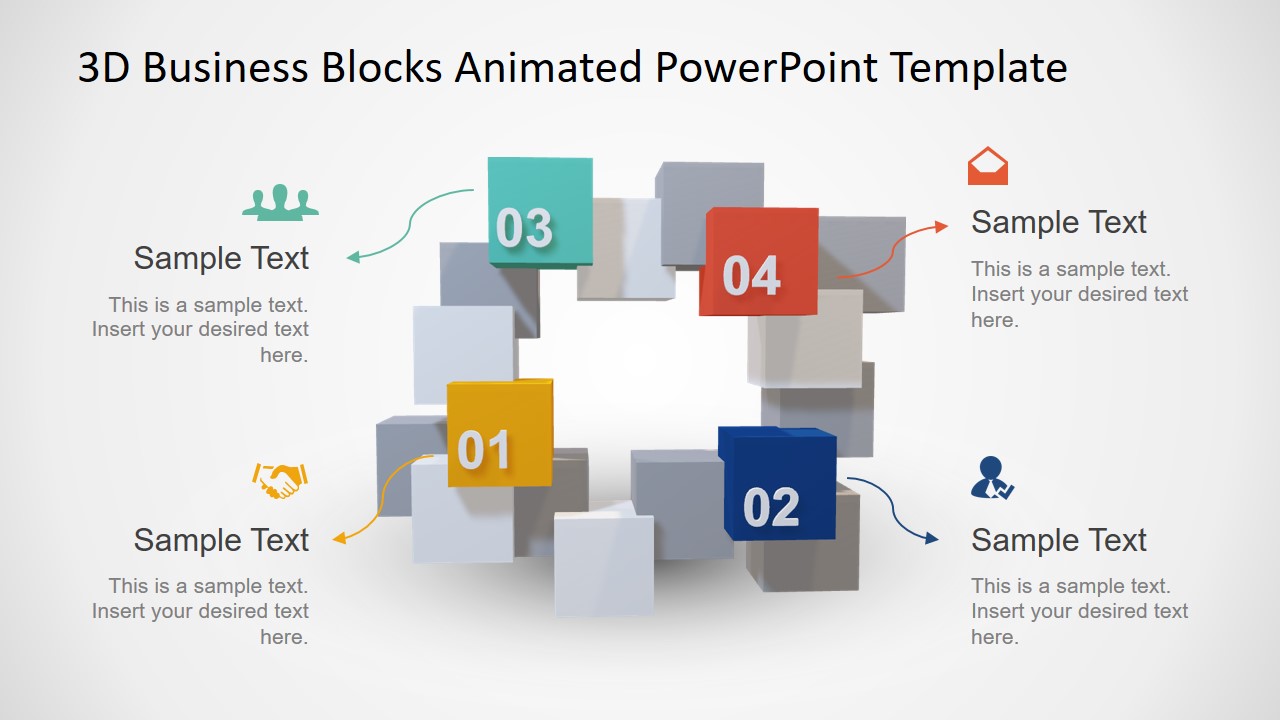
Animated 3D Square Connected Block PowerPoint Templates SlideModel
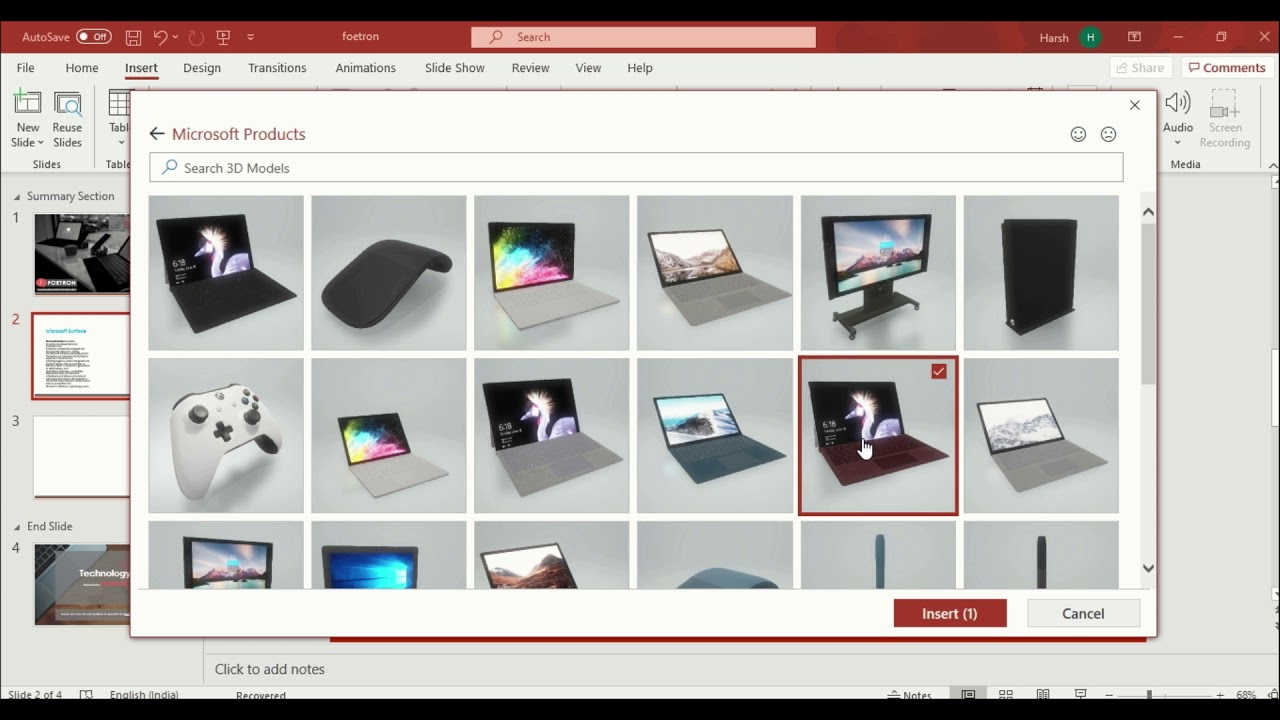
How To Easily Insert 3D Models Into Your Microsoft PowerPoint 2019 YouTube
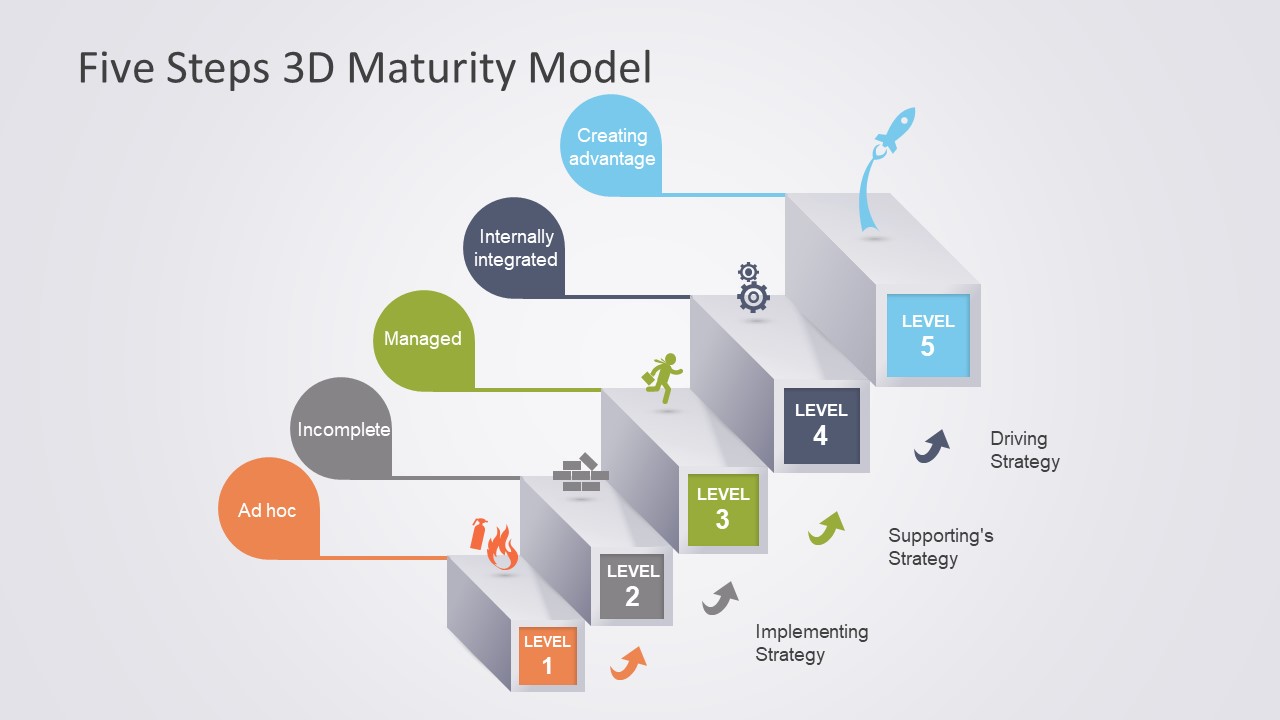
Powerpoint 3D Models Download
Create Custom 3D Models For PowerPoint BrightCarbon
.png "The Beginner s Guide To Creating PowerPoint 3D Models")
The Beginner s Guide To Creating PowerPoint 3D Models
How To Add 3D Animated Models In PowerPoint PresentationPro Blog
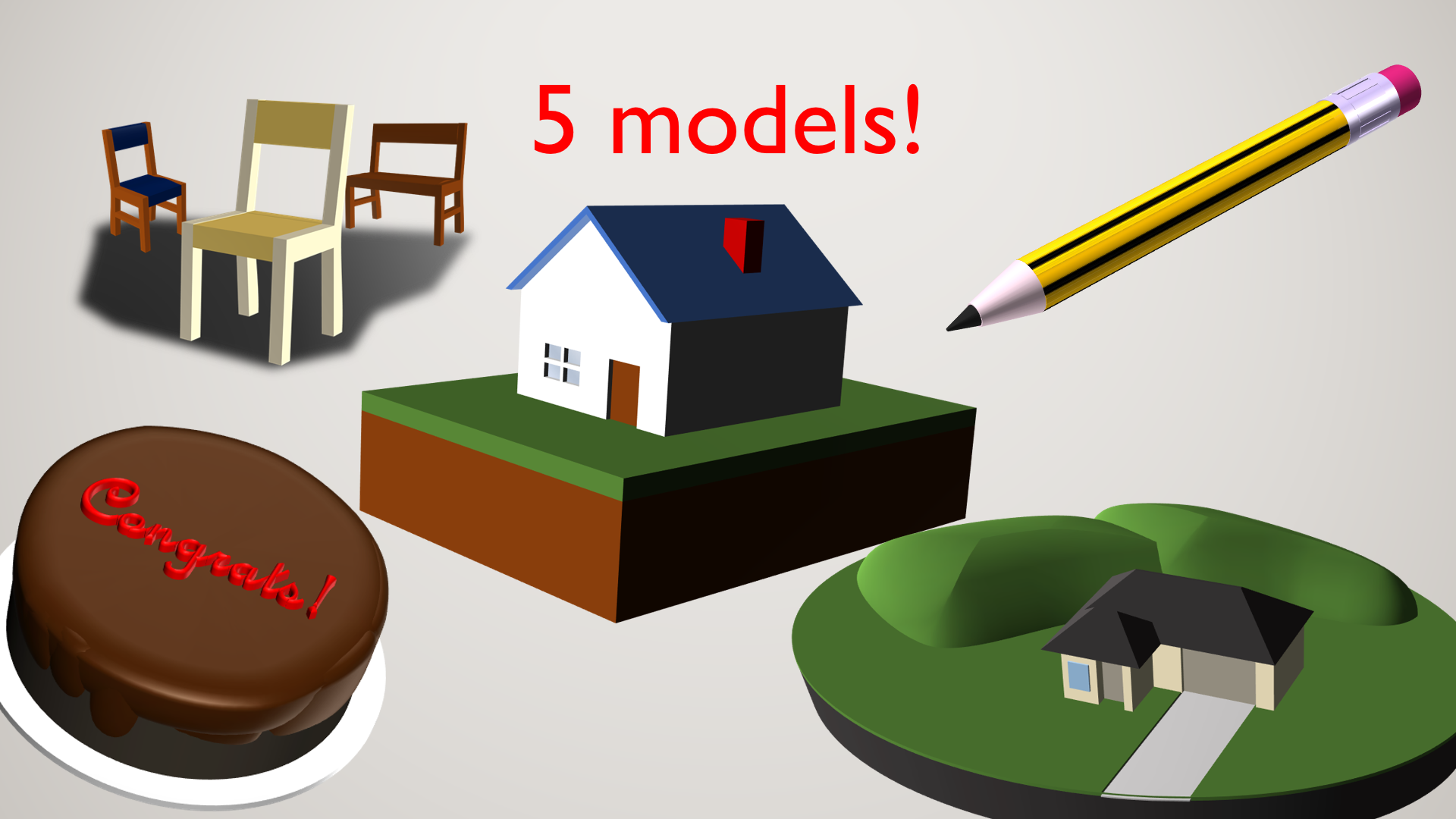
Web To insert 3D models in Word Excel or PowerPoint for Windows Mobile go to the Insert tab of the ribbon and select 3D Models The pane will open Select one or more images and click Insert Change how your 3D models look in Office Select any 3D model you ve inserted in Office for Windows Mobile and you should see a 3D Model tab appear on the

Web Present your innovative 3D printing prosthesis idea with this modern and professional pitch deck This template comes with all the slides you need including an introduction slide a timeline a results slide and more With custom diagrams and 3D models you can show the audience the impact that 3D printing
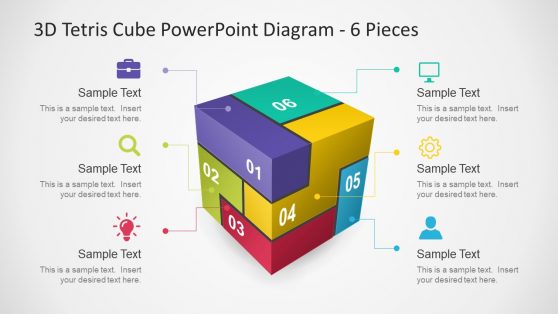
Web Use 3D model designs in Microsoft PowerPoint and combine animations and morph transitions to apply realistic effects on the slide deck Under this category you can download 3D animated PowerPoint templates with 3D models created exclusively for
Web Apr 27 2022 nbsp 0183 32 How to Insert and Animate 3D Models in Microsoft PowerPoint Insert a 3D Model in PowerPoint Open your presentation in PowerPoint and head to the slide where you want to add the Customize a 3D Model After you insert the 3D model you can move it anywhere on the slide by dragging it or resize

Web 3D models in Office allows users to easily insert 3D models into any PowerPoint Word or Excel file Along the top ribbon under the Insert tab is the 3D Models option choose from an existing file or quickly search online via the Office 3D model gallery to find an object
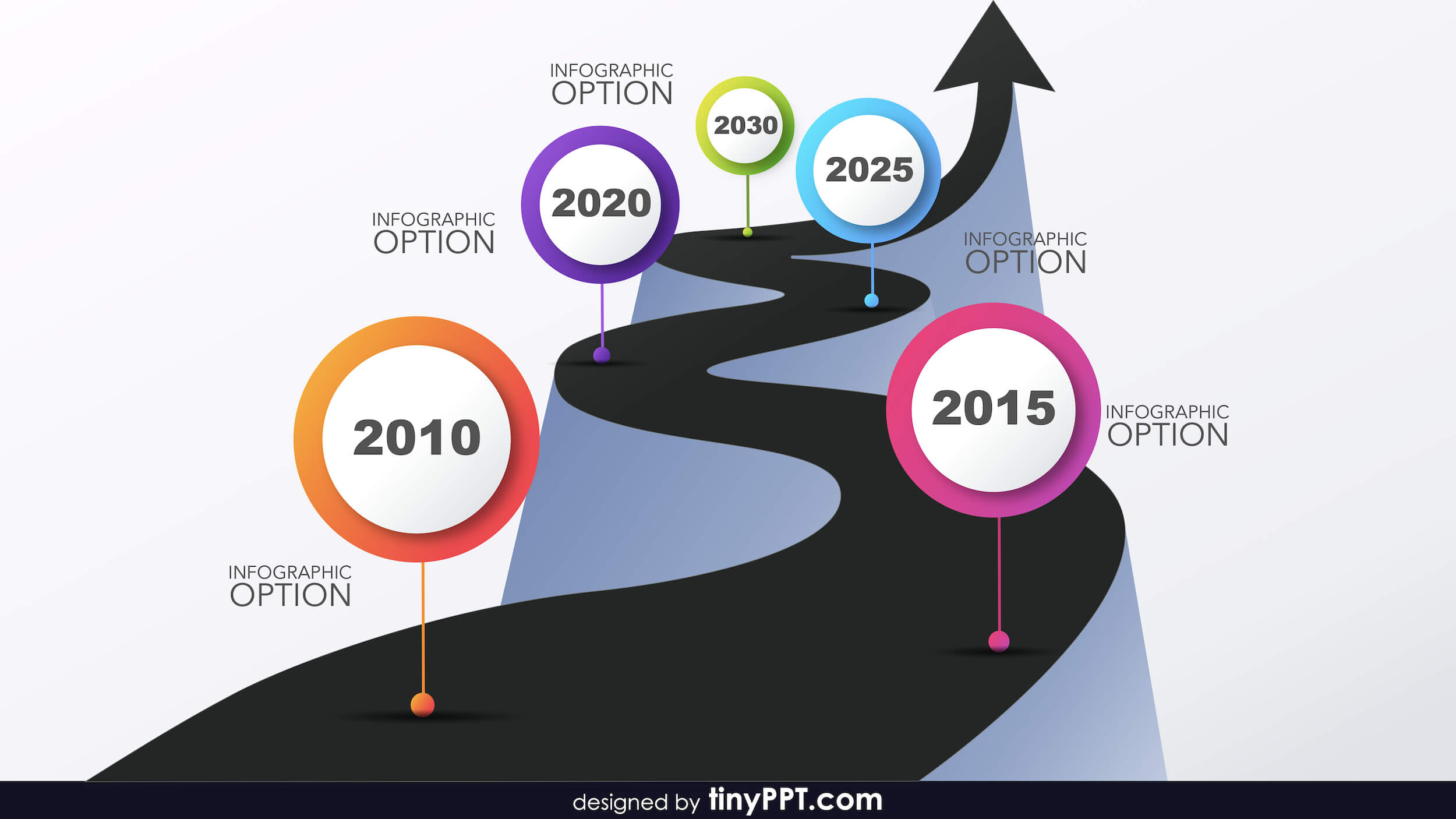
Web Jun 20 2021 nbsp 0183 32 Most 3D PowerPoint templates found online are background images or 3D models that can t be edited If you need 3D infographics that you can customize you d best go premium By going premium you re able to choose templates with incredible variety Every time you need to add a 3D infographic to your presentation you re covered Web Untuk menyisipkan model 3D di Word Excel atau PowerPoint untuk Windows Mobile masuk ke tab Sisipkan di pita dan pilih Model 3D Panel akan terbuka Pilih satu gambar atau lebih lalu klik Sisipkan
Web 3D animation effects in PowerPoint Edit a 3D model in Paint 3D Use Paint 3D to add a logo or texture With your 3D model open select Stickers Choose from existing options or use your own Move and resize the graphic how you want Want more Learn more about 3D in Windows 10 Watch the Paint 3D YouTube playlist Try it out with templates