18 Divided By 330 3 8 Divided By 2 Get All You Need Division Times Tables Printable Charts Division Chart How To Images Five Guys Burgers Malaysia Brenda has Gibson How To Divided 245 By 70 Show Your Work Vrogue co Lebhaft Beweisen H rer Casco Moto Multiproposito Kolben Schwanger Streugut Jun 9 2022 nbsp 0183 32 This tutorial will show you how to enable or disable allowing a device to wake the computer in Windows 10 and Windows 11 When you put your computer to sleep a device can
Mar 14 2022 nbsp 0183 32 This tutorial will show you how to change the default action to take when pressing the sleep button in Windows 10 and Windows 11 The sleep button action setting lets users Sep 4 2021 nbsp 0183 32 This tutorial will show you how to turn on or off fast startup in Windows 11 There are three startup modes in Windows Cold traditional Wake from hibernation Fast Starting with
Lebhaft Beweisen H rer Casco Moto Multiproposito Kolben Schwanger Streugut File Cassandra Peterson By Gage Skidmore jpg Wikipedia The Free 24 Divided By 8 Is As Many As 3 Can Be Represented As Division Printable Chart Plik MT Ursus C 330 jpg Wikipedia Wolna Encyklopedia Weather Forecast Italy Divided Between The African Anticyclone And An PoliticAwwwwww Memes GIFs Imgflip How To Do Long Division The Long Division Explained Longdivision File Steven Seagal By Gage Skidmore jpg Wikipedia The Free Encyclopedia
18 Divided By 330
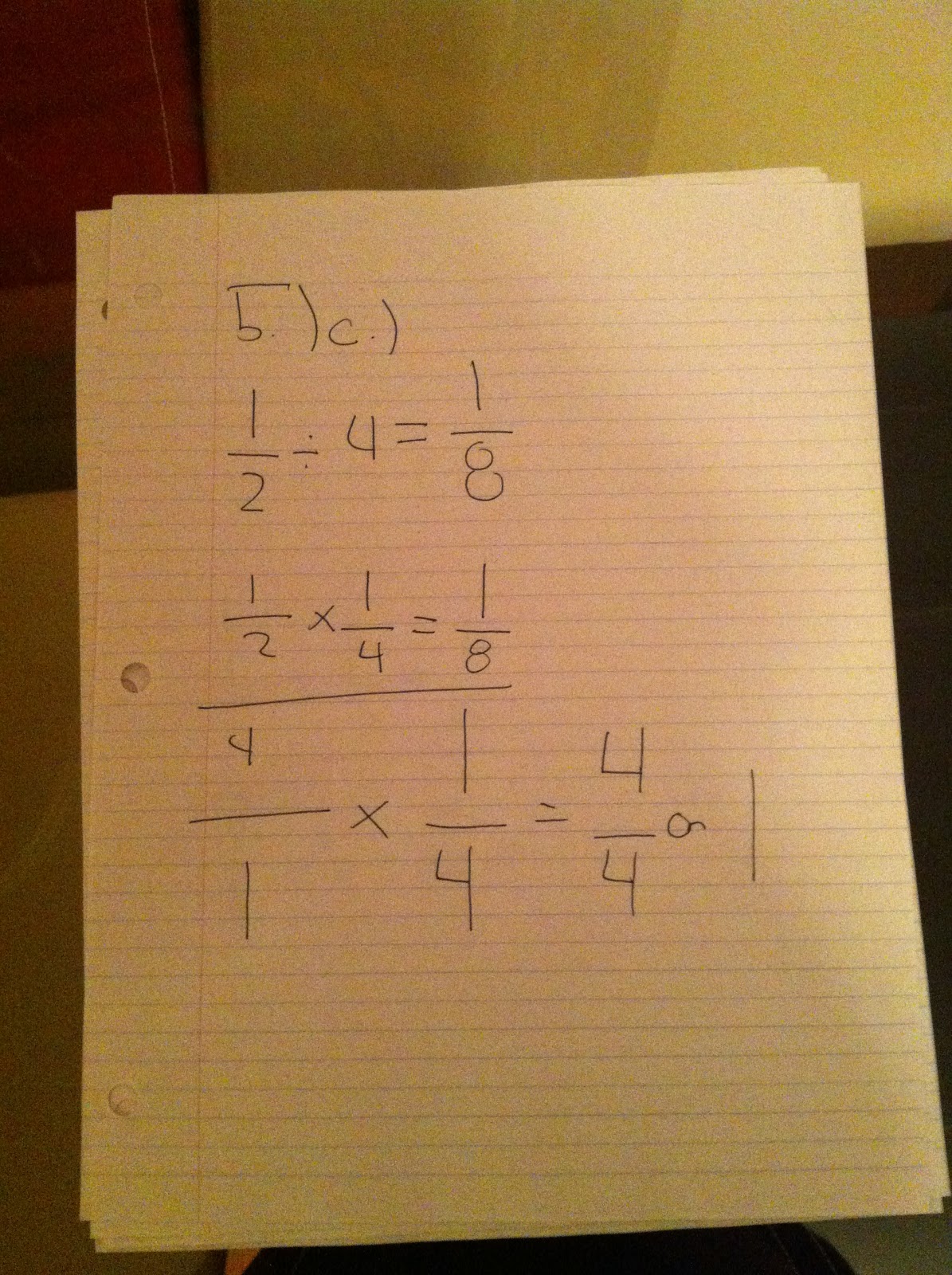 18 Divided By 330
http://3.bp.blogspot.com/--yO-nZHHcMo/UKhTVy5JxII/AAAAAAAAAE0/71I95Rf6hcI/s1600/IMG_1818.JPG
Dec 13 2021 nbsp 0183 32 This tutorial will show you how to change the default action to take when opening the lid of your laptop in Windows 10 and Windows 11 The lid open wake action specifies the
Templates are pre-designed documents or files that can be used for different purposes. They can save time and effort by supplying a ready-made format and layout for developing different kinds of material. Templates can be used for personal or expert tasks, such as resumes, invites, leaflets, newsletters, reports, discussions, and more.
18 Divided By 330
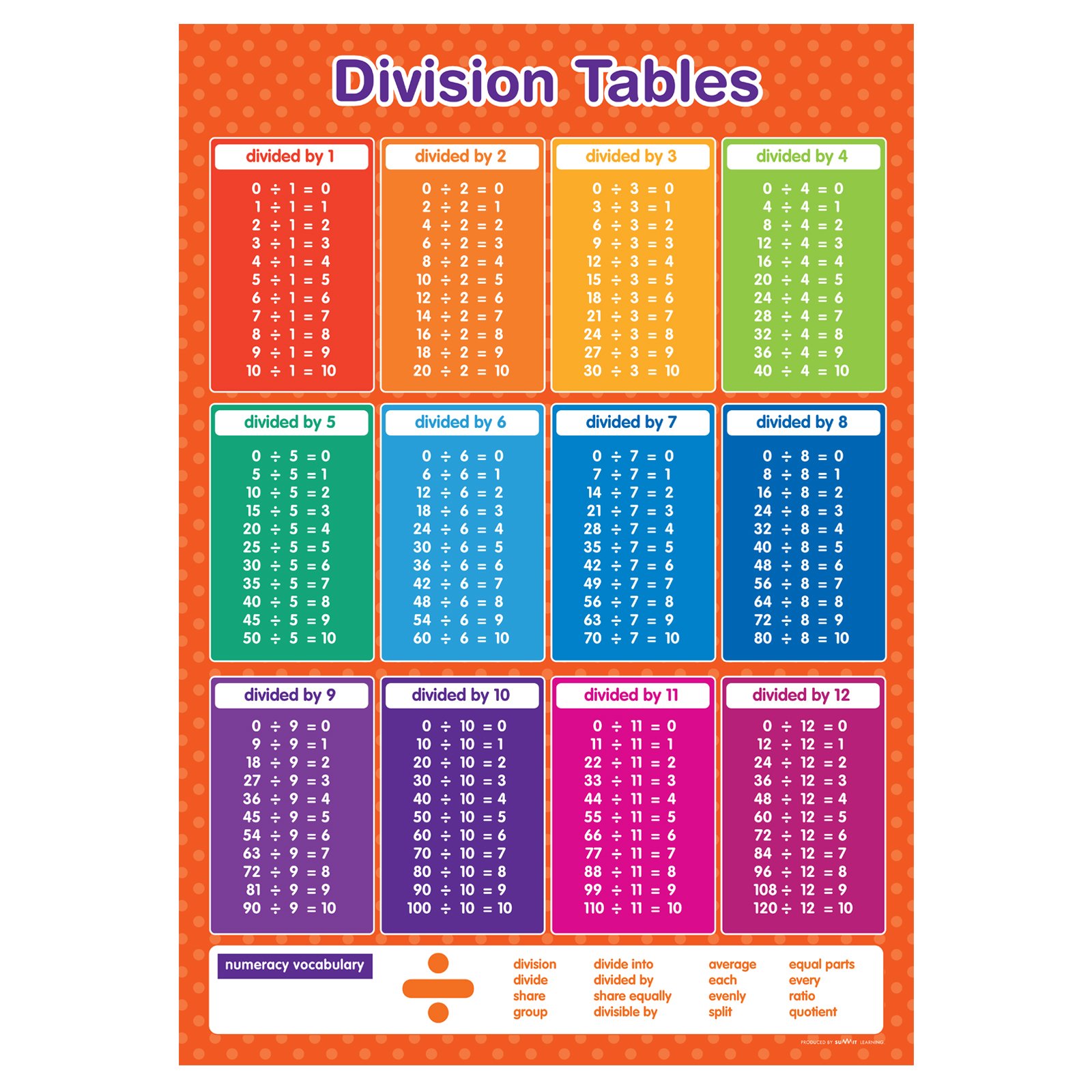
Division Maths Poster Childrens Wall Chart Educational Maths Sums

File Cassandra Peterson By Gage Skidmore jpg Wikipedia The Free
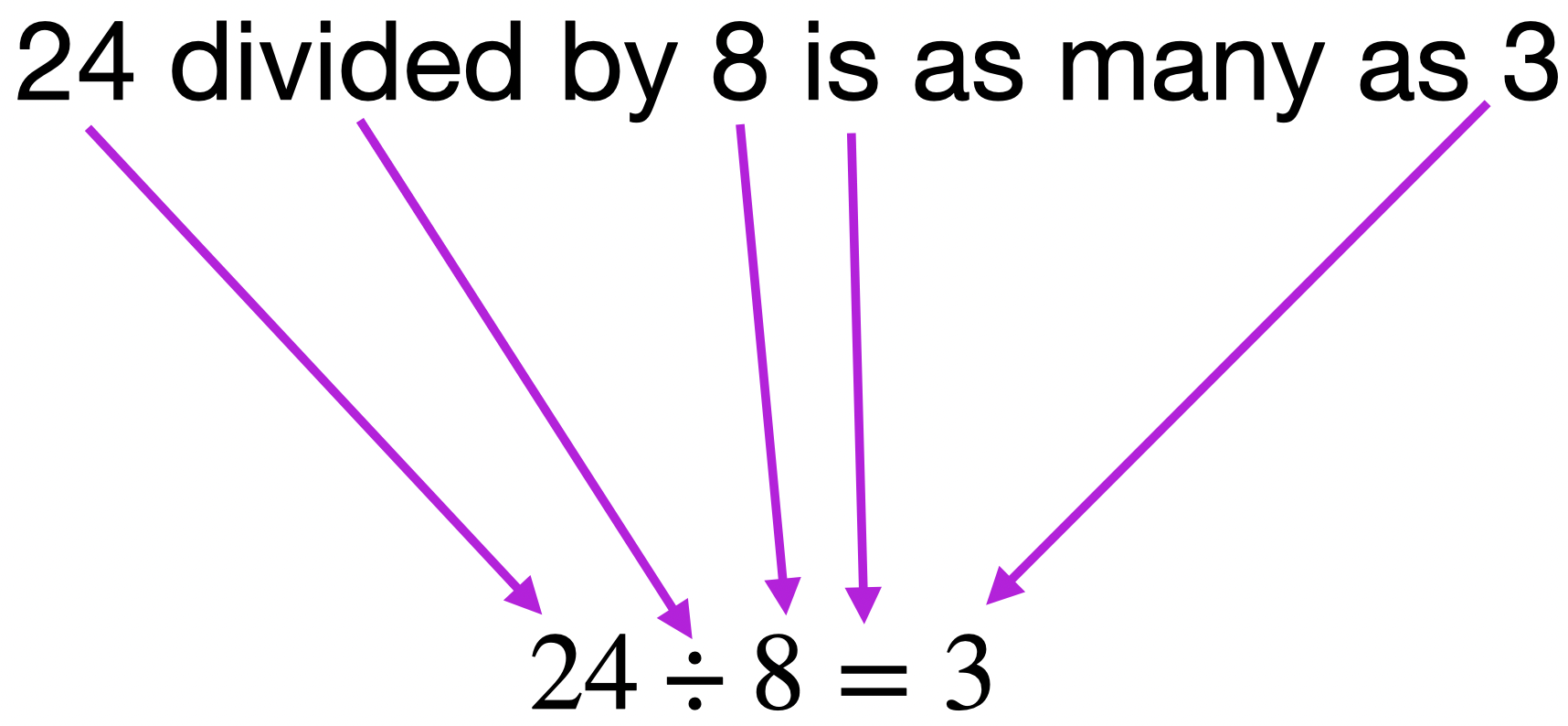
24 Divided By 8 Is As Many As 3 Can Be Represented As
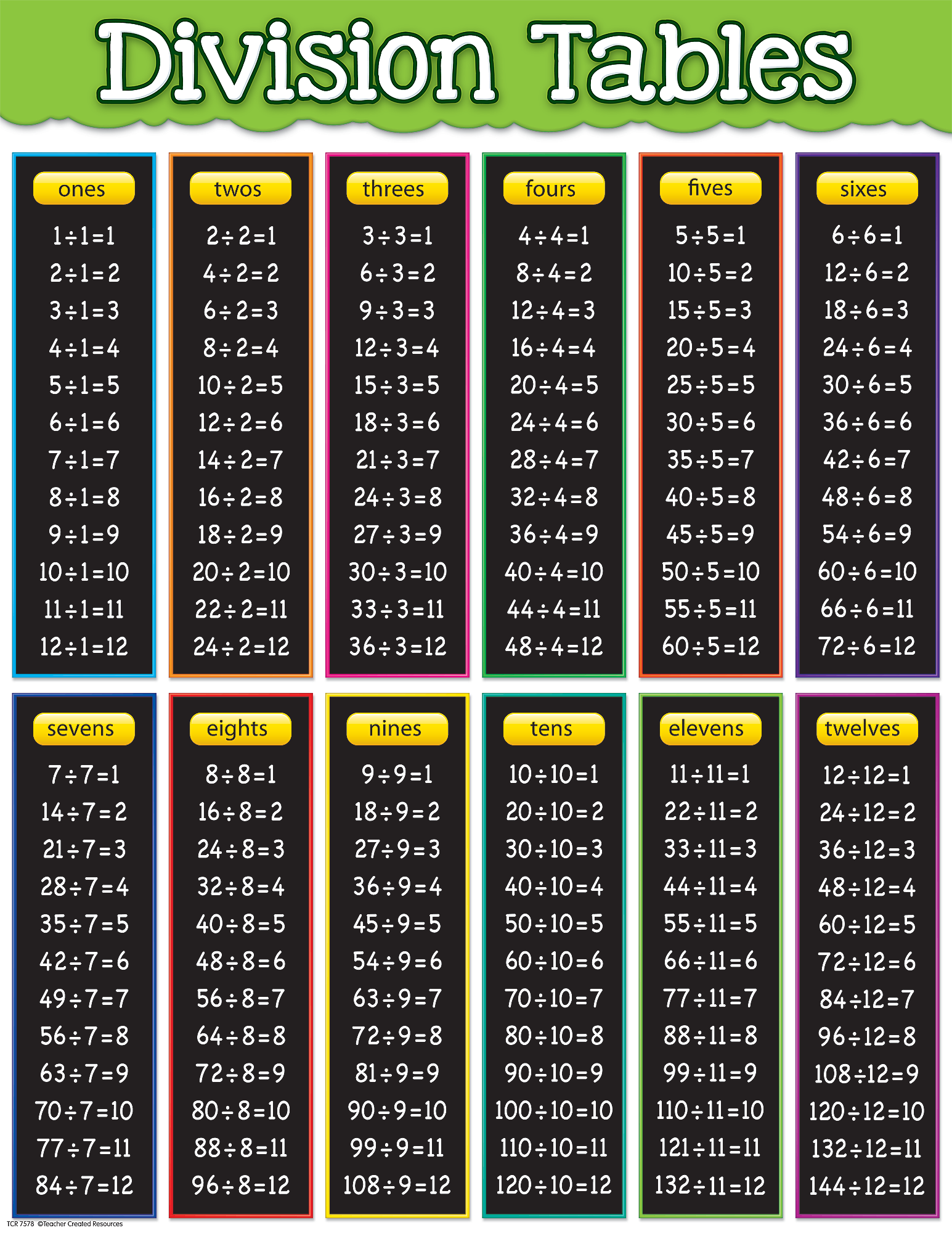
Division Printable Chart

Weather Forecast Italy Divided Between The African Anticyclone And An

PoliticAwwwwww Memes GIFs Imgflip

Feb 2 2023 nbsp 0183 32 Sleep is available in the power options menu by default in Windows 11 but you can remove Sleep from the power menu if wanted You must be signed in as administrator to add

Nov 5 2022 nbsp 0183 32 This tutorial will show you how to turn on or off USB selective suspend for a power plan in Windows 10 and Windows 11 USB selective suspend is the ability to power down and

Nov 5 2022 nbsp 0183 32 This tutorial will show you how to change how long HDDs are inactive before automatically turned off in Windows 10 and Windows 11 The Turn off hard disk after setting in

Nov 8 2022 nbsp 0183 32 This tutorial will show you how to reset and restore specific or all power plan settings to default for all users in Windows 10 and Windows 11 A power plan is a collection of

Dec 13 2021 nbsp 0183 32 Open Power amp battery settings 3 Click tap on Lid amp power button controls to expand it open see screenshot below 4 Select Do Nothing Sleep default Hibernate
[desc-11] [desc-12]
[desc-13]