Zsh Command Not Found Mongosh Python VSCode Zsh Command Not Found Pipenv After Restarting Stack ZSH Command Not Found Ansible Roger Perkin How To Fix Zsh Command Not Found Yarn In 2 Minutes Toast Of Code The Mac Terminal Reports An Error Zsh Command Not Found Brew Solution Fixed Mac Command Not Found Error In Terminal Zsh Bash Web Jul 21 2022 nbsp 0183 32 1 Answer Sorted by 1 add the mongo location path to the zsh PATH variable echo export PATH opt homebrew opt mongodb community 4 4 bin PATH gt gt zshrc open new terminal and try starting again Share Follow answered Jul 21 2022 at 12 40 R2D2 9 540 2 15 30 Add a comment Your Answer
Web Jun 22 2022 nbsp 0183 32 1 Answer Sorted by 0 If you have installed mongo correctly then it is likely not reachable via your PATH variable I would recommend following the official mongodb instructions for installing mongo using homebrew https www mongodb docs manual tutorial install mongodb on os x Web May 25 2023 nbsp 0183 32 it says zsh command not found mongosh Brew puts mongosh in usr local Cellar mongosh 1 8 2 bin mongosh and softlinks to usr local bin mongosh if you don t have usr local bin in your zsh PATH it won t be found Robert Wilkinson Robert Wilkinson May 17 2023 1 24pm 3 I have put this path in my zshrc file
Fixed Mac Command Not Found Error In Terminal Zsh Bash How To Fix zsh Command Not Found Python How To Fix Zsh Command Not Found Brew brew Command Not Found Zsh Command Not Found Gradle Quick Fix Zsh Command Not Found 2022 Mysql Zsh Command Not Found Dockerd Stack Overflow Fixed Mac Command Not Found Error In Terminal Zsh Bash Macos Zsh Command Not Found Ssh T Git github Stack Overflow Zsh Command Not Found Adb zsh Adb CSDN
Zsh Command Not Found Mongosh
 Zsh Command Not Found Mongosh
https://i.stack.imgur.com/HLzau.png
Web Dec 23 2020 nbsp 0183 32 zsh command not found mongo https docs mongodb manual tutorial install mongodb on os x says macOS could prevent it from running so go to configure some security settings but I don t see any security message in System Preference A Fix I could run just manually typing the path and
Pre-crafted templates use a time-saving option for producing a varied series of files and files. These pre-designed formats and designs can be used for various individual and professional projects, consisting of resumes, invitations, flyers, newsletters, reports, presentations, and more, streamlining the material creation process.
Zsh Command Not Found Mongosh

Database Zsh Command Not Found Mongo After Trying To Install
How To Fix zsh Command Not Found Python

How To Fix Zsh Command Not Found Brew brew Command Not Found

Zsh Command Not Found Gradle

Mysql Zsh Command Not Found Dockerd Stack Overflow
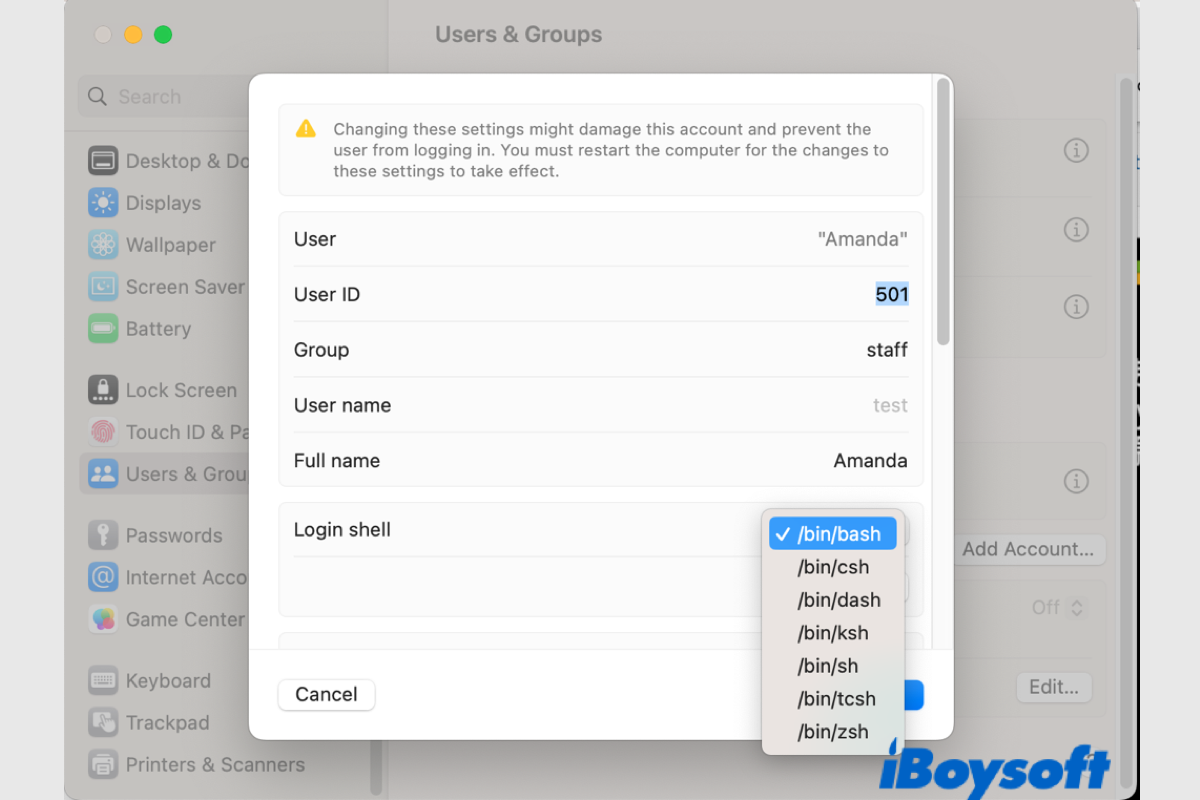
Fixed Mac Command Not Found Error In Terminal Zsh Bash

Web Aug 16 2022 nbsp 0183 32 mongosh is a valid command but mongo is not found Ask Question Asked 1 year 2 months ago Modified 9 months ago Viewed 3k times 1 I have mongodb community 6 0 0 installed The command mongo is

Web Aug 17 2017 nbsp 0183 32 Create a subfolder in the data folder called db make sure this folder is in the root directory and not in the program s folder Once this is done close all the prompt windows and run again mongod and again run now not mongo but mongosh and it will allow you to type in your code

Web I installed Mongo Db via the official site I also created the below folder data db I added the mongo files in the location as follows usr local mongodb Im using zsh so setting the environment variables as suggested in the bash profile doesnt work for me My zshrc file looks as follows

Web To use the MongoDB Shell you must have a MongoDB deployment to connect to For a free cloud hosted deployment you can use MongoDB Atlas To learn how to run a local MongoDB deployment see Install MongoDB

Web Feb 20 2023 nbsp 0183 32 Mongosh 1 13127 killed mongosh mongo zsh command not found mongo I have mongo correctly installed but and the services are up and running but I cannot get into the mongo shell and the mongo command is not found I have been trying to set up MongoDB on my Mac using homebrew
Web Aug 15 2023 nbsp 0183 32 Anna Henningsen Anna Henningsen November 18 2022 10 57am 2 Hi Amber Adamson I don t have a complete answer for you but here s the troubleshooting that I d do if I were in your situation echo PATH Just double checking that the path environment variable is set to what it is supposed to be set Web May 14 2023 nbsp 0183 32 Solution 1 Install the zsh The installation of the zsh command varies from distribution to distribution Here we have listed the commands to install the zsh utility on your system Debian Ubuntu Based sudo apt install zsh Arch Based sudo pacman S zsh RedHat CentOS sudo yum install zsh Fedora Based sudo dnf install zsh
Web Feb 9 2023 nbsp 0183 32 Attempting to follow these instructions and I m receiving error zsh command not found ord when attempting to do anything in ord including ord wallet create