Zebra Scanner Ds8178 Reset Barcode M y c M V ch ZEBRA DS8178 New ZEBRA Symbol Motorola Barcode Scanner DS8178 2D W CR8178 PC Cradle CS100W March 2014 DS8178 Scannen Fortsetzen W hrend Sie Sich Au erhalb Der Reichweite Zebra DS8178 HC Healthcare Barcode Scanner DS8178 HCBU210MS5W Find quick answer for Zebra products check warranty online email Zebra technical Support Software license reset join Zebra Discussion forum and Zebra accessories
Jan 23 2025 nbsp 0183 32 This article outlines the steps to print a test page from the Zebra Browser Print web interface Zebra Setup Utilities Downloading Fonts to a Printer 171 Go Back
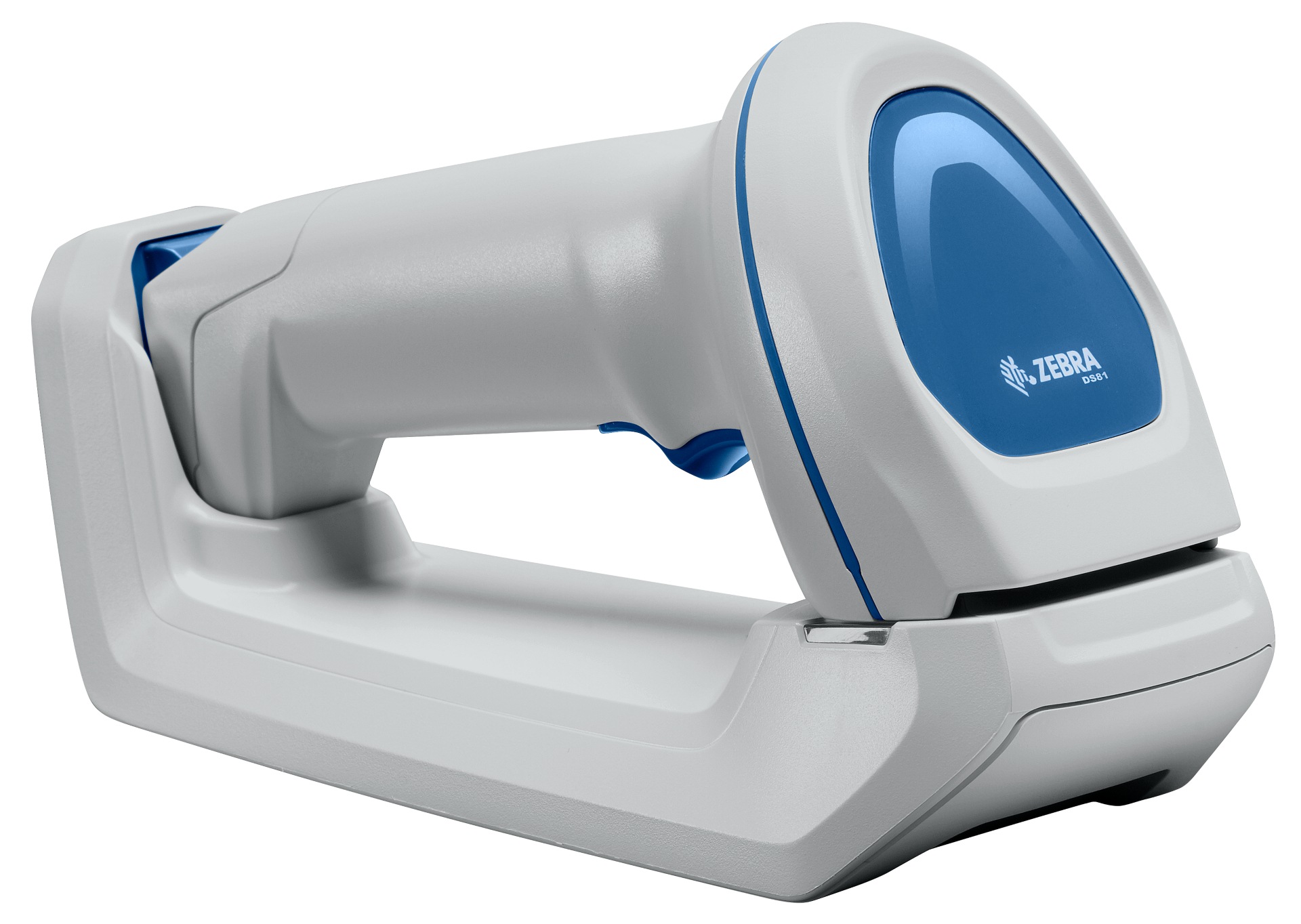
Zebra DS8178 HC Healthcare Barcode Scanner DS8178 HCBU210MS5W Zebra DS8178 Standard Range Barcode Scanner LDLC 3 year Warranty Zebra DS8178 2D Barcode Scanners Pyrops WMS P gina Inicial Da Loja Produtos Avalia o ZEBRA DS8178 Series Cordless Handheld Scanner Kit User Guide ZEBRA DS8178 Series Cordless Handheld Scanner Kit User Guide ZEBRA DS8178A Handheld Digital Scanner User Guide Zebra DS8178 Barcode Scanner Black DS8178 SR7U2100PFW POS Portal Zebra DS8108 DS8178 Barcode Scanner Data Innovation System
Zebra Scanner Ds8178 Reset Barcode
 Zebra Scanner Ds8178 Reset Barcode
https://www.tongkhomavach.com/product_images/uploaded_images/zebra-ds8178-user.jpg
171 Go BackInformation
Pre-crafted templates use a time-saving service for creating a varied series of documents and files. These pre-designed formats and designs can be used for numerous individual and expert jobs, consisting of resumes, invitations, flyers, newsletters, reports, presentations, and more, streamlining the content production process.
Zebra Scanner Ds8178 Reset Barcode
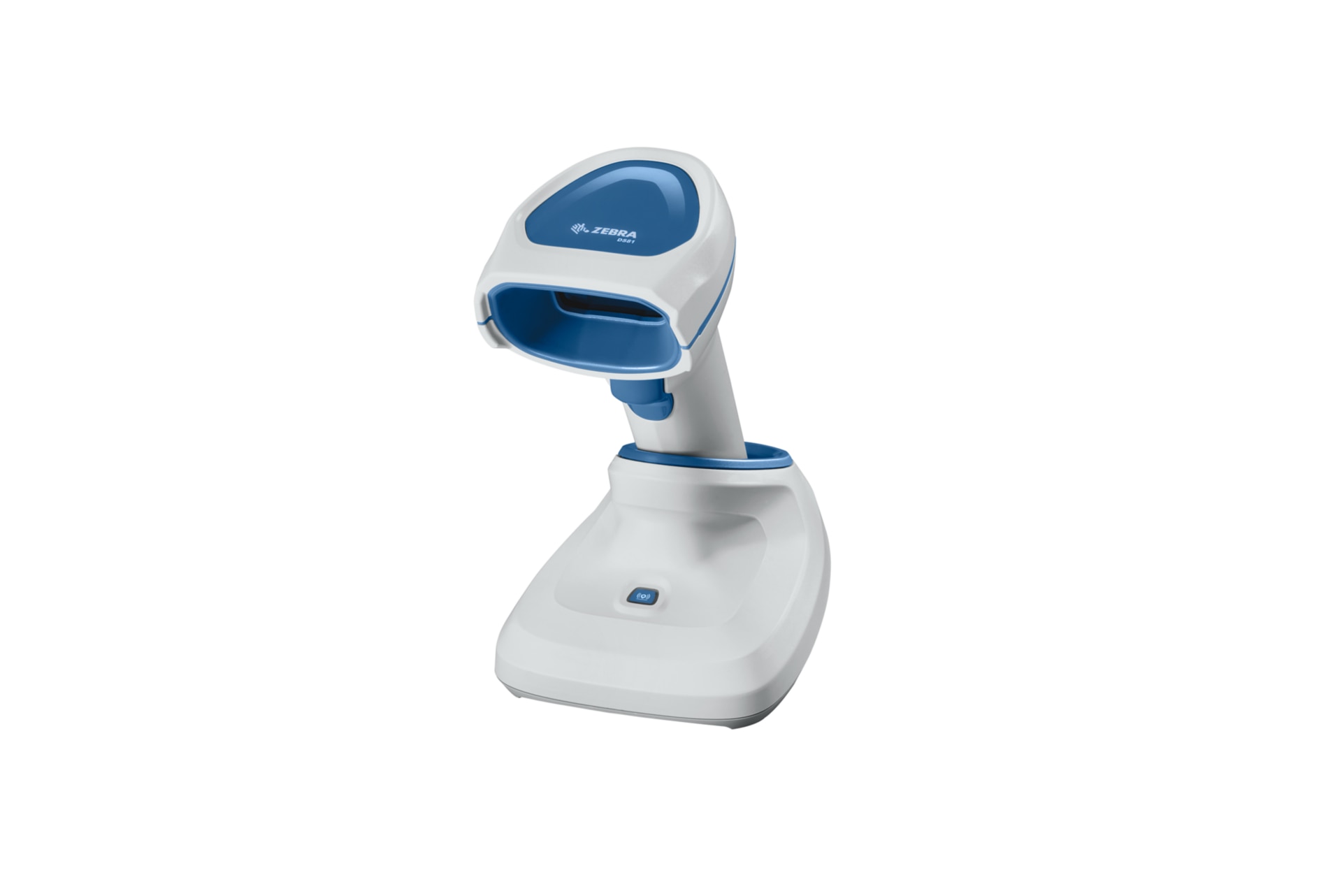
Zebra DS8178 HC Healthcare Barcode Scanner DS8178 HCBU210MP5W

Zebra DS8178 Standard Range Barcode Scanner LDLC 3 year Warranty

Zebra DS8178 2D Barcode Scanners Pyrops WMS
P gina Inicial Da Loja Produtos Avalia o

ZEBRA DS8178 Series Cordless Handheld Scanner Kit User Guide

ZEBRA DS8178A Handheld Digital Scanner User Guide

Identifying Your Printer s IP Address on a Printer Without an LCD Control Panel

May 16 2025 nbsp 0183 32 This article demonstrates how to install the Zebra ZP230D Printer on a Windows Computer

171 Go BackInformation
Jun 6 2025 nbsp 0183 32 This guide provides step by step instructions for installing the Zebra ZP505 or ZP506 printer driver on a Windows 10 or Windows 11 PC
Sep 21 2024 nbsp 0183 32 This article describes how to enable a carriage return line feed Enter Key suffix after every scan with the laser scanners when attached via USB or Keyboard Wedge
[desc-11] [desc-12]
[desc-13]