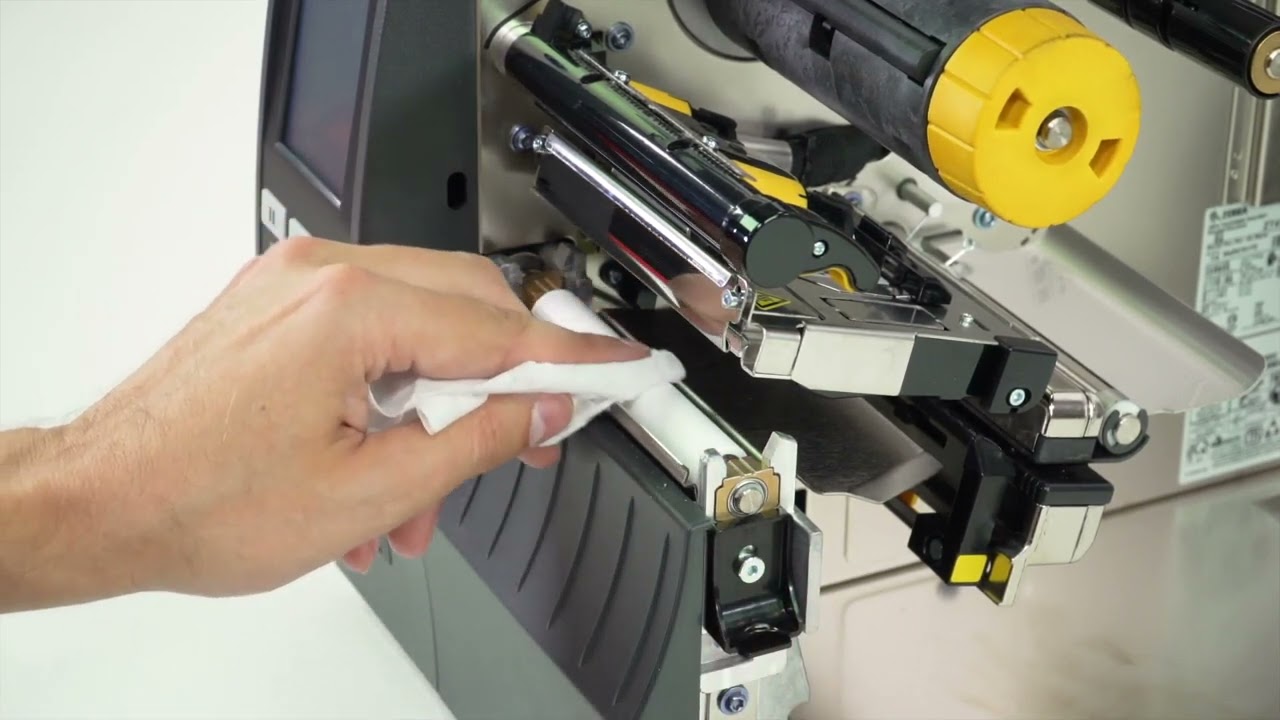
Zebra Printer Mac Retail Printing Labels Using A Zebra Printer Mac Retail Printing Labels Using A Zebra Printer Mac Retail Printing Labels Using A Zebra Printer Mac Zebra GX430 GK420 Ethernet Interface Vmesnik YouTube How To Clean The Printhead And Platen Roller In The ZT411 And ZT421 Jun 18 2025 nbsp 0183 32 This article explains the steps to perform reset if the TC22 TC27 device stops responding
Contact Zebra Product SupportContact Us Zebra s Support Teams are ready to assist you with your inquiry Please select one of the following options below to access and submit an online Oct 23 2024 nbsp 0183 32 This article explains where you can download the ZebraDesigner label and barcode design software
How To Clean The Printhead And Platen Roller In The ZT411 And ZT421 How To Replace Printhead Zebra ZD421 ZD621 YouTube How To Create Barcode In Zebra Designer 2 YouTube How To Update Firmware On The Zebra Desktop Printer ZD421 And ZD621 Complete Setup Of Your ZT231 Printer Zebra YouTube Here s How To Add A Zebra Thermal Printer To Your Mac YouTube Install A Zebra Printer On Mac Zebra Printers On Apple Mac YouTube How To Resolve Blurry Or Jagged Labels On A Zebra Label Printer Mac Canon MF445dw Printer MAC Address Find II How To Find MAC Address Canon
Zebra Printer Mac
 4.png?width=1255&height=723&name=Printing Labels Using a Zebra Printer via USB (Mac) 4.png "Retail Printing Labels Using A Zebra Printer Mac") Zebra Printer Mac
https://support.blaze.me/hs-fs/hubfs/Printing Labels Using a Zebra Printer via USB (Mac) 4.png?width=1255&height=723&name=Printing Labels Using a Zebra Printer via USB (Mac) 4.png
Apr 22 2025 nbsp 0183 32 This article explains how to reset the MC9400 MC9450 if the device application stops responding
Templates are pre-designed files or files that can be utilized for different functions. They can save time and effort by offering a ready-made format and design for creating various kinds of material. Templates can be used for personal or expert projects, such as resumes, invitations, leaflets, newsletters, reports, presentations, and more.
Zebra Printer Mac

Zebra ZD421 And ZD621 Desktop Printers Product Video YouTube

How To Replace Printhead Zebra ZD421 ZD621 YouTube

How To Create Barcode In Zebra Designer 2 YouTube
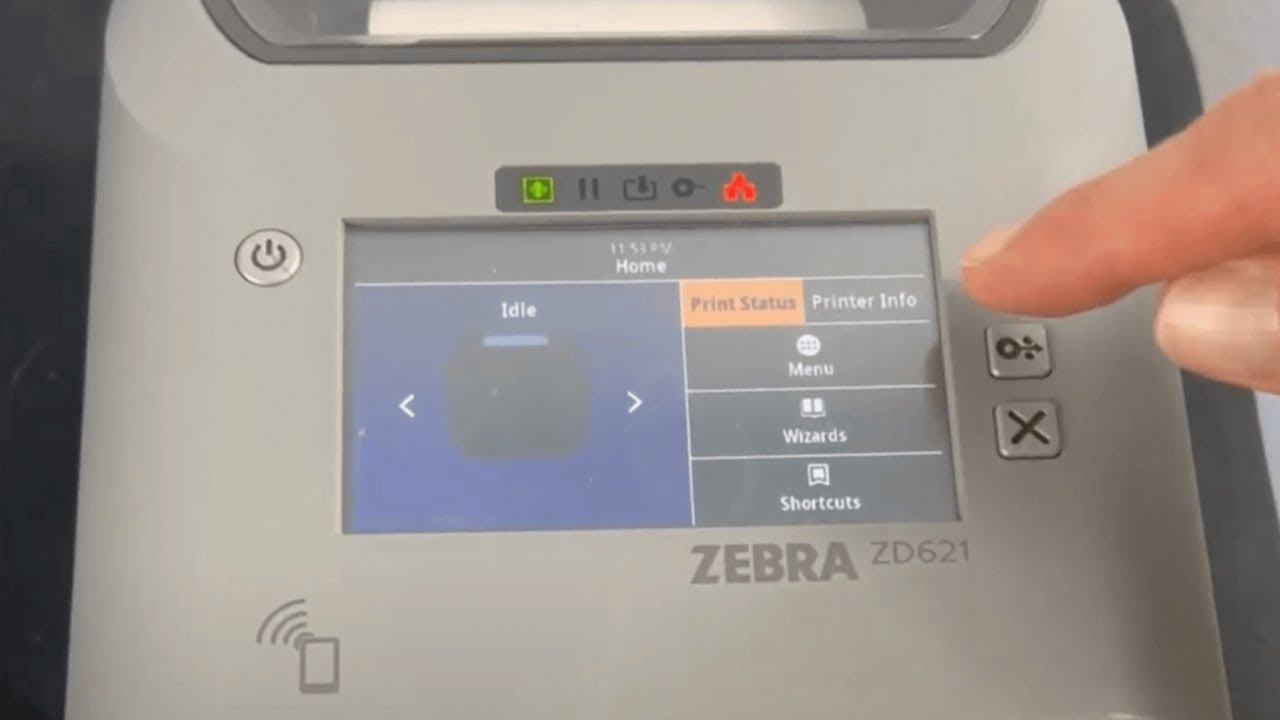
How To Update Firmware On The Zebra Desktop Printer ZD421 And ZD621
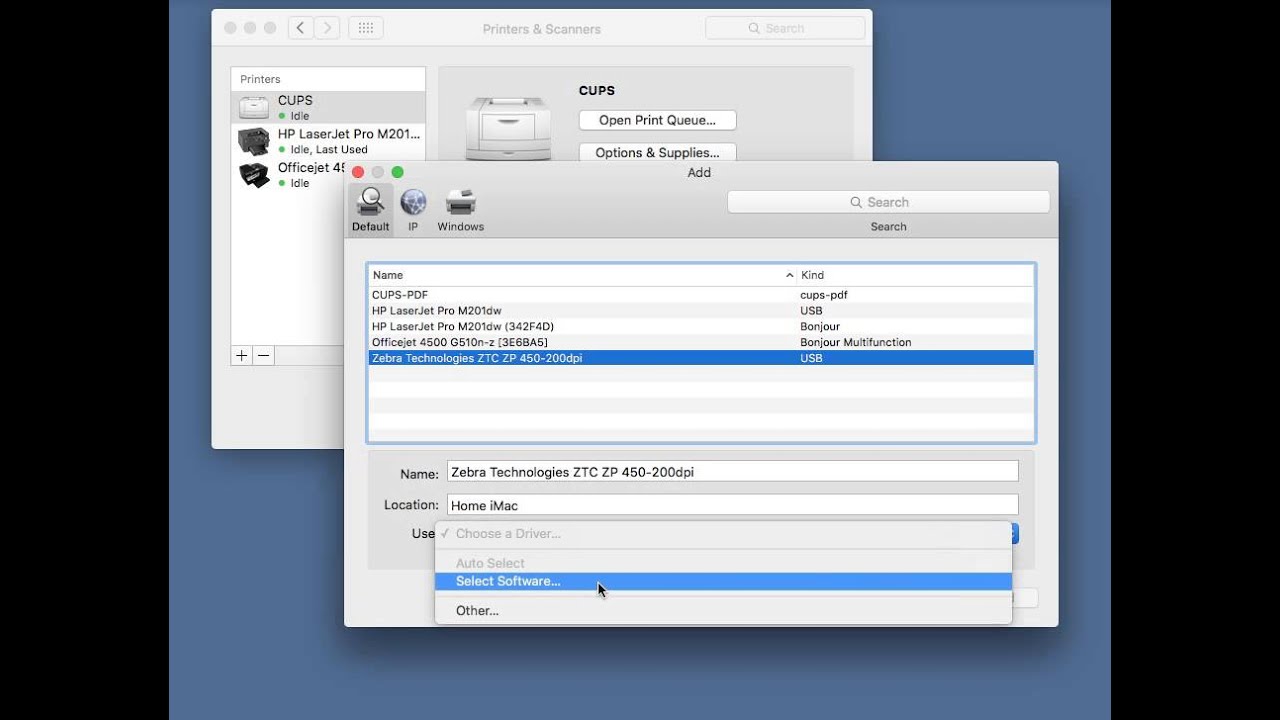
Here s How To Add A Zebra Thermal Printer To Your Mac YouTube
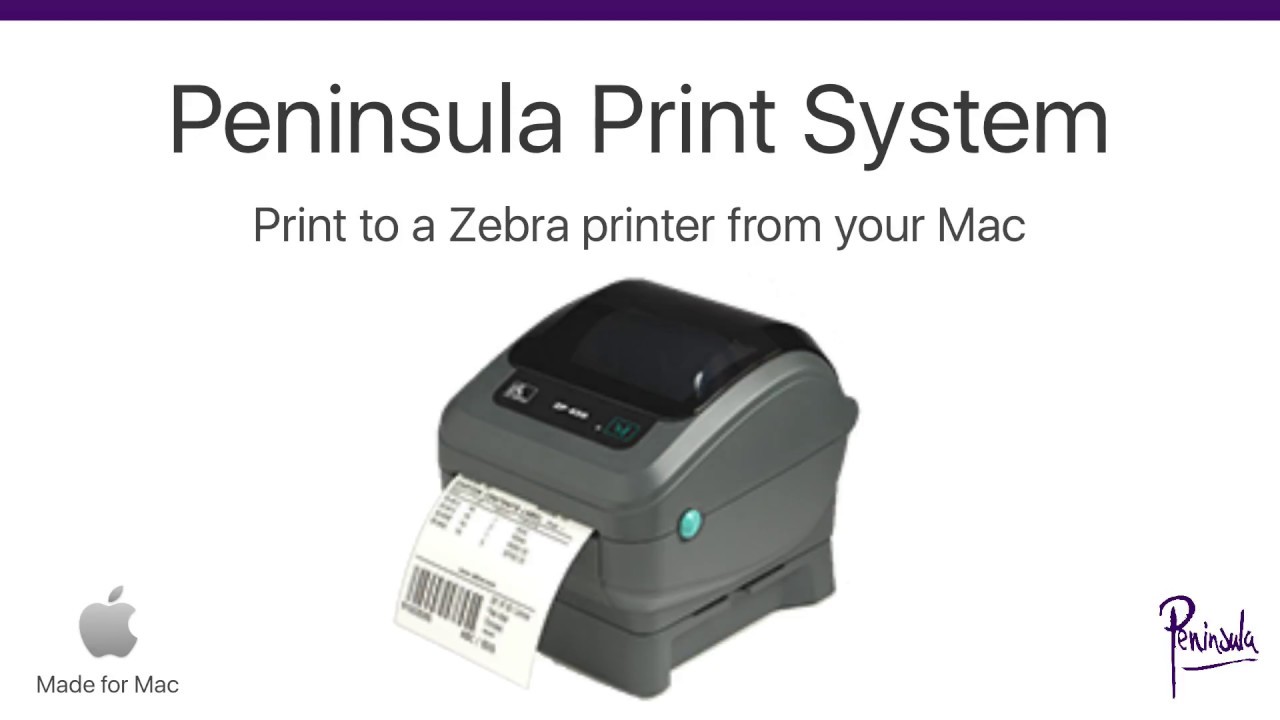
Install A Zebra Printer On Mac Zebra Printers On Apple Mac YouTube
 4.png?width=1255&height=723&name=Printing Labels Using a Zebra Printer via USB (Mac) 4.png?w=186 "Retail Printing Labels Using A Zebra Printer Mac")
May 16 2025 nbsp 0183 32 This article demonstrates how to install the Zebra ZP230D Printer on a Windows Computer
 7.png?width=1193&height=650&name=Printing Labels Using a Zebra Printer via USB (Mac) 7.png?w=186 "Retail Printing Labels Using A Zebra Printer Mac")
Identifying Your Printer s IP Address on a Printer Without an LCD Control Panel
 8.png?width=1359&height=897&name=Printing Labels Using a Zebra Printer via USB (Mac) 8.png?w=186 "Retail Printing Labels Using A Zebra Printer Mac")
Mar 24 2025 nbsp 0183 32 How can I enable bi directional communication when I get an error quot Printer does not support bidirectional support through the current port quot in Zebra Setup Utilities or Zebra
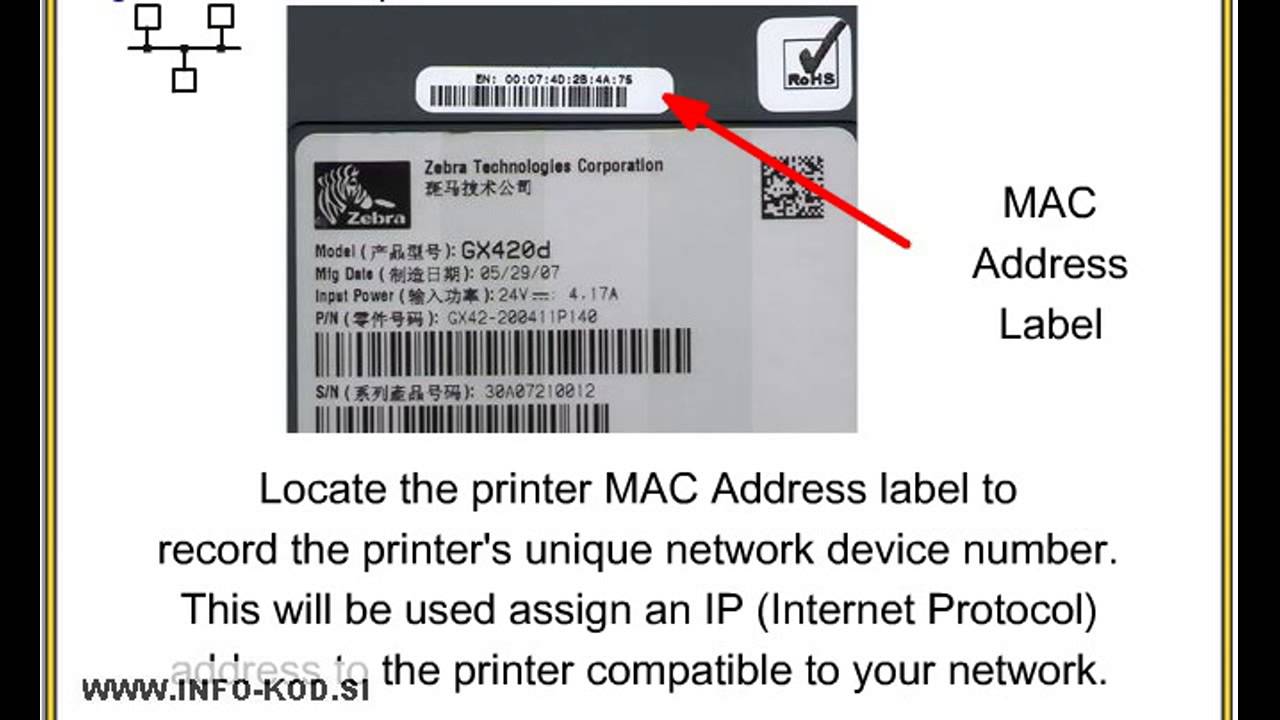
Jun 3 2025 nbsp 0183 32 This article explains how to clear print queue and troubleshoot spooler issues on Zebra printers by using services and commands
171 Go BackInformation
[desc-11] [desc-12]
[desc-13]