Zebra Printer Light Codes How To Change Zebra Gk420T Barcode Printer Label Size Zebra Barcode How To Adjust Brightness On Zebra G Series Label Printers GX420 Zebra Zd500 Printer Manual Deals Cheap Www pinnaxis Dance Live Wallpaper For Pc Infoupdate Foot Light Symbol Cad Block Free Infoupdate Flashing Red Amber Green Do NOT reset or turn off power Memory Defragmentation 10 P1039498 001 GC420tTM User Guide 8 15 2011
ZD620 Thermal Transfer Printer www zebra zd620t info ZD620 Direct Thermal Printer www zebra zd620d info ZD420 Thermal Transfer Ribbon Cartridge The status lights provide information on printer status and error conditions if any
Foot Light Symbol Cad Block Free Infoupdate Cheat Codes List Android Zebra ZT411 Label Printer Zebra ZT411 Bar Code Label Printer Artificial Escena A Tiempo Impresora Zebra 420 Presidente Neutral Accessing Zebra Printer Settings Via Web Browser Stuga Zebra 2824 Labels Zebra ZQ511 Mobile Receipt Printer H 9575 Uline Burgundy Vs Maroon The Ultimate Color Guide Zebra Printer Zd420 Not Printing Shop Blog websoft9
Zebra Printer Light Codes
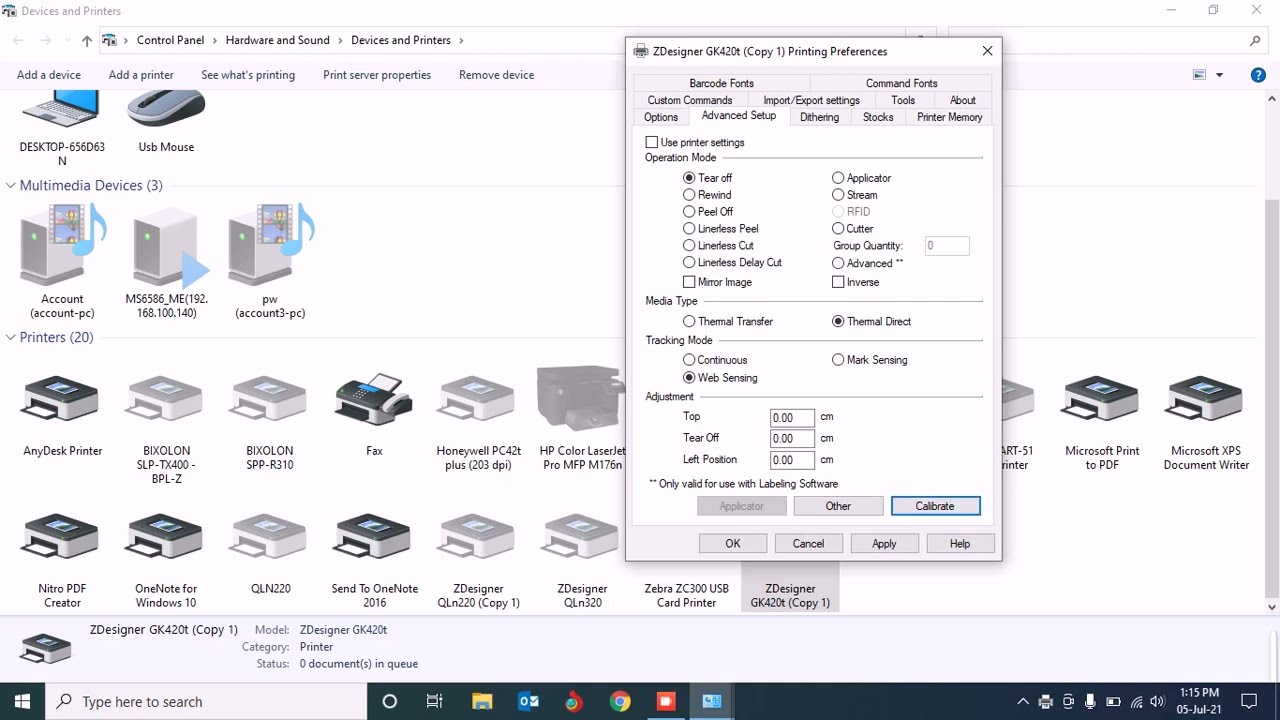 Zebra Printer Light Codes
https://i.ytimg.com/vi/YfWXO-qSKcg/maxresdefault.jpg
The status indicators can blink flash alternate between colors alternate in patterns or just remain on The status information that these lighting patterns represent is detailed in this section Ready The Ring Indicator is Solid Green The printer is powered on and ready to print Paused
Pre-crafted templates use a time-saving option for creating a varied series of documents and files. These pre-designed formats and layouts can be utilized for various individual and professional projects, including resumes, invites, flyers, newsletters, reports, presentations, and more, improving the material development process.
Zebra Printer Light Codes

Freebie Guy Website
Cheat Codes List Android
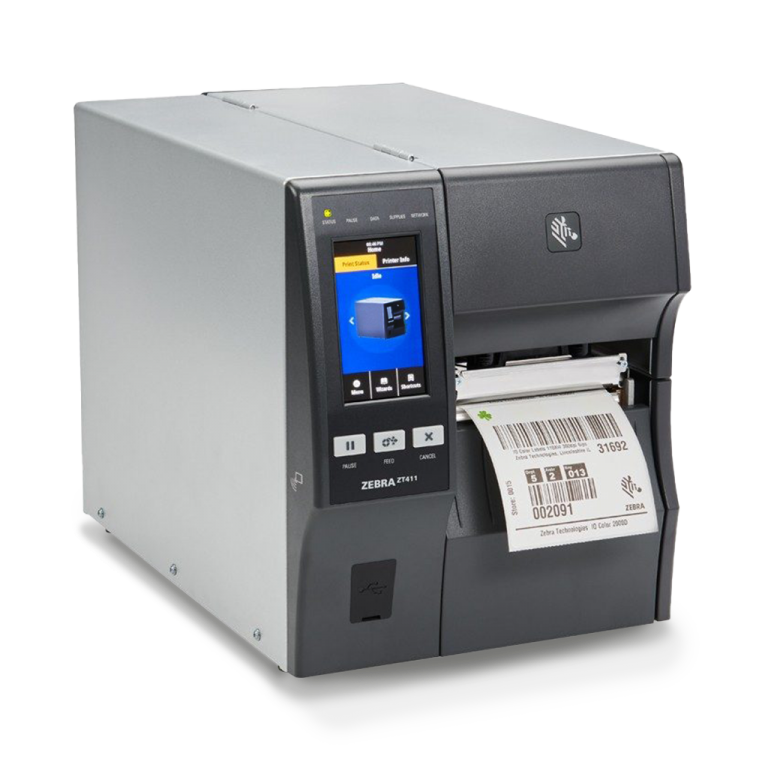
Zebra ZT411 Label Printer Zebra ZT411 Bar Code Label Printer
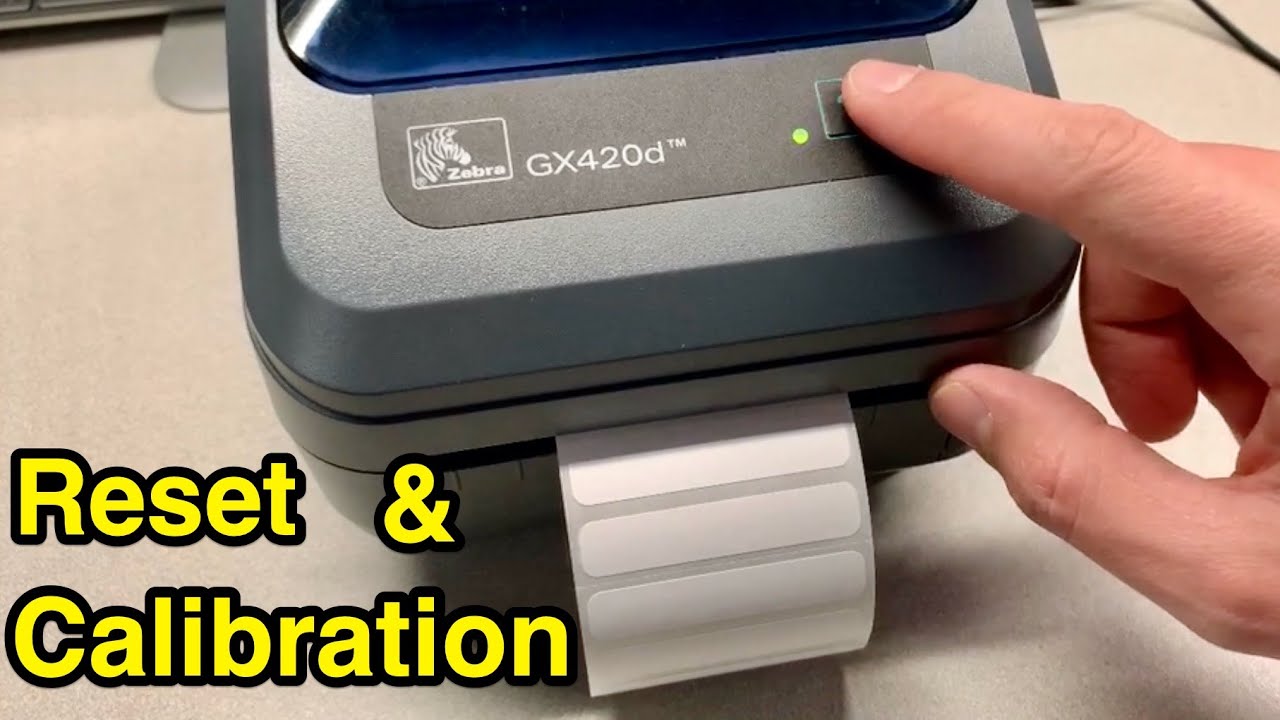
Artificial Escena A Tiempo Impresora Zebra 420 Presidente Neutral
Zebra 2824 Labels
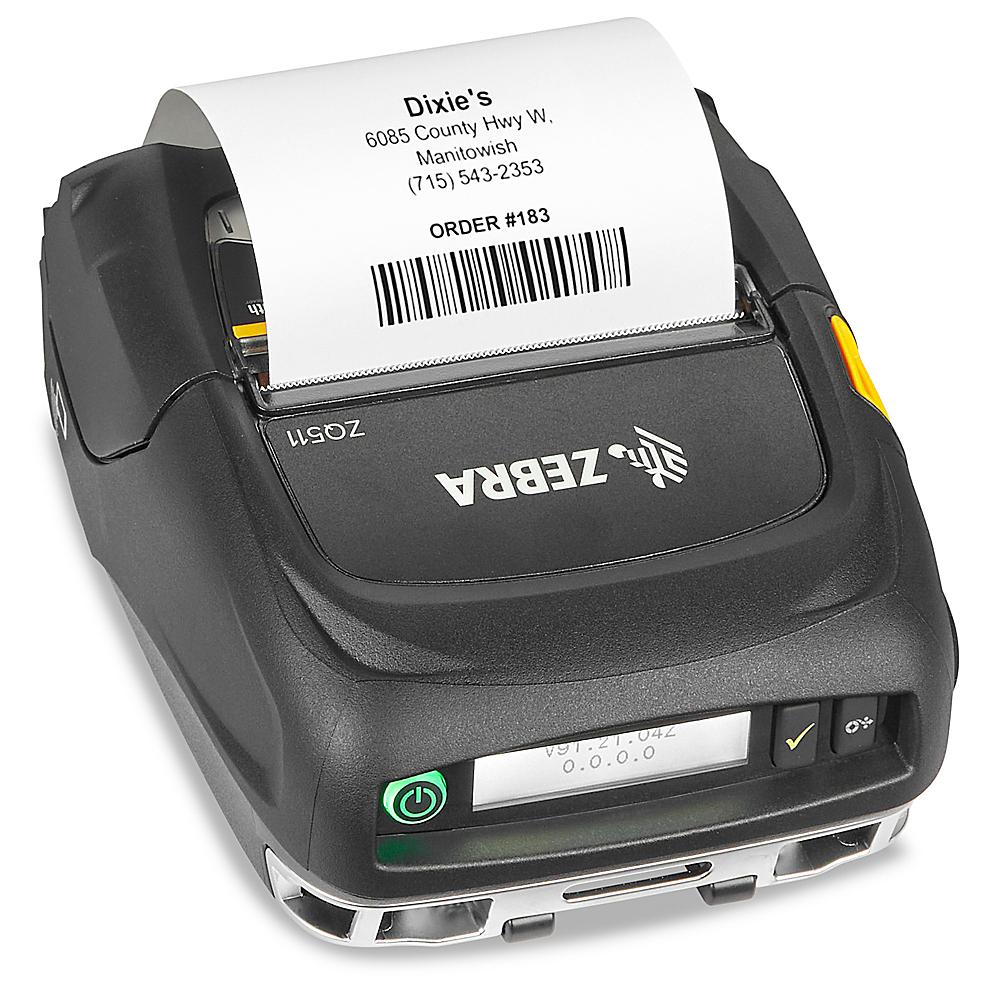
Zebra ZQ511 Mobile Receipt Printer H 9575 Uline

Issue question What is my printer s status indicator light telling me applicable to GX Series GX420d GX420t GX430d GX430t and GK Series GK420d Gk420t Printers resolution answer End Of Service Life EOSL Zebra no longer provide services or support for GK420d Healthcare and GK420t Healthcare products

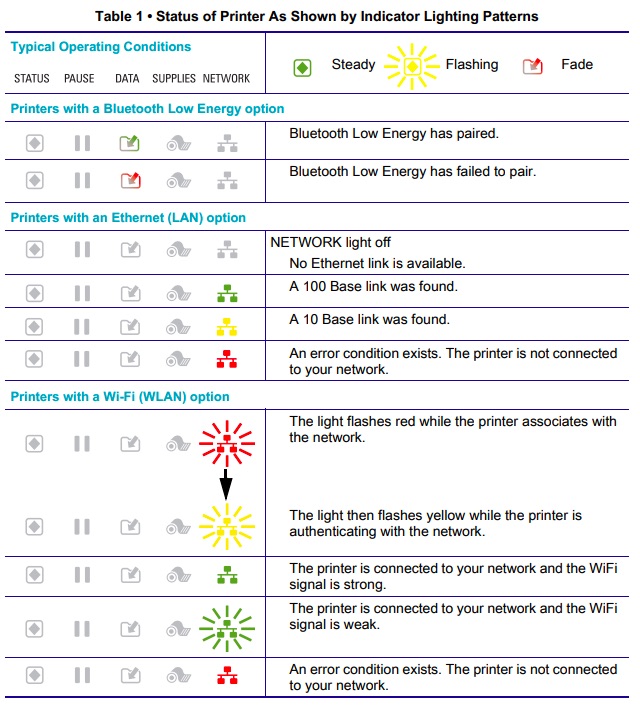
They may flash blink fade bright to off alternate between colors or simply remain lit as indicated in the table below Steady on Flashing Fade Off Controls and Indicators Status Typical Operating Conditions Status Printhead Operation Status Bluetooth Low Energy Option Status Ethernet LAN Option Status Wi Fi WLAN Option
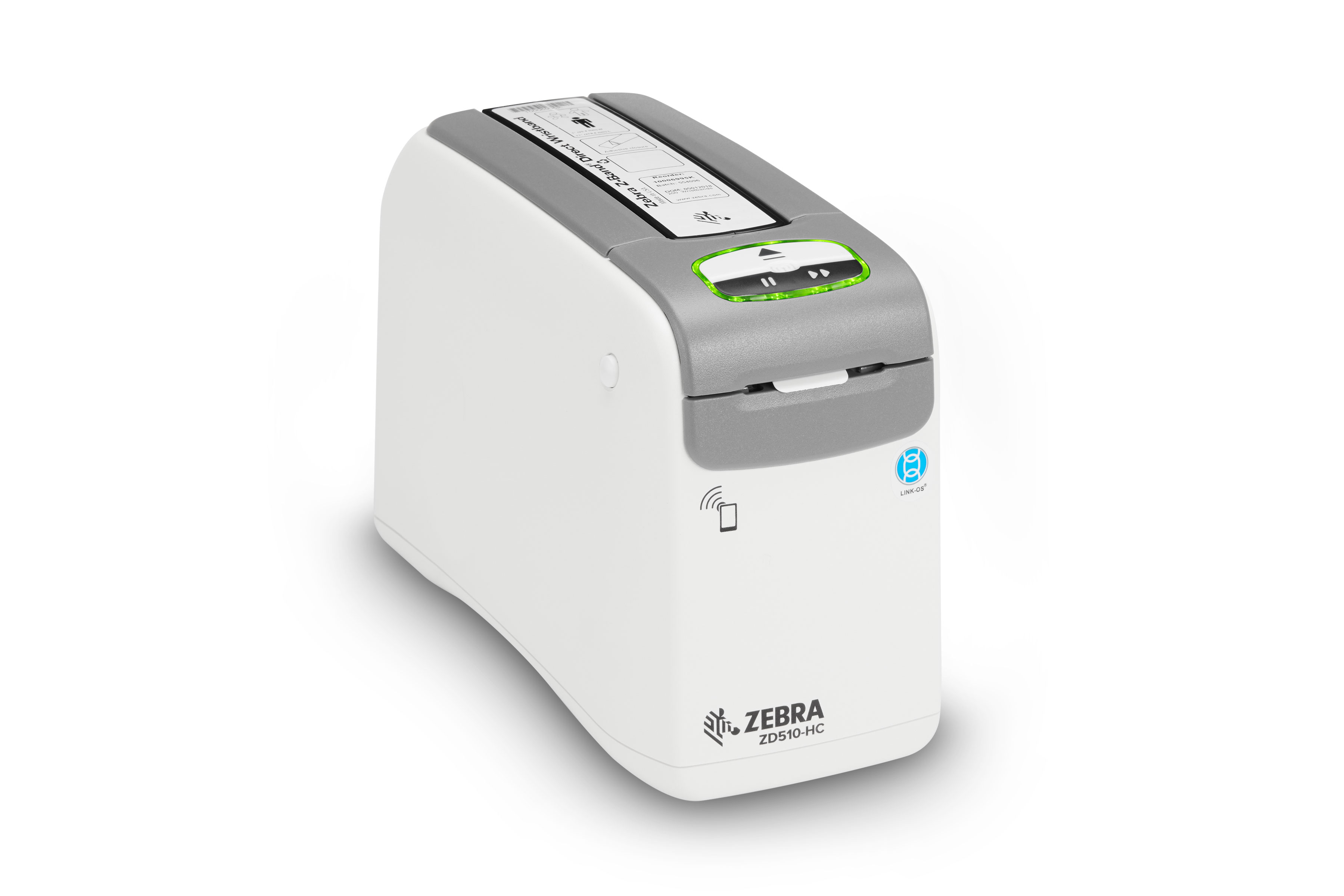
The status lights provide information on printer status and error conditions if any Diagnostics and Troubleshooting The status lights provide information on printer status and error conditions if any

They may flash blink fade bright to off alternate between colors or simply remain lit as indicated in the table below Steady on Flashing Fade Off For information on resolving errors identified using the status of the indicator lights see Troubleshooting Controls and Indicators Status Typical Operating Conditions
Status of Printer As Shown by Indicator Lights Indicator Lights What they indicate STATUS
[desc-11] [desc-12]
[desc-13]