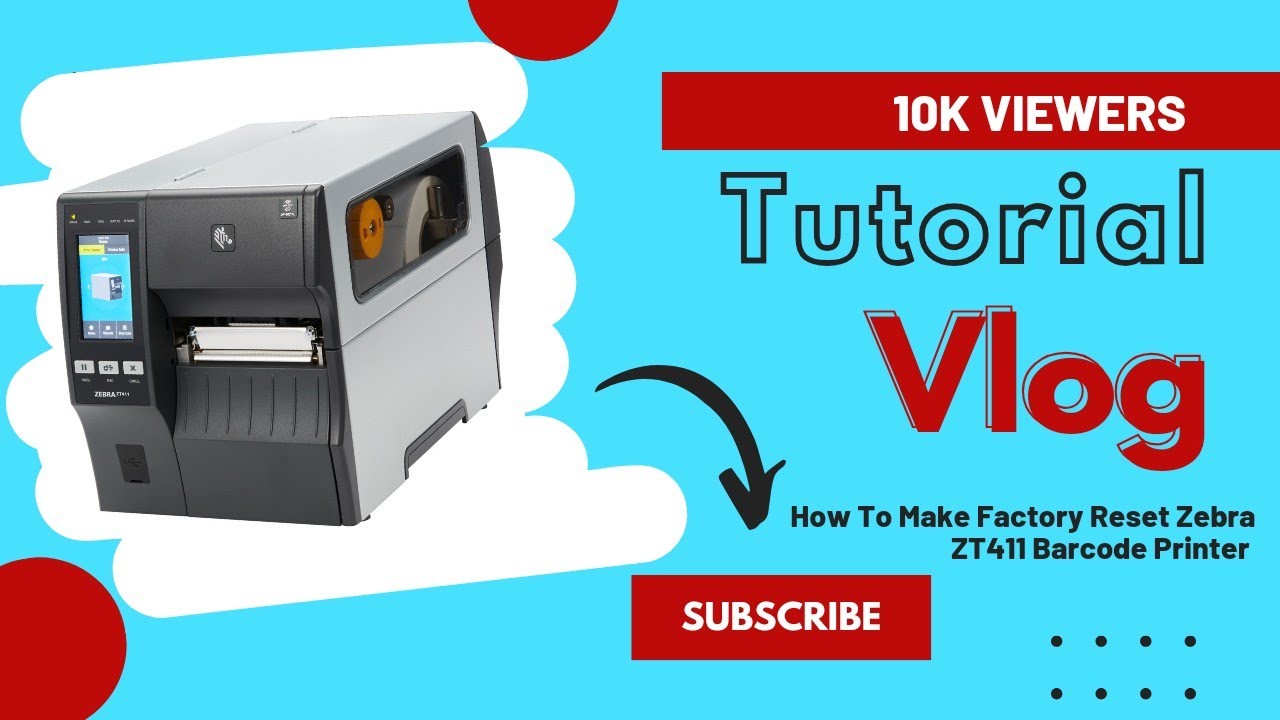
Zebra Hand Scanner Reset Barcode Code Barcode Factory Reset YouTube How To Master Reset Your Honeywell Granit 1981i Barcode Scanner YouTube Resetting Your Barcode Printer To Factory Defaults ft Zebra ZT411 Factory Reset Handheld Zebra MC36 Barcode Scanner YouTube How Make Factory Reset On Zebra ZT411 Restore Default howto Contact Zebra Product SupportContact Us Zebra s Support Teams are ready to assist you with your inquiry Please select one of the following options below to access and submit an online
Jun 24 2025 nbsp 0183 32 This article shows how to create and print QR codes with GS1 Digital Link using ZPL Jun 30 2025 nbsp 0183 32 This article explains how to perform factory enterprise reset on Zebra Android devices with USB port using a USB drive
How Make Factory Reset On Zebra ZT411 Restore Default howto How To Hard Reset Zebra TC52 Delete Pin Pattern Password Lock Admin Zebra Ls2208 Barcode Scanner Manual Cheapest Price Tratenor es Instrukciyamachine CS100W March 2014 Barcode Scanning Device Setup Zebra RS5100 2D Bluetooth Ring Scanner ADC Barcode Reprogramming Zebra DS22 DS2278 Desktop Scanner Knowledge Base ZEBRA DS8178 Series Cordless Handheld Scanner Kit User Guide
Zebra Hand Scanner Reset Barcode
 Zebra Hand Scanner Reset Barcode
https://i.ytimg.com/vi/KlsGU14SNKo/maxresdefault.jpg
171 Go BackInformation
Templates are pre-designed documents or files that can be used for different purposes. They can conserve time and effort by providing a ready-made format and layout for producing different type of material. Templates can be utilized for personal or professional jobs, such as resumes, invitations, leaflets, newsletters, reports, presentations, and more.
Zebra Hand Scanner Reset Barcode
Zebra GX430T Barcode Printer How To Calibration Self Test Reset

How To Hard Reset Zebra TC52 Delete Pin Pattern Password Lock Admin
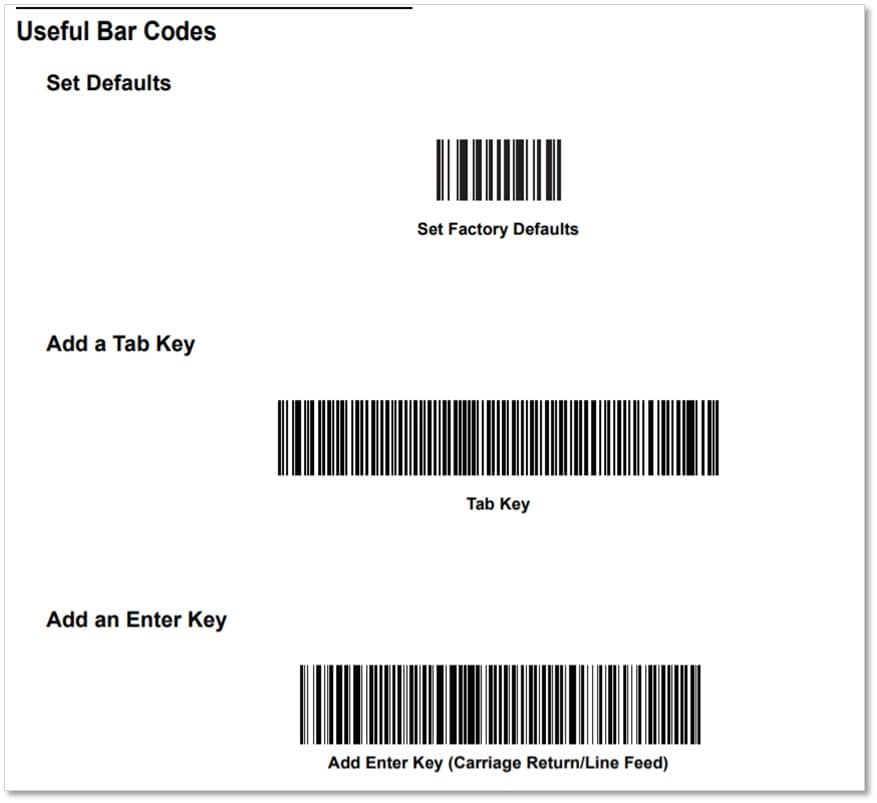
Zebra Ls2208 Barcode Scanner Manual Cheapest Price Tratenor es
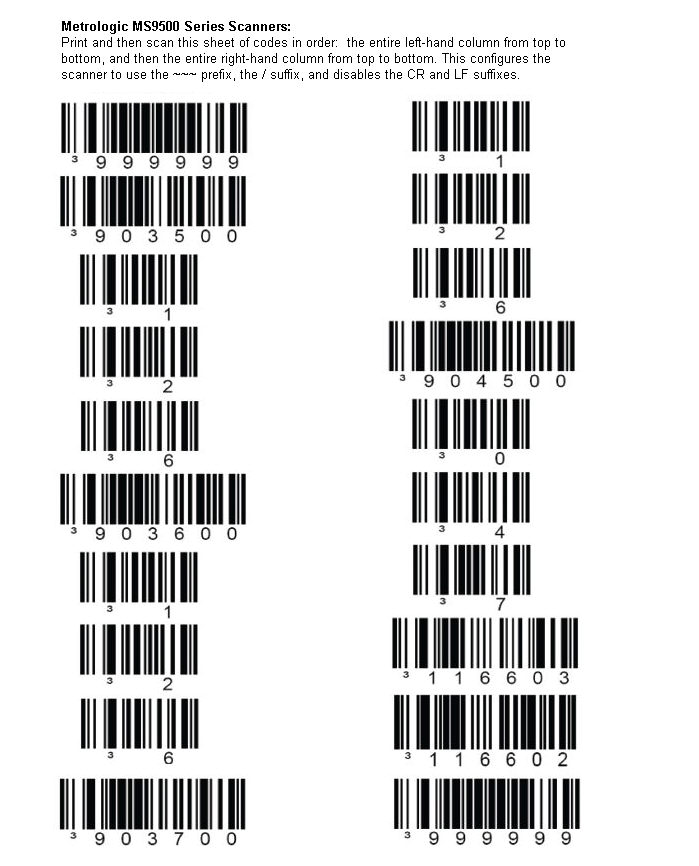
Instrukciyamachine
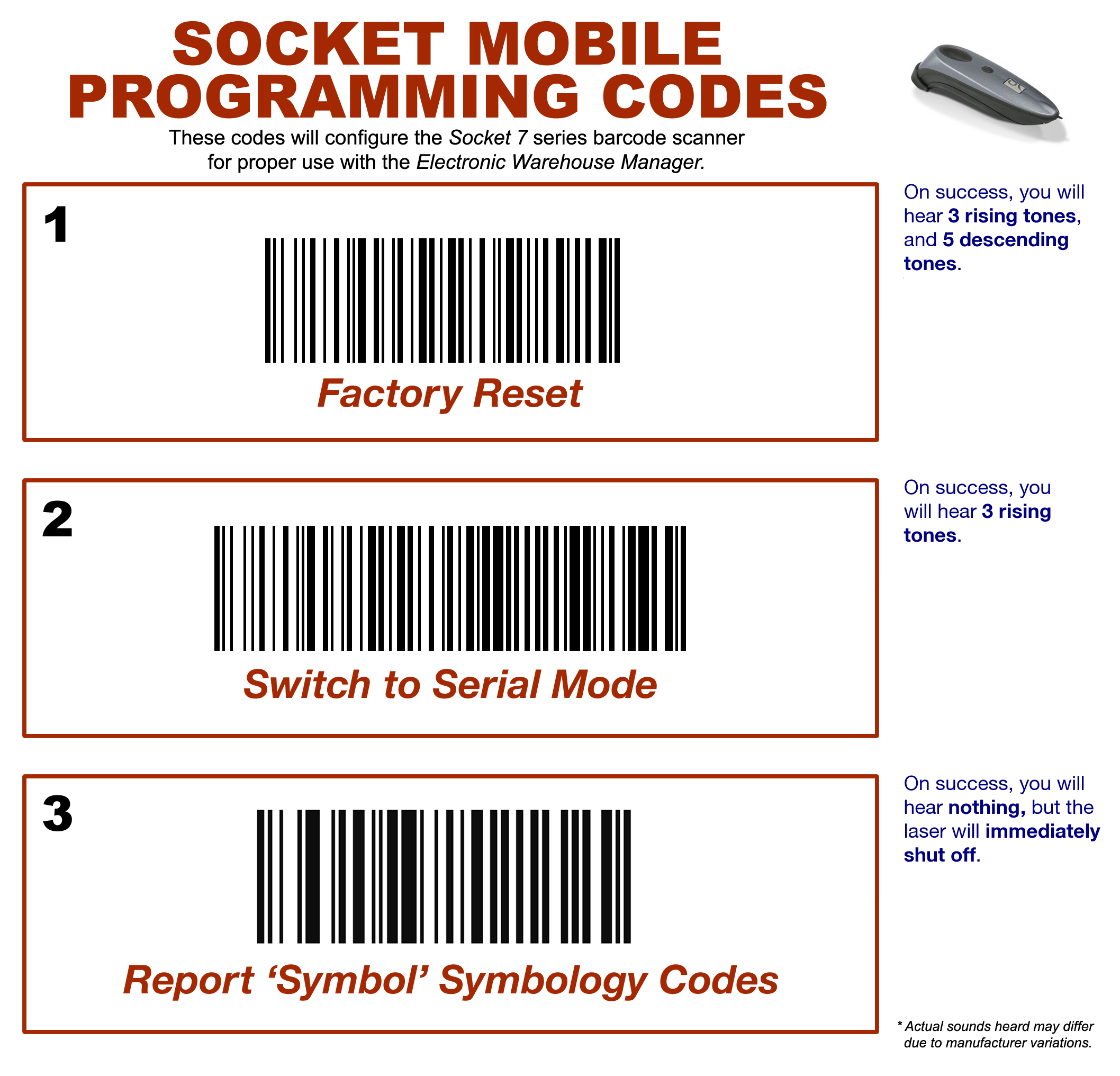
Barcode Scanning Device Setup

Zebra RS5100 2D Bluetooth Ring Scanner ADC Barcode

May 16 2025 nbsp 0183 32 This article demonstrates how to install the Zebra ZP230D Printer on a Windows Computer

Identifying Your Printer s IP Address on a Printer Without an LCD Control Panel

Jan 23 2025 nbsp 0183 32 This article outlines the steps to print a test page from the Zebra Browser Print web interface

Sep 21 2024 nbsp 0183 32 This article describes how to enable a carriage return line feed Enter Key suffix after every scan with the laser scanners when attached via USB or Keyboard Wedge
Find quick answer for Zebra products check warranty online email Zebra technical Support Software license reset join Zebra Discussion forum and Zebra accessories
[desc-11] [desc-12]
[desc-13]