Zebra Barcode Scanner Setup Codes Zebra Symbol Scanner Not Working Official Site Www pinnaxis Symbol Wireless Barcode Scanner Setup Codes Sale Www pinnaxis Symbol Wireless Barcode Scanner Setup Codes Sale Www pinnaxis LI3608 Google Usb Barcode Scanners Zebras Handheld Multimedia Instrukciyamachine [desc-7]
Standard cradle default scan pairing bar code cradle and scanner are paired when the user scans the pairing bar code on the cradle Note When pair on contacts is enabled you may still use the scan pairing bar code method [desc-8]
Instrukciyamachine Zebra DNA Cloud New Device Setup Using Linear ID Barcodes CS3070 Bluetooth Scanner Setup POS SOLUTIONS Zebra DS2278 Scanner Setup CS100W March 2014 Zebra Technologies DS6878 Barcode Scanner With Integrated Bluetooth How To Configure Your Barcode Scanner Start Your Own Esports Venue K y lm Geli Perth Ge ersiz k lar Ast Zebra Barcode Scanner How Can I Configure My Barcode Scanner With A AZERTY Keyboard
Zebra Barcode Scanner Setup Codes
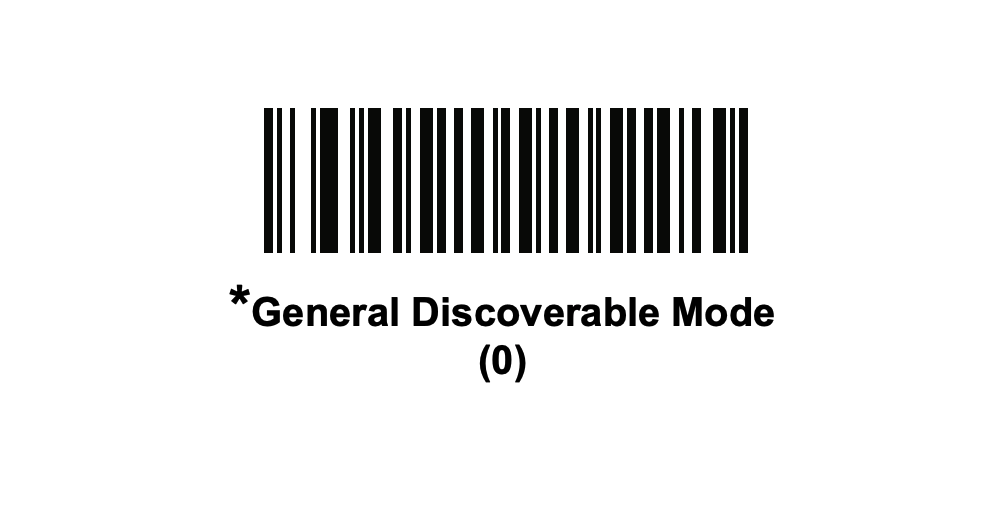 Zebra Barcode Scanner Setup Codes
https://retail-support.lightspeedhq.com/hc/article_attachments/9073851155227/DS2278-without-cradle-barcode-bluetooth.png
[desc-9]
Templates are pre-designed files or files that can be used for various functions. They can conserve time and effort by offering a ready-made format and layout for producing various type of material. Templates can be utilized for personal or expert projects, such as resumes, invitations, flyers, newsletters, reports, presentations, and more.
Zebra Barcode Scanner Setup Codes
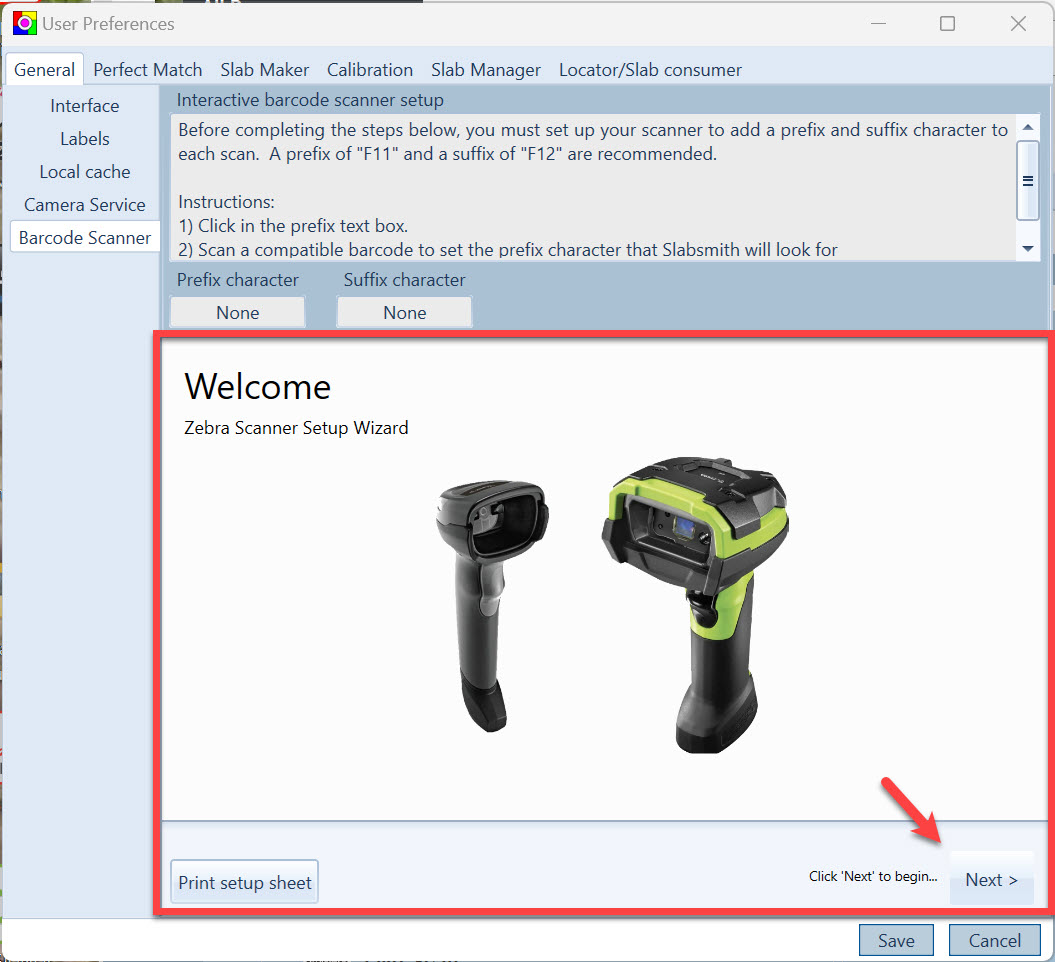
Scanner Setup Slabsmith
Zebra DNA Cloud New Device Setup Using Linear ID Barcodes

CS3070 Bluetooth Scanner Setup POS SOLUTIONS
Zebra DS2278 Scanner Setup
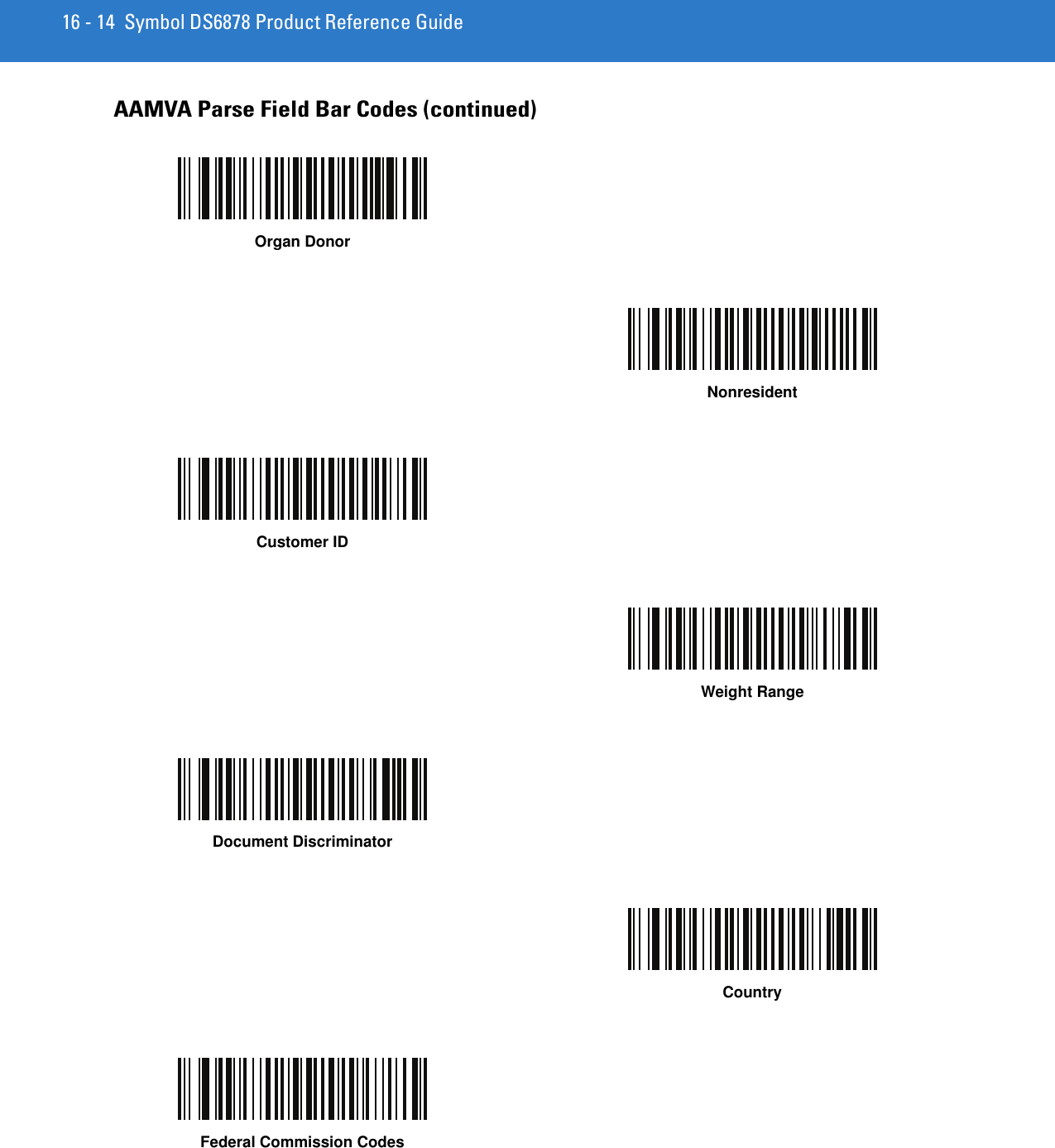
Zebra Technologies DS6878 Barcode Scanner With Integrated Bluetooth
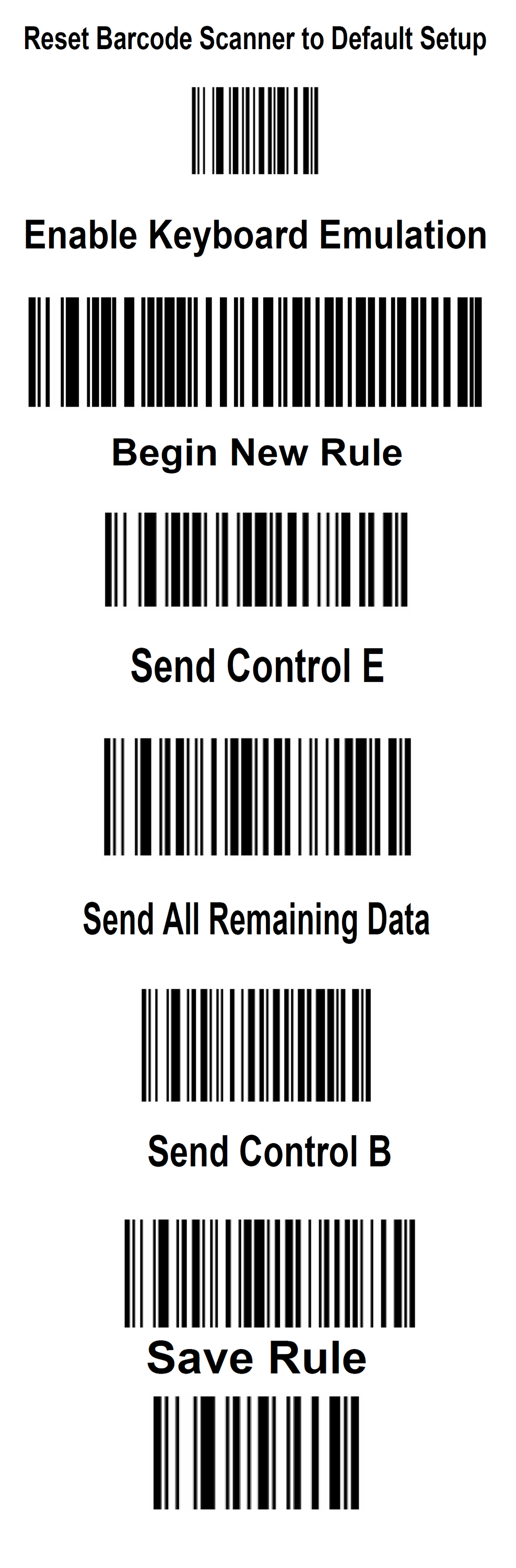
How To Configure Your Barcode Scanner Start Your Own Esports Venue
The PC based 123Scan utility enables quick and easy set up of Zebra scanners Please see the software section below for all available software Download 123Scan Utility
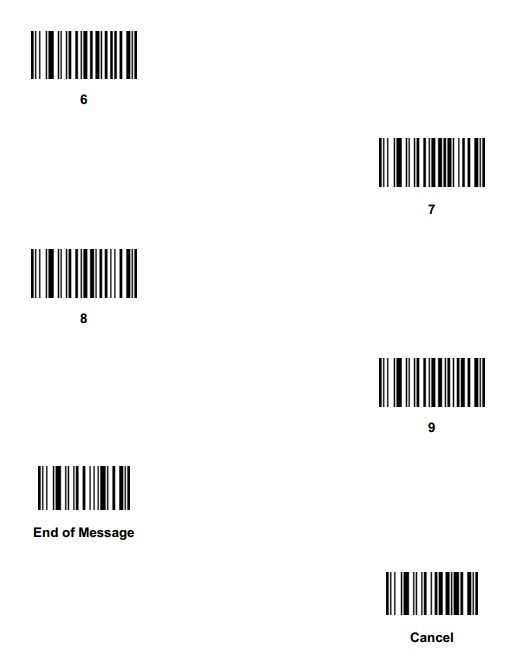
LS2208 Quick Start Guide en Reduce or eliminate repetitive motion Maintain a natural position Reduce or eliminate excessive force Keep objects that are used frequently within easy reach Perform tasks at correct heights Reduce or eliminate vibration Reduce or eliminate direct pressure
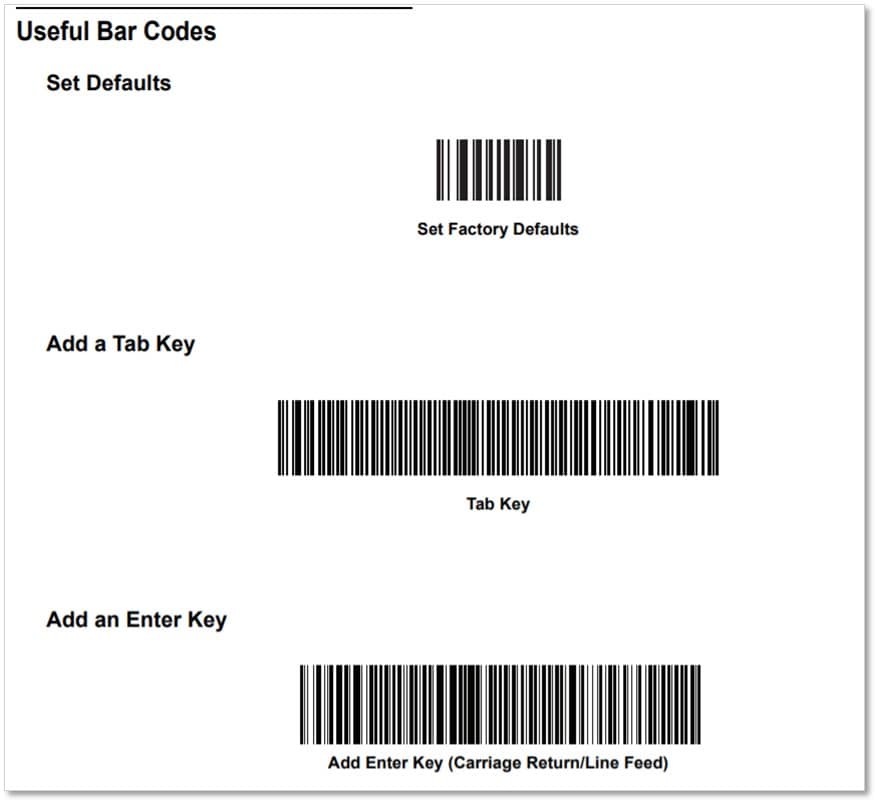
Scan ONE of the bar codes below The digital scanner automatically detects the host interface type and uses the default setting If the default does not meet your requirements scan another host bar code below NOTE Cables may vary depending on configuration USB Keyboard HID IBM Hand Held USB IBM OPOS IBM Hand Held

Procedure Print Station with USB Connection Items Required Zebra Printer Industrial or Desktop Printer With Display Interface With USB Host Port Connection With the latest Link OS Firmware Version 4x6 inch labels Ribbon if needed Zebra Barcode Scanner General Purpose or Ultra Rugged Scanner USB Cable General Purpose CBA
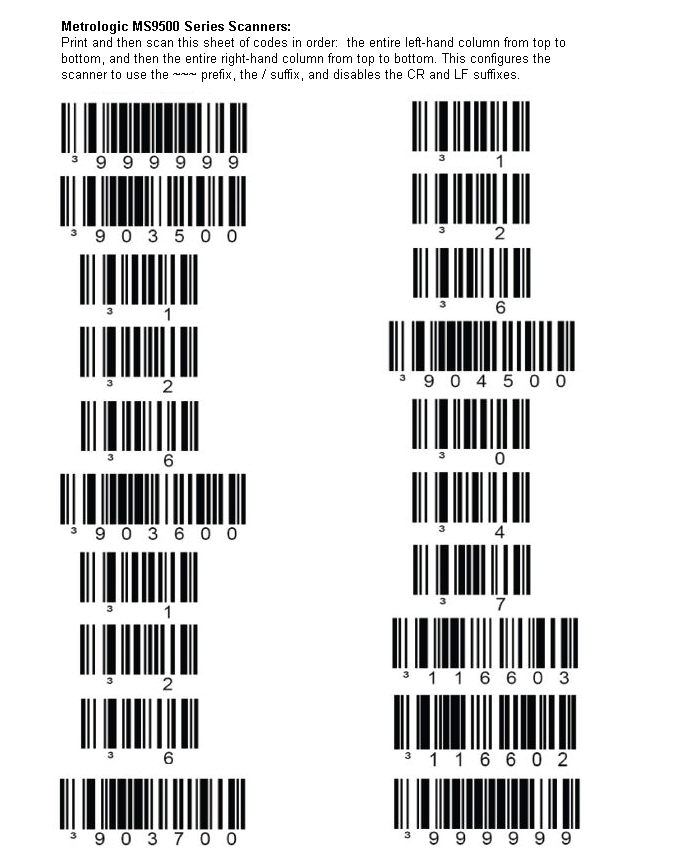
Then to set it up Connect the USB cable to the base of your barcode scanner Connect the barcode scanner to a USB port on your computer Note If you are connecting the scanner to a Mac and you see a Keyboard Setup Assistant pop up do not click continue Click the red x in the upper left hand corner to cancel the pop up
[desc-11] [desc-12]
[desc-13]