Wsl Startup Commands How To Remove WSL Ubuntu Startup Message Code Dodle How To Set Windows Terminal Default App For Command Prompt PowerShell WSL Pureinfotech Tips For Running DOS Software In DosBox Denford Software Machines Windows Terminal Installation Microsoft Learn Windows Keyboard Mac Startup Commands Kopah Executing a Command For each method you can append a command that you d like to execute in the terminal That is c command bash c command wsl command NOTE In this case you don t append c you just type in your command You can learn more about multi distro management by checking out the documentation
05 07 PM 0 Microsoft now allows users of the Windows Subsystem for Linux WSL to run commands automatically on WSL distribution startup WSL is a compatibility layer designed by Aug 18 2020 at 12 20 Windows Terminal is still in a beta stage and it s not possible to do what you want because it still lacks broad functionality however ConEmu can Another option is to use Task Scheduler since WSL s terminal has been hardcoded into Windows it s available via the context menu so it can likely be launched via Powershell
Windows Keyboard Mac Startup Commands Kopah Slow WSL Startup When Network Drive Unreachable Bytemeta MAC Startup Commands Independand Technician s Guide Windows 10 WSL Now Can Run Linux Commands On Startup Privacy Ninja Official List Of Startup Commands Reiza Studios Forum How To Remove WSL Ubuntu Startup Message Code Dodle How To Remove WSL Ubuntu Startup Message Code Dodle How To Run Sudo Commands In Windows WSL Distros Can Now Run Linux Commands On Startup In Windows 10
Wsl Startup Commands
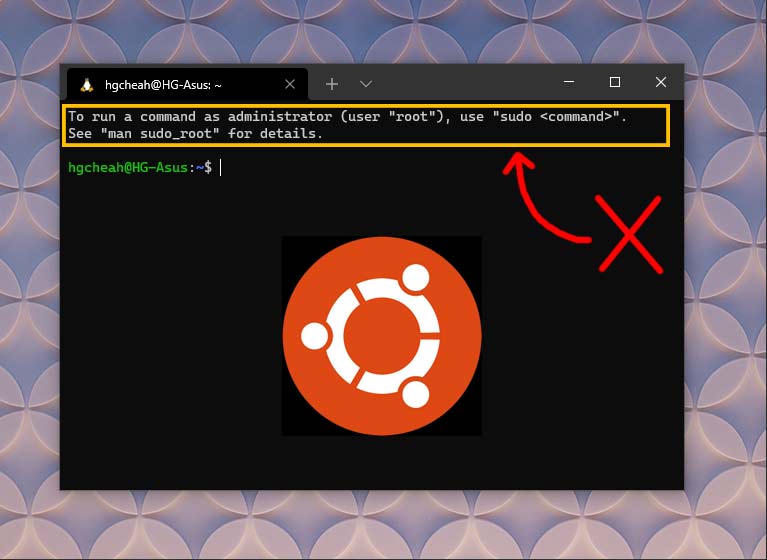 Wsl Startup Commands
https://www.codedodle.com/wp-content/uploads/2021/10/remove-startup-message-wsl-windows-terminal.jpg
Press Windows Enter PowerShell into the search bar Click Run as Administrator Create the Visual Basic Script File The Echo command is used to print text it receives from the argument to
Pre-crafted templates provide a time-saving option for producing a diverse range of documents and files. These pre-designed formats and layouts can be used for various individual and professional projects, including resumes, invites, leaflets, newsletters, reports, presentations, and more, simplifying the content creation process.
Wsl Startup Commands

Cara Memulai Service WSL Secara Otomatis Di Ubuntu Dengan Startup Windows 10 Tekno Sridianti

Slow WSL Startup When Network Drive Unreachable Bytemeta

MAC Startup Commands Independand Technician s Guide
Windows 10 WSL Now Can Run Linux Commands On Startup Privacy Ninja
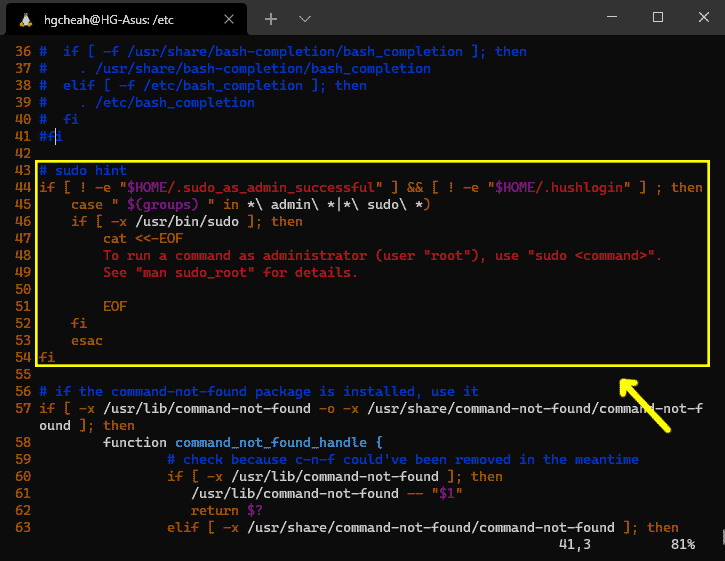
How To Remove WSL Ubuntu Startup Message Code Dodle
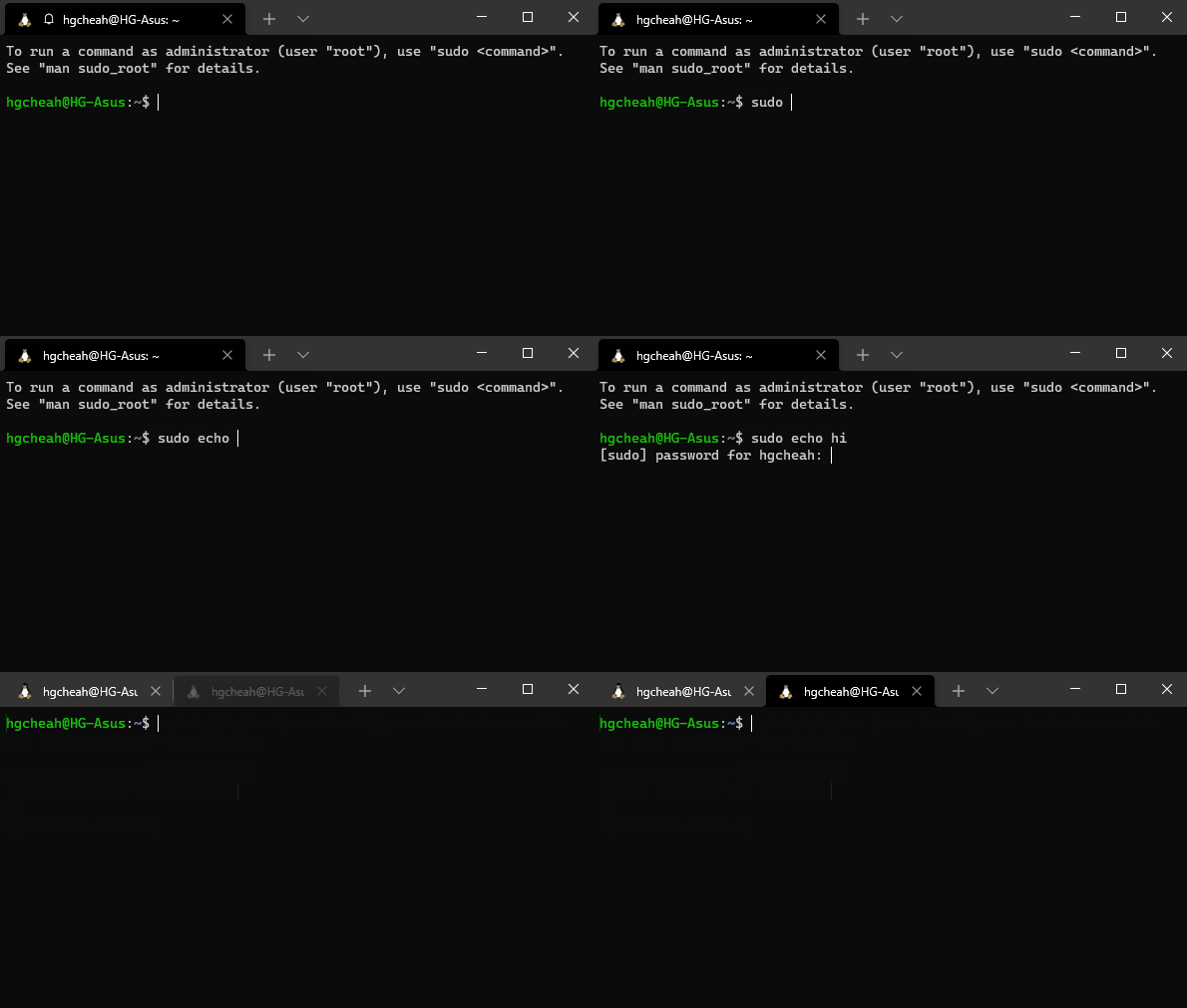
How To Remove WSL Ubuntu Startup Message Code Dodle
PowerShell wsl install The install command performs the following actions Enables the optional WSL and Virtual Machine Platform components Downloads and installs the latest Linux kernel Sets WSL 2 as the default Downloads and installs the Ubuntu Linux distribution reboot may be required
1 This question does not show any research effort it is unclear or not useful Save this question Show activity on this post I added these lines in my WSL settings files C Users reynadan wslconfig boot command bash home reynadan scripts startup sh etc wsl conf boot command bash home reynadan scripts startup sh
The command wsl shutdown is a fast path to restarting WSL 2 distributions but it will shut down all running distributions so use wisely You can also use wsl terminate distroName to terminate a a specific distribution that s running instantly wsl conf

Add a comment 2 Answers Sorted by 3 A few pointers First you don t mention what Windows version you are running Windows 11 is required to use the WSL boot feature in etc wsl conf Update note No longer the case Please see this answer for details But even if you have Windows 11 your example would still have a few problems

Run When the computer starts Action Start a program Program c Windows system32 bash exe Arguments c sudo xmr stak cpu bin xmr stak cpu D Start in usr local src And as you guessed it still does not work Frankly I wish I could do this in WSL because it is my preferred way but I will take any way
Right click the Windows 10 Start button and select Windows PowerShell Admin After that type the below command to find out all the installed WSL Linux distros on your PC or laptop wsl l Now see check out the Distro name you are using For example here we are using Ubuntu 20 04 Thus the command will be like this wsl set Open the Task Manager by pressing CTRL SHIFT ESC Click on the Services Tab and the Open Service option at the bottom Locate the LxssManager Right click on the service and click Restart I hope
Then you can directly get software by using the sudo apt get install command followed by the name of the program you wish to install Bash sudo apt get install app name To update programs that have already been installed you can run Bash sudo apt update sudo apt upgrade