Wsl Install Ubuntu 20 04 Command Wsl Ubuntu Download Ascsejesus How To Install Ubuntu On Windows Using WSL Tutorial Install Ubuntu On WSL Download Ubuntu Wsl Install Subsystem For Linux 2 Wsl 2 On Windows 10 Install Ubuntu 20 04 WSL On Windows 11 H2S Media Web Jul 30 2021 nbsp 0183 32 To install a distribution other than or in addition to the Ubuntu default use this command wsl install d lt DistroName gt Replace lt DistroName gt with the name of a Linux distribution found in the previous list command This install command can be used for first time installation or for adding additional distributions after you already have
Web Ubuntu on WSL Install a complete Ubuntu terminal environment in minutes on Windows with Windows Subsystem for Linux WSL Access the Linux terminal on Windows develop cross platform applications and manage IT infrastructure without leaving Windows Download from the Microsoft Store Install Ubuntu on WSL Web Nov 20 2023 nbsp 0183 32 Learn how to run the command to install the default Bash shell that uses Ubuntu or can be set to install other Linux distributions use basic WSL commands set up Visual Studio Code or Visual Studio Git Windows Credential Manager databases like MongoDB Postgres or MySQL set up GPU acceleration run GUI apps and more Get
Install Ubuntu 20 04 WSL On Windows 11 H2S Media Install Ubuntu Terminal On Windows 10 WSL In Sinhala How To Install Ubuntu 20 04 WL2 On Windows 11 H2S Media How To Install Anaconda On WSL Windows 10 11 Using Ubuntu Linux App How To Install And Setup Ubuntu WSL On Windows 10 11 YouTube How To Install The Windows Subsystem For Linux On Windows 11 Riset WSL Adds Ubuntu 16 04 Xenial Support Windows Command Line Install Desktop GUI For WSL WSL Enable Desktop Guide TroubleChute Hub LINUX COMMAND LINE BASICS USING UBUNTU 20 04 PART 2 YouTube
Wsl Install Ubuntu 20 04 Command
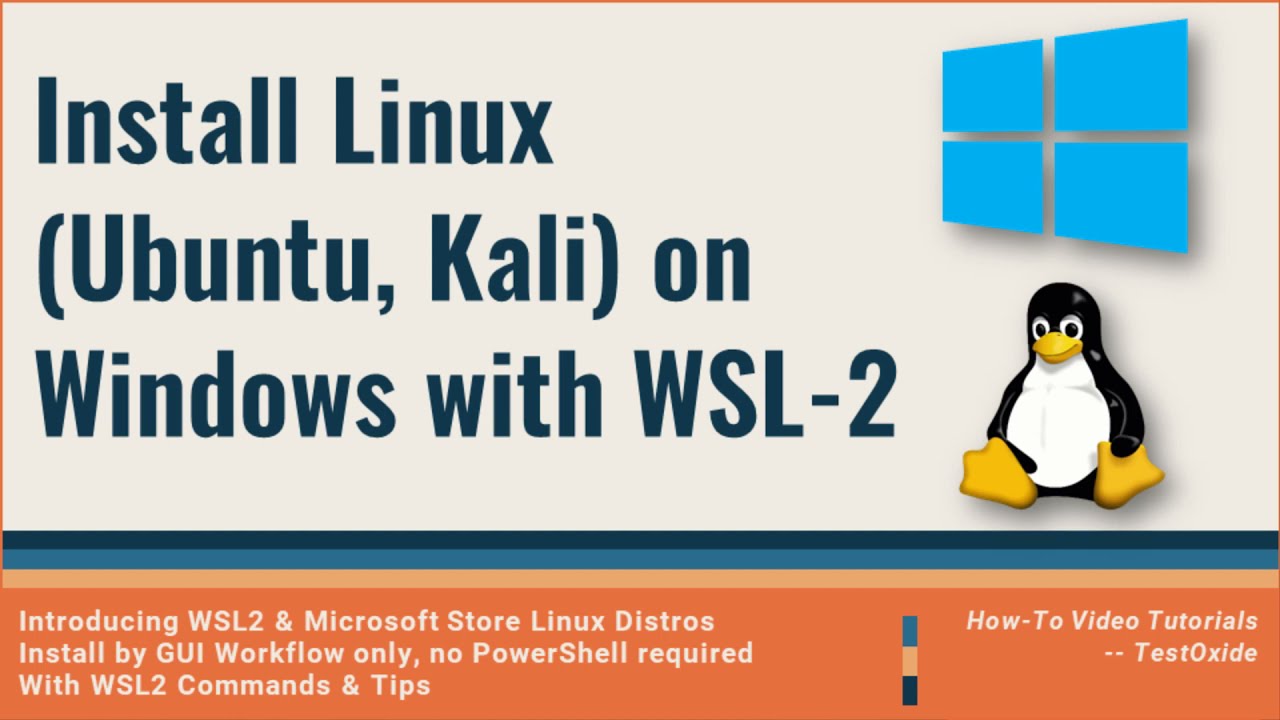 Wsl Install Ubuntu 20 04 Command
https://benisnous.com/wp-content/uploads/2021/05/Install-Ubuntu-Kali-on-Windows-with-WSL-2-under-10-min.jpg
Web Jan 24 2023 nbsp 0183 32 wsl list online Optional Type the following command to install a specific version of Ubuntu on Windows 10 and press Enter wsl install d UBUNTU VERSION In the command change UBUNTU VERSION to the name of the version you want to install This example installs version 20 04 wsl install d Ubuntu 20 04
Templates are pre-designed documents or files that can be used for different functions. They can save time and effort by supplying a ready-made format and design for creating different type of content. Templates can be used for individual or professional projects, such as resumes, invitations, flyers, newsletters, reports, presentations, and more.
Wsl Install Ubuntu 20 04 Command
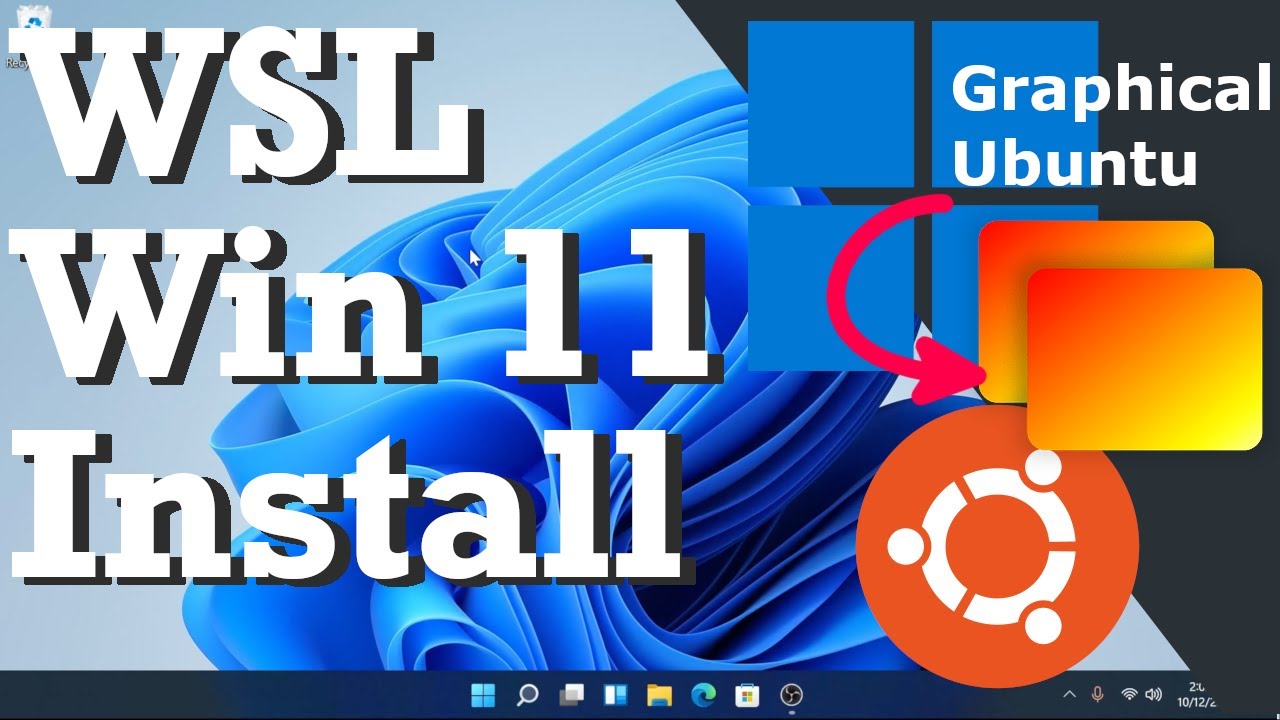
How To Install WSL2 Ubuntu Linux W GUI Using GWSL On Windows 11 EASY

Install Ubuntu Terminal On Windows 10 WSL In Sinhala
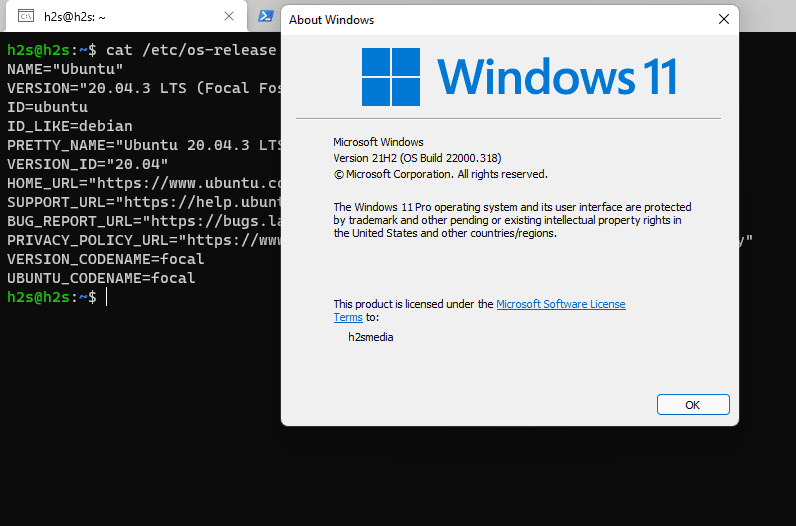
How To Install Ubuntu 20 04 WL2 On Windows 11 H2S Media
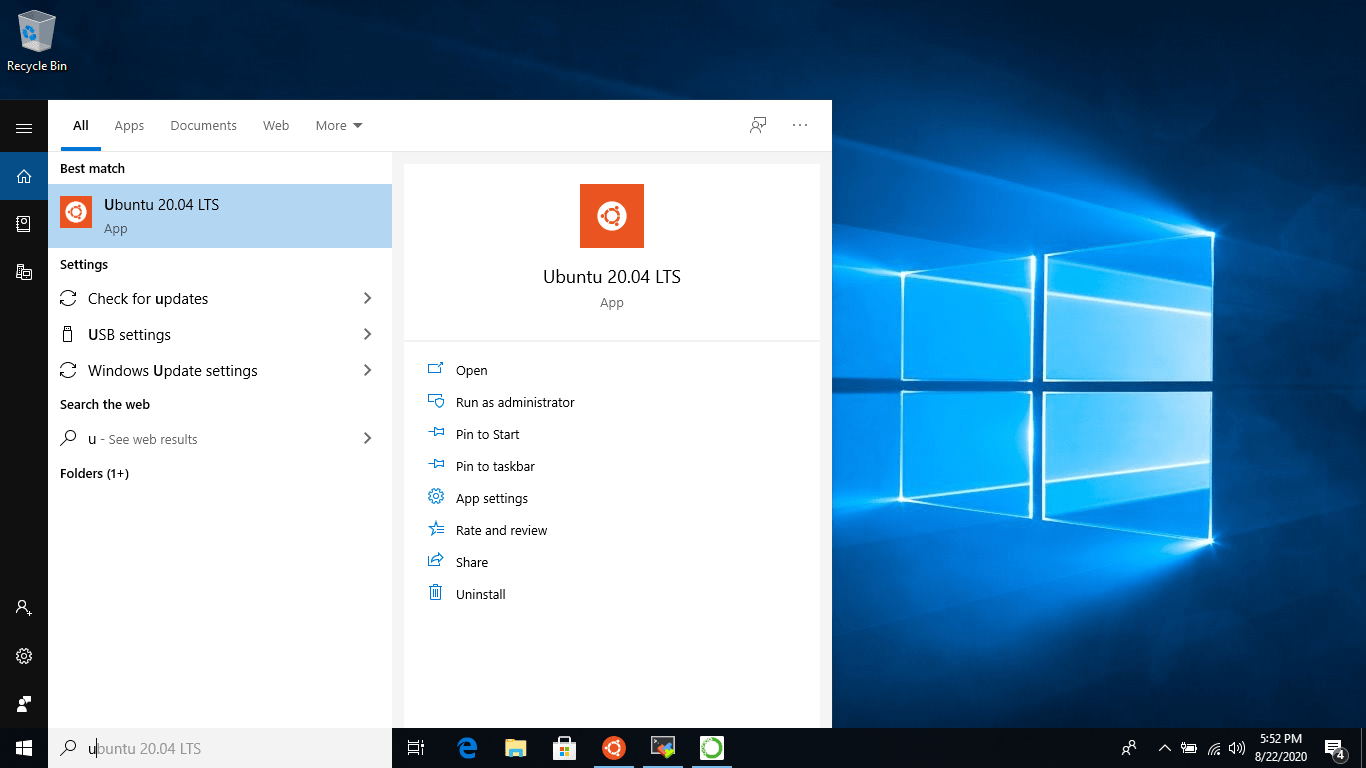
How To Install Anaconda On WSL Windows 10 11 Using Ubuntu Linux App

How To Install The Windows Subsystem For Linux On Windows 11 Riset
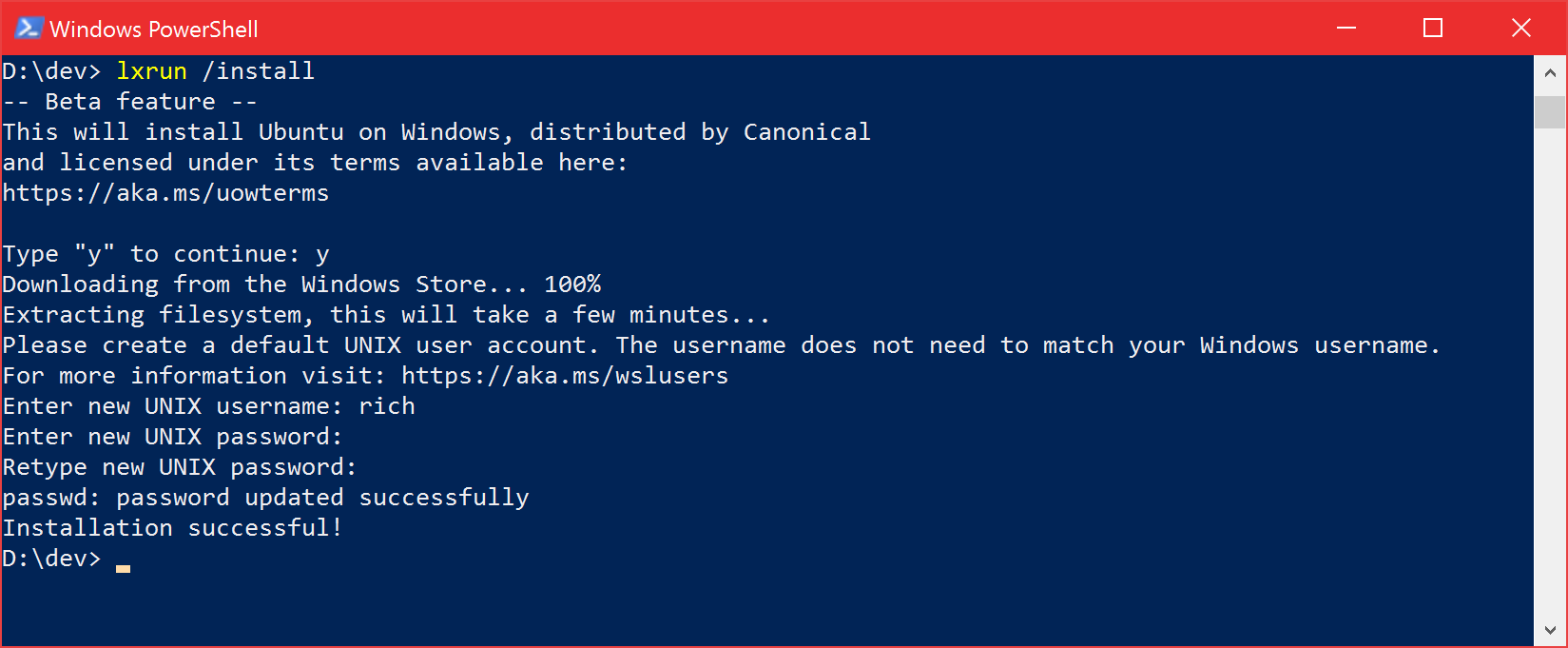
WSL Adds Ubuntu 16 04 Xenial Support Windows Command Line
Web Feb 13 2023 nbsp 0183 32 Once the installation is complete click the Launch button to open a terminal for Ubuntu 20 04 or open the Ubuntu 20 04 LTS distribution by searching from the Start menu Step 6 Optional Installing Ubuntu 20 04 in WSL 2
Web Jun 1 2021 nbsp 0183 32 Now that you ve done this the WSL 2 is enabled and ready to run on your workstation Next you ll need to install a Linux based operating system using the WSL 2 Step 2 Installing Ubuntu 20 04 using the WSL Now that you have the WSL 2 installed you next need to install a Linux distribution from the Microsoft Store

Web Jan 7 2023 nbsp 0183 32 Table of Contents How to Install Ubuntu 20 04 LTS on Windows 10 WSL Step 1 Prerequisites Step 2 Enable WSL Step 3 Install Ubuntu 20 04 LTS In this article we will see how to install Ubuntu 20 04 LTS on Windows 10 WSL You might be aware of installing Linux distributions on VirtualBox or VMware

Web Replace lt code gt lt Distribution Name gt lt code gt with the name of the distribution you would like to install lt li gt n lt li gt To see a list of available Linux distributions available for download through the online store enter lt code gt wsl list online lt code gt or lt code gt wsl l o lt code gt lt li gt n lt li gt To install additional Linux distributions after the initial in

Web Apr 6 2021 nbsp 0183 32 This is the easiest way to install a WSL Linux distro If you are automating WSL installations you may be looking for the WSL distro download links and PowerShell install command This post contains the following methods to get Ubuntu installed on WSL gt Install WSL Ubuntu 20 04 via Microsoft Store Install WSL Ubuntu 20 04 via Command
Web Oct 11 2021 nbsp 0183 32 1 Install WSL Ubuntu 20 04 1 1 Enable WSL feature on Windows 1 2 Clear quot Users must enter a user name and password to use this computer quot 1 3 winreboot 1 4 WinRM Wait for Reboot 1 5 Download WSL installer 1 6 Install WSL install image 1 7 Remove WSL install image 1 8 WSL ubuntu install via scheduled task Web A Clever Guide Jannson Miller No Comments 0 0 WSL Windows Subsystem for Linux on Ubuntu is a feature that allows users to run an Ubuntu terminal on their Windows system
Web Mar 26 2022 nbsp 0183 32 Here are the steps to launch powershell You can go to search bar and launch Windows Powershell Open search bar and search for powershell Click on appropriate version of powershell to launch the