Wsl Firewall Rules Managing Firewall UpCloud Fedora21 Quick And Dirty With Firewalld FATMIN What Are Best Practices For Firewall Rules Configuration Sunnyvalley io Linux Windows Microsoft Learn Firewall Sistemleri Web Jul 26 2023 nbsp 0183 32 Checking Proxy and Firewall Rules To check proxy and firewall rules for WSL2 follow these steps Open Command Prompt as an administrator Enter the following command to configure proxy
Web May 5 2017 nbsp 0183 32 Type wsl Provide your credentials Note Now you are on the distro interface For managing Windows Firewall with Ubuntu Firewall ufw commands type the following commands Web Connections from a WSL2 VM should be treated as privileged and not subject to firewall rules probably Strace of the failing command if applicable the Powershell script which has to run on every reboot the fact that the WSL2 interface dies whenever I change WiFi networks all X clients die poo peter17ji mentioned this issue
Firewall Sistemleri Managing Distributed Firewall Rules In VMC Welcome To Info Tech Layer Windows errors firewall crunch EPubXpress What Are Firewall Rules Definition Types Best Practices Network Windows Steely Wing Note 1 Optimization Of Firewall Rules Optimization Of Firewall Rules Day 4 Understanding Firewall Rules Firewall Rule Troubleshooting Firewall Administration Essential Creating Firewall Rules MOHAMMED JEBUR CLASS 266 Creating Firewall
Wsl Firewall Rules
 Wsl Firewall Rules
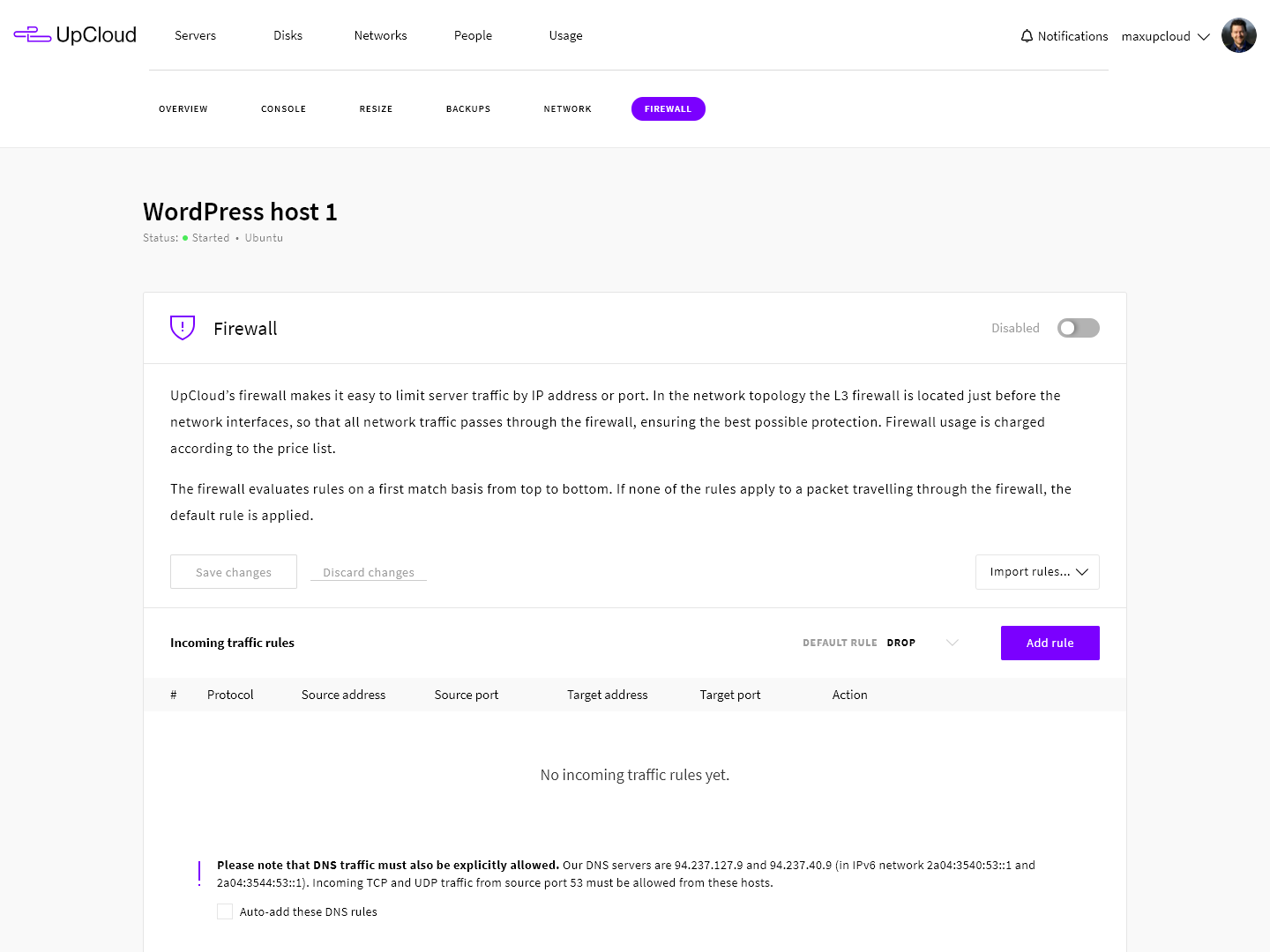
https://upcloud.com/media/firewall-settings.png
Web Set rule type as Port Enter a Specific local port your server is running under WSL in this case I have port 3000 running my node server Under the Action tab make sure to Allow the connection If you aren t sure which profile select all to apply this rule
Templates are pre-designed files or files that can be used for various purposes. They can save time and effort by supplying a ready-made format and design for developing different type of content. Templates can be utilized for individual or expert jobs, such as resumes, invitations, leaflets, newsletters, reports, discussions, and more.
Wsl Firewall Rules
Add allow Rule To Windows Firewall For WSL2 Network Issue 4585

Managing Distributed Firewall Rules In VMC Welcome To Info Tech Layer

Windows errors firewall crunch EPubXpress

What Are Firewall Rules Definition Types Best Practices
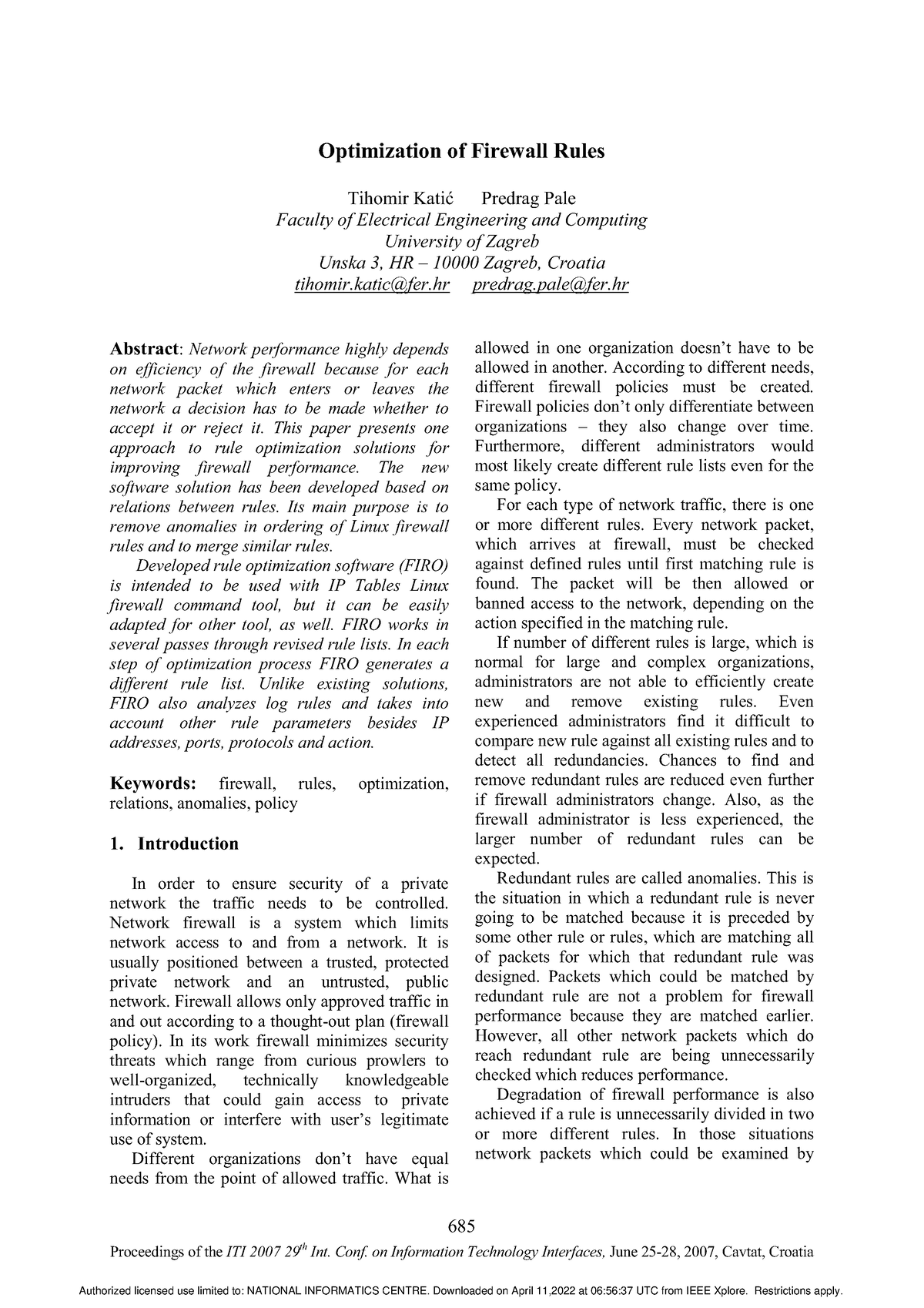
1 Optimization Of Firewall Rules Optimization Of Firewall Rules

Day 4 Understanding Firewall Rules
Web restored all Firewall rules added the WSL rule as WSL by interface as New NetFirewallRule DisplayName quot WSL by interface quot Direction Inbound InterfaceAlias quot vEthernet WSL quot Action Allow tested without restarting tested after restarting

Web Apr 1 2022 nbsp 0183 32 You can disable the firewall only for the vEthernet WSL interface This way you will allow connections from WSL while still having the firewall protect your computer from external threats Go to Firewall Settings and click on Advanced Settings Click Windows Defender Firewall Properties Select Public Profile tab

Web Nov 16 2023 nbsp 0183 32 Starting from Windows 11 22H2 and WSL 2 0 9 or later Windows firewall rules will automatically apply to WSL This ensures that the firewall rules set on the Windows host will automatically apply to all WSL distributions by default For guidance on customizing the firewall settings for WSL visit Configure Hyper V firewall

Web Dec 3 2021 nbsp 0183 32 Added inbound rule in firewall for port 3390 Set network profile to private although I would prefer to keep this public if there s a way to keep wsl working running New NetFirewallRule DisplayName quot WSL quot Direction Inbound InterfaceAlias quot vEthernet WSL quot Action Allow from a google search

Web Jan 17 2024 nbsp 0183 32 The 8 second rule for configuration changes wsl conf wslconfig Show 2 more The wsl conf and wslconfig files are used to configure advanced settings options on a per distribution basis wsl conf and globally across all WSL 2 distributions wslconfig
Web Mar 21 2023 nbsp 0183 32 Firewall rule netsh advfirewall firewall add rule name WSL2 Forward Port 80 dir in action allow protocol TCP localport 80 Check proxy rules The following PowerShell command can be used to display all entered proxy rules netsh interface portproxy show v4tov4 Check firewall rules Windows Defender Firewall gt Advanced Web Sep 7 2020 nbsp 0183 32 4 Answers Sorted by 11 Whitelist C Windows System32 bash exe and C Windows System32 wsl exe in every antivirus software or firewall you use If that doesn t work try adding the distro name exe file of you installed distro You ll find a the distro name exe file inside a subfolder with you distro name in C Program Files WindowsApps Share
Web Dec 2 2022 nbsp 0183 32 We have VLANs configured with firewall rules When I use WSL version 2 it correctly uses the VLAN ip from cable interface and allow required connections lets say ssh But I have a WIFI adapter too and if I turn on HotSpot on Windows Windows 10 WSL starts to use something different that can t reach services