Wordpad Replace With Line Break Test T cere Maestru Wordpad Insert Table Se Lipi Materne Definit How Do I Replace Paragraph Breaks With Line Break In Word Super User Html Tag For Line Break Online Shop Save 66 Jlcatj gob mx How To Recover A Deleted Unsaved WordPad Document Windows Help With WordPad In Windows 10 Your Ultimate WordPad Guide Click on the Replace button and put r n or n depending on the kind of line ending In the Search Mode section of the dialog check Extended radio button interpret n and such Then replace all occurrences with nothing empty string You end with a big line
2 Answers Sorted by 1 Ctrl H Find what Replace with 0 n CHECK Wrap around CHECK Regular expression UNCHECK matches newline Replace all Explanation any character but linebreak Replacement 0 the whole match a single character n a line feed you can use r n for Windows end of line Screenshot before Screenshot after Share Click on View on the menu bar and select Options The text below the short line moves up to fill in the line Add a space to separate two words if necessary Repeat for each carriage return line end to be deleted TIP Double check for correct spacing between letters and words after deleting carriage returns
Help With WordPad In Windows 10 Your Ultimate WordPad Guide WordPad BetaWiki How To Remove Page Breaks In Word Word Use Replace To Remove Line Breaks YouTube Multi Person Field To Multiline Text Box Community Set The Line Spacing In WordPad On Windows 10 11 Java Tutorials Jump Statements Labelled Break And My XXX Hot Girl Word 3 WikiHow How To Insert A Line Break In Excel YouTube
Wordpad Replace With Line Break
 Wordpad Replace With Line Break
https://i.ytimg.com/vi/SdeboQ4jpgc/maxresdefault.jpg
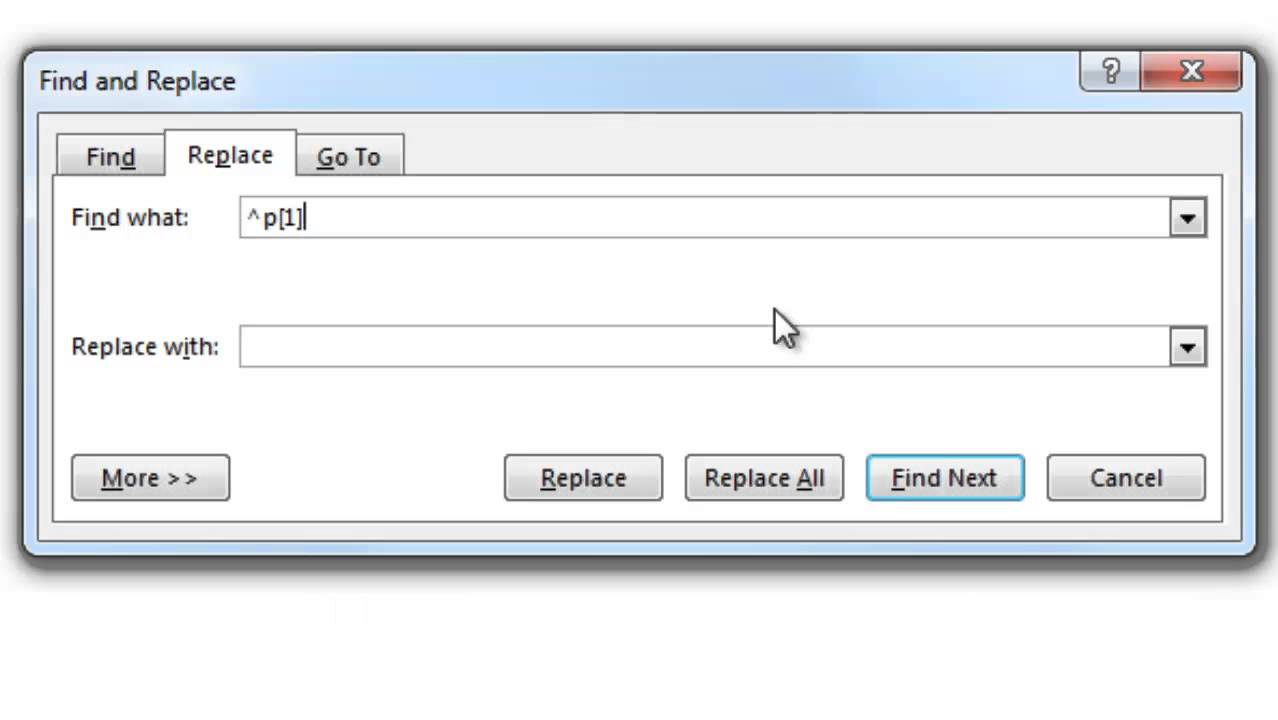
MS Word Replacing Characters with Line Breaks You can use the Find and Replace in MS Word to replace any characters with a Line Break or other special characters or properties i e creating a page break em dash column break etc by using the Find and Replace with Special function
Pre-crafted templates use a time-saving solution for developing a diverse series of files and files. These pre-designed formats and layouts can be utilized for numerous personal and professional projects, including resumes, invitations, flyers, newsletters, reports, discussions, and more, enhancing the material development process.
Wordpad Replace With Line Break
Help With WordPad In Windows 10 Your Ultimate WordPad Guide
WordPad BetaWiki

How To Remove Page Breaks In Word
Word Use Replace To Remove Line Breaks YouTube
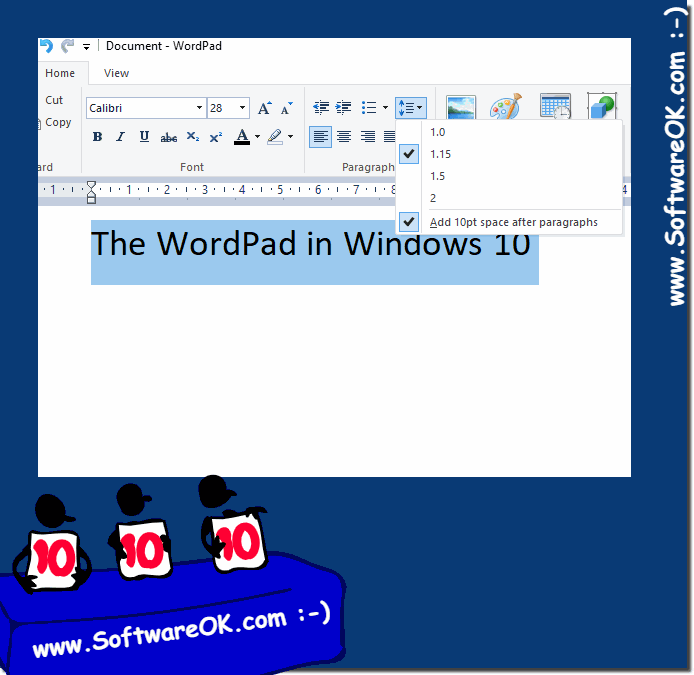
Set The Line Spacing In WordPad On Windows 10 11
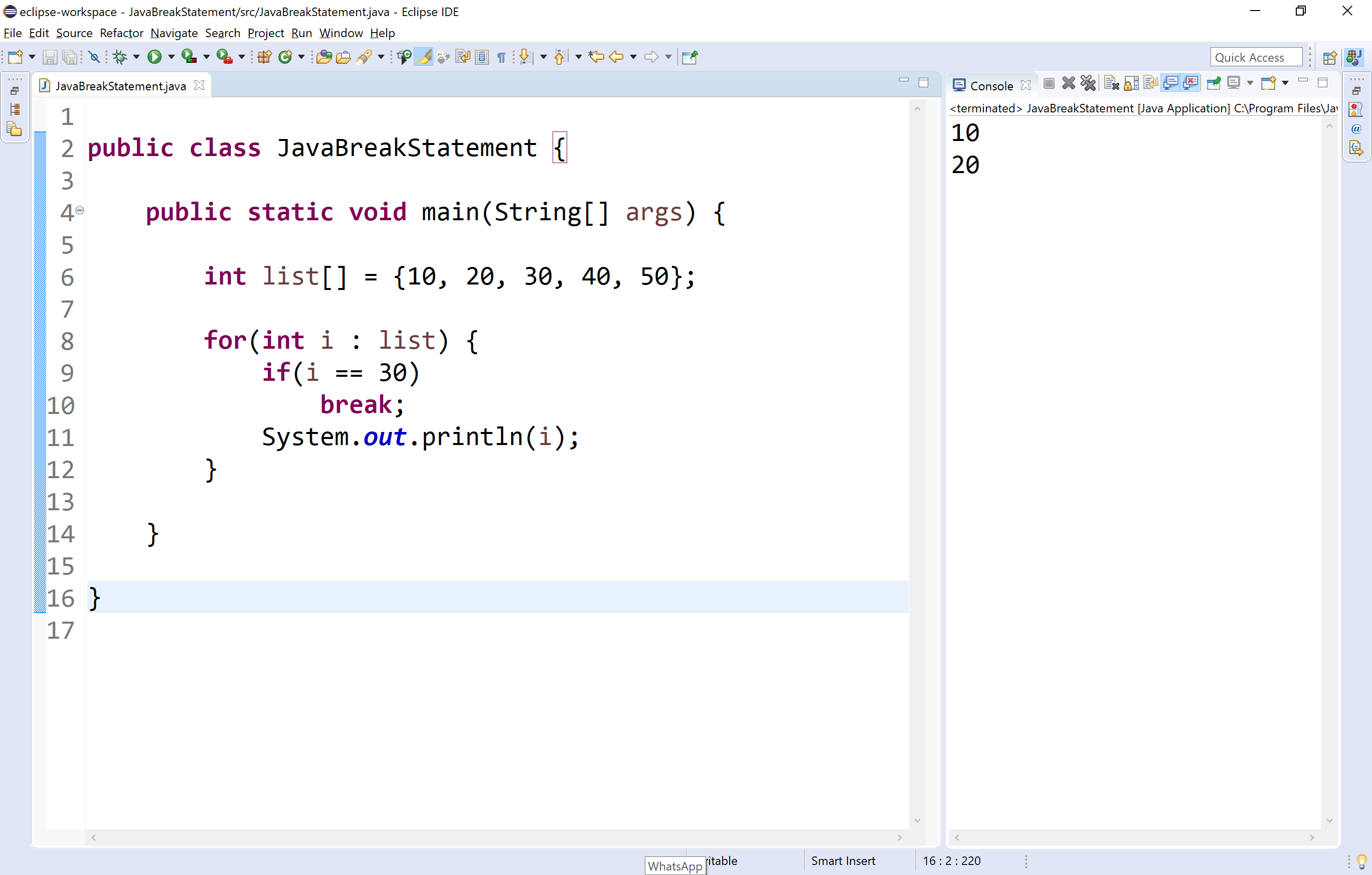
Java Tutorials Jump Statements Labelled Break And My XXX Hot Girl
Search and replace newline in windows Notepad Ask Question Asked 8 years ago Modified 1 year 5 months ago Viewed 98k times 9 Normally I d do a search and replace for n but that doesn t seem to work I think it might by something but can t remember what Note this is question is directed at Notepad not Notepad

What might be the problem Manually removing these breaks is something I do not have the time to do I did search the Survival Guide for delete line breaks and remove line breaks but got the message No suitable matches were found which seems absurd Last edited by Hagar Delest on Sat Aug 30 2014 10 10 pm edited 1 time in total

5 Answers Sorted by 316 Notepad will do just fine Search string xyz Note the space in front of xyz Replace string r nxyz You will also need to set the Search Mode to Extended lower left group box in the Replace dialog so that Notepad honors escape codes

Notepad includes a feature to replace any separator in your text files with a newline character which is a special invisible character that signifies the end of a line and the beginning of a new one

Insert cr lf in wordpad find and replace I would like to insert cr lf using find and replace in wordpad eol would be useful I need to end lines at a defined character sequence Currently I find the sequence escape the find then insert return This thread is locked
Answer To search for manual line breaks and or manual paragraph breaks paragraph marks you don t need to enable the Use wildcards option In fact as you have noticed you ll see different options at the Special dropdown when you are running a wildcard find replace Display nonprinting marks for example by clicking the icon on the For instance if you wanted to search for a word with a tab character in front of it you could use tWord or something similar Here s a few of the entries from the table Search String Searches For l lowercase L Manual line break p Paragraph break n
Remove or replace line breaks Text to edit Remove all line breaks Replace line breaks with blank space custom text Trim lines Keep empty lines Decode HTML entities Text without line breaks Copy to clipboard Instructions for using the tool First insert the text to edit into the input field If you leave the text box labeled Replace