Word Search Pdf Document 100 Word Word Search Pdf Free Printable Hard Word Search Hard Word Search Wordmint Elsie Mathis 100 Word Search Printable Printable Blank World Convert Pdf To Ms Word Document Printable Templates Free Word Search In Pdf Document Associationtop Search Through PDF File To Find Text Keyword Phrase Or Regex Match To search a PDF file using Firefox follow these steps 1 Right click on your PDF file click Open with and select Firefox 2 Press Ctrl F type the searched word in the search box and press Enter 3 Click on the Highlight All checkbox to highlight all occurrences of the searched word in the document
1 Look in Click the tab to search just the current PDF an entire PDF Portfolio index or a location on your computer 2 There are several ways to search for a word or phrase in a PDF depending on the application you are using to view it The most common way to view a PDF is through a web browser like Google Chrome or Microsoft Edge Even if the PDF is located on your computer rather than the web it will often open in your default browser
Search Through PDF File To Find Text Keyword Phrase Or Regex Match Minecraft Word Search Fun Loving Families Mary Words Search Word Search WordMint How To Convert A PDF To A Microsoft Word Document PdfDocs Easy Weather Word Search Pdf Jordanlockq Modelos De Hojas De Enfermera Del Itb PDF Document Periodic Table Word Search Puzzle Tips Convertir Un Document Word En Pdf Sur Pc Printable Templates Free 7 Best Images Of Extremely Hard Word Search Printables Hard Printable Difficult Word Searches Phoneme based Video Indexing Using Phonetic Disparity Search PDF Document
Word Search Pdf Document
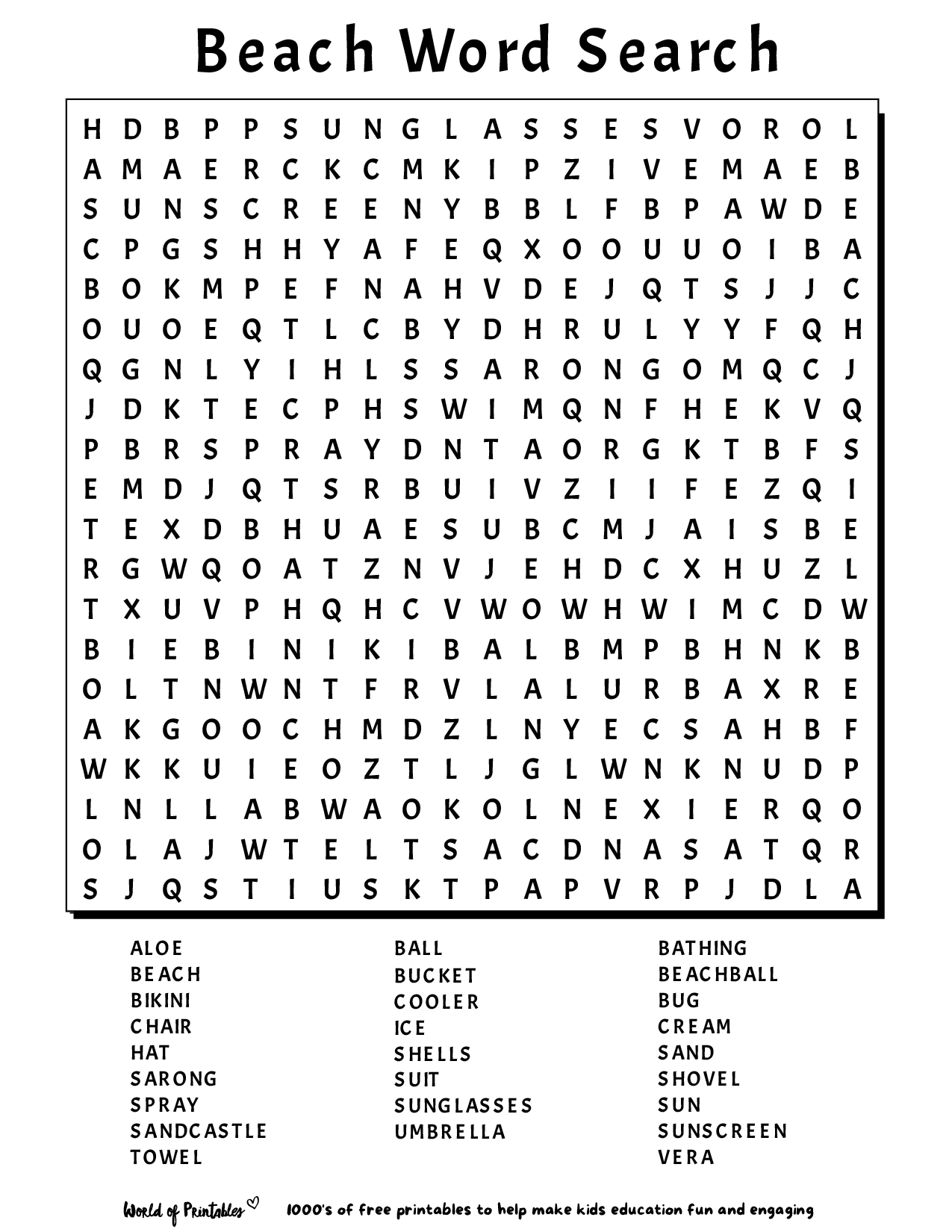 Word Search Pdf Document
https://worldofprintables.com/wp-content/uploads/2022/03/Beach-Word-Search.png
18 mar 2022 Blog This guide will show you how to search for words or phrases in a PDF document on your Mac or PC Searching for a specific word or phrase in a multi page PDF document could be like trying to find a needle in a haystack if it weren t for PDF Readers
Pre-crafted templates provide a time-saving service for developing a diverse range of documents and files. These pre-designed formats and layouts can be used for different personal and expert tasks, consisting of resumes, invites, leaflets, newsletters, reports, discussions, and more, enhancing the content development procedure.
Word Search Pdf Document

Spelling Words Search Word Search WordMint
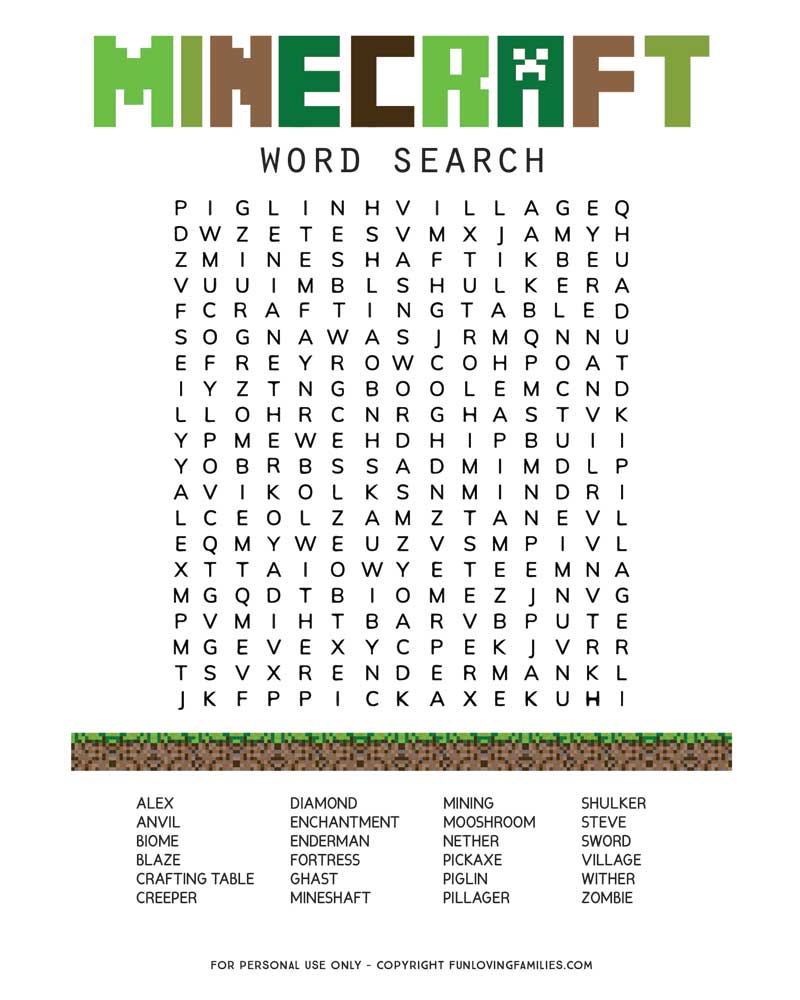
Minecraft Word Search Fun Loving Families

Mary Words Search Word Search WordMint

How To Convert A PDF To A Microsoft Word Document PdfDocs

Modelos De Hojas De Enfermera Del Itb PDF Document Periodic Table Word Search Puzzle Tips

Convertir Un Document Word En Pdf Sur Pc Printable Templates Free
Click Open Find and select the document you want to make searchable then click Open Head to Tools and select Recognize Text Press PDF Output Style Searchable Image Select OK Explore Adobe Acrobat and learn more about how to search a PDF in Adobe Acrobat How do I know if I have a searchable PDF

Uploaded 134585 MB Search PDF is a search for all occurrences of a specific word or phrase in the PDF document You can search for specific text by full match or regular expression match The Search application allows you to search and analyze the text PDF of a document
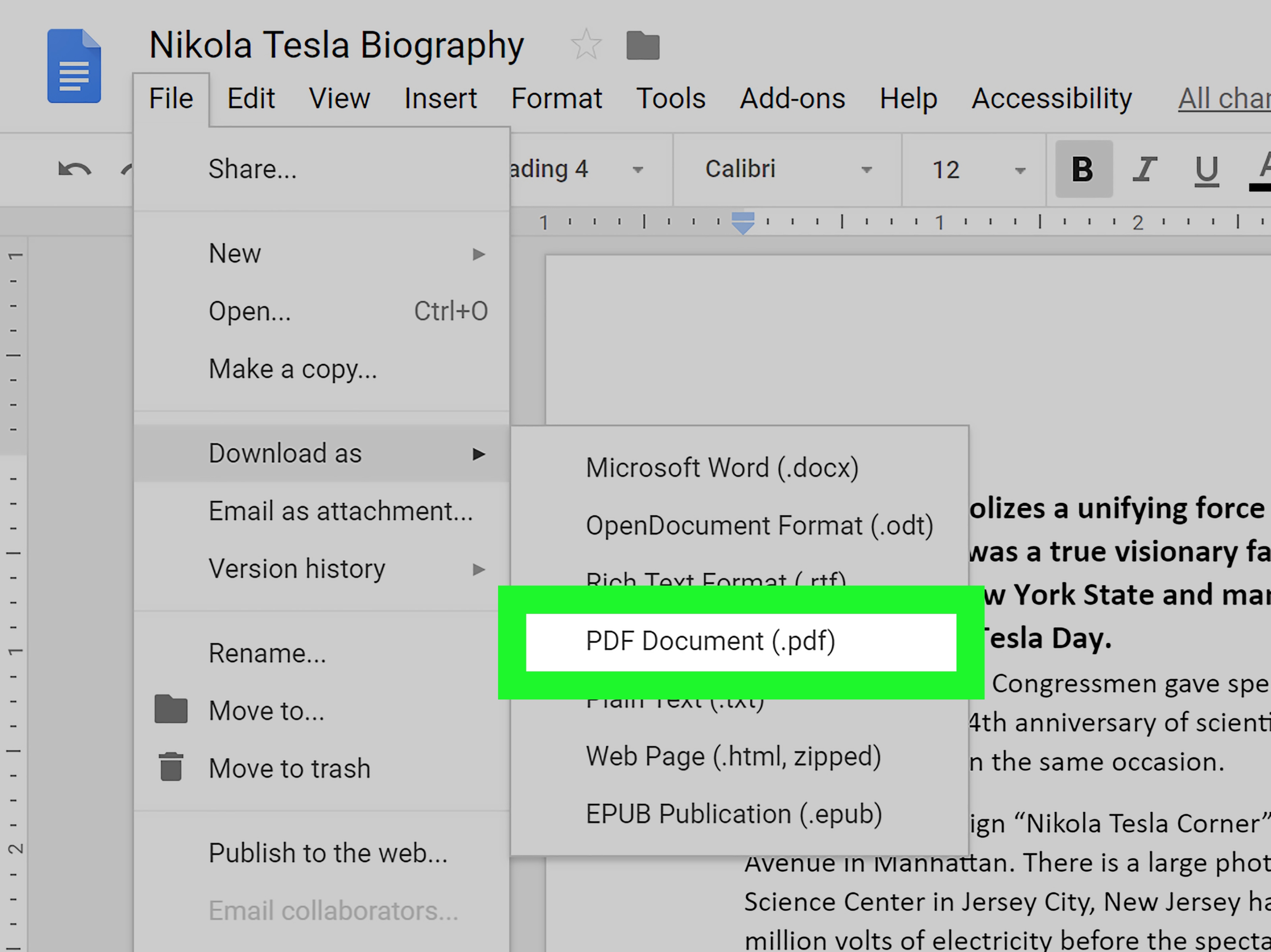
How To Search for a Word in a PDF Using Any PDF Reader Open any PDF with your default PDF reader Press CTRL F Windows or CMD F Mac In the text box enter your search term The first match will be highlighted Press Enter or click the right arrow to navigate between the results

Terms of Service Wildcard search in PDF Case sensitive search in PDF Photo search PDF Search app is a full text search within the textual content and metadata of PDF This app allows you to search a PDF for a word or phrase using simple or complex queries

Type your search term s inside the text box where you are asked What word or phrase would you like to search for Select an option from the drop down menu for Return results containing Click the Search button to execute the search request
Step 1 Upload a PDF document to SwifDoo PDF s workspace Launch it on your PC Drag and drop your PDF to any place on the main screen Step 2 Enable the search tool Thankfully there s a command that allows you to search certain words or phrases on most devices This command is Ctrl F on your keyboard if you re on a Windows device and Command F if you re on a Mac This means that when you have your PDF open with a PDF reader or web browser you press the Ctrl or Command key
The steps below should show you how to search for a word in a PDF using Google Chrome Step 1 Open the document you would like to search in Chrome To do this you will simply need to drag and drop the document into Google Chrome Step 2 Once the document opens in the browser s reader press Ctrl F on Windows and Command