Word Keeps Crashing How To Fix Microsoft Word Keeps Crashing On MacBook Pro Air How To Fix Microsoft Word Keeps Crashing And Restarting In Windows 10 What Should You Do If Word Keeps Crashing 5 Ways Artofit Microsoft Word Keeps Crashing Mac Catalina Atvamet What Should You Do If Word Keeps Crashing 5 Ways Microsoft Office The solution Move the file from its current location to a different physical drive not just another folder on the same hard drive and then open edit and save the file See if that resolves the
Repair the document If the error appears when you open or save a specific Word file that document might be corrupted Use a tool within Word to fix it Repair Word In Windows 10 open the Settings app and select Apps Features Select Microsoft Office from the app list select Modify then follow the options to repair Office programs Why does Word keep crashing As we all know power failures will cause Word to stop crash immediately But this kind of crash is occasional If your Word crashes frequently it s possible that your Word has some problems For example You have installed some third party Add ins that are incompatible with Microsoft Word
What Should You Do If Word Keeps Crashing 5 Ways Microsoft Office How To Fix If Microsoft Word Keeps Crashing On Mac Microsoft Word Carshing On Mac 3 Most Easy Methods To Fix Aslfarm Blog 6 Ways To Fix Microsoft Word Keeps Crashing On A Mac Issue How To Solve Microsoft Word Keeps Crashing Mac What Should You Do If Word Keeps Crashing 5 Ways Minitool Partition If Microsoft Word Keeps Crashing Cat Yoga Png Computer Word Save Icon Fix Microsoft Word Keeps Crashing On Mac OSJOY
Word Keeps Crashing
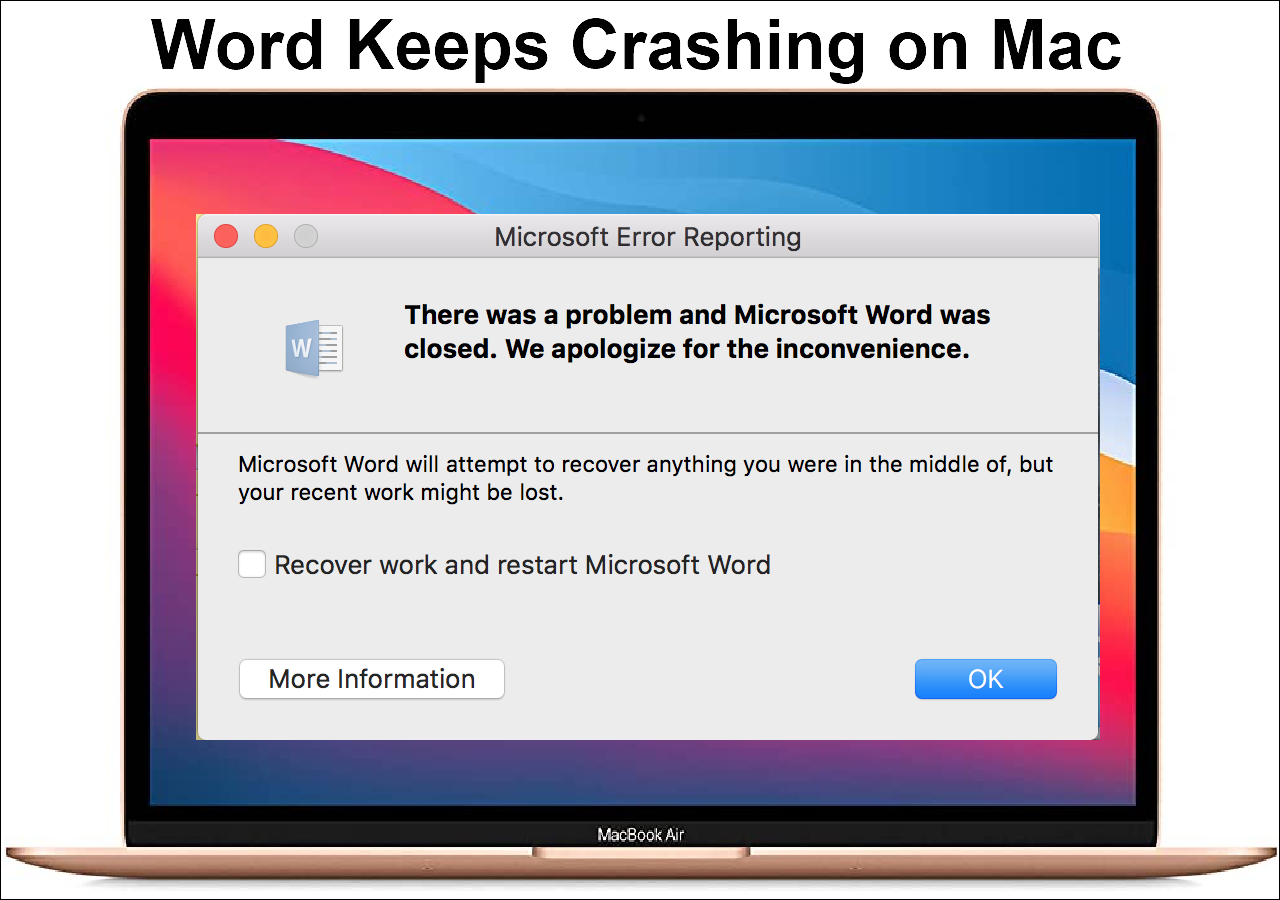 Word Keeps Crashing
https://www.easeus.com/images/images/en/screenshot/data-recovery-mac/word-keeps-crashing-mac.png
Resolution Verify or install the latest updates You might have to set Windows Update to automatically download and install recommended updates Installing any important recommended and optional updates can frequently correct problems by replacing out of date files and fixing vulnerabilities
Pre-crafted templates offer a time-saving option for developing a varied range of documents and files. These pre-designed formats and layouts can be utilized for different personal and expert tasks, consisting of resumes, invites, flyers, newsletters, reports, discussions, and more, simplifying the material production process.
Word Keeps Crashing

Best Guide How To Fix Microsoft Word Keeps Crashing Windows 10 2022

How To Fix If Microsoft Word Keeps Crashing On Mac

Microsoft Word Carshing On Mac 3 Most Easy Methods To Fix
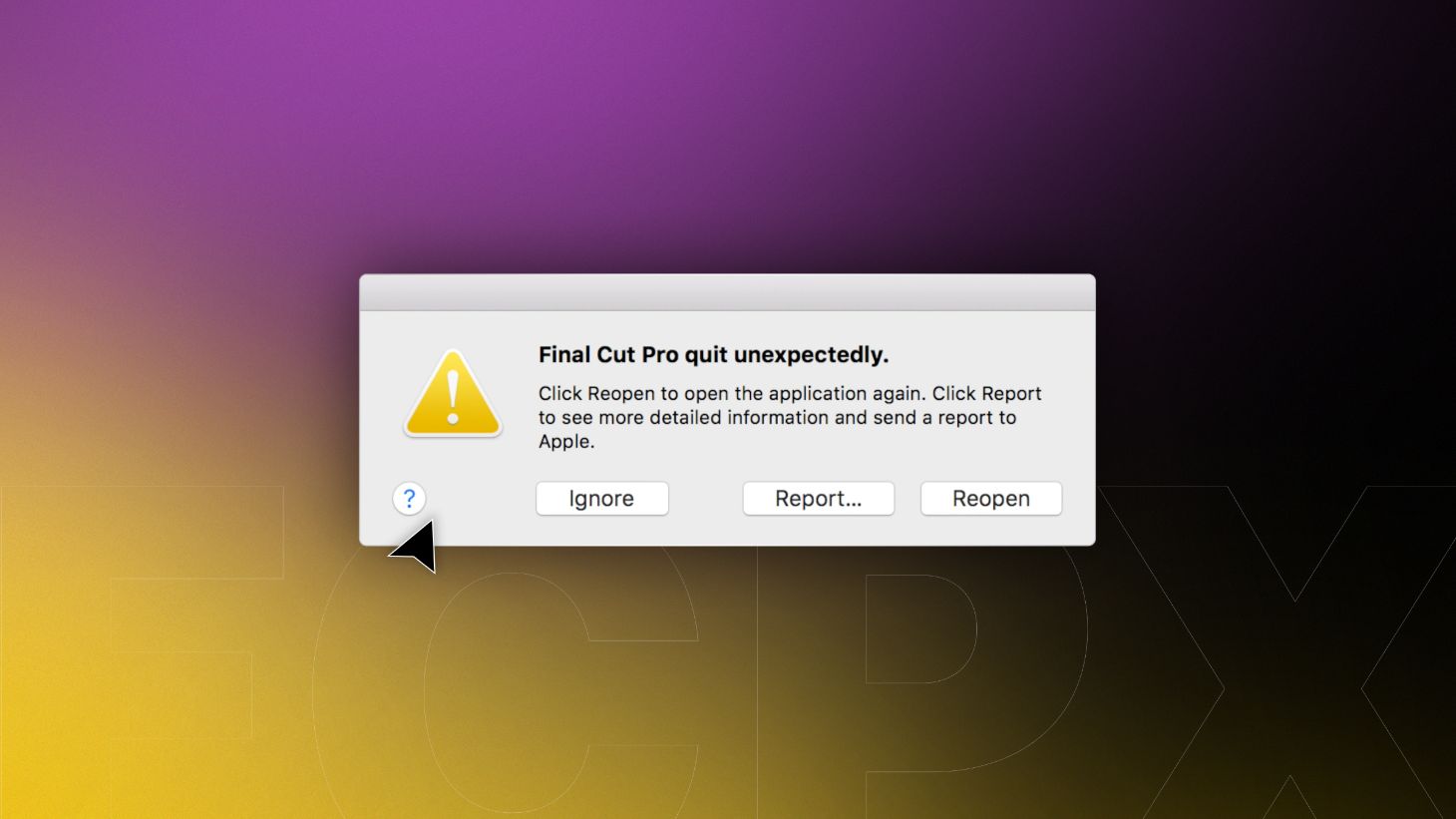
Aslfarm Blog

How To Solve Microsoft Word Keeps Crashing Mac

What Should You Do If Word Keeps Crashing 5 Ways Minitool Partition

A common problem recently faced by users is that Microsoft Word frequently crashes on their Windows PC The problem has been reported by both Windows 10 and Windows 11 users In this guide we will take a look at why Word crashes and the solution to try to prevent that from happening What Causes Word to Crash on Windows

What do I do if Microsoft Word keeps crashing Microsoft Word Addins are usually the culprit You may need to identify and remove Add ins from Microsoft Office programs You can fix it by

Microsoft Word may sometimes crash due to installed add ins If after restarting the PC the app keeps crashing then you can disable add ins using the following steps Step 1 Launch

To fix this issue follow these steps Close all instances of Word Restart Word and then open a new blank document On the Review tab select All Markup in the Tracking group Select Show Markup and then set Balloons to Show only comments and formatting in balloons Use File Open to open the problematic document

It could be an issue with the software itself or a problem with your computer s hardware Sometimes Microsoft Word may freeze because there are too many programs running at the same time This can happen if you have a lot of tabs open in your web browser for example Microsoft Word keeps freezing because your computer s resources are low
How to fix Microsoft Word keeps crashing on Windows Methods to fix MS Word crashing on Mac To repair the MS word keeps crashing problem follow the below mentioned methods Basic Fix Download and Install Word Updates As mentioned in the reasons Microsoft Word crashing could be due to improper installation of Word application Method 1 Use safe mode If Word crashes when saving this method is always worth trying first since safe mode allows you to open documents without errors Before clicking on the Word icon press and hold Ctrl Next agree with all the questions proposed and click OK
Click Yes at the prompt to open Word in Safe Mode Try to save the Word document After this you can stop Office Safe Mode exit and restart your Office application Fix 3 Disable the Add ins Another cause of Word crashing when saving is the incompatibility of Add ins Go to File Word Options Add ins tab