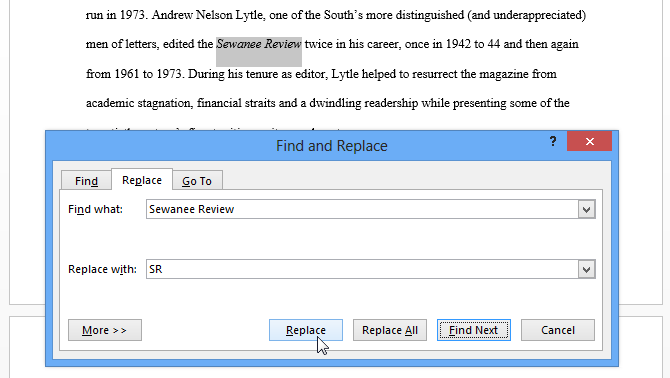
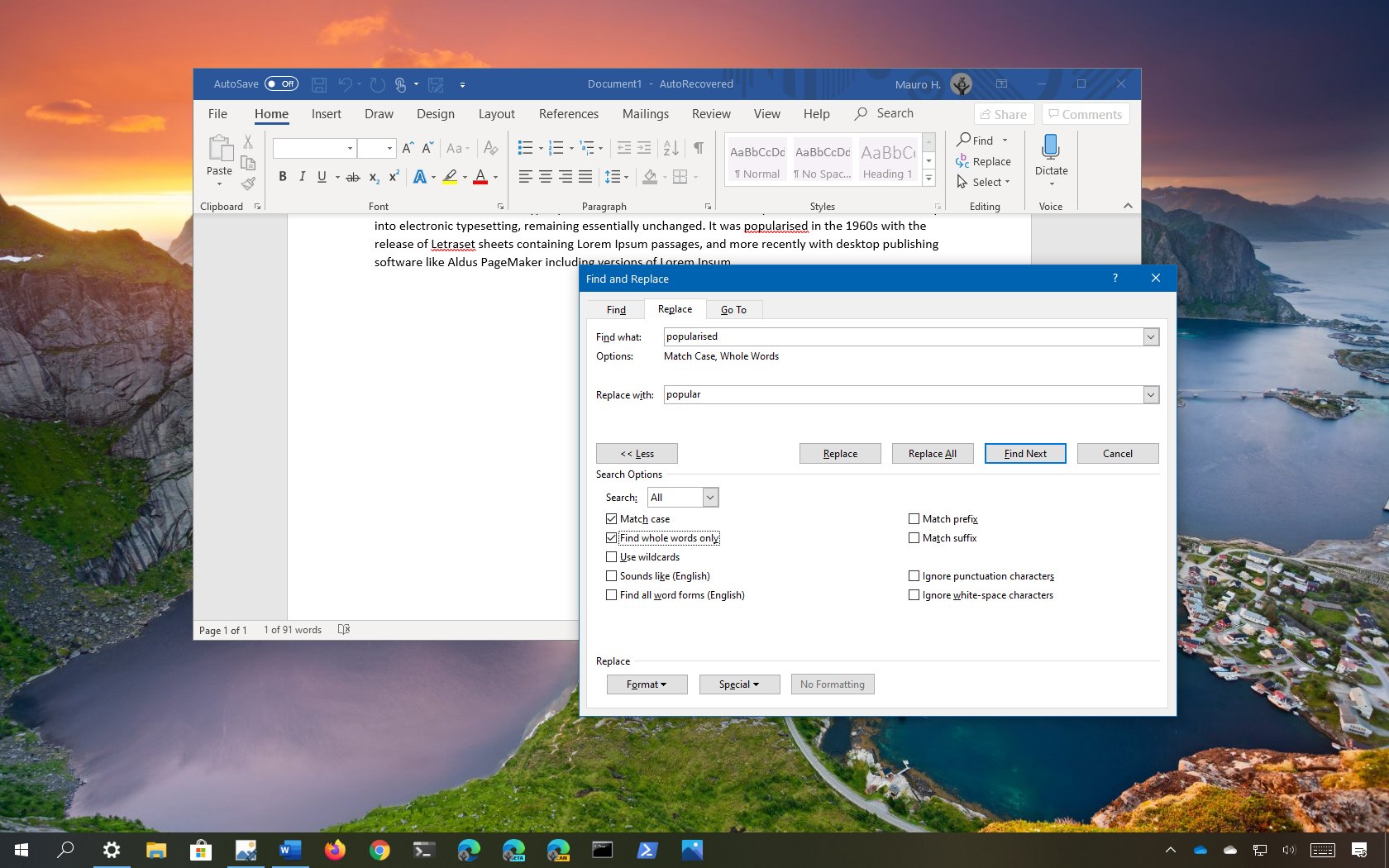
Word Find And Replace Delete Line How To Replace Words In Word Microsoft Word Find And Replace Bullet Churchbris Microsoft Word Find And Replace All Europelasopa Find And Replace Text In Word From Excel Vba Printable Templates Free Microsoft Word Find And Replace End Of Line Perjumbo Using Word s Find and Replace feature you can quickly locate and replace text Let s see how it works Switch over to the Home tab on Word s Ribbon and then click the Replace button This opens Word s Find and Replace window In the Find What box type the word or phrase you want to locate
1 The title pretty much says it all I am using Word for Mac 2011 and use the Find and Replace command all the time However I need Word to find an array of repetitive phrases and Alternatively press Ctrl H A dialog box appears Select More to expand the dialog box Click in the Find What box Select or check the Use wildcards checkbox Enter the text and wildcard s you want to use For example enter s l to find any text starting with s and ending with l Click in the Replace with box
Microsoft Word Find And Replace End Of Line Perjumbo Advance Word Find And Replace Microsoft Word Find And Replace Across Multiple Documents Boatleqwer How To Remove A Page Break In Microsoft Word How To Delete Extra Spaces In Word Microsoft Word Find And Replace 2013 Passna Microsoft Word Find And Replace Shortcut Specialmopla Microsoft Word Find And Replace 2007 Safasatlas How To Delete Blank Space In Word Find And Replace Seri YouTube
Word Find And Replace Delete Line
 Word Find And Replace Delete Line
https://www.howtogeek.com/wp-content/uploads/2018/08/findreplace-pic2-1.jpg?trim=1,1&bg-color=000&pad=1,1
Press Ctrl H to open the Find And Replace dialog box Click inside the Find What control delete any existing contents and enter two spaces just two Click inside the Replace With
Pre-crafted templates use a time-saving solution for developing a diverse range of files and files. These pre-designed formats and designs can be made use of for various personal and professional projects, consisting of resumes, invites, flyers, newsletters, reports, presentations, and more, simplifying the content production process.
Word Find And Replace Delete Line
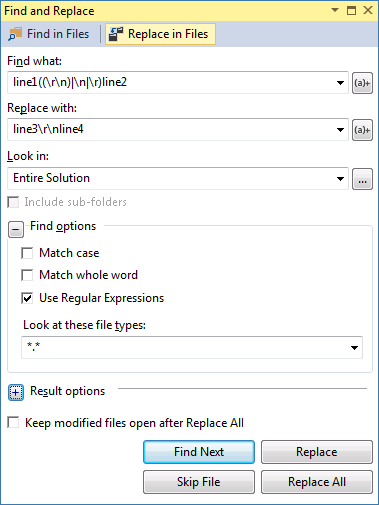
Find And Delete Line Visual Studio Printable Templates Free
Advance Word Find And Replace
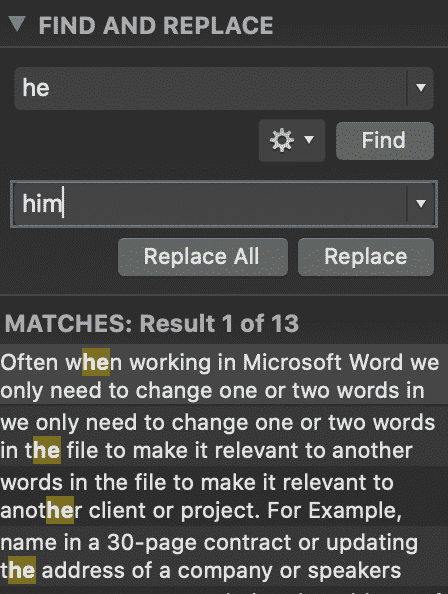
Microsoft Word Find And Replace Across Multiple Documents Boatleqwer
How To Remove A Page Break In Microsoft Word
Microsoft Word Find And Replace 2013 Passna
Microsoft Word Find And Replace Shortcut Specialmopla

1 I m trying to find any lines which contain either SF or NF including the brackets and get rid of the whole line Is that possible in Word I m using Word 2002 but I would think the answer would be the same in any version

Using Find and Replace in Word you can replace those double paragraph tags with a single tag That removes the extra empty lines from your document How to Delete Extra Blank Lines in a Word Document To start removing empty lines open your document with Microsoft Word
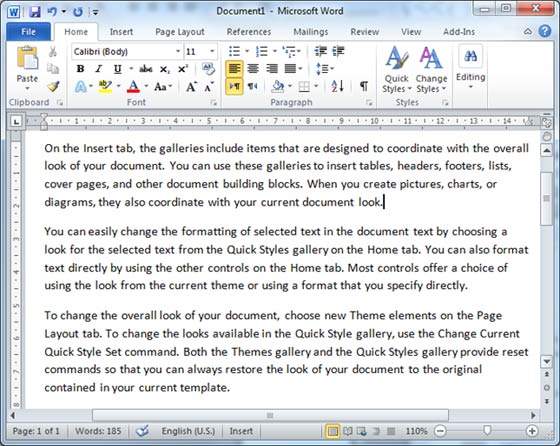
Find and replace text Next Find and replace text Windows macOS Web Go to Home Replace Enter the word or phrase you want to replace in Find what Enter your new text in Replace with Choose Replace All to change all occurrences of the word or phrase Or select Find Next until you find the one you want to update and then choose Replace
Use the Find and Replace tool to delete extra breaks in a document Go to the Home tab and in the Editing group select Replace Or press Ctrl H to open the Find and Replace dialog box In Word for Mac use the Search box in the upper right corner of the document In the Find what text box enter p p the letter p must be lower case
To get to that option you ll need to click the More option in the Find and Replace dialog box Open the Find and Replace dialog box using your favorite method We prefer Ctrl H Click More Type the appropriate entry in the Find What and Replace With lines Click Match Case Click Replace and Replace again or click Replace All Click OK
SOLVED Find and replace using wildcards text at the end of lines in tables Hello I m trying to replace useless text at the end of lines I found the solution for text outside tables using 13 to find relevant text at the end of lines 0 9 13 and 0 9 13 it s this I want to remove This method uses regular expressions to find and replace lines containing a word or phrase This method is very powerful as you can match almost anything such as words beginning with or lines that have a specific pattern Open the text based file using Notepad Press Ctrl F to open the Find and Replace dialog
How to Remove Replace Paragraph Break Open the Word document that you want to work on Press CTRL H to bring up the Find and Replace box In the Find what box type p this upward arrow character is called caret and is usually available on a number key In Replace with box type a comma Click on Replace All button