Word Document Not Opening Word Document Not Opening Correctly Word Document Not Opening Correctly Word Document Not Opening Correctly Word Document Not Opening Correctly My Word Document Is Not Opening And Giving The Error Code This Web Mar 23 2022 nbsp 0183 32 826857 quot Description of the quot a quot startup switch in Word quot If the problem does not occur when you start Word by using the a switch try the next option Option 3 Delete the Word Data registry subkey Most of the frequently used options in Word are stored in the Word Data registry subkey
Web Sometimes a file can be damaged in such a way that Word Excel or PowerPoint can t open it normally But all is not lost The Open and Repair command might be able to recover your file Click File gt Open gt Browse and then go to the location or folder where the document Word workbook Excel or presentation PowerPoint is stored Don t Web Having too many versions of Office on your computer can cause issues including files opening in the wrong version of Office Tip In some cases you ll get your best result by uninstalling ALL versions of Office then reinstalling just the version you want If all else fails
My Word Document Is Not Opening And Giving The Error Code This How To Delete A Line In Word YouTube How To Fix Microsoft Word Not Opening Starting In Windows 10 YouTube How To Fix Word Document Not Opening 2023 YouTube Fix Microsoft Word Documents Not Opening In Windows 11 10 YouTube Microsoft Word How To Get Rid Of The Weird Symbols In Word Documents Fix MS Word Doesn t Open On Windows 11 How To Solve Office Word Not How To Fix Word Documents Not Opening In Windows Full Guide YouTube How To Fix Microsoft Word Document Not Opening Issue On Windows 11 10
Word Document Not Opening
 Word Document Not Opening
https://davidlavin.com/images/word-document-not-opening-correctly.jpg
Web May 15 2022 nbsp 0183 32 By Tricia Goss Updated on May 15 2022 Microsoft Word not responding usually appears either as an error message or as a complete freeze of the Word graphical user interface When you experience this glitch either close the program or wait for the program to respond
Pre-crafted templates provide a time-saving solution for producing a varied variety of documents and files. These pre-designed formats and layouts can be used for numerous personal and expert projects, including resumes, invites, flyers, newsletters, reports, presentations, and more, improving the content production process.
Word Document Not Opening

How To Fix Windows 11 Apps Not Opening PDF
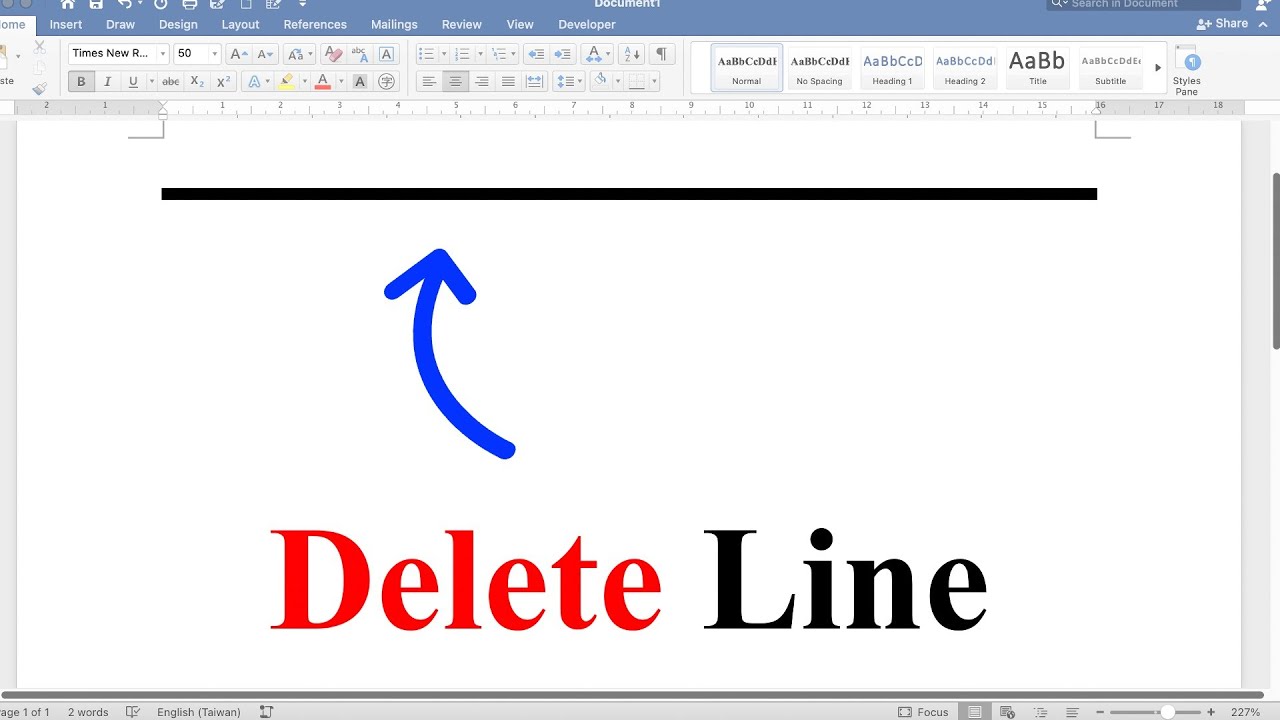
How To Delete A Line In Word YouTube
How To Fix Microsoft Word Not Opening Starting In Windows 10 YouTube

How To Fix Word Document Not Opening 2023 YouTube
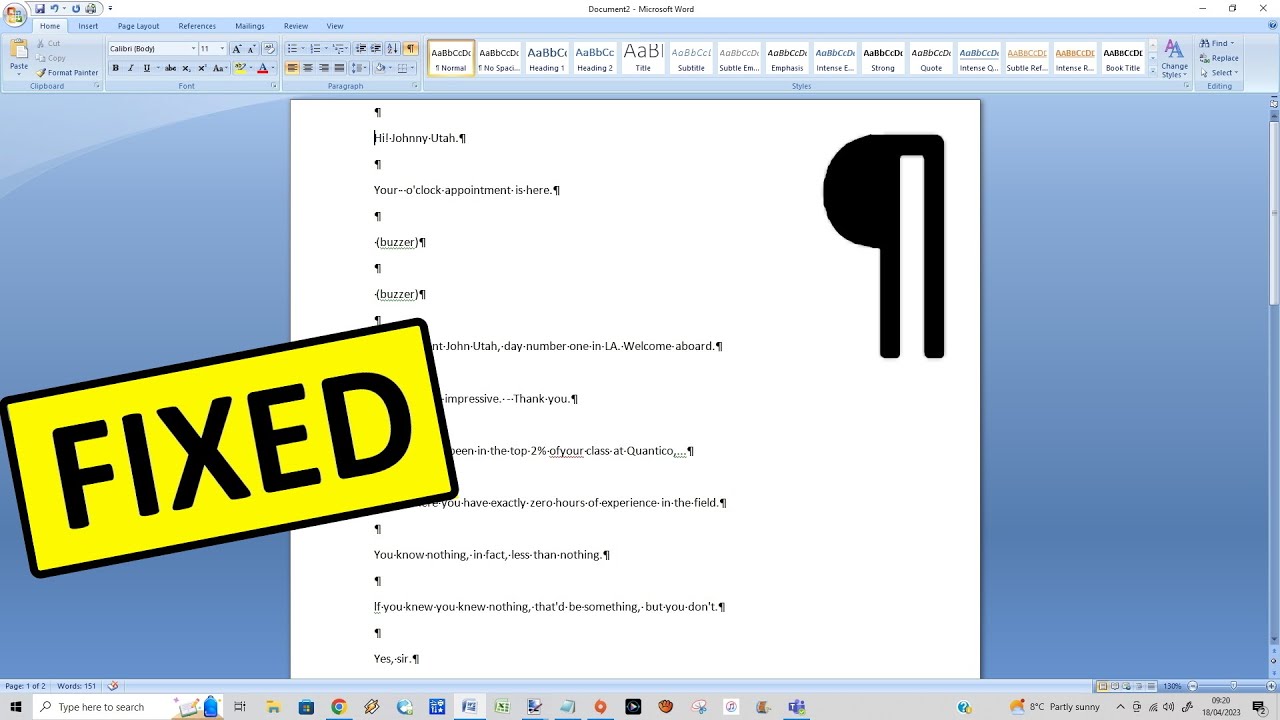
Microsoft Word How To Get Rid Of The Weird Symbols In Word Documents
Fix MS Word Doesn t Open On Windows 11 How To Solve Office Word Not

Web Mar 22 2021 nbsp 0183 32 1 Right click on Start then select Apps and Feature 2 Scroll down to find Microsoft Office 3 Select that and choose Modify 4 Select Online Repair 5 Once the process is completed you may need to restart your computer I hope this helps Please let me know if you need further assistance Best regards Adie

Web Resolution Verify or install the latest updates You might have to set Windows Update to automatically download and install recommended updates Installing any important recommended and optional updates can frequently correct problems by replacing out of date files and fixing vulnerabilities

Web Dec 5 2022 nbsp 0183 32 Quick ways to fix the Word file won t open error Check the Trust Center settings The Trust Centre settings of the Microsoft programs allow you to customize the Change Component Security Settings Sometimes Windows security levels prohibit users from opening the Word file In Utilize the

Web Dec 20 2022 nbsp 0183 32 1 Force Close Word Using Windows Task Manager If Microsoft Word encounters any issues while opening it may fail to load its graphical user interface GUI When this happens subsequent attempts to open Word will also fail as the program is already active in the background

Web Jul 14 2003 nbsp 0183 32 First try opening other Word documents on the workstation Naturally if nothing opens on the workstation you ve got bigger issues to deal with than one little Word document
Web Oct 3 2020 nbsp 0183 32 Luckily troubleshooting the problem I discovered that if I first open Word and after that I open my existing file the problem does not show up So my way around now is 1 Open Word application from the path shown This works fine Program Data gt Microsoft gt Windows gt Start Menu gt Programs gt Microsoft Office gt Microsoft Word Web Article 07 21 2022 8 contributors Applies to Word for Microsoft 365 Word 2019 Word 2016 Word 2013 Word 2010 Feedback In this article Summary Update Microsoft Office and Windows A damaged document or a software issue Troubleshooting steps to try if the damaged document does not open
Web Dec 3 2021 nbsp 0183 32 Step 1 Open the Microsoft Word app Step 2 Click on File and select Open Step 3 Select Browse Step 4 Find corrupted Word files on the PC Step 5 Click the file and select the down