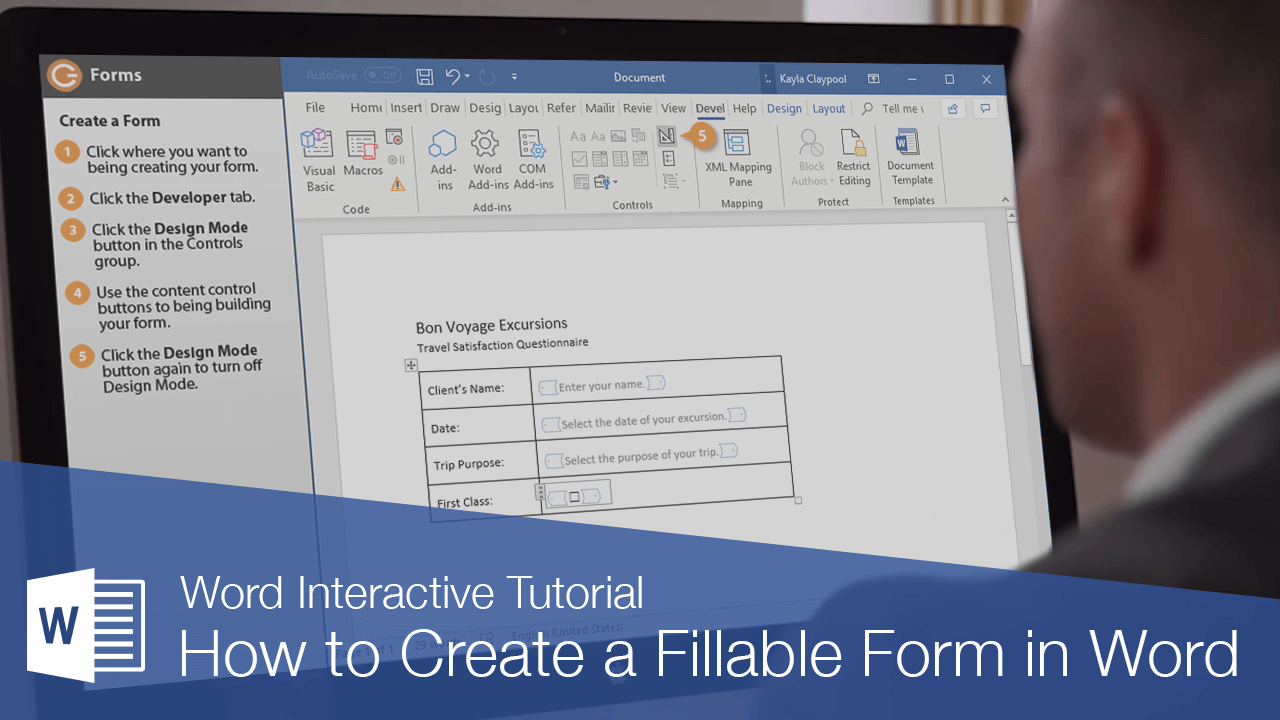
Word Designer Mode ExpressBasics: How to get dark mode on Microsoft Word? What's new in Word 2021 for Windows - Microsoft Support Microsoft Word's dark mode is getting even darker - The Verge How to Create a Fillable Form in Word | CustomGuide Microsoft Word editor goes full dark mode - SuperTekBoy Place the text cursor where you want to insert the form field Click the Developer tab on the ribbon Click the Design Mode button in the controls group
Where is Design Mode in ms word 2007 for Show Developer tab in the Ribbon at Office Button Word Options Popular Microsoft MVP Word What is design mode the modes by clicking the padlock icon on the Forms toolbar Can anyone tell me what design mode is and what you use it
Microsoft Word editor goes full dark mode - SuperTekBoy What's new in Word 2021 for Mac - Microsoft Support How to Add Developer Tab in Microsoft Word - YouTube Microsoft Word Templates -- Quick Guide How to create Fillable forms in Microsoft Word 2016 Beast Mode Word Hand Lettering. Set Of 2 Bold Style Letters On Isolated Background. Black And White. Vector Text Illustration T Shirt Design, Print, Poster, Icon, Web, Graphic Designs. Royalty Free SVG, Word Online Has a Great New Feature for Collaboration Creating the Word Document Tech Bytes, LLC | Open Word In Full Edit Mode
Word Designer Mode
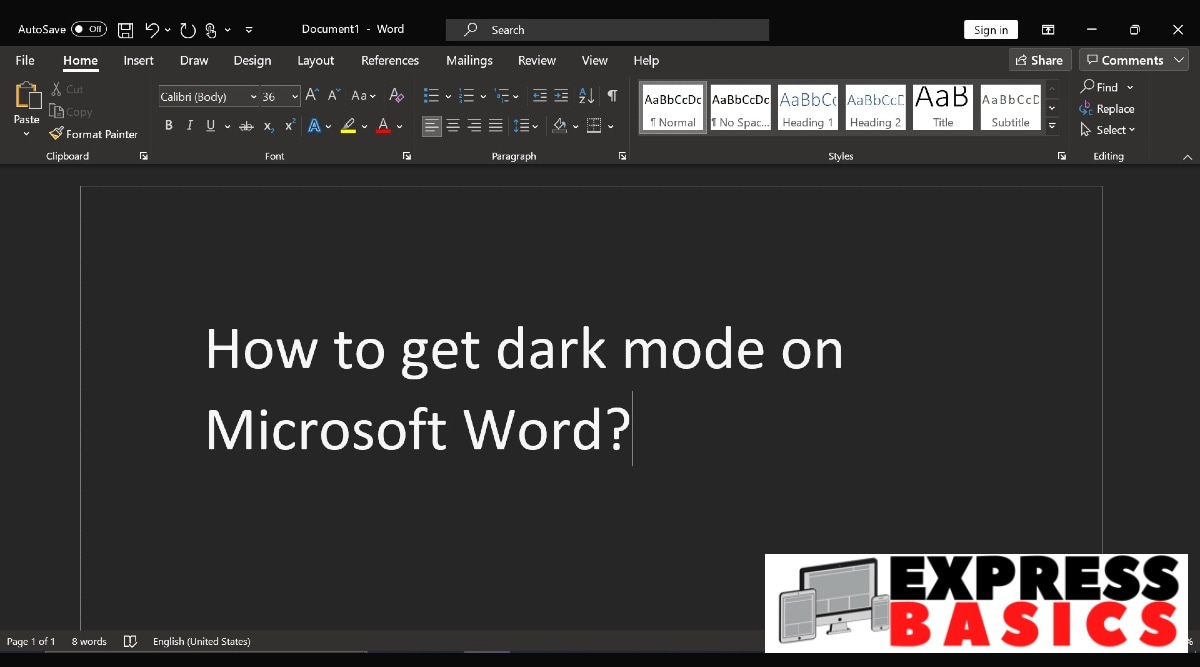 Word Designer Mode
https://images.indianexpress.com/2022/01/Dark-mode-on-Word-Feature-Image.jpg
If you want even more control over the way your form looks you can turn on Design Mode from the Controls group on the Developer tab Screenshot of Microsoft
Pre-crafted templates use a time-saving option for developing a diverse range of documents and files. These pre-designed formats and layouts can be made use of for numerous personal and professional projects, including resumes, invitations, leaflets, newsletters, reports, discussions, and more, enhancing the content development procedure.
Word Designer Mode
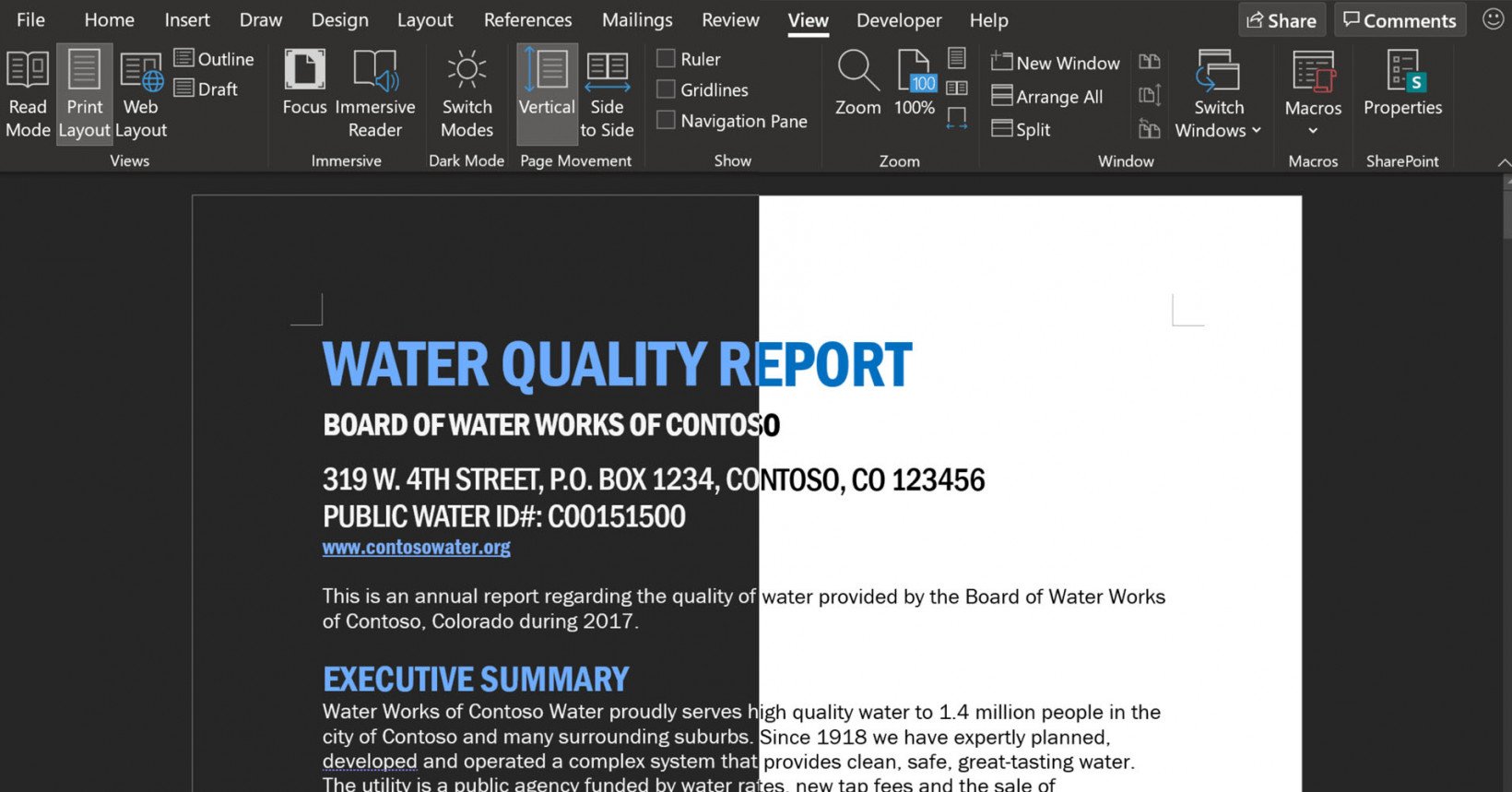
Microsoft Word is testing an even darker dark mode
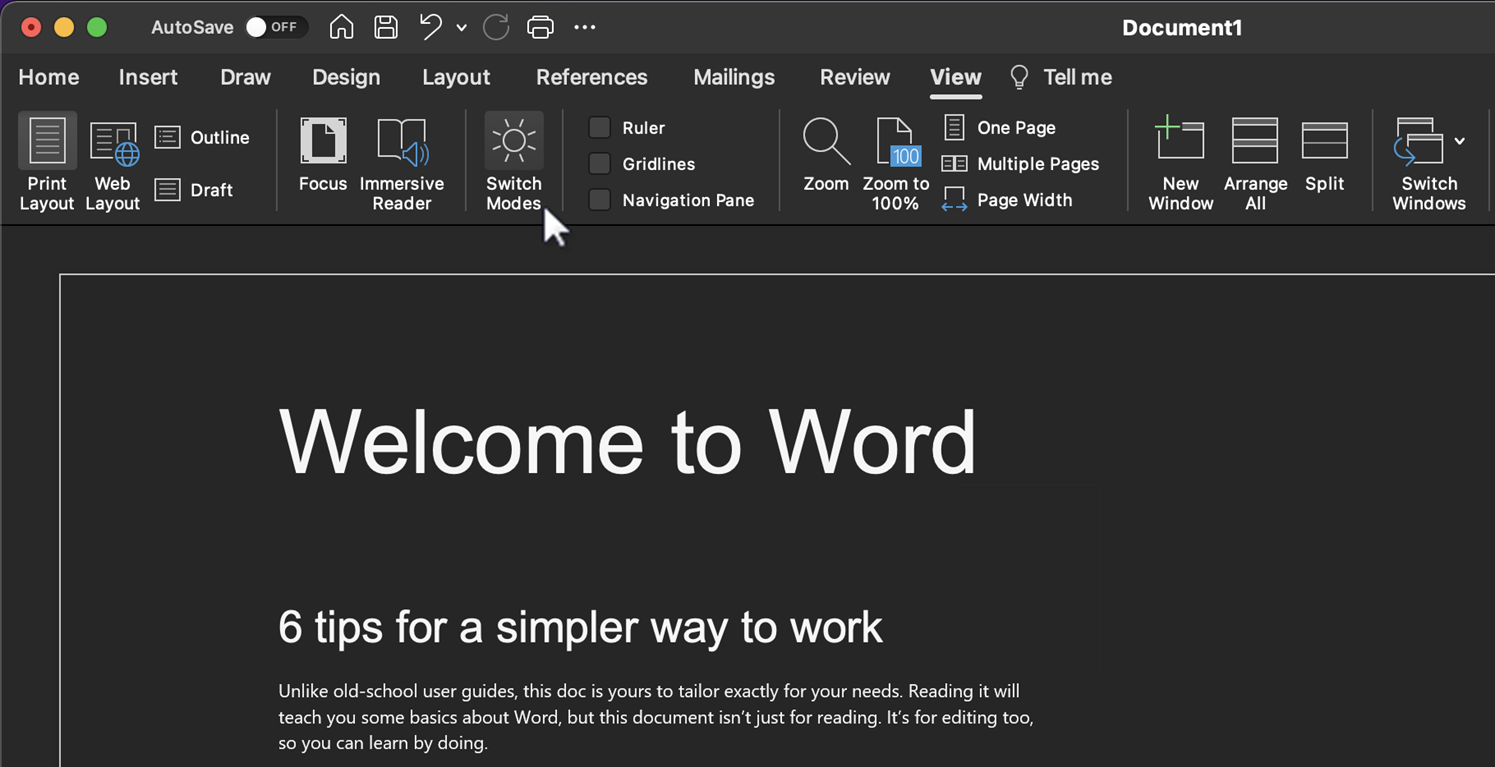
What's new in Word 2021 for Mac - Microsoft Support
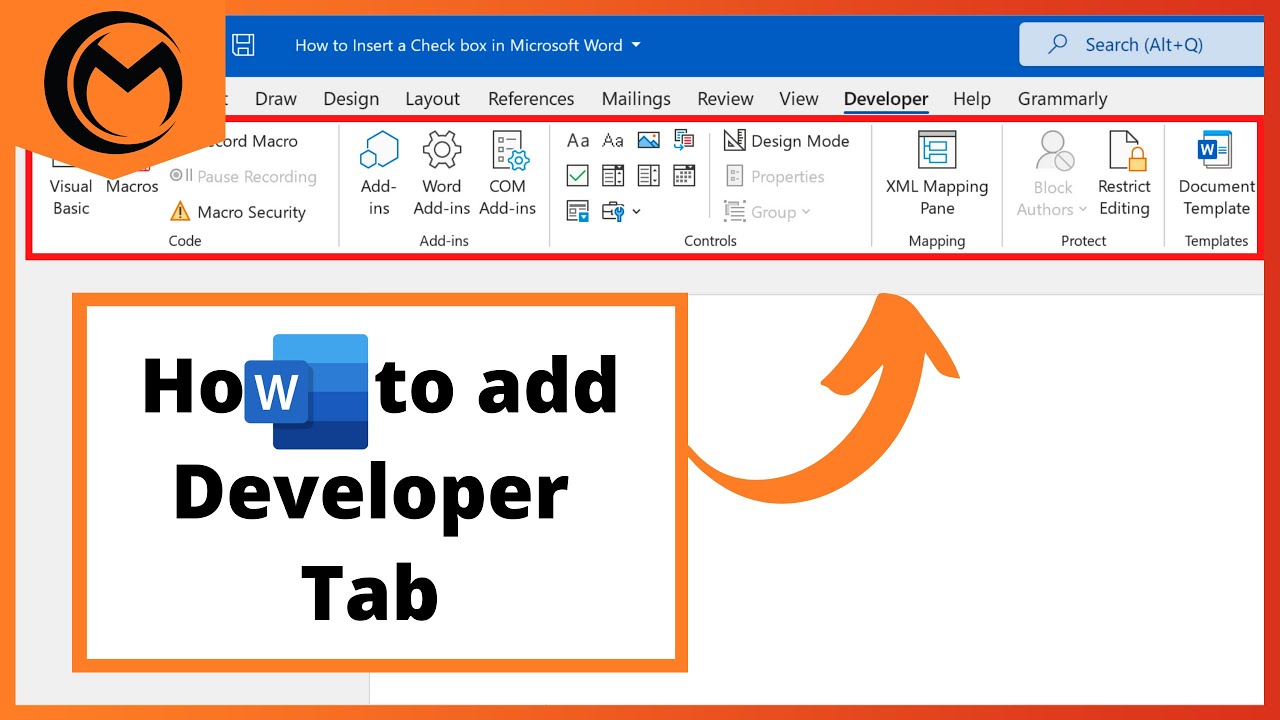
How to Add Developer Tab in Microsoft Word - YouTube

Microsoft Word Templates -- Quick Guide
Beast Mode Word Hand Lettering. Set Of 2 Bold Style Letters On Isolated Background. Black And White. Vector Text Illustration T Shirt Design, Print, Poster, Icon, Web, Graphic Designs. Royalty Free SVG,

Word Online Has a Great New Feature for Collaboration
I have created a fillable form using the design mode in Word When I use Restrict Editing and select the fillable form option

A step by step tutorial on how to use the just launched Designer in Microsoft Word Word

Select the Design Mode check box in the Developer tab in the Word ribbon Select the Content Controls check box in the ActiveDisclosure tab in the Word ribbon
Word 2007 and Word 2010 have a Design mode button on the Developer tab It s used to edit content controls As a developer I may want to know whether the

On the Developer tab click on Restrict Editing The Restrict Editing task pane opens In the task pane check the box beside Allow only this
Default Style Register Microsoft Office Forums Word Design mode for editing form controls grayed gebobs 01 01 PM 11 10 2020 Years ago I designed a Click Design Mode in the Controls group to turn on Design Mode This allows you to make changes to the drop down box When Design Mode is turned off
This extension modifies the current document attributes so that it acts almost like a content edible document Similar to MS Word